
CameraFTP Virtual Security System
by Drive Headquarters Inc.
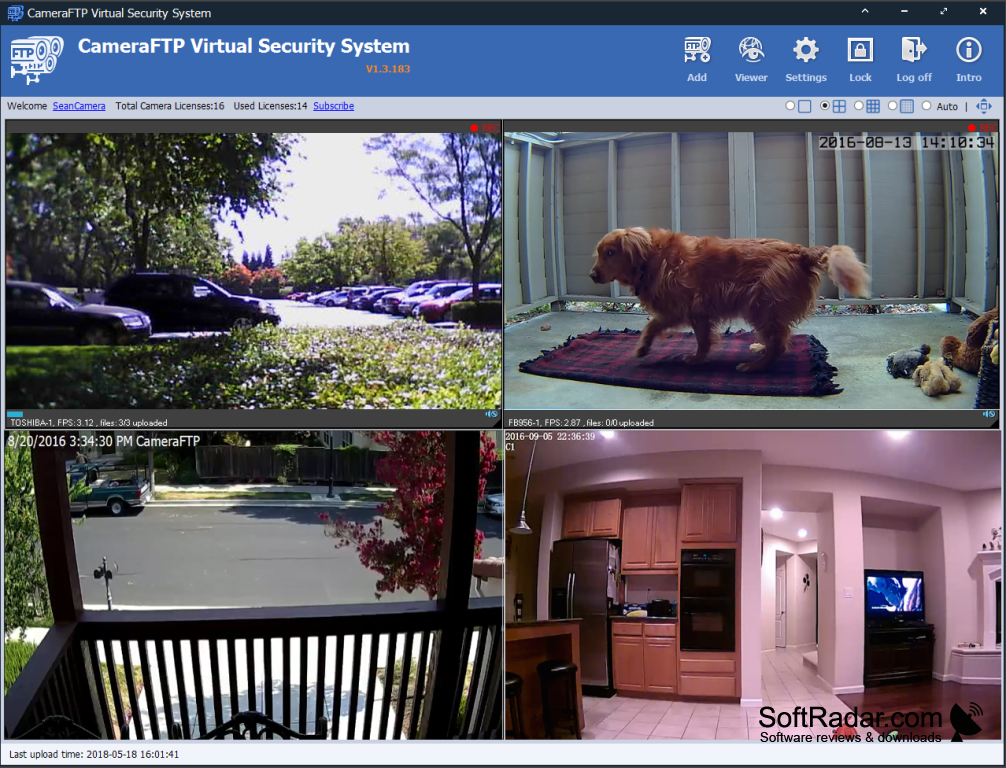
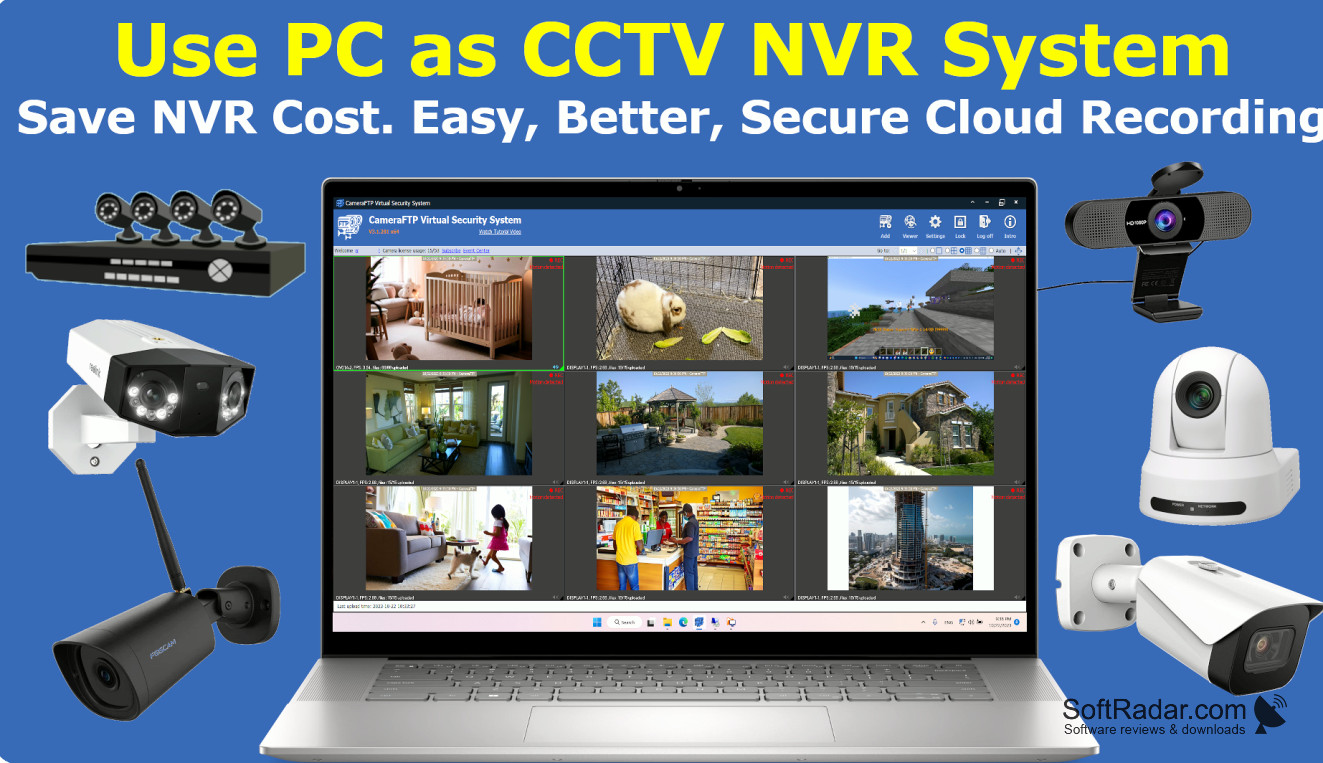
CameraFTP Virtual Security System turns a Windows PC into a CCTV/DVR station that shows webcams and IP cameras live and records their footage to CameraFTP cloud storage or a local disk.
Download CameraFTP Virtual Security System
You selected Server #3 (USA)
Want to choose another download server? Press here
Looking for another version of this software? Press here
All files are original, SoftRadar does not repack or modify downloads in any way.
This download is provided to you FREE of charge.
How to install CameraFTP Virtual Security System
- Download and save the file (cameraftp-virtual-security-system_softradar-com.msi) to your computer.
- Locate the downloaded file and double-click it to run the installer.
- If Windows requests confirmation for running the file, click "Yes" or "Run" to proceed.
- Follow the on-screen instructions to install CameraFTP Virtual Security System with your preferred settings. Let us know if you have any problems!
- Done!

Operating system: Windows
Publisher: Drive Headquarters Inc.
Release version: 3.1.227.297 (checksum)
File size: 57.87 MB
Antivirus check: VirusTotal report