
ExpanDrive
ExpanDrive connects cloud storage and remote servers to Windows as drives, letting users work with hosted files through File Explorer and other applications.
Operating system: Windows
Publisher: ExpanDrive, Inc.
Release: ExpanDrive 2026.10.2
Antivirus check: VirusTotal report
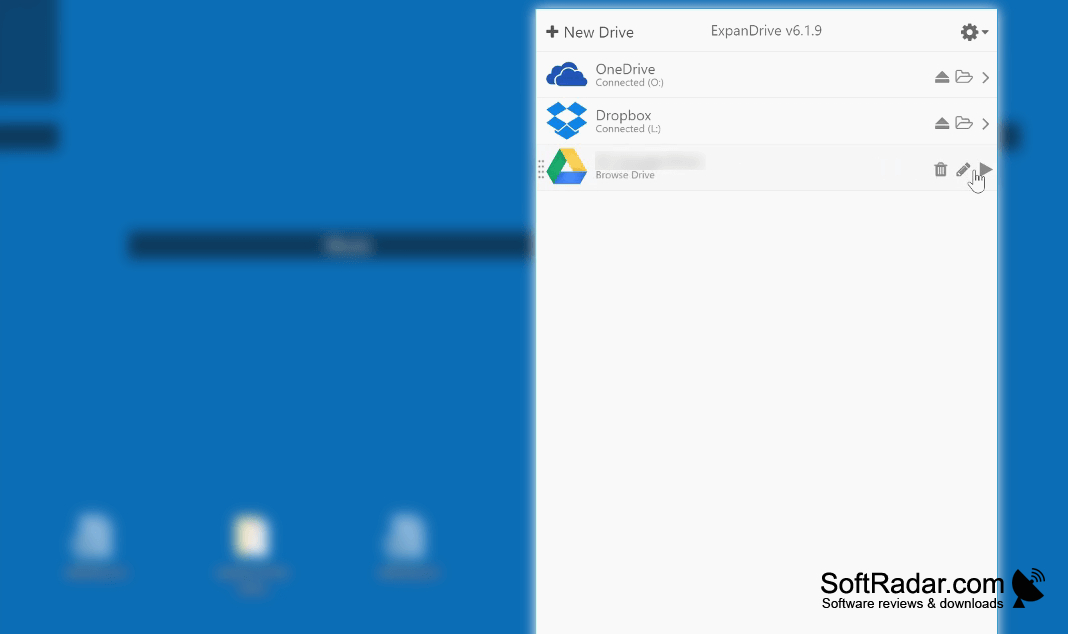
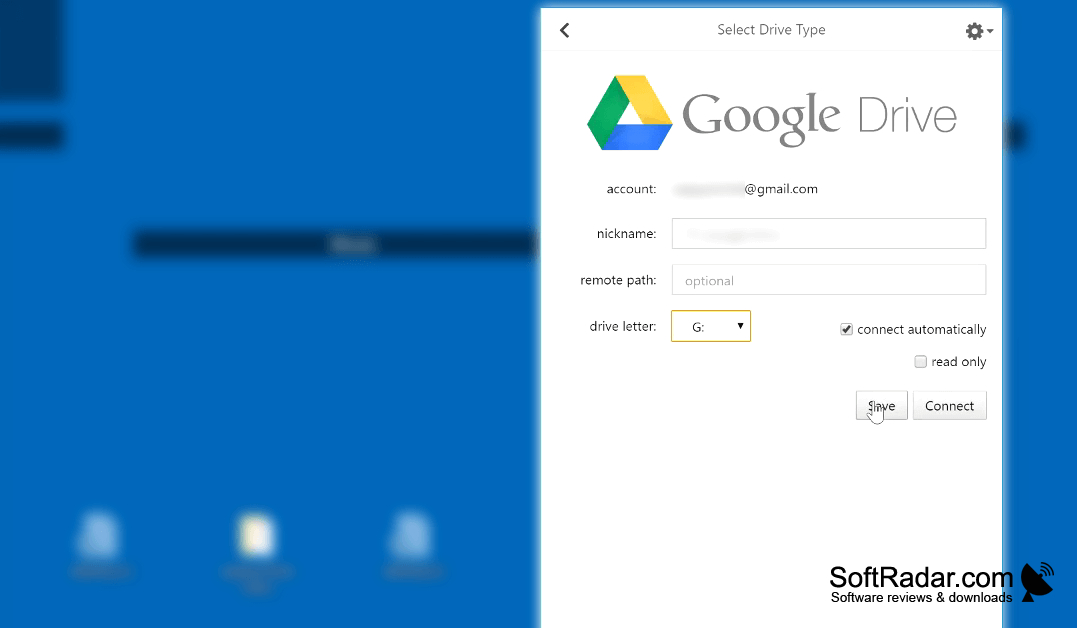

ExpanDrive lets Windows users work with files held in cloud accounts or on remote servers as though they were on a local drive. It is useful for people who regularly edit documents, images, or other project files stored elsewhere. Connected locations appear in File Explorer, where users can browse folders and open or save files using their usual applications.
Open and save files stored on servers or cloud services from Windows applications without switching to a separate transfer client.
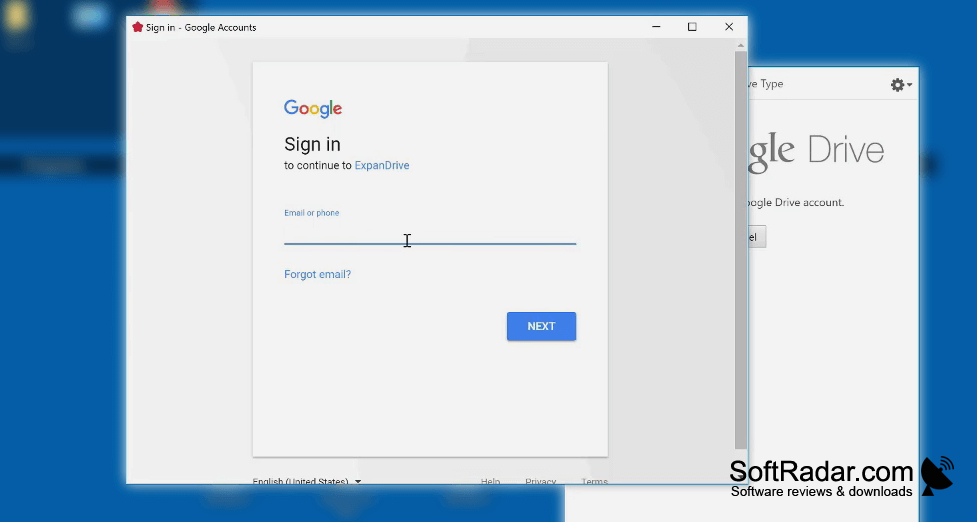
The program mounts FTP, SFTP, WebDAV, SMB, and supported cloud accounts as drives. It handles uploads and other transfers in the background, including parallel transfers. Other capabilities include offline synchronization, search, file versioning, link sharing, and indicators that show transfer activity. Supported services include Dropbox, Google Drive, OneDrive, Amazon S3, and Backblaze B2.
Features:
- Mount FTP and SFTP servers as Windows drives
- Connect WebDAV servers and SMB file shares
- Browse cloud files in File Explorer
- Upload files through background parallel transfers
- Search files in connected locations
- Share links and access file versions
PROS
Opens and saves remote files within desktop applications.
Background transfers let users continue working during uploads.
CONS
Connection drops can interrupt access to mounted drives.

