
ExplorerGenie
ExplorerGenie is an open source extension for the Windows Explorer context menu that copies file paths in several formats, opens command-line tools in the selected folder and calculates file hashes.
Operating system: Windows
Publisher: Martin Stoeckli
Release: ExplorerGenie 3.1.0
Antivirus check: VirusTotal report
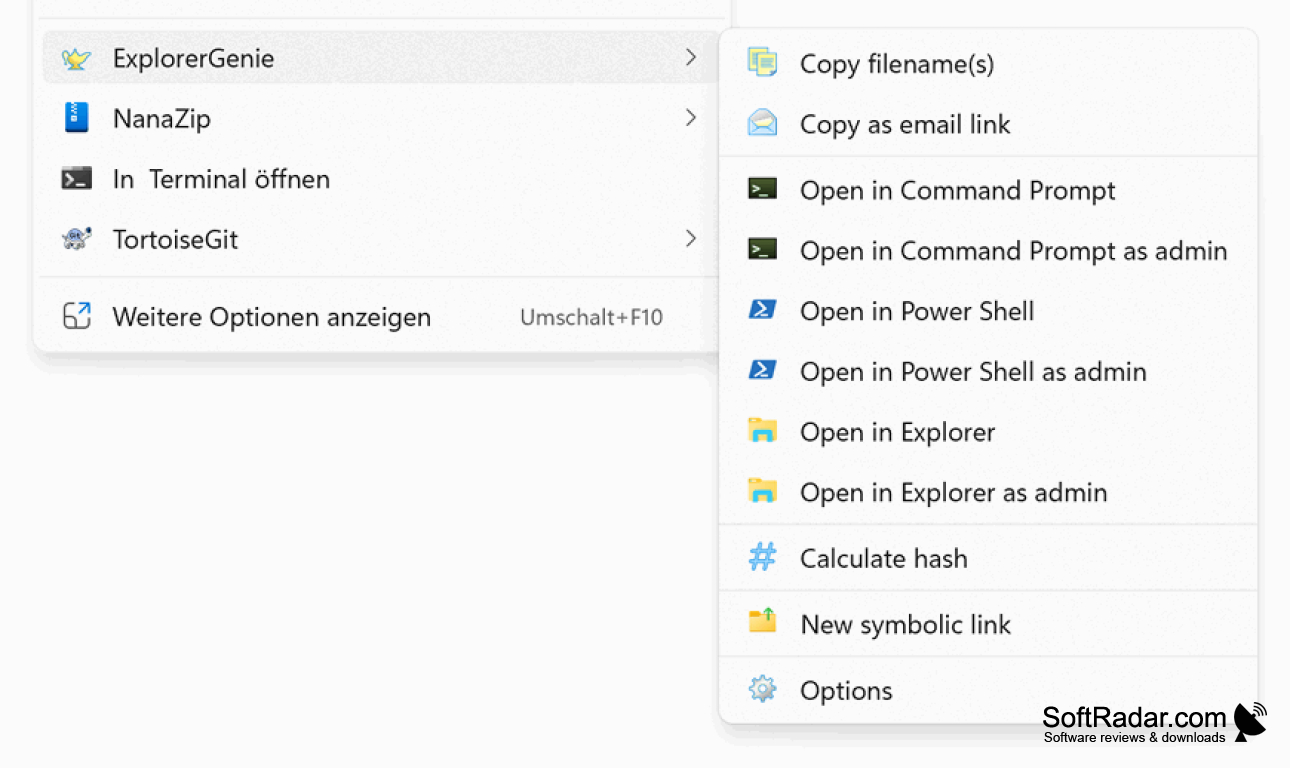
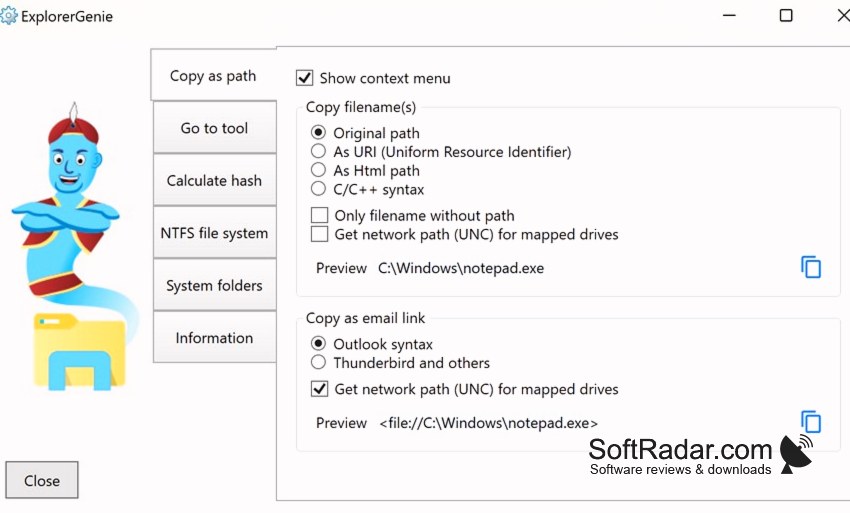
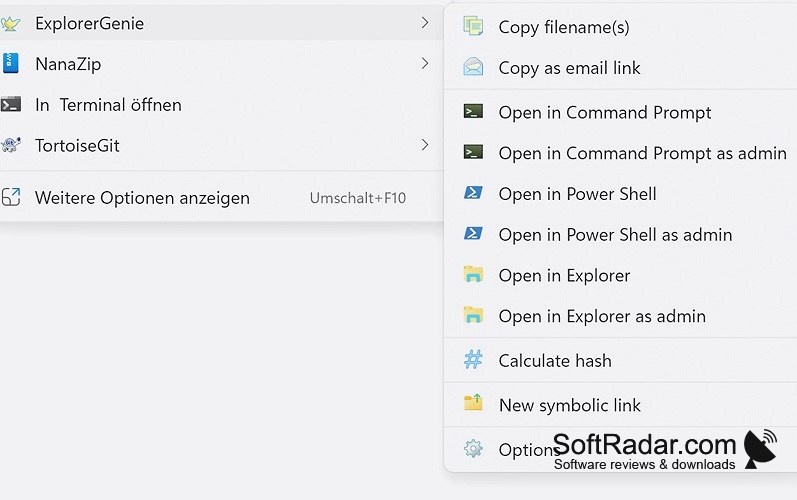
ExplorerGenie, formerly known as CopyPathMenu, is a free and open source shell extension written by Martin Stoeckli. It adds a configurable submenu to the context menu of Windows Explorer, including the redesigned Windows 11 menu, so that only the wanted functions appear. The shell extension itself is kept minimal and hands the work to a separate process to avoid slowing Explorer down.
Puts path copying, a terminal shortcut and hash checks one right-click away.
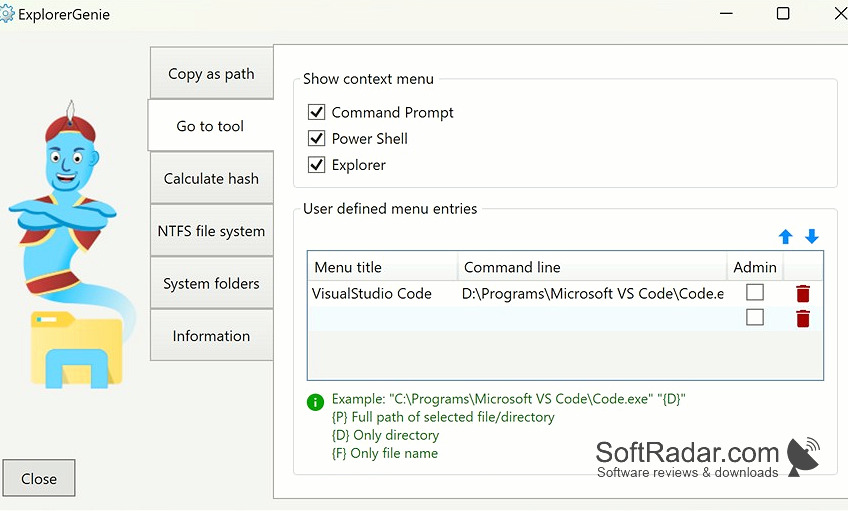
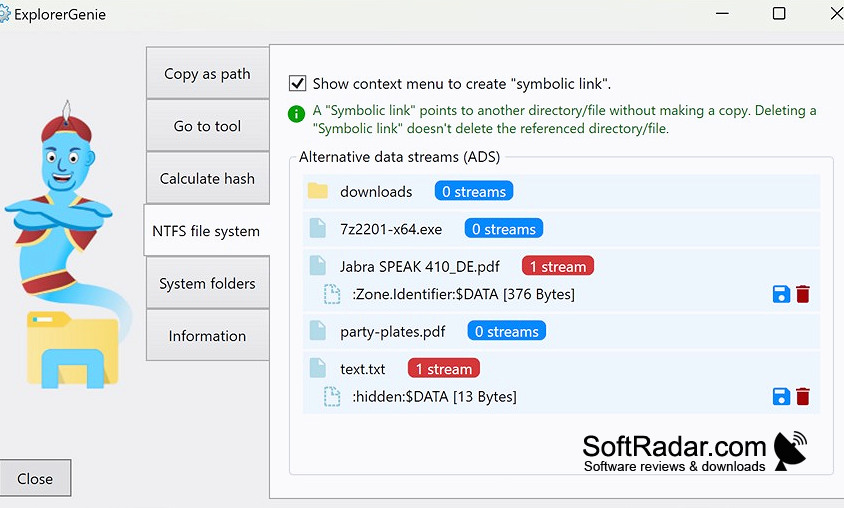
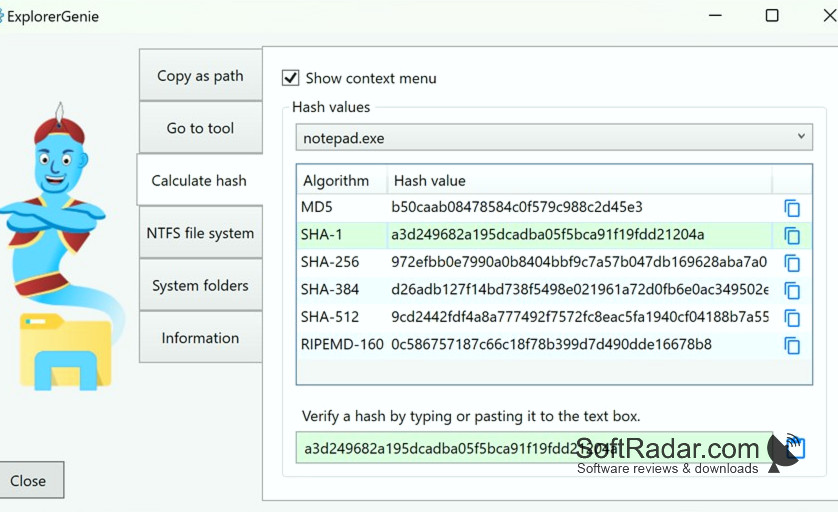
The copy function places the paths of selected files or folders on the clipboard in several formats, for example as a link for e-mails. A second group opens Command Prompt or PowerShell in the current directory, optionally elevated, and accepts user-defined entries for other tools. Further functions calculate hashes such as MD5 and SHA-256, create symbolic links, and show, export or delete NTFS alternative data streams. The program is freeware distributed through the Microsoft Store; the source code is on GitHub.
Features:
- Copy path to clipboard in several formats
- Open Command Prompt or PowerShell in the folder
- User-defined menu entries for other tools
- File hash calculation (MD5, SHA-1, SHA-256)
- Symbolic link creation
- View and delete alternative data streams
64-bit (x64) processor
PROS
Menu entries can be configured.
Collects no personal data.
CONS
Installed via the Store or by sideloading only.


