File Scavenger
Allows for the location of lost files on Windows
Operating system: Windows
Publisher: QueTek Consulting Corporation
Release : File Scavenger 4.1
Antivirus check: passed
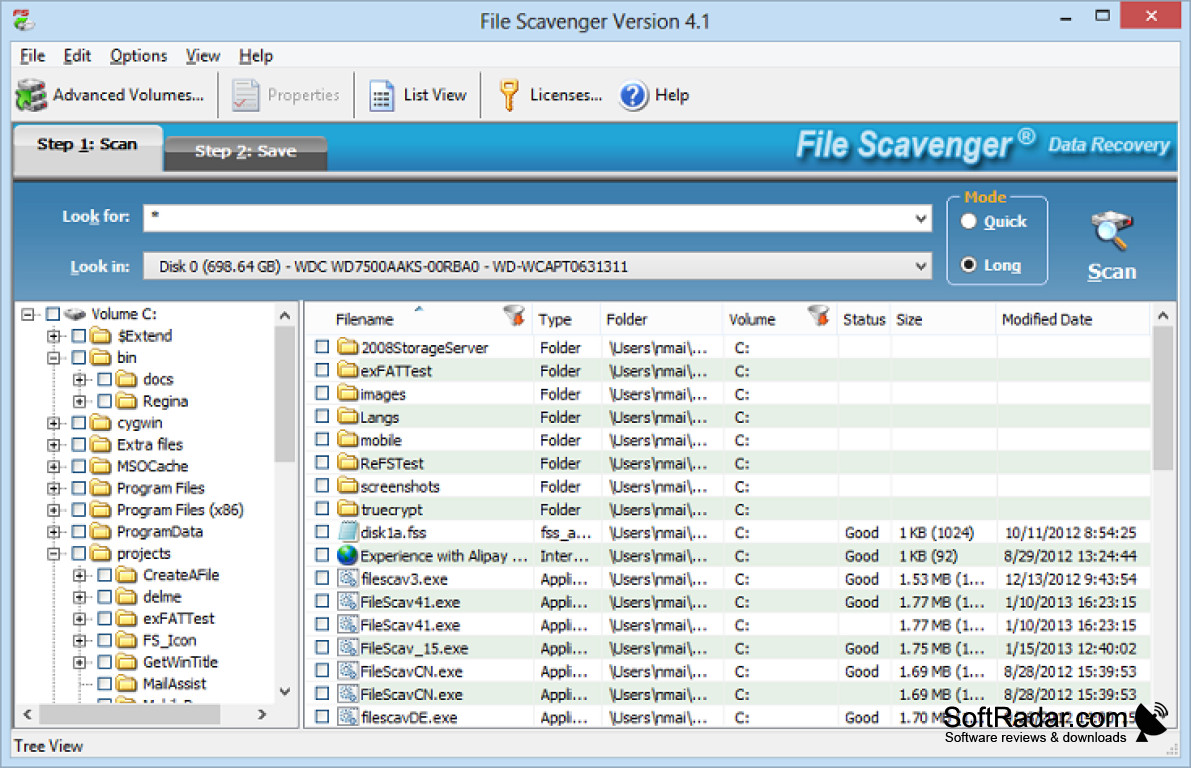
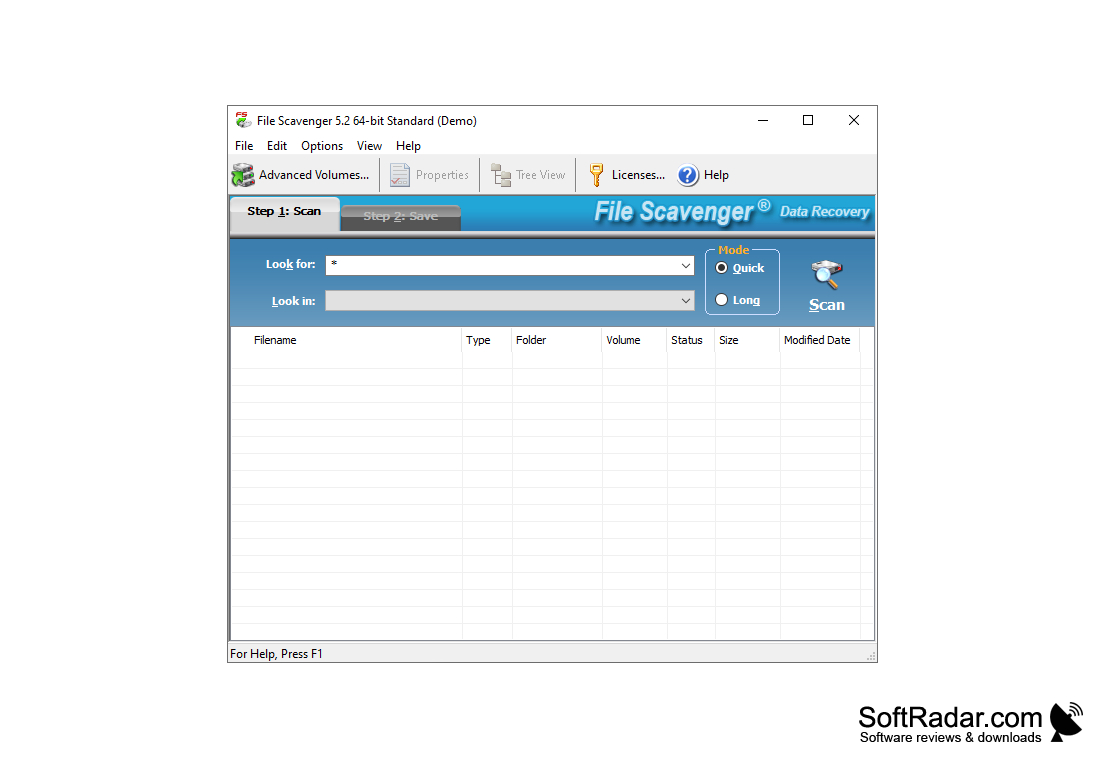
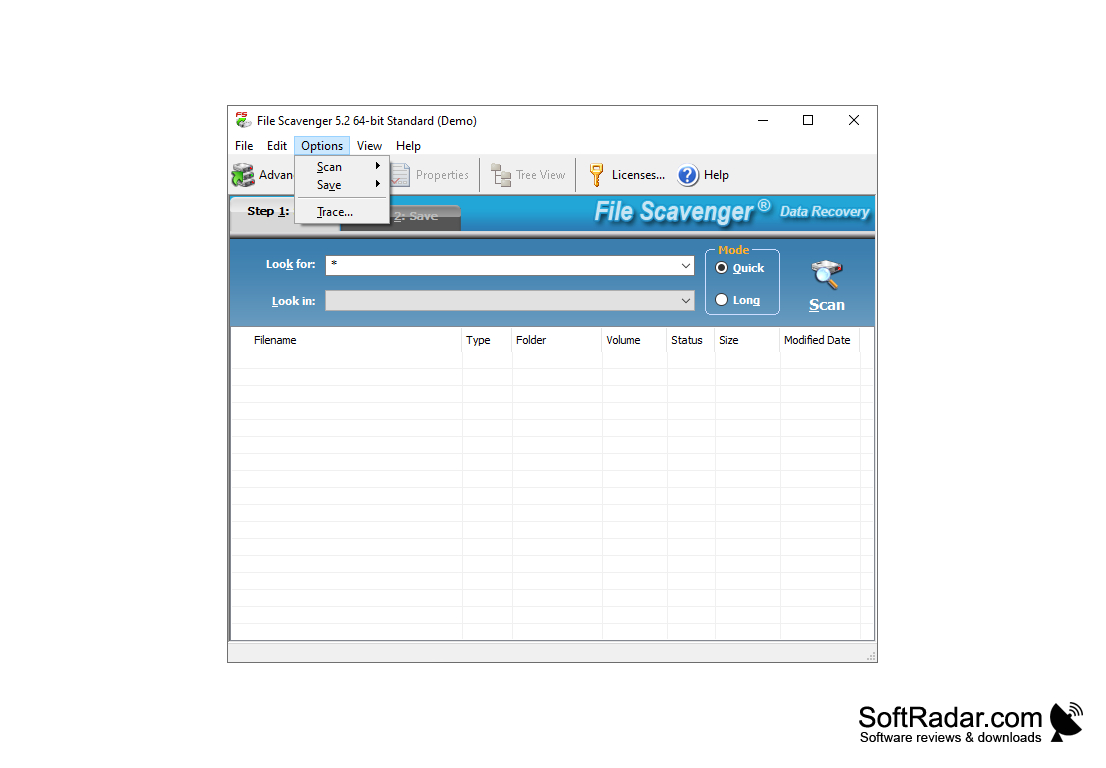
File Scavenger is a program designed for recovery of various types of files from hard disks and virtual images. With its help you can search for lost data by the selected filters, as well as restore NTFS volumes. In addition, the application has a search manager in the scan results and a function to sort the detected data. A preview is available for almost all file formats.
Hard drives and images can be scanned quickly and continuously. We highly recommend to use the second one at once, because when using the first one File Scavenger finds only files that have been deleted no later than two or three days earlier. Of course, there is also the ability to select specific folders and partitions to scan. The program will be able to recover not only accidentally deleted files, but also the data that has disappeared as a result of technical malfunctions of RAID devices. Also the developers declared support of work with NAS.
File Scavenger swiftly recovers lost or accidentally deleted files from hard disks and virtual images.
Other useful functions of File Scavenger include creating disk images, searching for duplicate files, and editing and saving metadata. The program performs all the above tasks as efficiently as it does file recovery. The File Scavenger interface is enclosed in a single window, the main area of which is occupied by the list of found files, and the access to the vast number of functions is provided from the drop-down menus. Please note that File Scavenger is paid for, and its demo version has quite strict limitations.
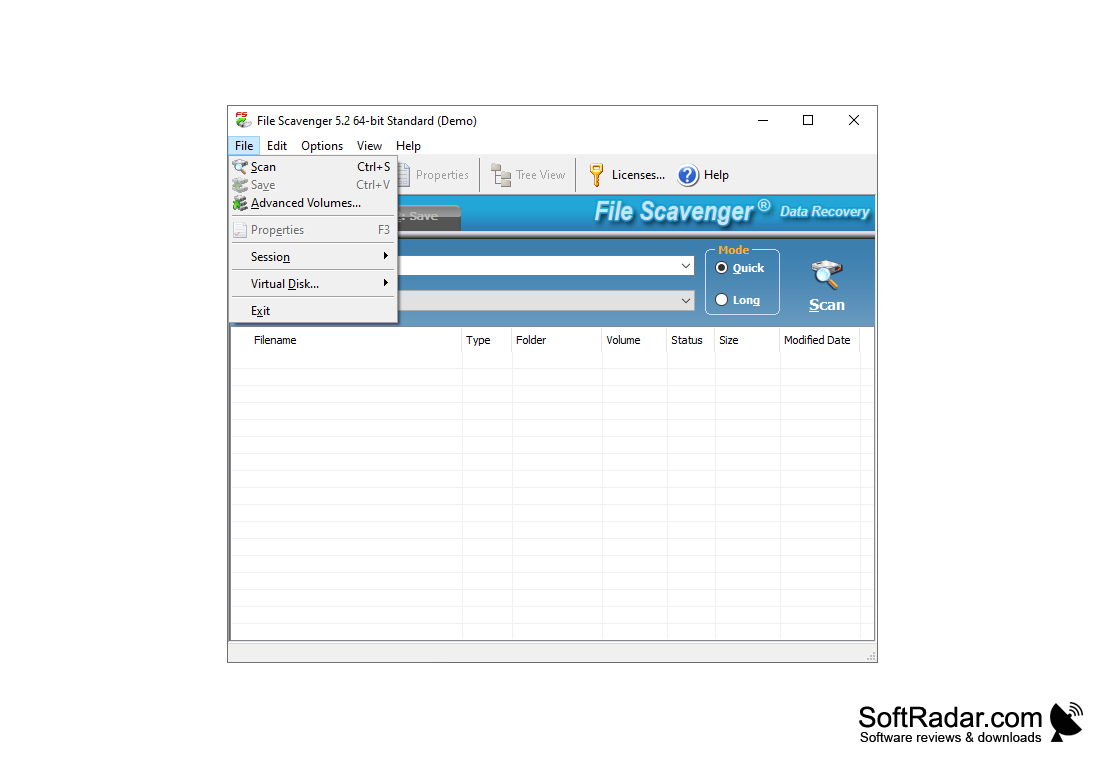
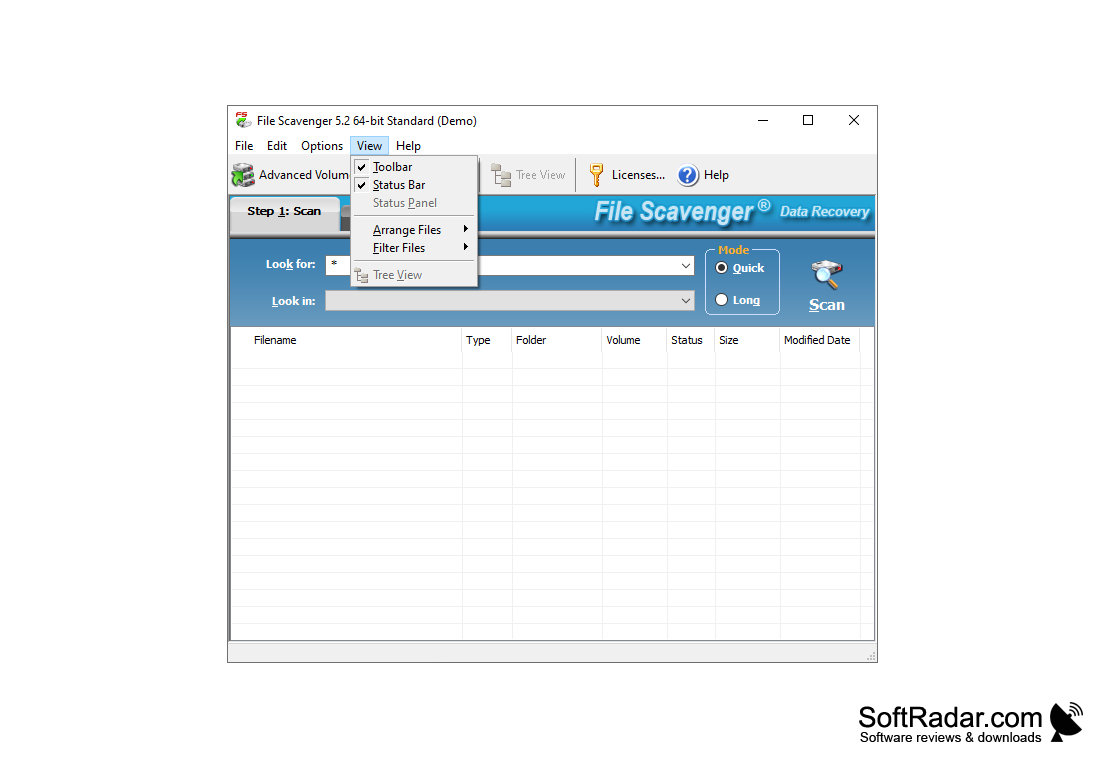
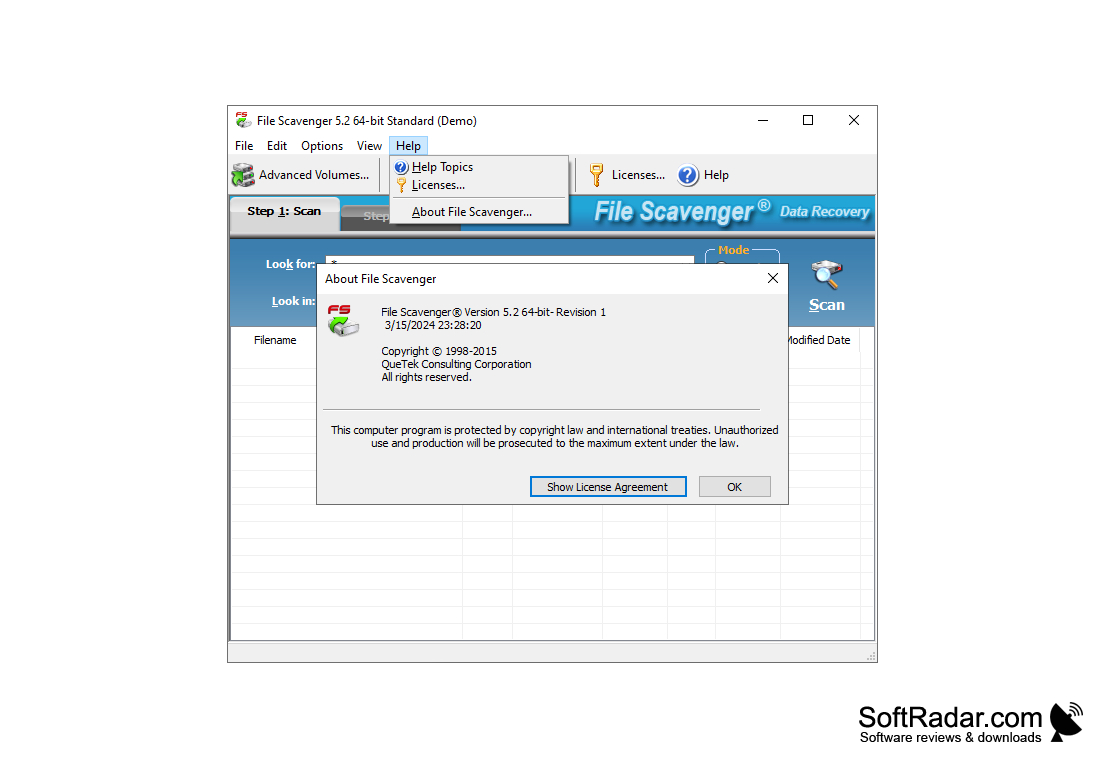
- can recover lost data and NTFS volumes;
- supports work with NAS;
- allows you to sort the files in the search results by various parameters;
- includes a tool to search for duplicate files;
- has a simple and clear interface.
PROS
Allows preview before final recovery.
Features an intuitive, user-friendly interface.
CONS
Performance drops with larger files.
Limited file preview feature.


