
Gigabyte App Center 24.1105.1
by Gigabyte Technology
Gigabyte App Center brings Gigabyte utilities and hardware downloads into one Windows interface for people using compatible Gigabyte motherboards.
Download Gigabyte App Center
You selected Server #3 (USA)
Want to choose another download server? Press here
Looking for another version of this software? Press here
All files are original, SoftRadar does not repack or modify downloads in any way.
This download is provided to you FREE of charge.
How to install Gigabyte App Center
- Download and save the file (gigabyte-app-center_softradar-com.zip) to your computer.
- Locate the downloaded file and extract it into a separate directory. If you don't have an unpacking program, use the free 7-Zip software.
- Open the directory, locate the installation file, and run it.
- If Windows requests confirmation for running the file, click "Yes" or "Run" to proceed.
- Follow the on-screen instructions to install Gigabyte App Center with your preferred settings. Let us know if you have any problems!
- Done!
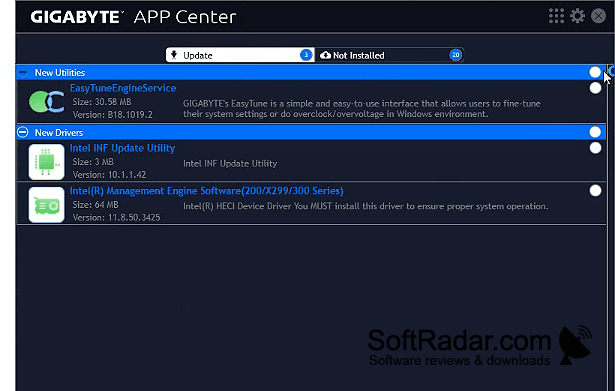
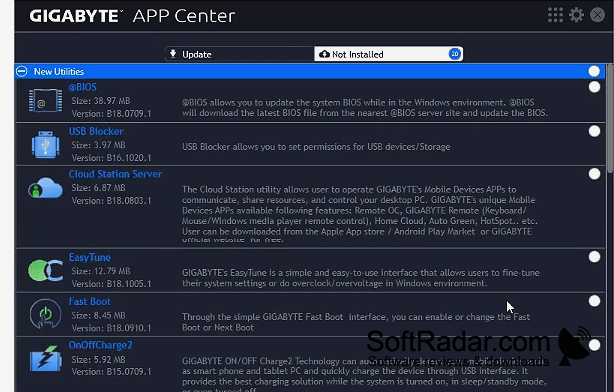
Operating system: Windows
Publisher: Gigabyte Technology
Release version: 24.1105.1 (checksum)
File size: 23.5 MB
Antivirus check: VirusTotal report