
Icecream Photo Editor
Icecream Photo Editor is a simple image editor and photo manager for Windows for cropping, resizing and enhancing pictures, adding text, filters and frames, and building collages.
Operating system: Windows
Publisher: Icecream Apps
Release: Icecream Photo Editor 1.55
Antivirus check: VirusTotal report
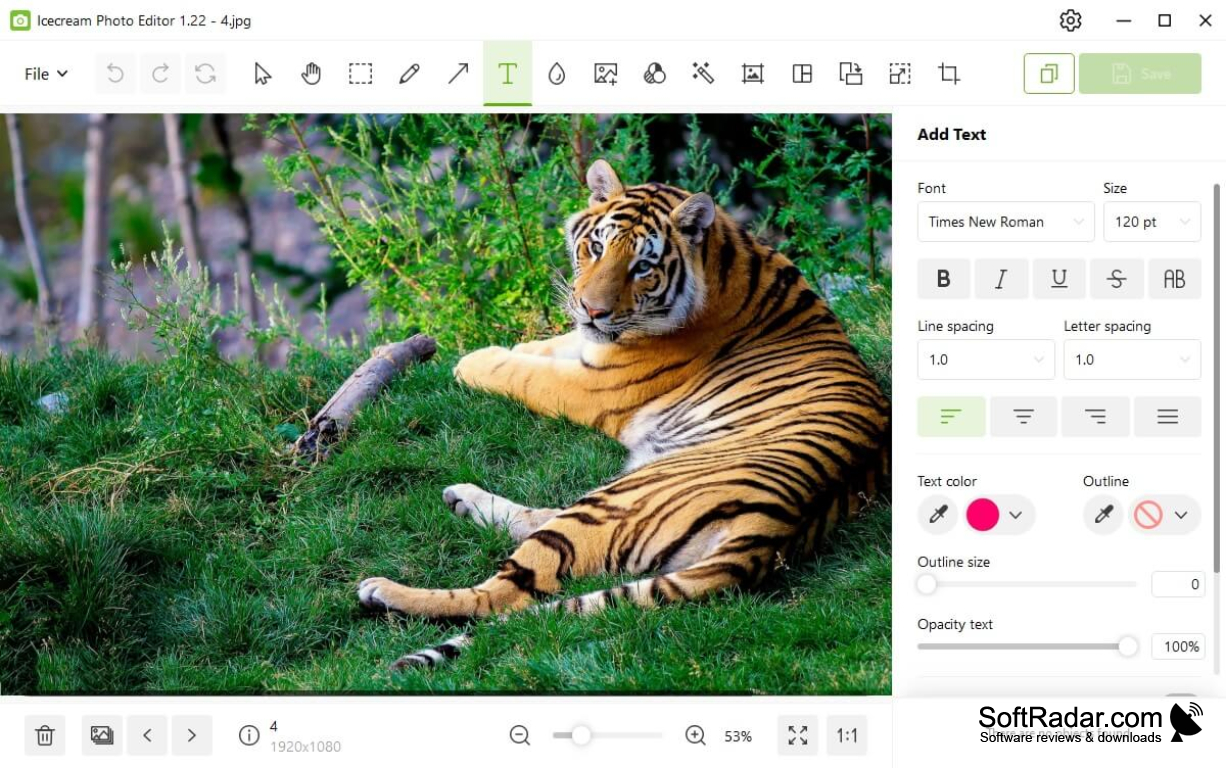
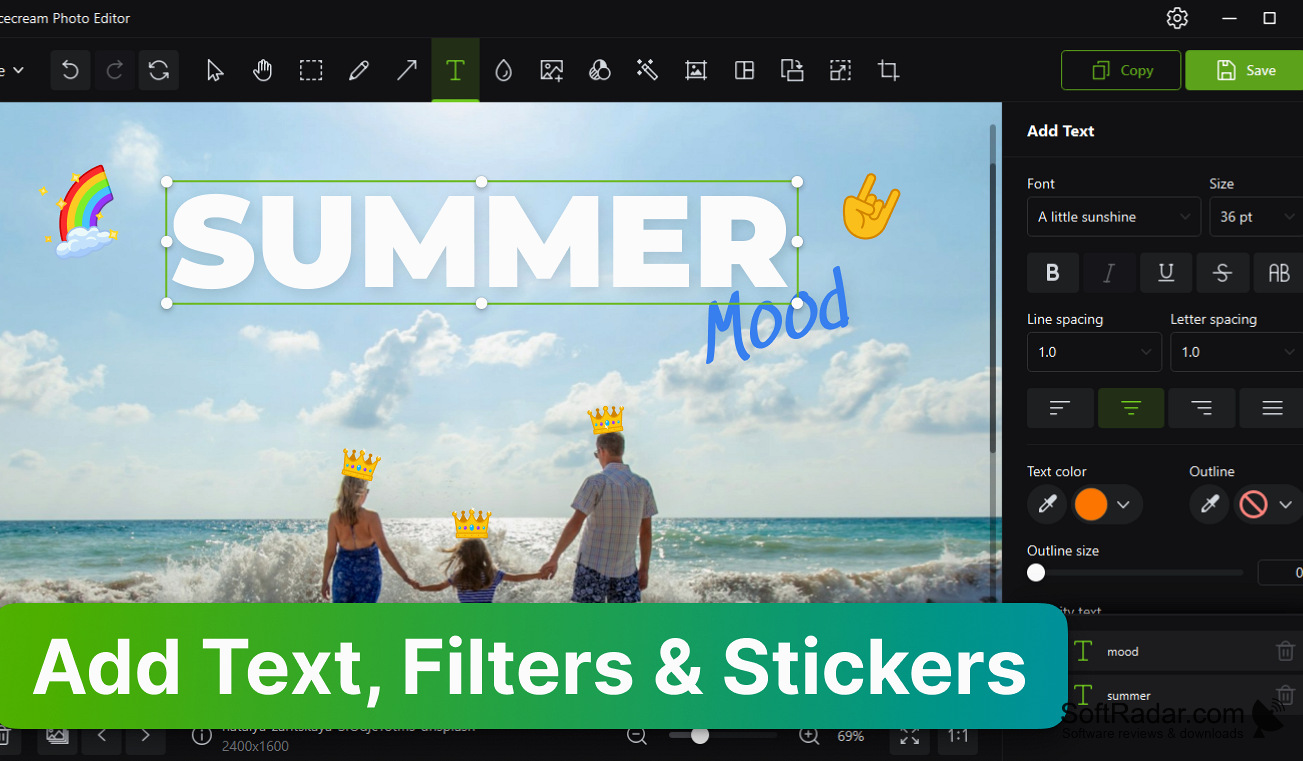
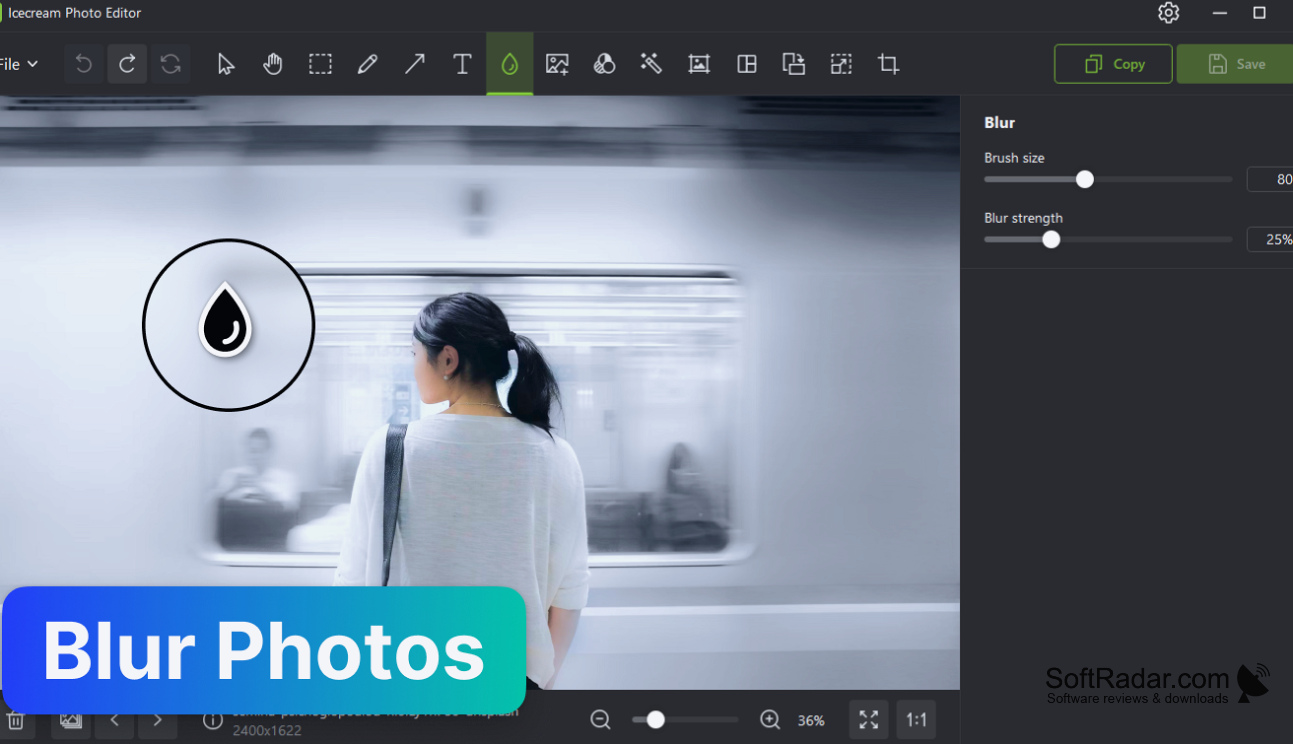
Icecream Photo Editor is an image editor for Windows developed by Icecream Apps. It combines a photo manager for browsing folders with a set of basic editing tools and is designed for users who want to correct and decorate pictures quickly without studying a manual. The interface is available in many languages.
Handles routine photo corrections and collages without the complexity of a professional editor.
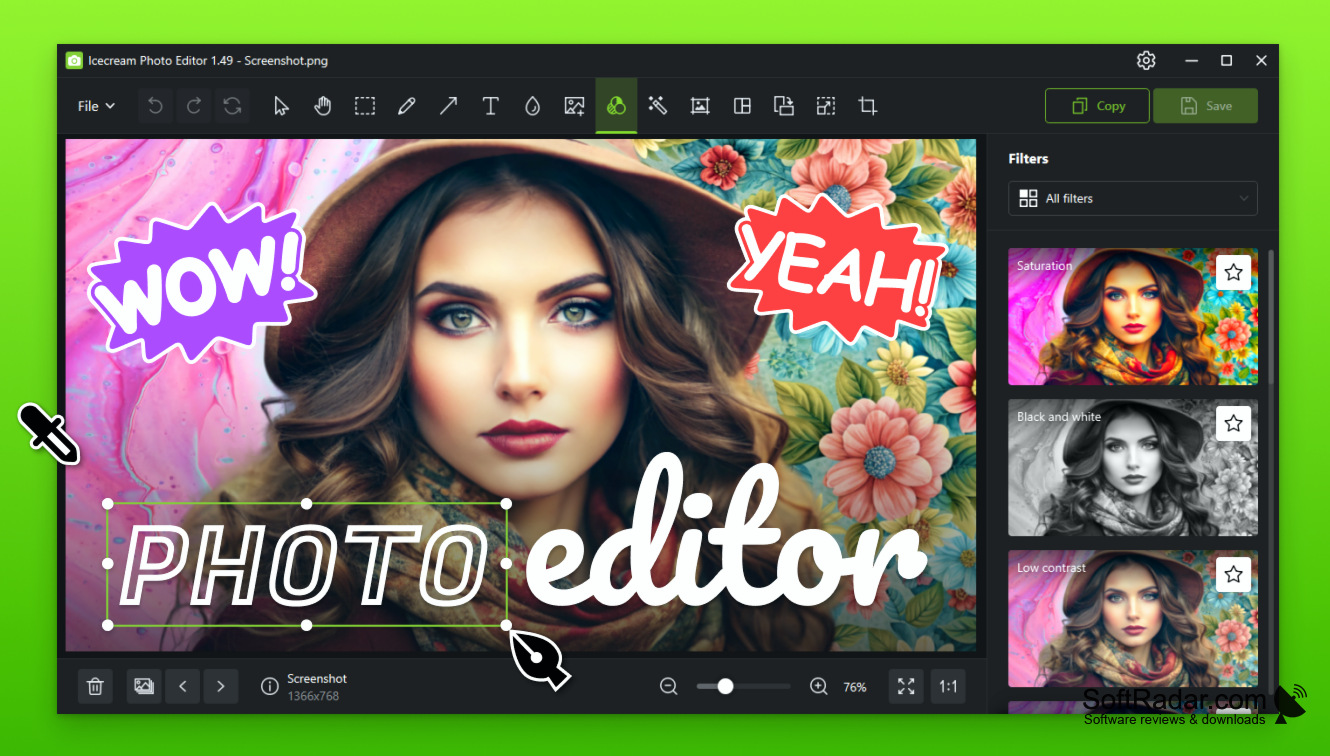
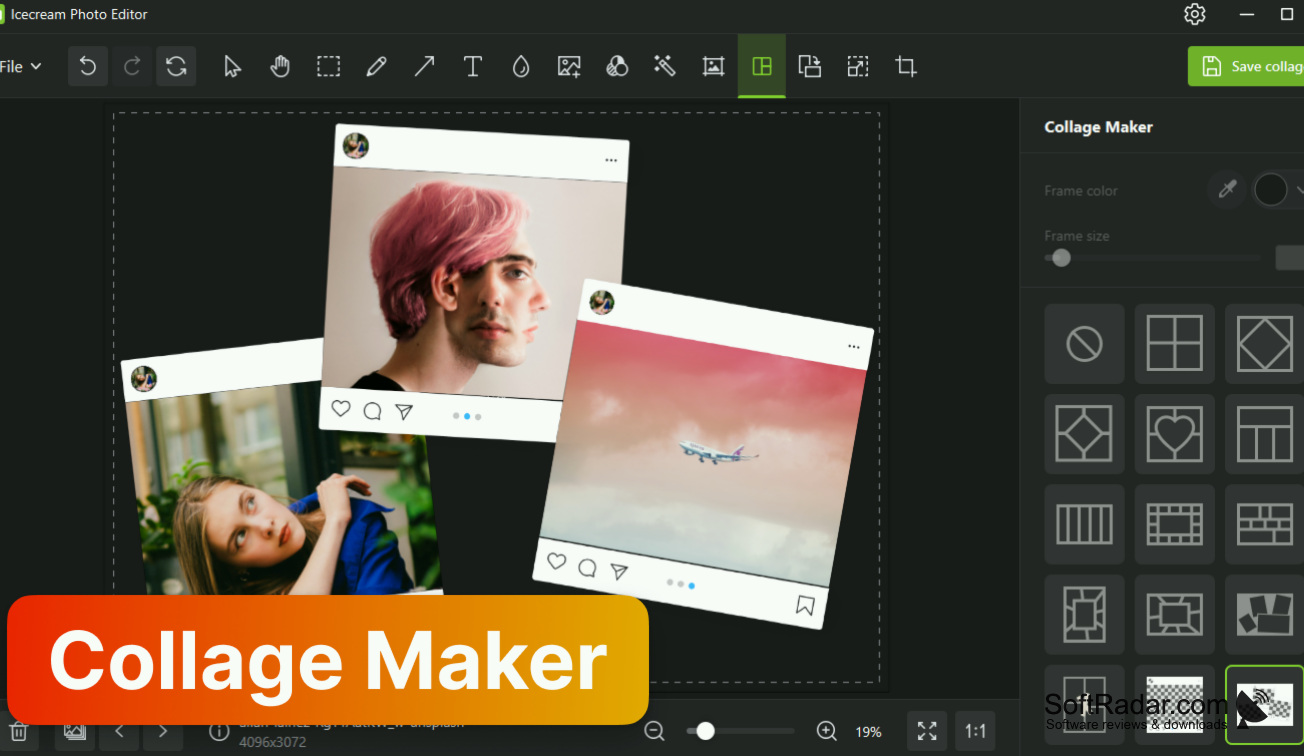
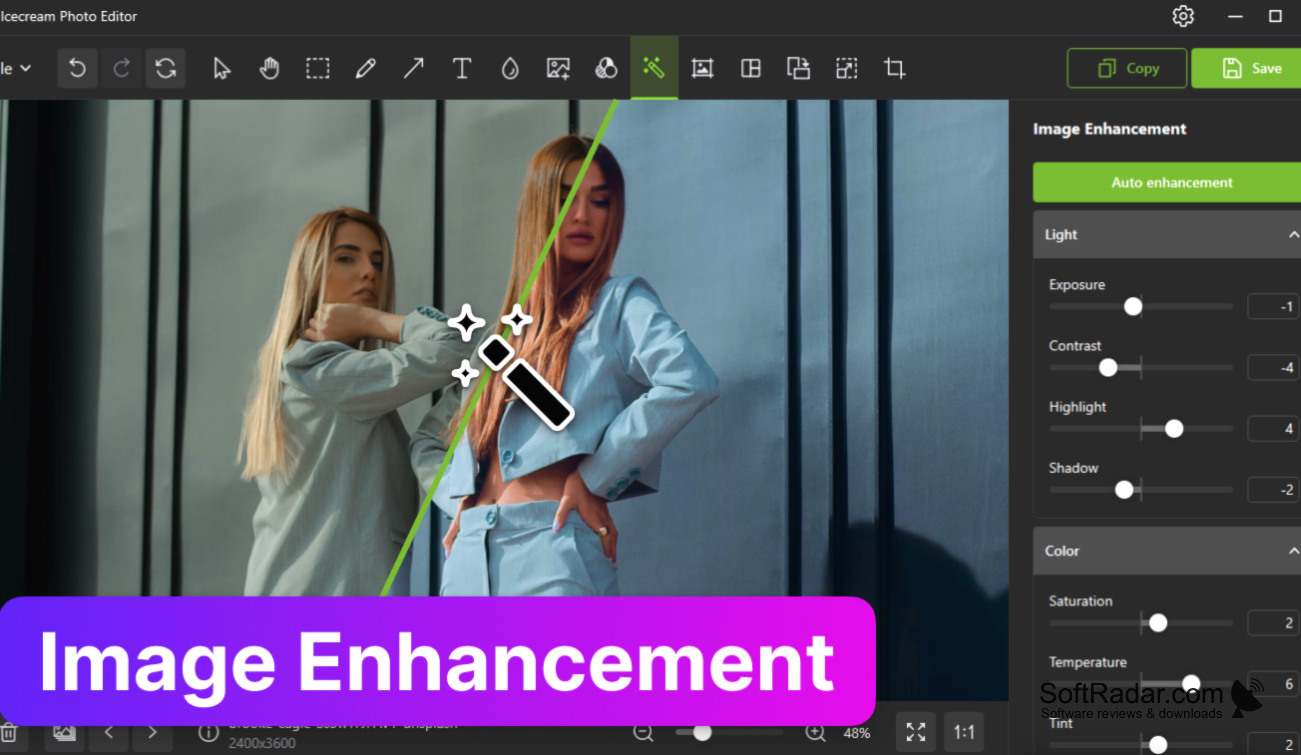
Pictures can be cropped, resized, rotated and flipped, enhanced automatically or adjusted by hand for brightness, contrast and saturation. Text with a chosen font, colour and opacity, drawings, stickers, frames, filters and blur can be added, and one image can be laid over another. A collage maker arranges several photos with presets. JPG, PNG, GIF, TIFF and BMP files are supported. The program is free to download, and a PRO licence, sold as a yearly or lifetime plan, covers commercial use and priority support.
Features:
- Crop, resize, rotate and flip
- Text, drawing and annotation tools
- Filters, frames, stickers and blur
- Collage maker with presets
- Automatic and manual image enhancement
- Built-in photo manager
2.66GHz Intel, AMD or compatible processor
4GB of RAM (16GB recommended)
100MB to 5GB of free disk space
1280x720 display resolution
PROS
Editor and photo manager in one program.
Interface available in many languages.
CONS
Runs on 64-bit Windows only.