
Icons8 Pichon
Icons8 Pichon is a desktop app that gives designers access to Icons8 icons, photos and illustrations in one place.
Operating system: Windows
Publisher: Icons8 LLC
Release: Icons8 Pichon 10.0.10
Antivirus check: VirusTotal report
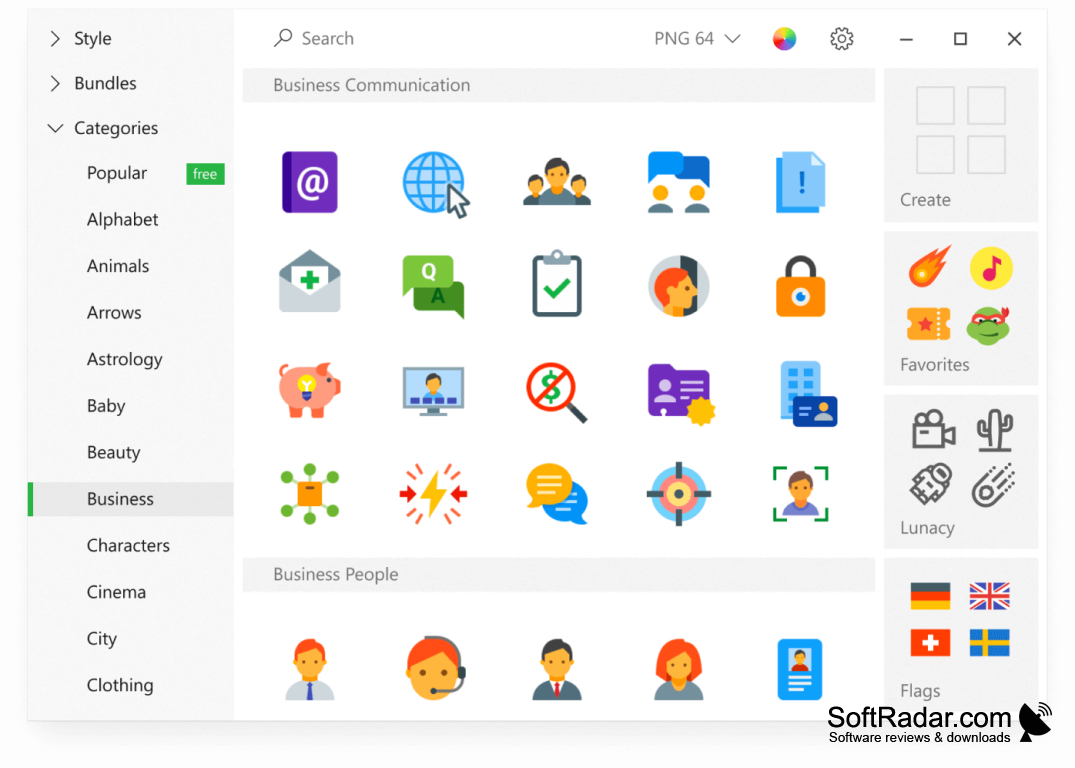
You use icons as shortcuts to quickly access your frequently-used applications, files, or programs. Right? What if these icons are more visually appealing and attractive to use? For designers, Icons8 Pichon puts such graphics into one desktop app so you can use them more enjoyably. The purpose of this free desktop software is to provide a bundle of designs with the right elements at the right time.
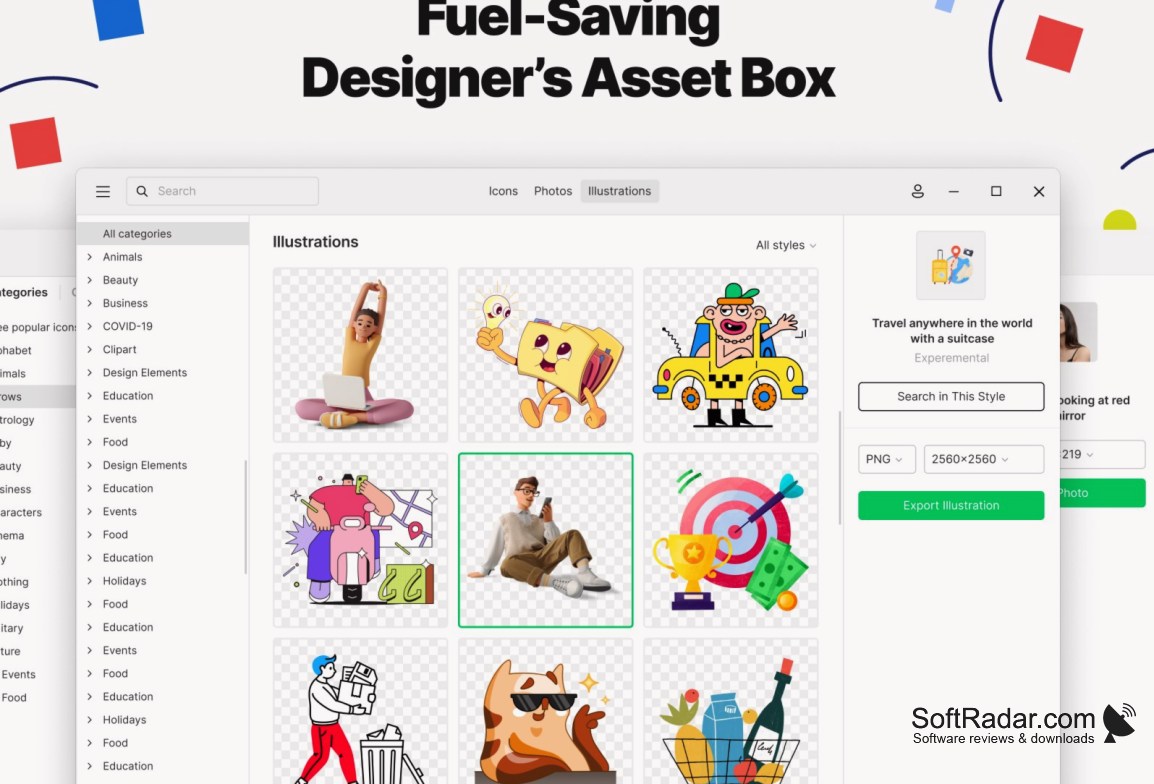
Icons8 Pichon gives access to about 1.5 million visual assets, including more than 120 icon packs, and free use requires a link to icons8.com. Besides usual icons, it also features a huge stack of photos and illustrations so you can use them in your web and app designs. Moreover, you can also change the colors of your favorite icons or add them to your personal collection.
Features:
- A free-to-use desktop application that offers a huge stack of visually appealing and customizable icons.
- It comes with a search option to find icons by keywords or browse them by category and style.
- If an icon or illustration catches your eye, you can quickly add it to your personal collection and download it when needed.
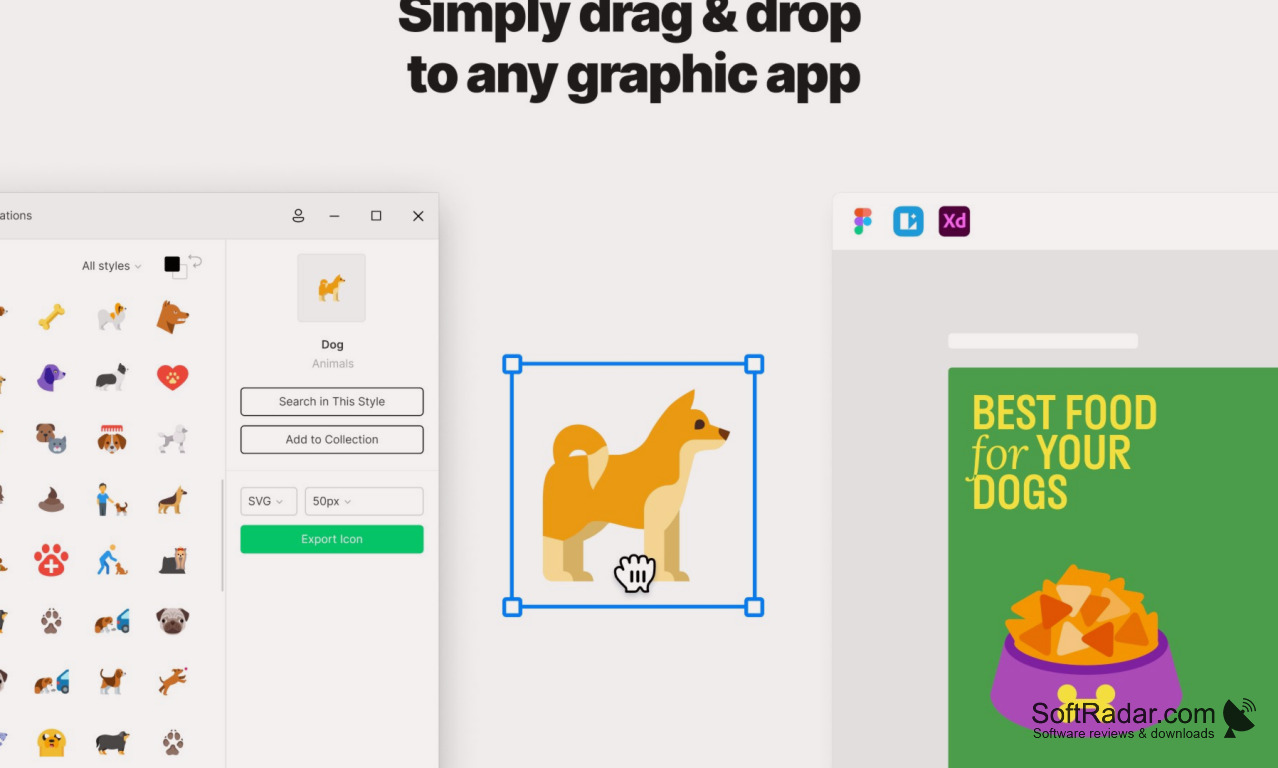
- The interface supports drag and drop, so you can move icons straight into Figma, Sketch, Photoshop, Lunacy or other design tools.
- For ease of use, it supports multiple formats and allows you to export icons in SVG, PNG, PDF, EPS or ICO.
- It runs on Windows 10 (version 1903 or later) and Windows 11, and a native version is available for Mac.
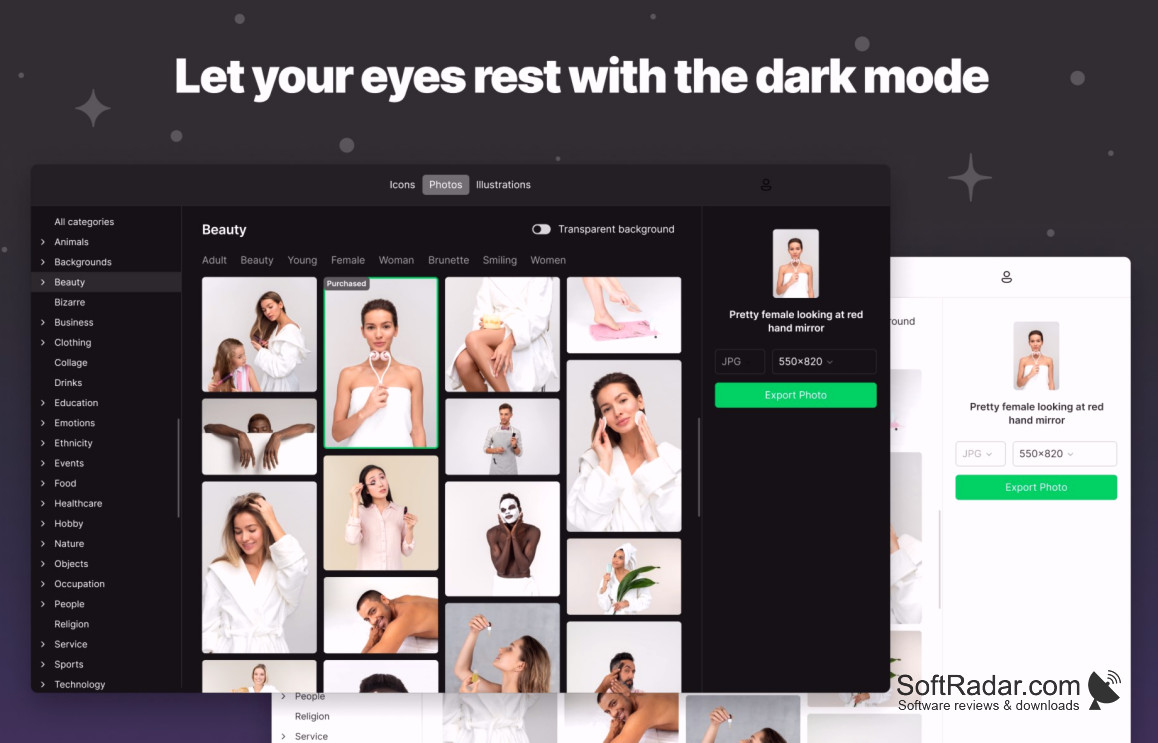
Icons8 Pichon lets you find, recolor and drag icons, photos and illustrations straight into your favorite design tool.
Above all, Icons8 Pichon works offline: once an asset has been downloaded, you can use it again without an internet connection. It has a detailed sidebar featuring an extensive and detailed collection of illustrations, photos, and designs. You can take help from the search option to find your favorite icon and add it to your list of collections.
Moreover, when selecting an icon, you can have a quick look to preview it before using it in your project. This gives you the flexibility and freedom to select your favorite icons without any inconvenience. There is also a recolor option to adjust the icon color before exporting it in other formats. A paid Icons8 subscription unlocks larger image sizes and more vector formats. Hence, an all-in-one package for your web icons.
x64 or ARM64 processor
2 GB RAM
PROS
Customization options for icon size, color, and format.
Easy integration into design or web development software.
CONS
Requires internet connection for accessing the extensive icon library.
No option to create icons from scratch, only editing.