Unknown Device Identifier
by ZhangDuo Corporation Internati
Allows for identification and scanning of PC
Download Unknown Device Identifier
You selected Server #3 (USA)
Want to choose another download server? Press here
All files are original, SoftRadar does not repack or modify downloads in any way.
This download is provided to you FREE of charge.
How to install Unknown Device Identifier
- Download and save the file (unknown-device-identifier_softradar-com.zip) to your computer.
- Locate the downloaded file and extract it into a separate directory. If you don't have an unpacking program, use the free 7-Zip software.
- Open the directory, locate the installation file, and run it.
- If Windows requests confirmation for running the file, click "Yes" or "Run" to proceed.
- Follow the on-screen instructions to install Unknown Device Identifier with your preferred settings. Let us know if you have any problems!
- Done!
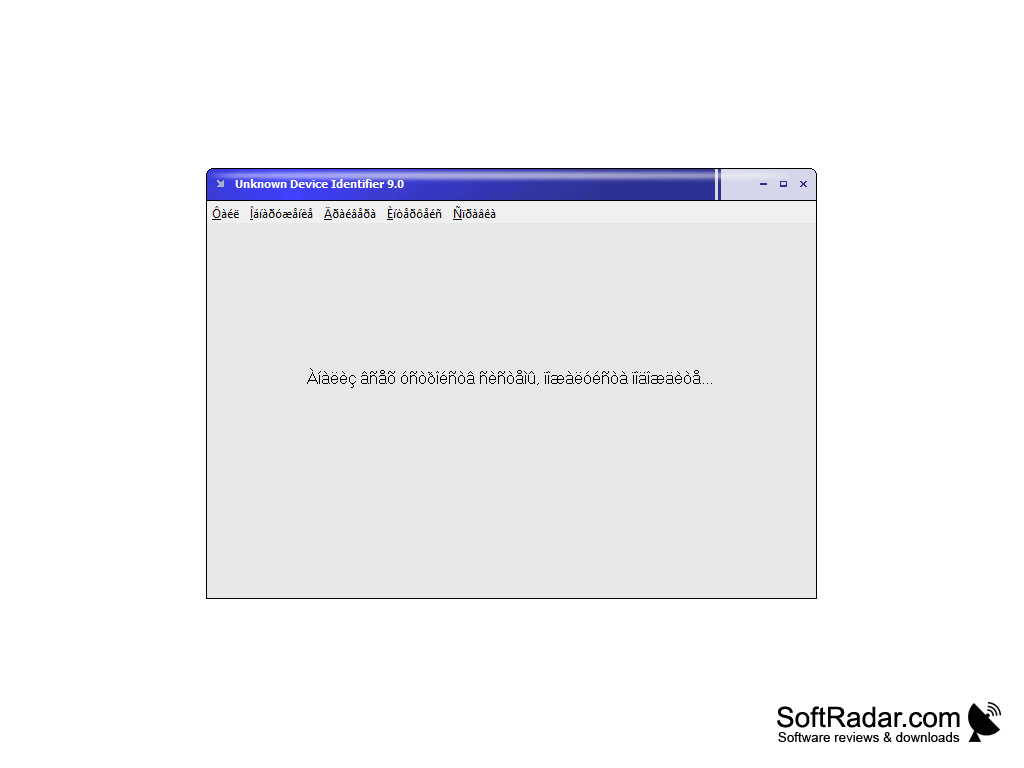
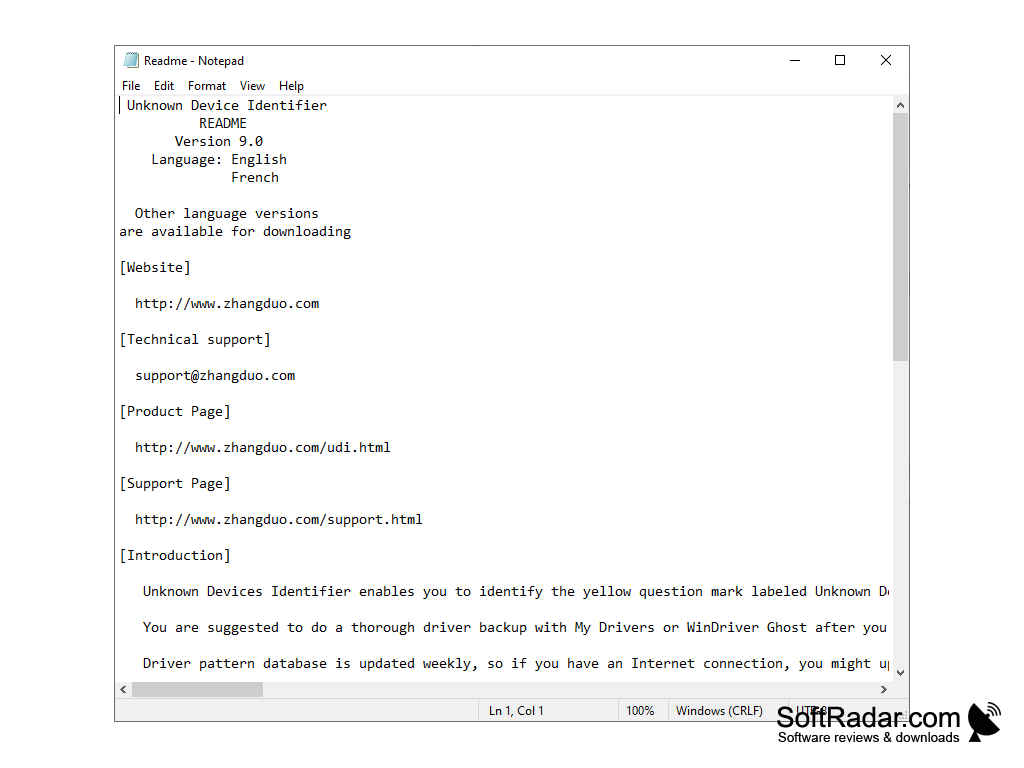
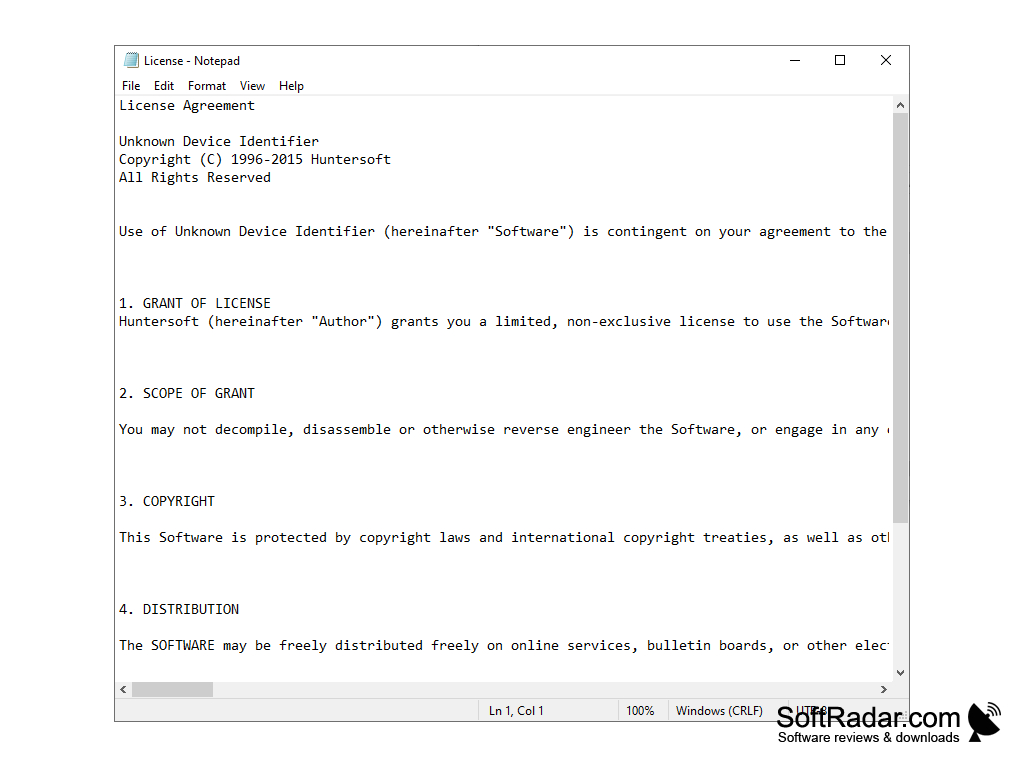
Operating system: Windows
Publisher: ZhangDuo Corporation Internati
File size: 1.2 MB
Antivirus check: VirusTotal report