
Windhawk
Windhawk lets Windows users adjust interface details and system behavior with individual add-ons, from taskbar controls to File Explorer changes.
Operating system: Windows
Publisher: Ramen Software
Release: Windhawk 1.7.3
License: Free
Antivirus check: VirusTotal report
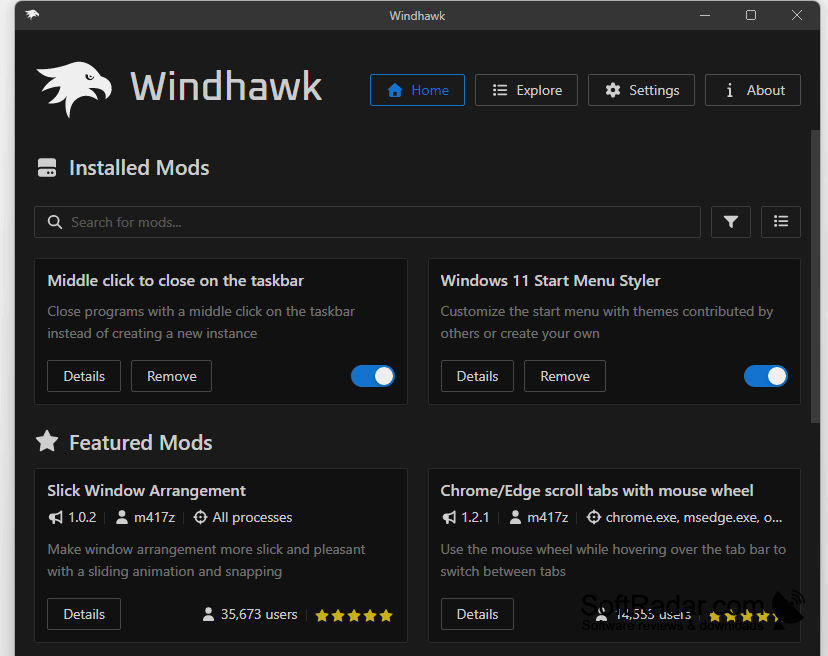
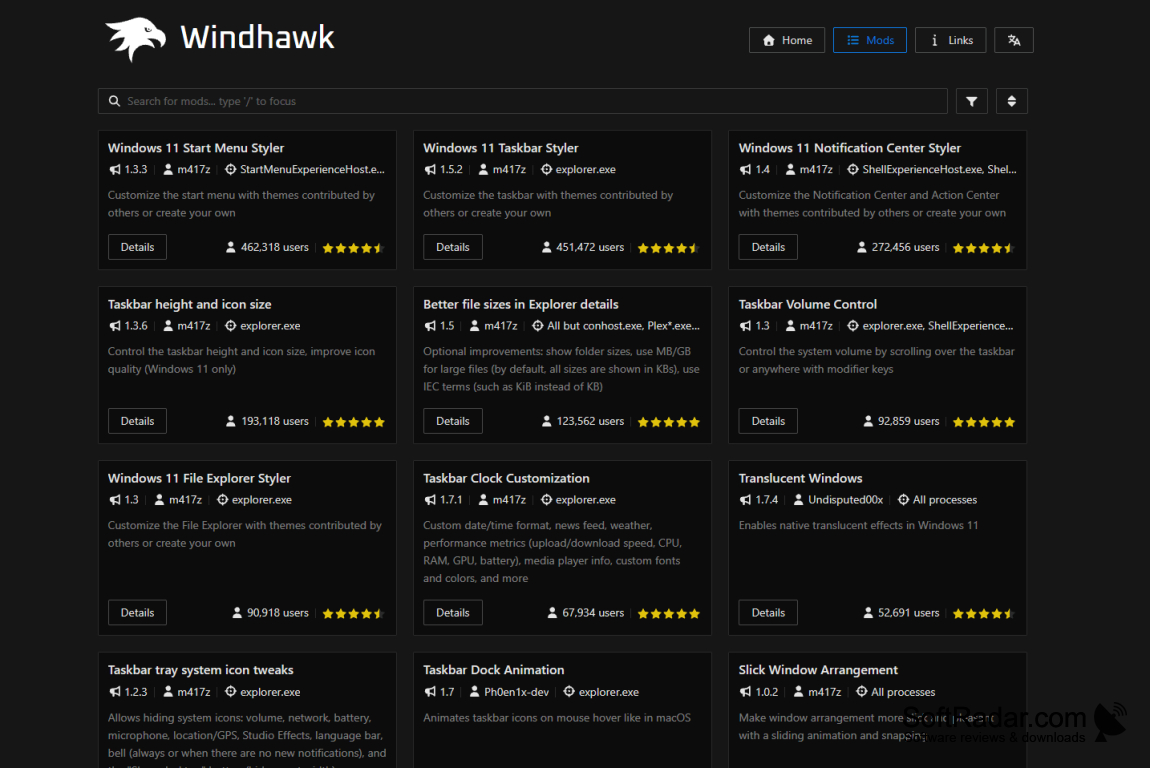
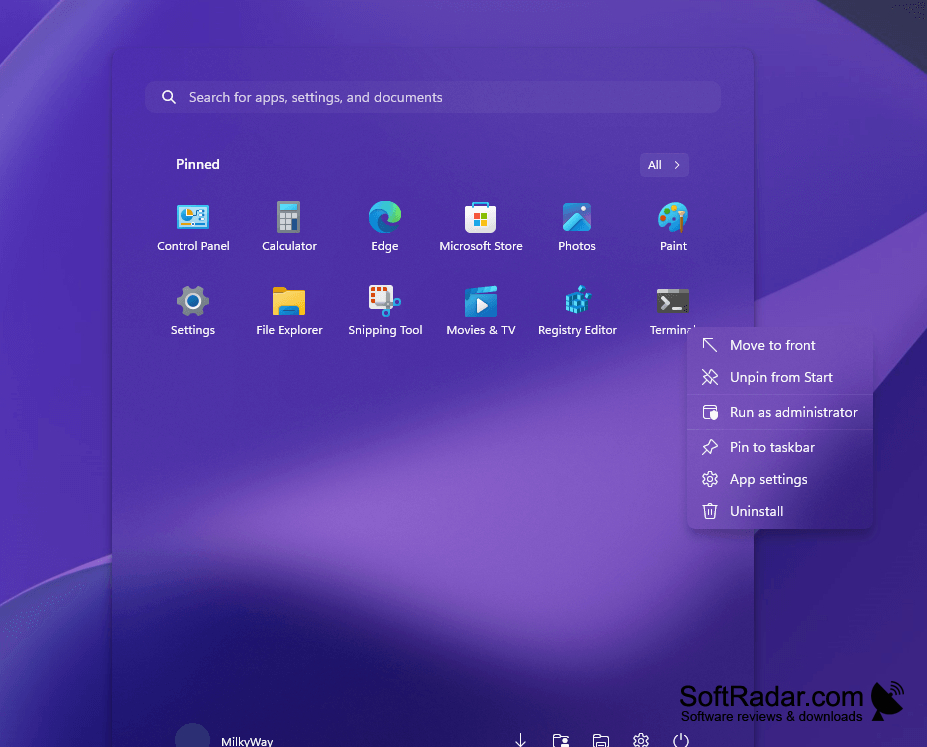
Windhawk is a personalization tool for people who want to change selected parts of Windows rather than replace the whole desktop appearance. It can alter how the taskbar behaves, adjust parts of File Explorer, and bring back interface options that are no longer readily available. Users can pick changes that suit their workflow without applying a complete visual overhaul.
Choose only the interface changes you want and manage each one separately from within the app.
The app provides a built-in collection of user-made mods that you can browse and install individually. Each mod can have its own controls, and the main view shows what is installed and whether updates are available. Changes are applied while Windows runs rather than by permanently rewriting system files. Users can inspect mod code, edit it, or turn off installed mods.
Features:
- Browse community mods within the app
- Install tweaks for specific Windows elements
- Configure settings for individual mods
- View and edit mod source code
- Check installed mods for available updates
- Disable or remove mods individually
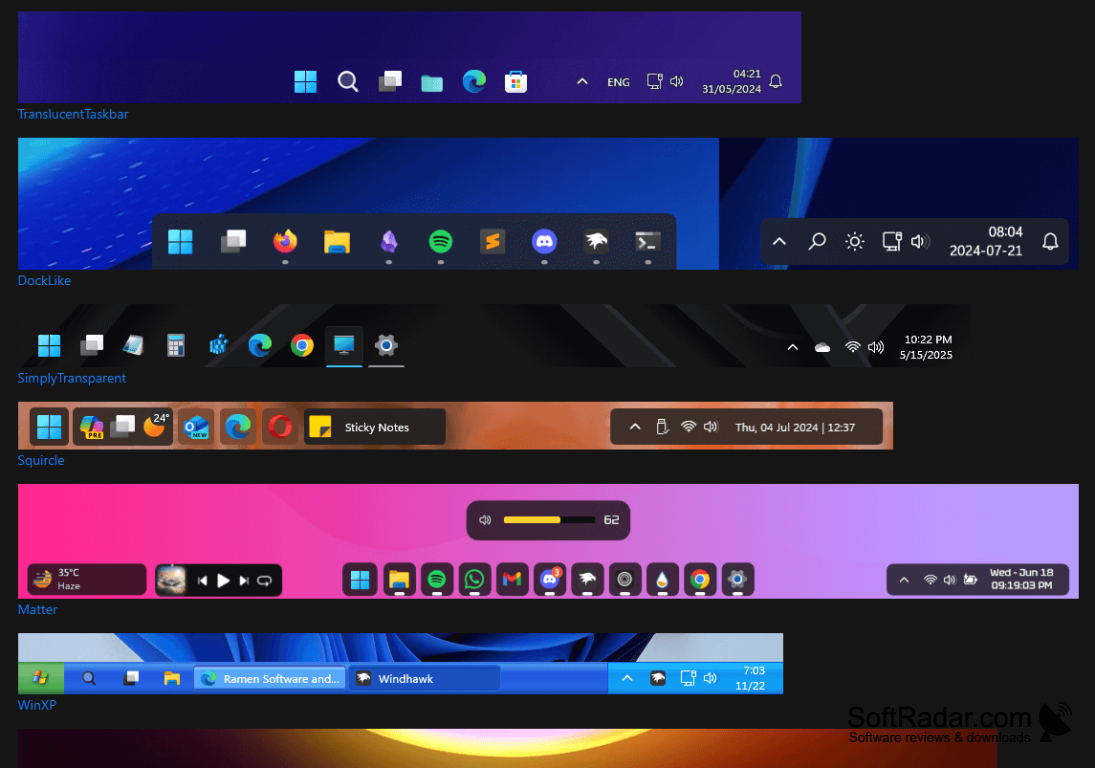
PROS
Community mods install and configure within one interface.
Individual tweaks avoid replacing the entire Windows shell.
CONS
Conflicting mods can cause Explorer crashes or glitches.
