
WinfrGUI
WinfrGUI is a free graphical front end for Microsoft's Windows File Recovery that scans drives and restores deleted or lost files without typing commands.
Operating system: Windows
Publisher: AOMEI International Network Limited
Release: WinfrGUI 1.2.2
Antivirus check: VirusTotal report
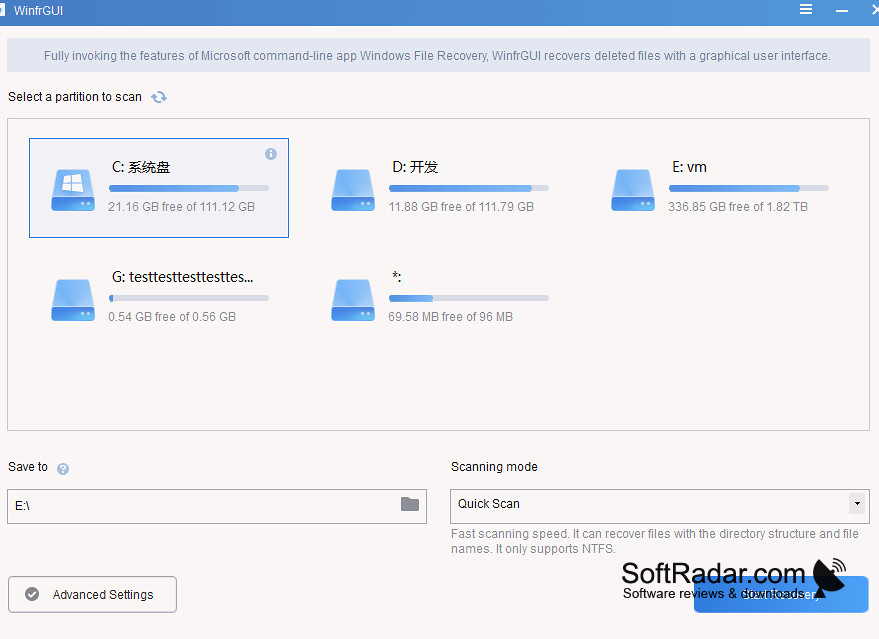
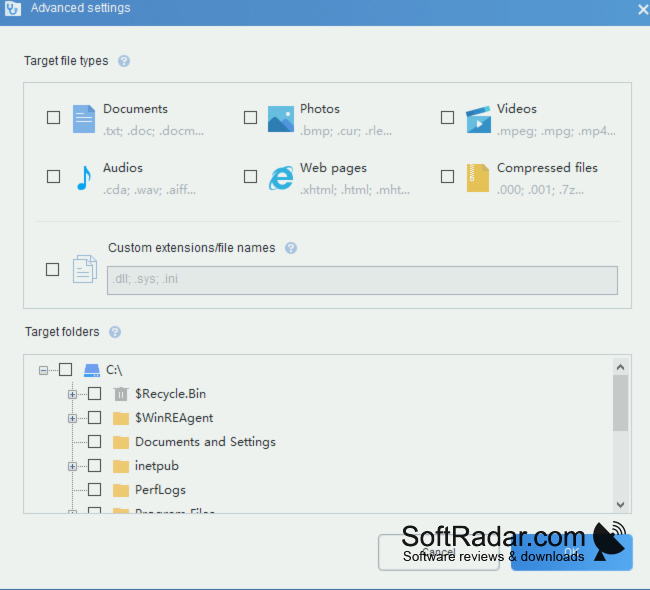
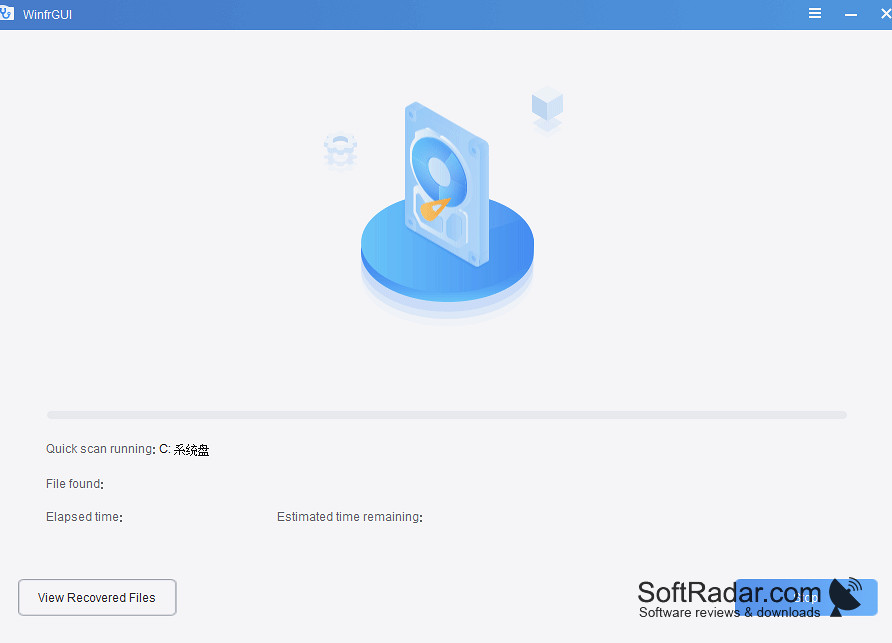
WinfrGUI is a free file recovery program for Windows 10 and 11 that puts a graphical interface on Windows File Recovery, the command-line tool from Microsoft. Its Store listing names AOMEI International Network Limited as the publisher. It is aimed at users who have deleted files, emptied the Recycle Bin or formatted a drive and do not want to learn the winfr command syntax.
Recovers deleted files in three steps instead of command-line syntax.
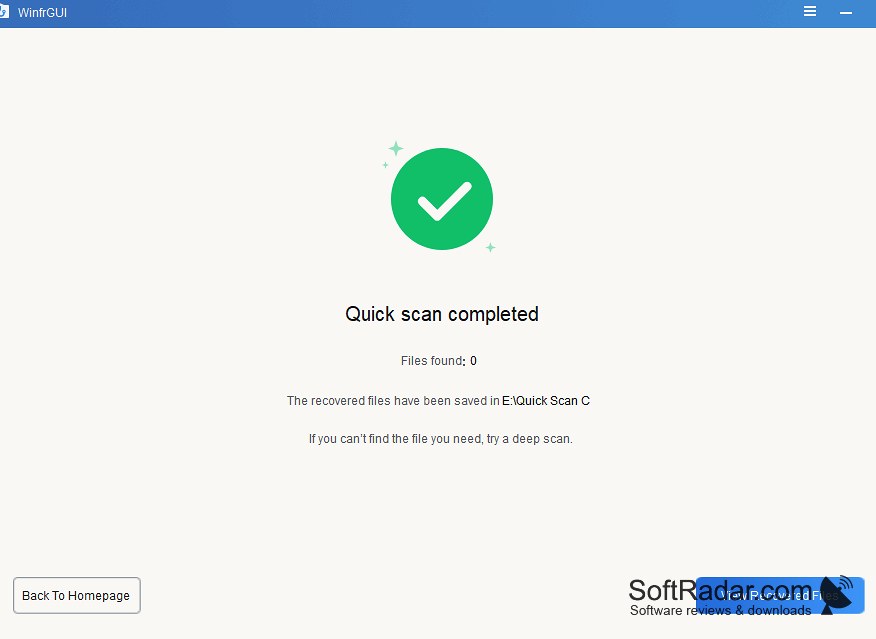
Recovery takes three steps: choosing the partition to scan and a folder for the results, picking a scan method and starting the recovery. Quick Scan looks for recently deleted files on NTFS volumes and keeps names and folders, while Deep Scan searches formatted, corrupted or RAW drives. NTFS, FAT, exFAT and ReFS volumes on hard disks, SSDs, USB drives and memory cards are supported, and documents, photos, videos, audio and archives can be restored. The program is free, without paid features.
Features:
- Graphical interface for Windows File Recovery
- Quick Scan and Deep Scan modes
- NTFS, FAT, exFAT and ReFS support
- Works with hard disks, SSDs, USB drives and cards
- Keeps original names and folders in Quick Scan
- Free, with no paid features
300MB of RAM
PROS
No command-line knowledge needed.
Quick and deep scan modes for different cases.
CONS
Recovery from SSDs is limited by TRIM.
Overwritten files cannot be restored.