
xTool Studio
xTool Studio is a Windows app for people who design laser-cut or engraved items and control xTool machines.
Operating system: Windows
Publisher: XTL US INC.
Release : xTool Studio 1.5.8
Antivirus check: VirusTotal report
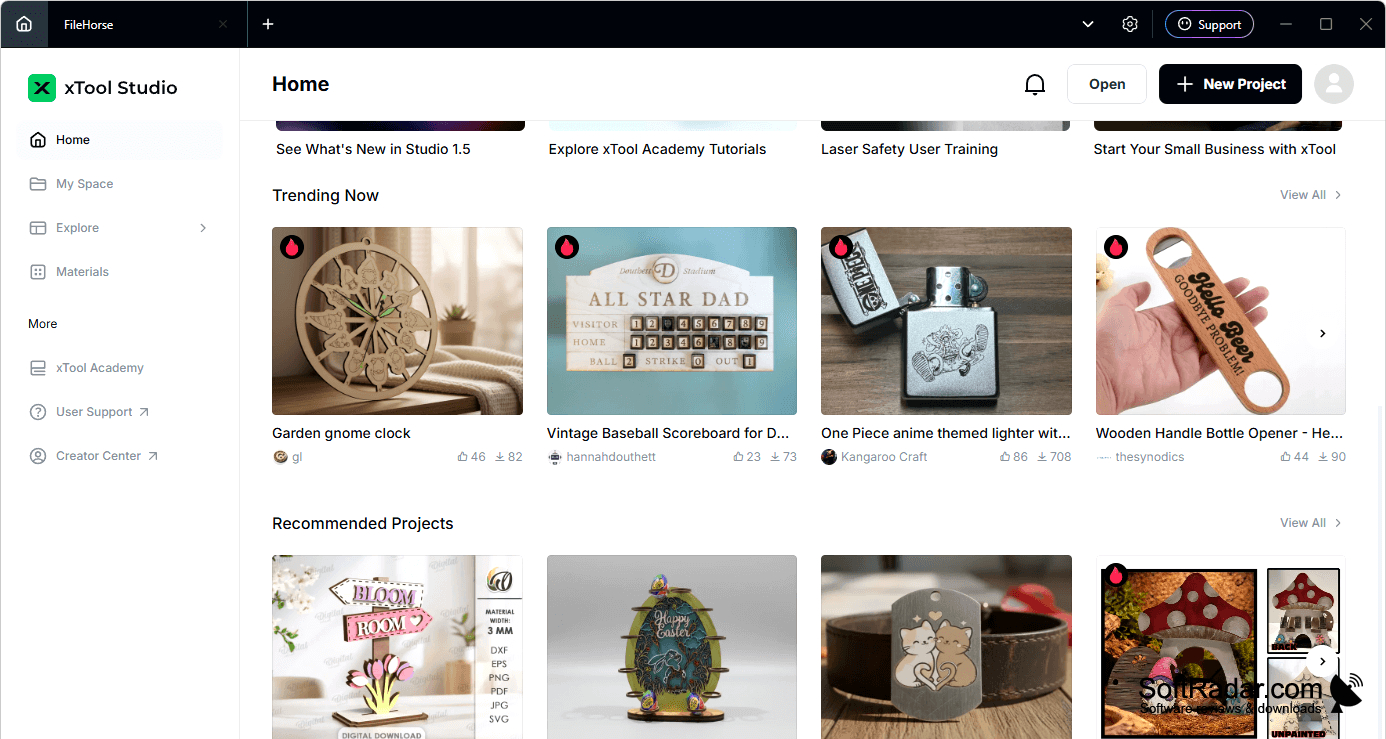
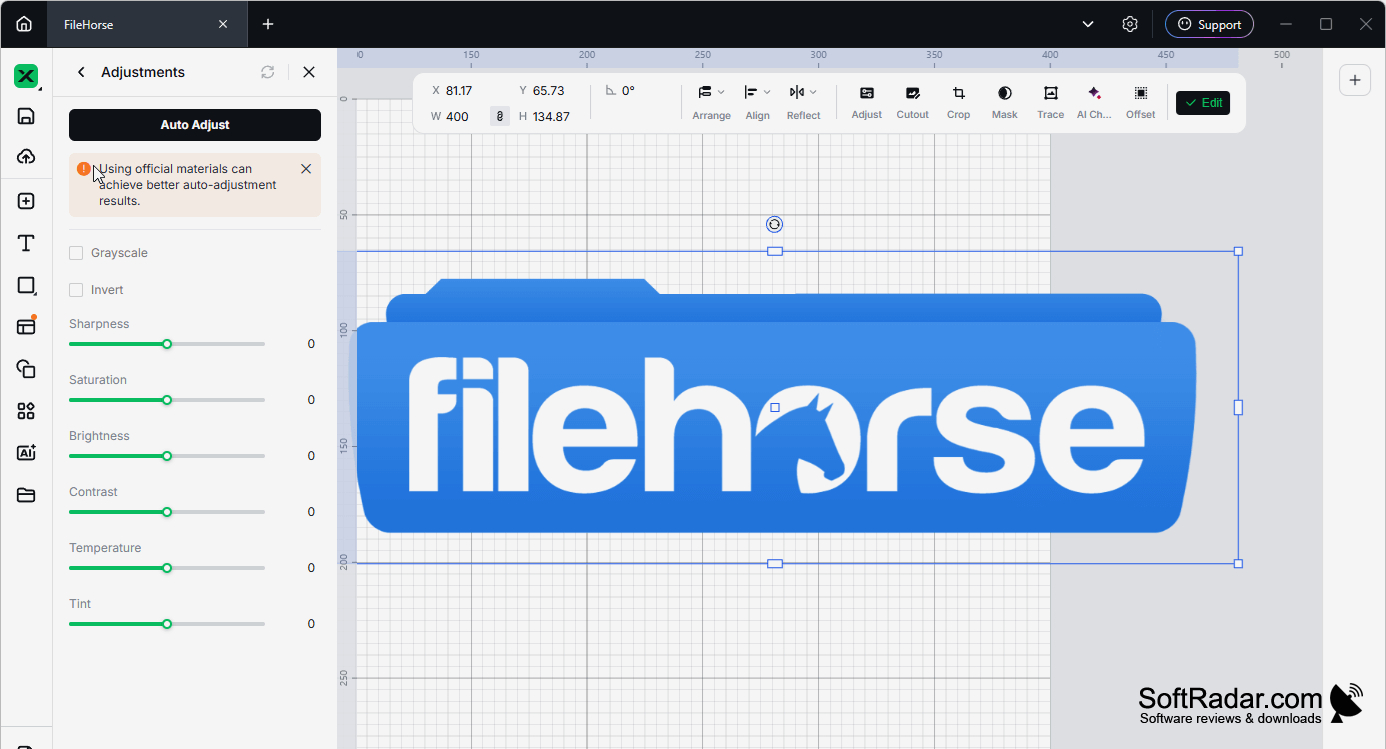
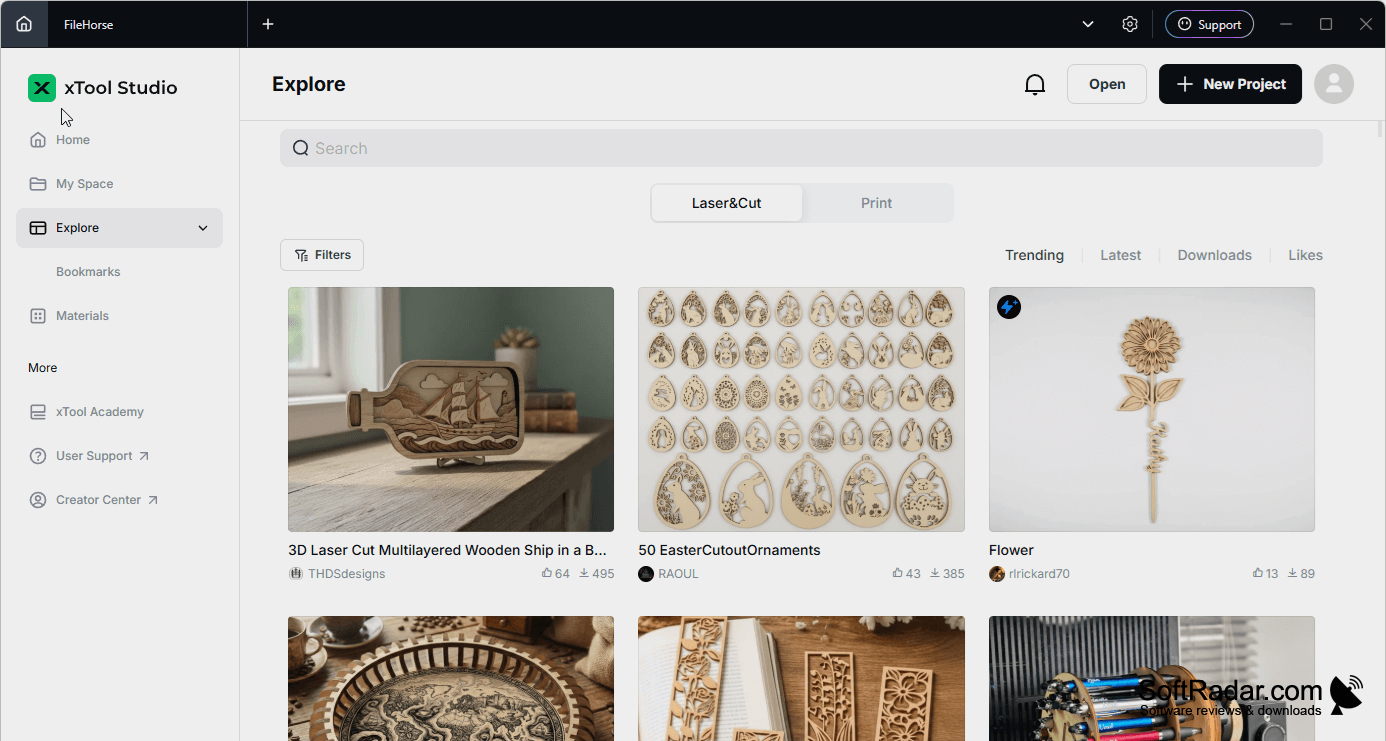
xTool Studio helps owners of xTool laser machines turn drawings and photographs into cutting or engraving jobs. Users can create artwork with shapes and lettering, bring in existing images, and arrange elements on a canvas. Typical tasks include marking a design on leather, cutting an acrylic shape, or laying out several parts for a project.
Prepare artwork and adjust machine settings in one workspace before sending a job to an xTool device.
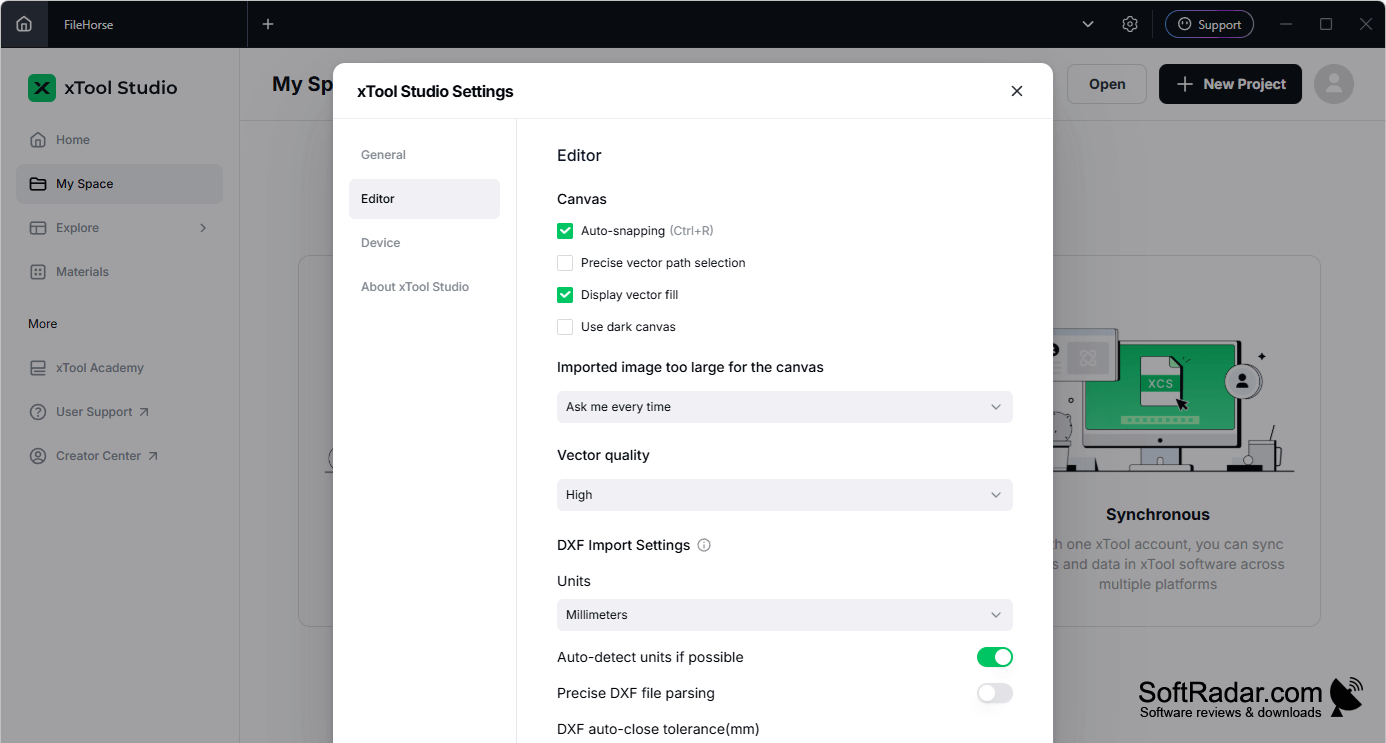
The editor accepts common vector and image files, including SVG, DXF, PNG and JPG. Layers, guides and a snapping grid help position artwork, while image adjustments prepare photos for engraving. Users can set power, travel speed and repeat passes, or choose settings for different materials. A job preview shows the planned result, and the app can connect to multiple xTool machines.
Features:
- Draw shapes and edit paths on a canvas
- Import SVG, DXF, PNG and JPG artwork
- Adjust power, speed and pass counts
- Choose settings for wood, acrylic and leather
- Preview cutting and engraving jobs before running
- Connect and manage multiple xTool machines
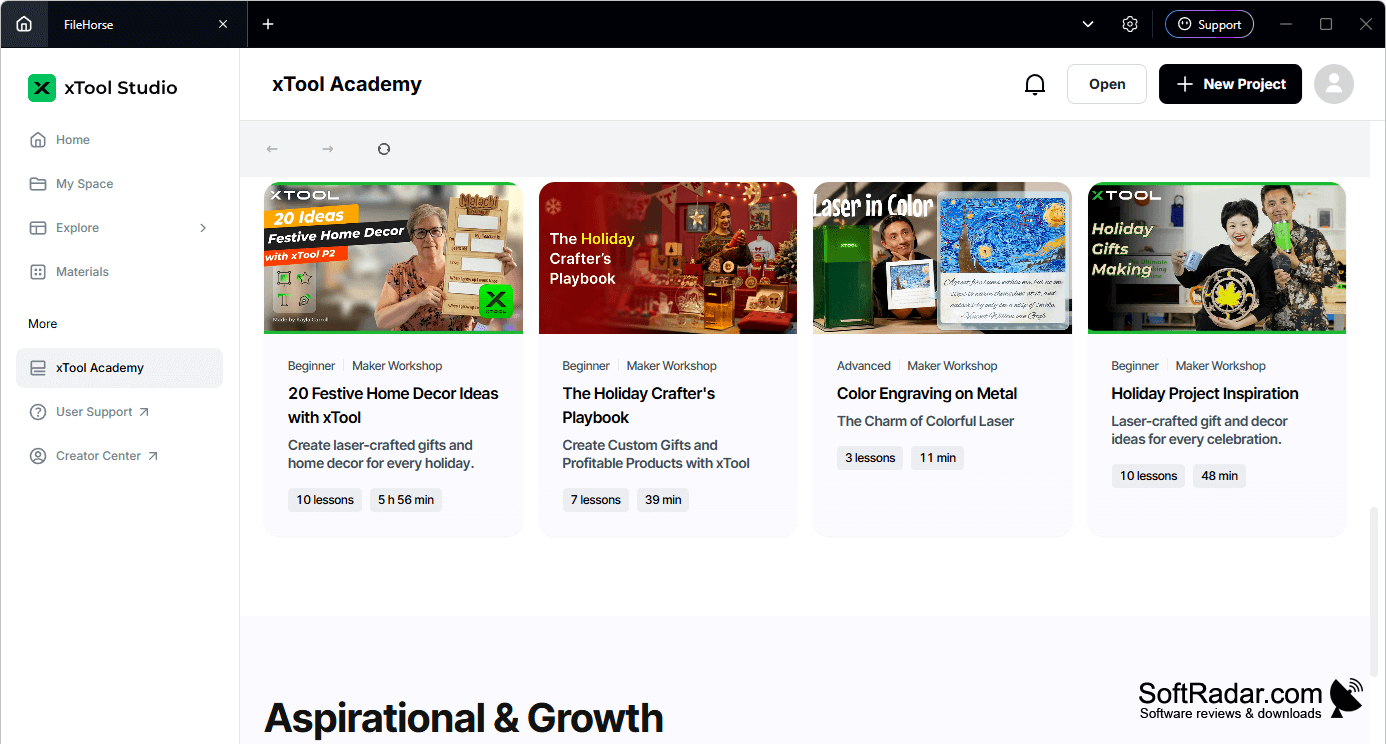
PROS
Connects design setup directly to xTool machines.
Imports both vector artwork and raster images.
CONS
Machine controls focus on xTool devices.