
3CX
3CX gives Windows users access to their organization’s calls, messages and online meetings through a connected business phone system.
Operating system: Windows
Publisher: 3CX Team
Release: 3CX 20.0.3.806
Antivirus check: VirusTotal report
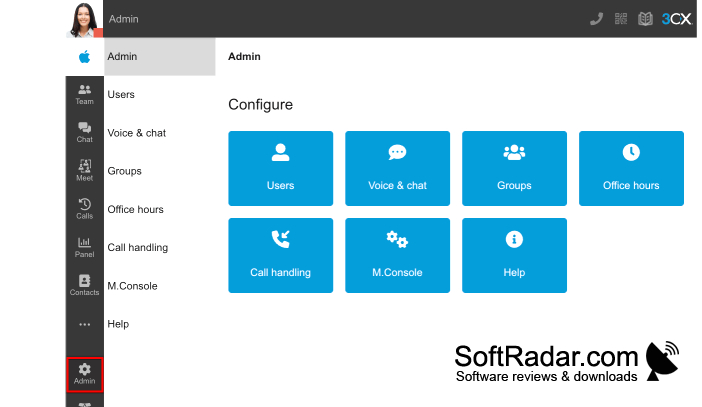
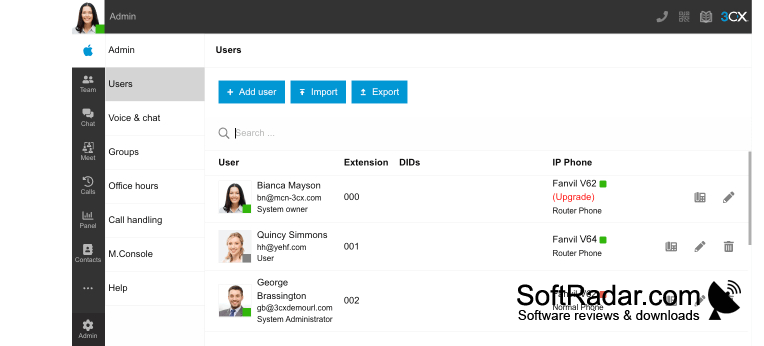
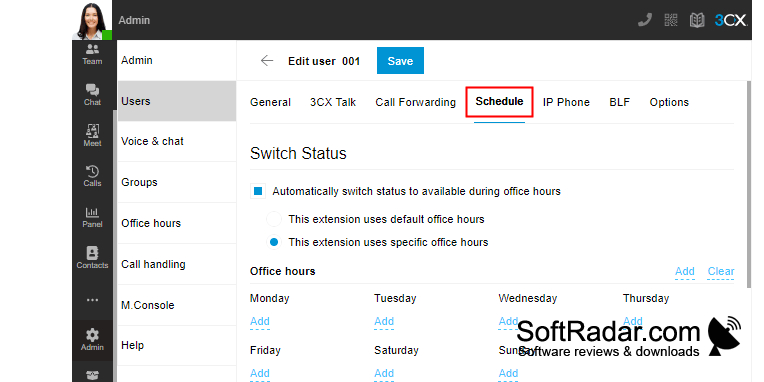
3CX is a communications client for staff who use an organization’s phone system on a Windows computer. It brings conversations with colleagues and customers into one workspace, covering voice calls, messages and video meetings. Teams can use it to reach office extensions, coordinate daily work and respond to contacts without relying on a desk phone.
Handle workplace conversations and calls to office extensions from a Windows computer, even when away from a desk phone.
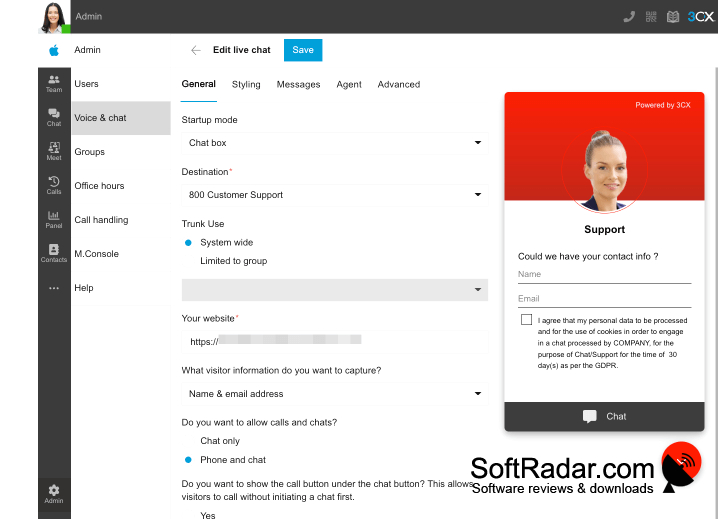
The client connects to an existing 3CX system rather than operating as an independent phone service. Calls use an internet connection, while users can change their availability and handle calls through forwarding, queues and voicemail. Meeting tools support screen sharing and file exchange. Organizations can also connect the system to business applications and choose where to host it.
Features:
- Call colleagues through office extensions
- Send messages to colleagues and contacts
- Hold video meetings with screen sharing
- Forward calls and manage voicemail
- Change availability for incoming calls
- Connect communications with business applications
PROS
Makes transferring calls between extensions straightforward.
CONS
Call notifications can be unreliable when minimized.