
Coolmuster Android Assistant
Coolmuster Android Assistant is a desktop manager for Android phones and tablets that backs up, restores, transfers and edits their data from a Windows PC.
Operating system: Windows
Publisher: Coolmuster
Release: Coolmuster Android Assistant 6.4.56
Antivirus check: VirusTotal report
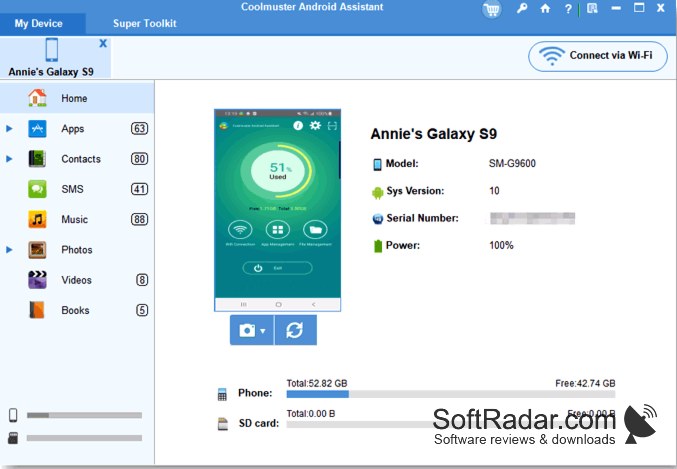
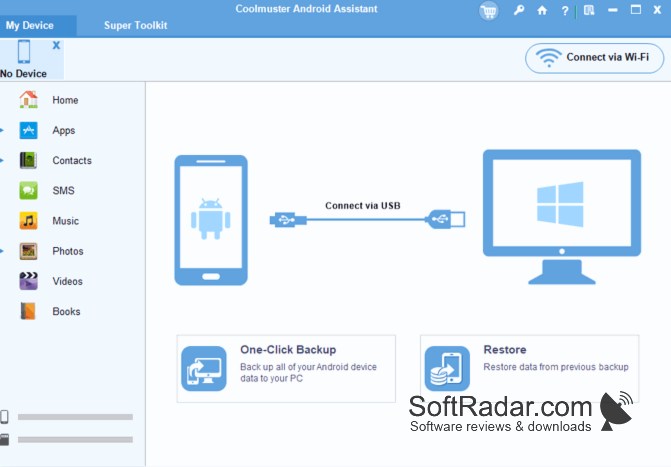
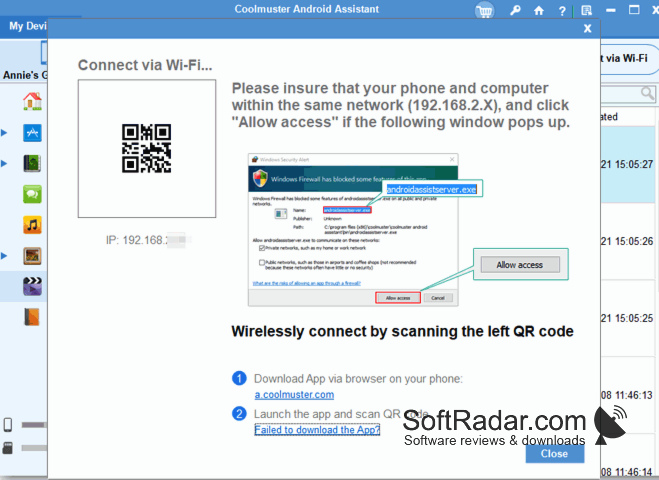
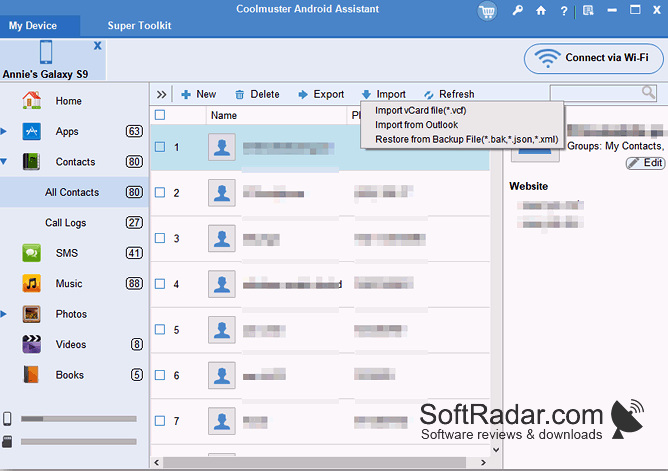
Coolmuster Android Assistant is a phone management program from Coolmuster, a software vendor based in Shenzhen, China. It connects an Android phone or tablet to a Windows computer over USB or Wi-Fi and shows the contacts, text messages, call logs, photos, videos, music, documents and apps stored on the device.
Handles contacts, messages, media and apps of an Android device from the computer keyboard.
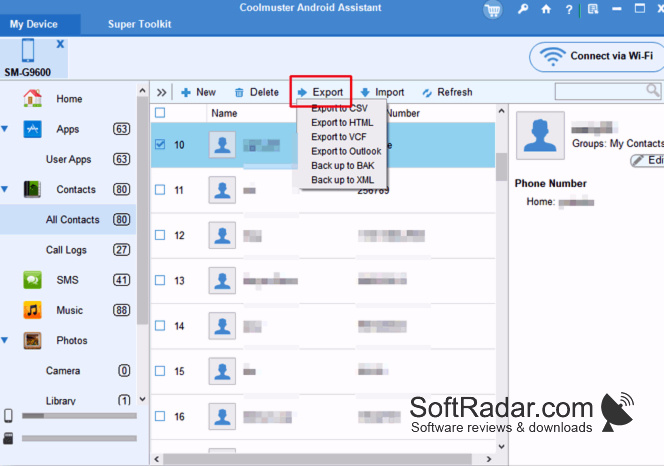
A one-click function copies the whole device to a backup on the PC and restores it later, while individual items can be exported or imported selectively in formats such as CSV, HTML, VCF and XML. Contacts can be added and edited, text messages sent from the computer, and apps installed or removed in bulk. Wi-Fi mode needs the companion Android app. The trial only scans and previews data; exporting, importing and editing require a paid licence.
Features:
- One-click backup and restore of an Android device
- Selective export to CSV, HTML, VCF and XML
- Contact editing and SMS sending from the PC
- Bulk installation and removal of apps
- USB and Wi-Fi connection
- Screenshots of the phone screen
1GHz processor
256MB of RAM (1GB recommended)
200MB of free disk space
Android device running version 6.0 or later
PROS
Contacts and messages are managed from the PC.
Connects over USB or Wi-Fi.
CONS
Wi-Fi mode needs a companion app on the phone.

