
AB Download Manager
AB Download Manager helps Windows users handle file downloads with queues, scheduled transfers, bandwidth controls, and browser link capture.
Operating system: Windows
Publisher: AmirHossein Abdolmotallebi
Release: AB Download Manager 1.11.4
License: Open source (Apache-2.0)
Antivirus check: VirusTotal report
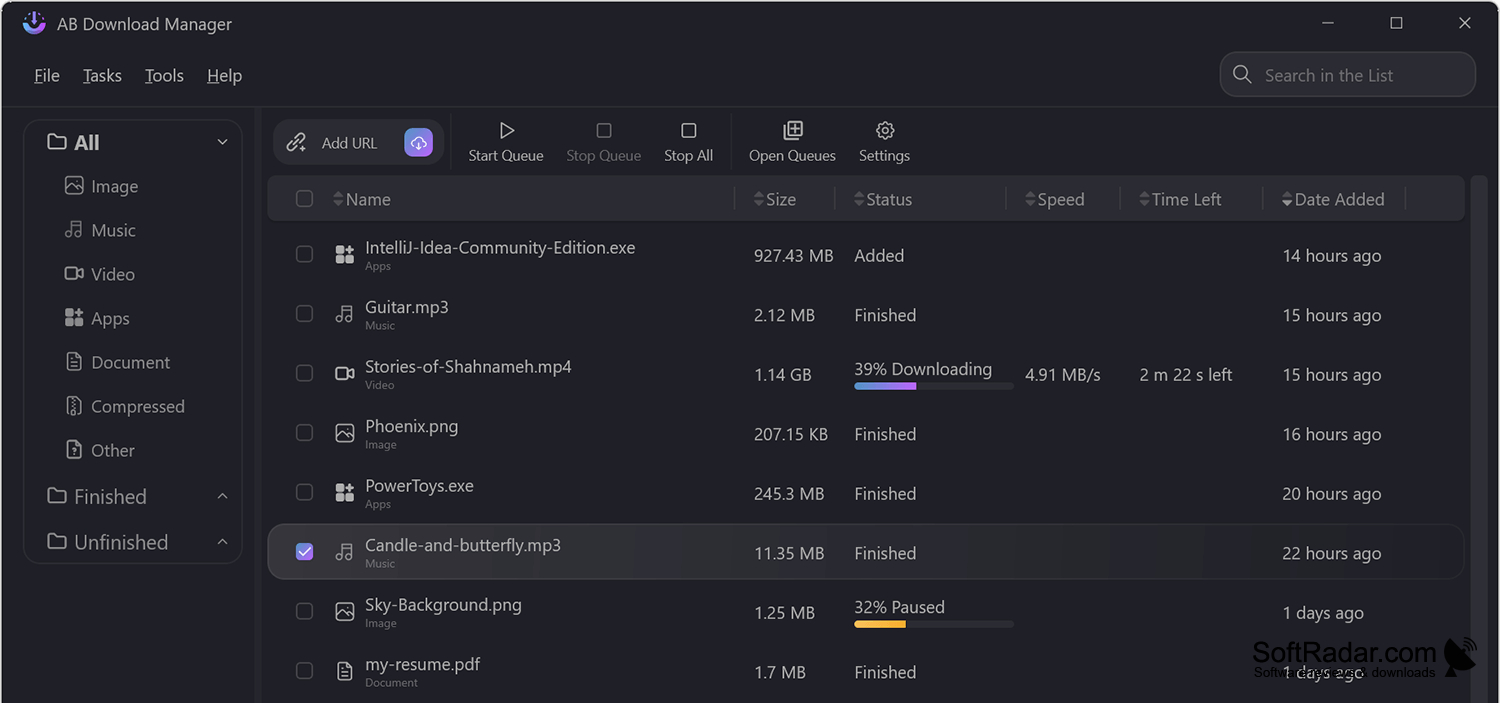
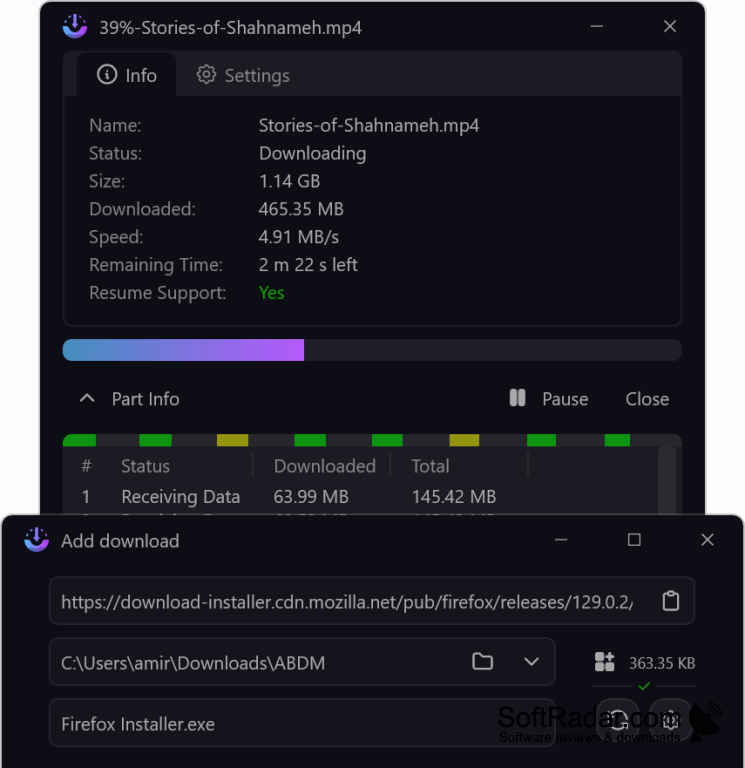
AB Download Manager is a Windows utility for handling files downloaded from websites. You can enter a link directly, choose a destination folder, and follow each transfer as it progresses. It is useful when you have several files to fetch, need to keep track of completed transfers, or want downloads to run in a particular order.
It keeps multiple downloads organized while letting you pause transfers and control when they run.
The program can divide a transfer among several connections and continue a paused download when the server permits it. Queues and scheduled start or stop times help manage larger sets of files, while a rate limit controls bandwidth use. Optional extensions for Chrome and Firefox send download links to the app. The interface offers light and dark display modes.
Features:
- Download files using multiple connections
- Arrange transfers in ordered queues
- Set scheduled download start and stop times
- Limit transfer rates to control bandwidth use
- Capture links through Chrome and Firefox extensions
- Add several download URLs in one step
PROS
Schedules download queues and limits bandwidth usage.
Captures download links through browser extensions.
CONS
