
AOMEI OneKey Recovery
AOMEI OneKey Recovery helps Windows users save a system image and restore their computer after a startup problem or when they want to return to an earlier setup.
Operating system: Windows
Publisher: AOMEI Technology
Release: AOMEI OneKey Recovery 1.7.1
Antivirus check: VirusTotal report
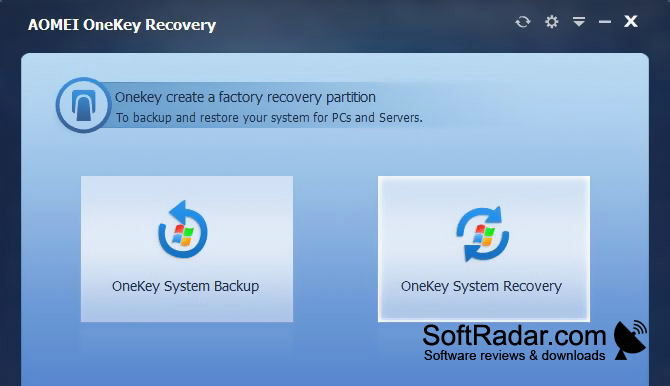
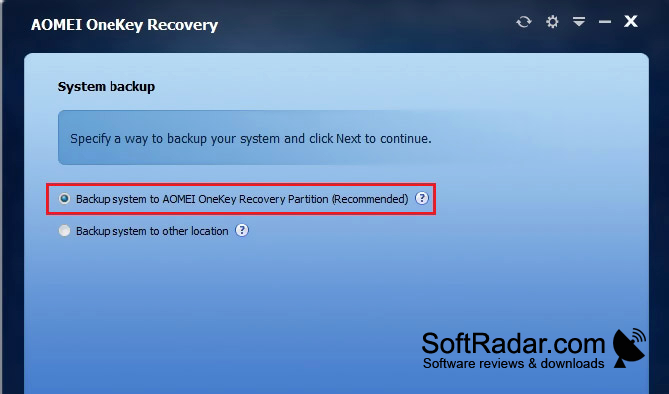
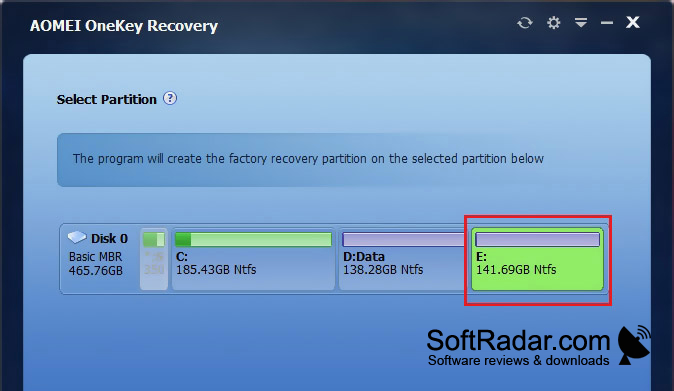
AOMEI OneKey Recovery is a backup and restore tool for Windows users who want to return a PC to an earlier setup. It saves the operating system, installed programs, drivers, settings, and personal files as they stood when the image was made. You can use that image after a startup failure or when you need to reverse later system changes.
A startup key opens a recovery environment, letting you restore a saved system image without first loading Windows.
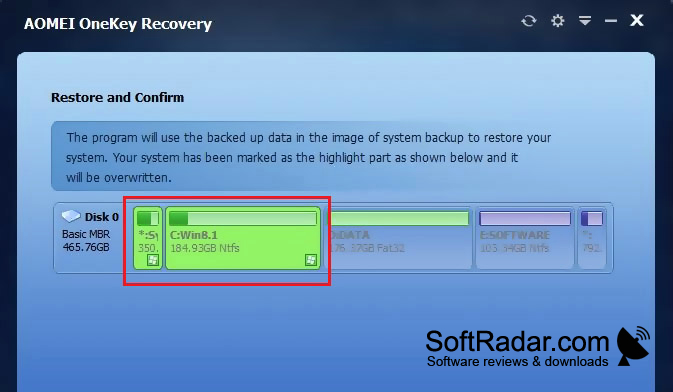
The program can keep an image in a separate recovery partition or another storage location. The partition is normally hidden, and a key pressed during startup can open the restore environment before Windows loads. You can apply an image to its original location or a different destination. Recurring backups, image compression, and encryption are also available.
Features:
- Create a separate system recovery partition
- Save system images to another location
- Open recovery tools during startup
- Schedule recurring system backups
- Compress or encrypt saved images
- Restore an image to a different destination
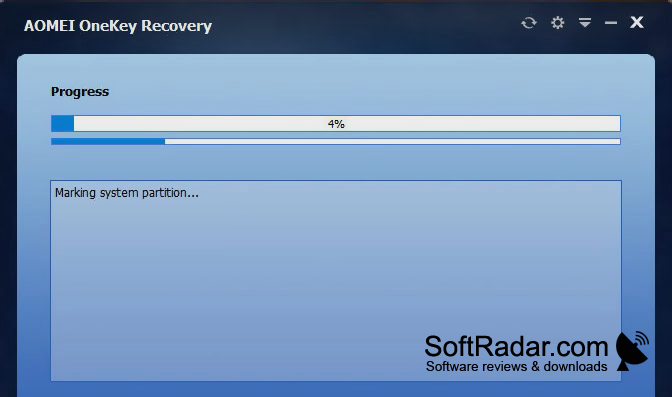
Free disk space for recovery partition
PROS
Stores system images in a hidden recovery partition.
Simple interface separates backup and recovery tasks.
CONS
A failed drive can destroy its recovery image.


