
Bliss OS
Bliss OS is an Android-based operating system for compatible PCs and tablets. It lets users run Android apps with desktop and touch-oriented layouts.
Operating system: Windows
Publisher: Bliss Family of ROMs
Release: Bliss OS 16.9
Antivirus check: VirusTotal report
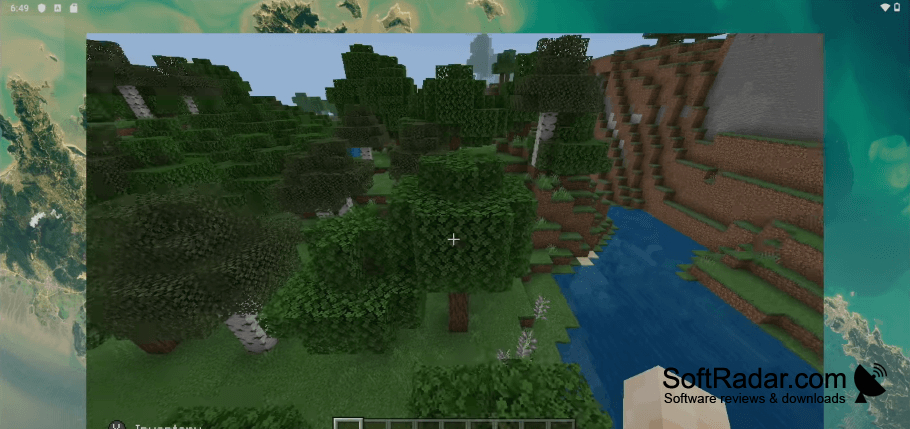
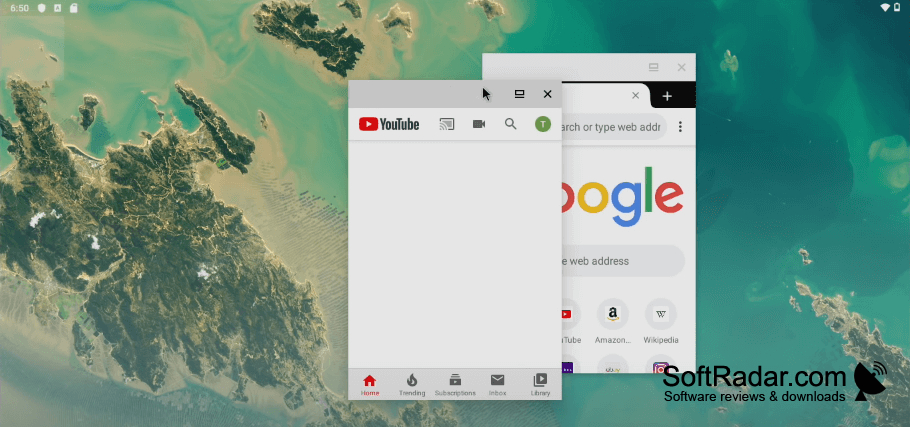
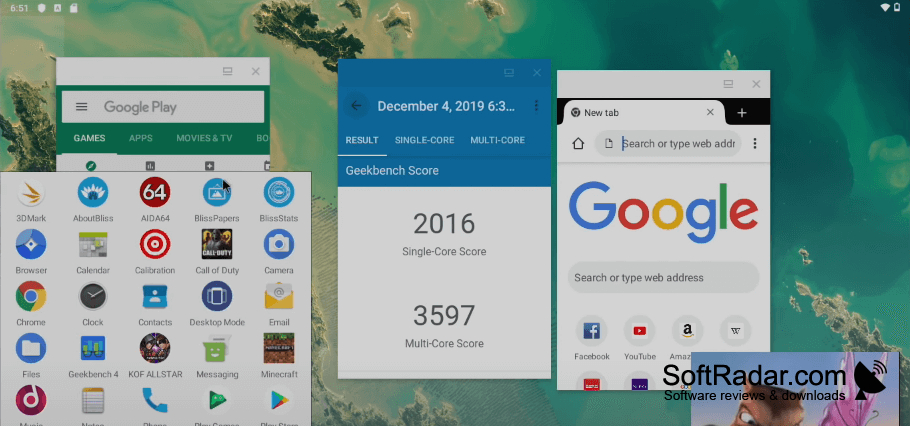
Bliss OS lets people use Android apps on a PC or tablet through a separate operating system rather than a Windows program. It suits users who want a touch-oriented interface on compatible computer hardware while retaining mouse access. You can boot it from a USB drive to try it, or install it on a machine for ongoing use.
Run Android apps on a PC using an interface that works with both touch and mouse input.
The system offers layouts for desktop and tablet use, with a taskbar and app menu in the desktop layout. Users can adjust interface and system preferences, while syncing can carry apps and settings between devices running Bliss OS. Its PC build supports MBR and UEFI boot configurations and can run some ARM apps on x86 hardware.
Features:
- Run Android apps on compatible PCs and tablets
- Switch between desktop and tablet layouts
- Try the system by booting from USB
- Install the operating system on a PC
- Sync apps and settings between devices
- Run supported ARM apps on x86 hardware
UEFI or legacy BIOS boot support
Bootable USB drive for direct installation
PROS
Offers desktop and touch-friendly interface controls.
Provides extensive interface customization options.
CONS
Installation and dual-boot setup can be complicated.
Some Android apps lack proper keyboard support.
