
e-Sword
e-Sword is a Windows Bible study program for readers who want to examine passages, consult reference works, and keep study notes.
Operating system: Windows
Publisher: Rick Meyers
Release: e-Sword 14.1.0
Antivirus check: VirusTotal report
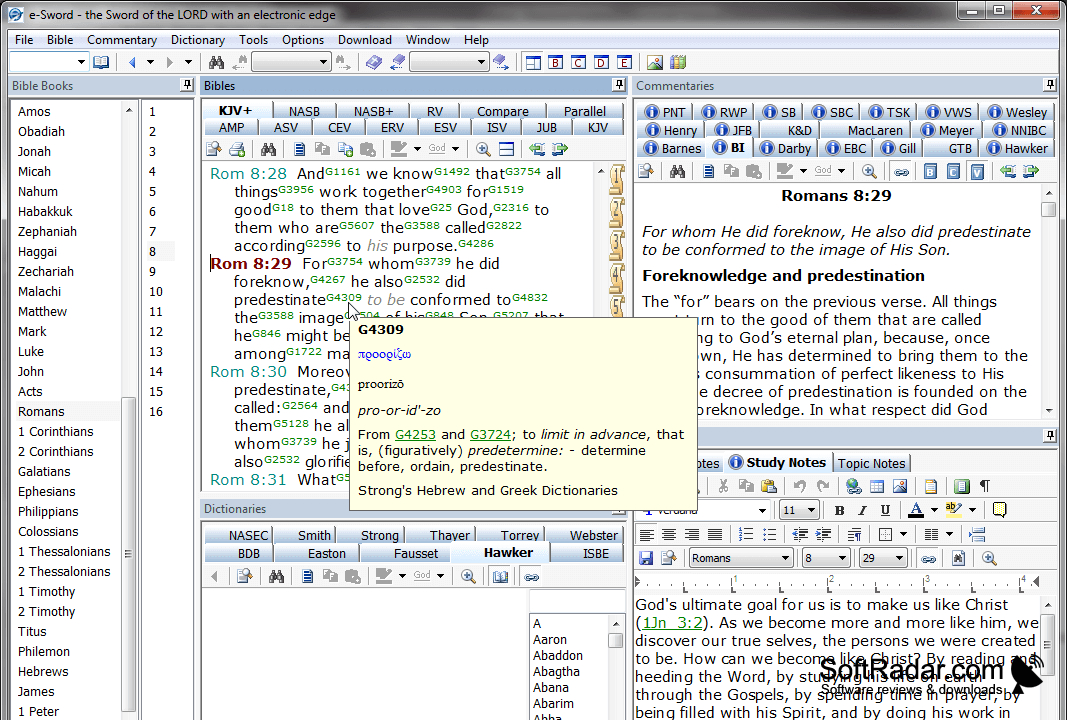
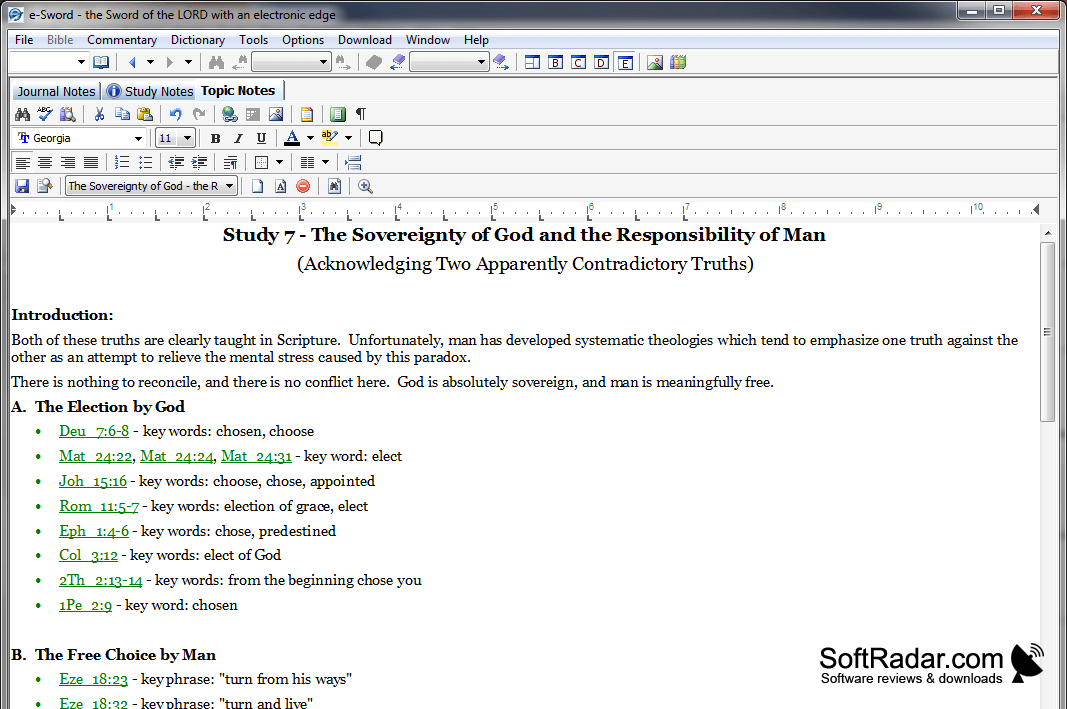
e-Sword gives Windows readers a workspace for examining biblical passages alongside supporting texts. It suits personal reading, lesson preparation, and checking the meaning of words or connections between verses. The included materials cover the King James Bible, a second edition with Strong's numbers, a lexicon, a dictionary, devotional commentary, and cross-references. Readers can also keep notes and mark passages while studying.
It brings Bible texts and reference works into one workspace for comparing passages and checking their context.
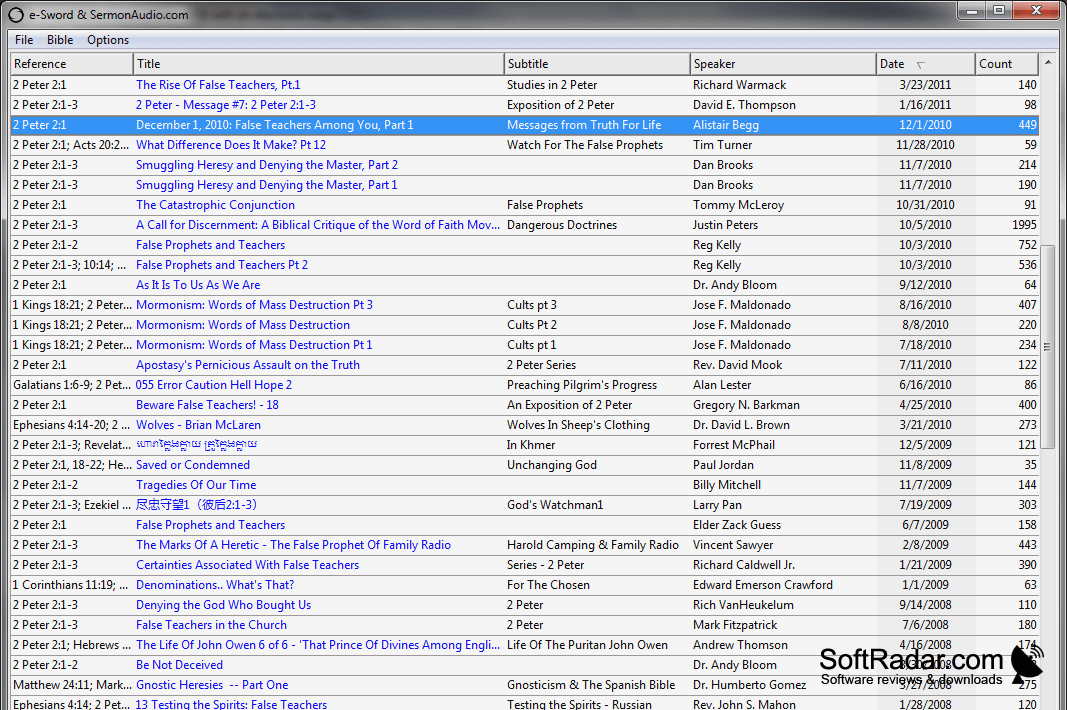
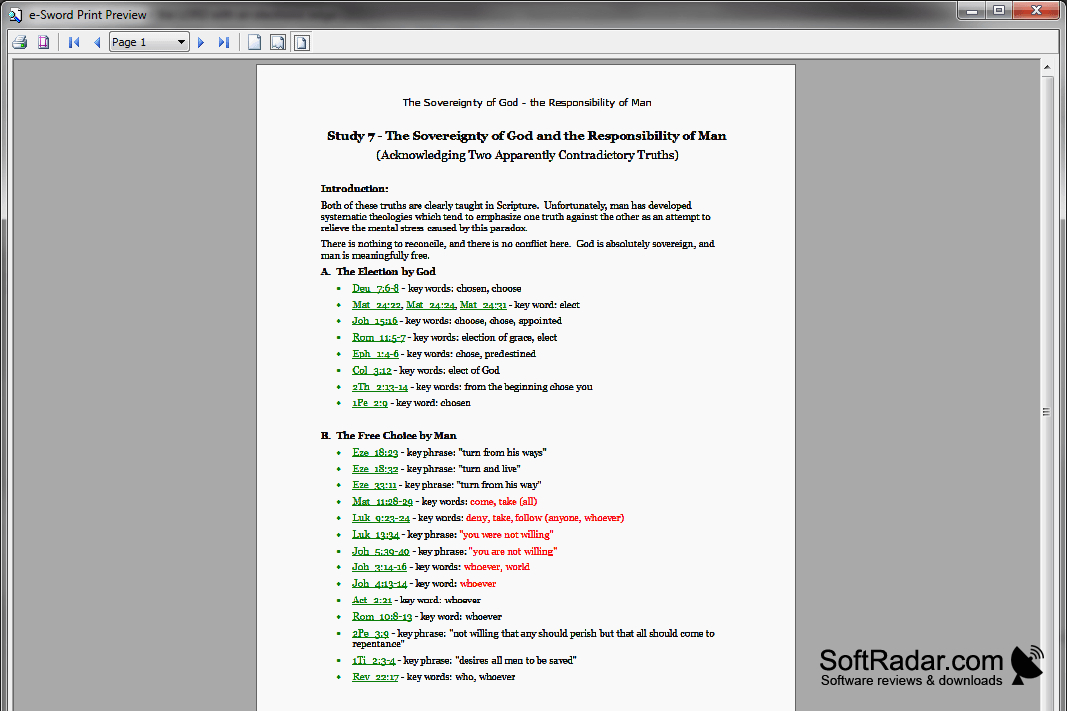
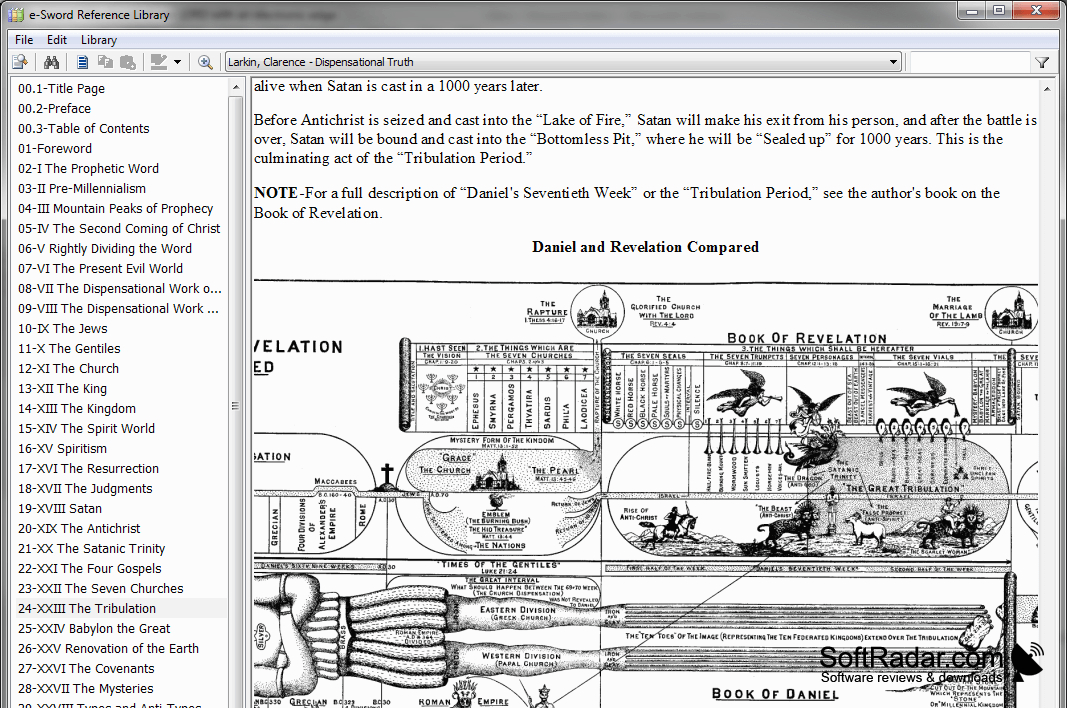
Search tools locate words and passages across selected materials, while a parallel display places translations in adjacent panes for comparison. On-screen hints can show Strong's definitions or related passages without changing the current view. Users can browse commentaries and dictionaries, add their own study modules, and print formatted content. The program also supports viewing graphics and listening to recorded sermons.
Features:
- Compare Bible texts in parallel panes
- Search verses and reference materials
- Check Strong's definitions in on-screen hints
- Write notes and highlight passages
- Create custom modules for study materials
- Play recorded sermons and view graphics
PROS
Parallel Bible views simplify translation comparisons.
Strong's tooltips provide quick original-language definitions.
CONS
Many translations require separate module downloads.