
Brother iPrint&Scan
Brother iPrint&Scan lets owners of compatible Brother printers and scanners print files and scan documents from a Windows computer.
Operating system: Windows
Publisher: Brother Industries, Ltd.
Release: Brother iPrint&Scan 17.0.20.2
Antivirus check: VirusTotal report
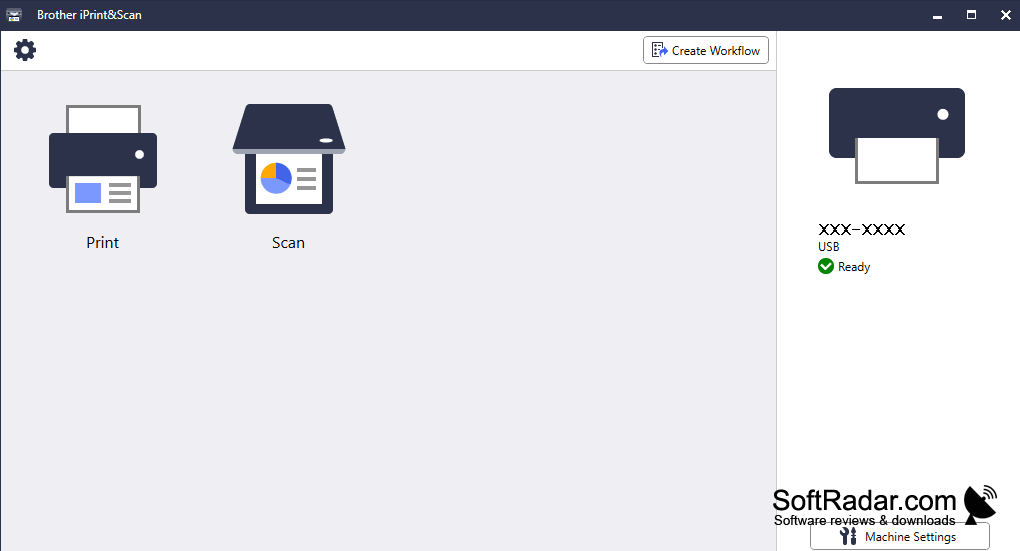
Brother iPrint&Scan is a Windows utility for compatible Brother printers, scanners and multifunction devices. It helps users print files and turn paper documents, forms or photos into digital copies without switching between separate tools. Typical uses include keeping electronic copies of receipts, preparing documents to share and printing images from a PC.
It brings printing and scan-to-file controls together for routine paperwork.
The program identifies supported devices connected through USB or a network. Before scanning, users can choose a color mode, resolution, page size and destination folder, then check a preview. Scans can be stored as PDFs or image files. Supported devices can also gather several pages into one document. For printing, users can select a file and adjust basic output settings.
Features:
- Find compatible USB and network devices
- Choose scan resolution, color mode and page size
- Preview pages before saving a scan
- Save scans as PDFs or image files
- Combine scanned pages when supported by the device
- Select files and adjust basic print settings
Compatible Brother printer or scanner
PROS
Saves multiple scanned pages as one PDF.
CONS
Print options lack some advanced driver settings.