
Bug head Emperor
A Windows music player for audiophiles that aims at excellent sound quality through heavy preprocessing of the audio data.
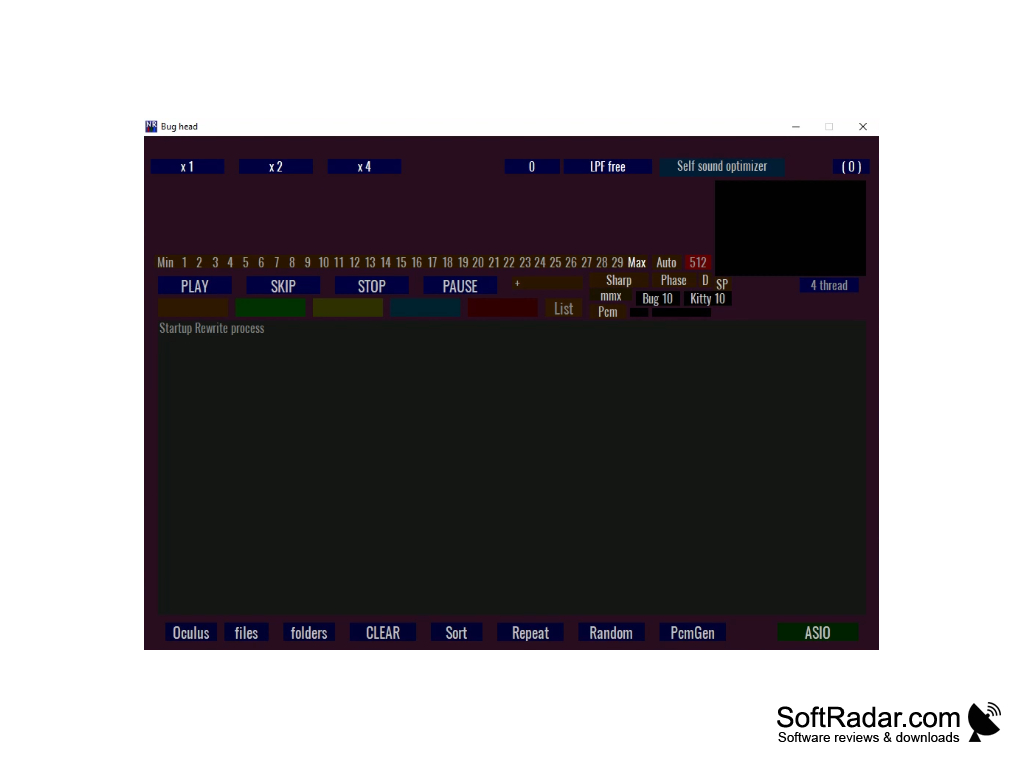
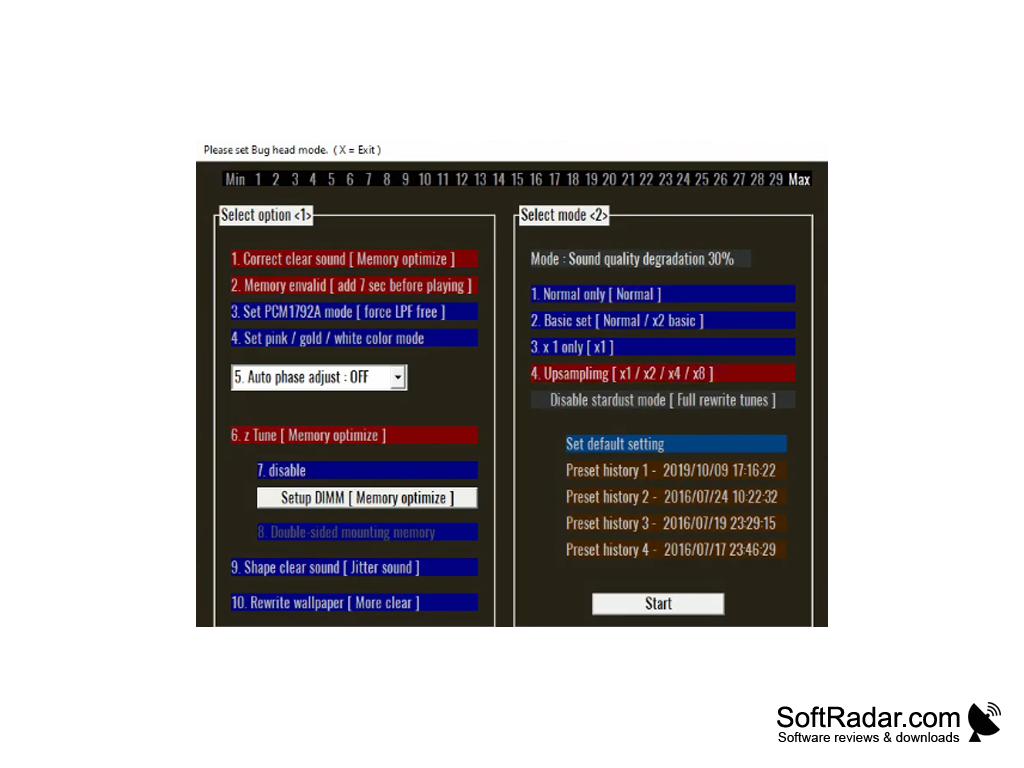
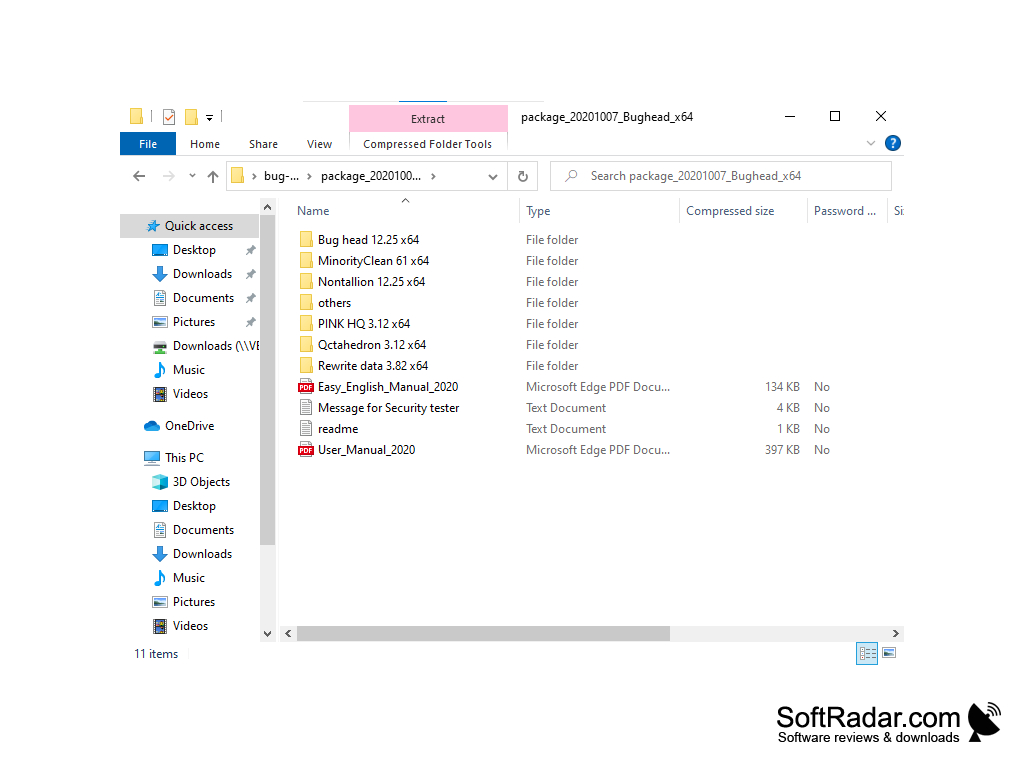
Bug head Emperor is a music player that stands out from the crowd of similar programs for Windows. The main advantage of the player is its sound quality, which the author achieves with his "Bug head" technology, which uses complex algorithms of preprocessing the sound file in memory before playback. This is a true "audiophile" player, designed for connoisseurs of quality sound. In the program archive you will find several players: Bug head, Nontallion, PINK HQ and Qctahedron, plus the MinorityClean and Rewrite data tools. Please note that the high quality modes are very heavy on the computer and require fast hardware. In return, the author promises even better sound quality.
We cannot recommend Bug head Emperor to all Windows users. The player has a very controversial graphic design and extremely inconvenient navigation. Besides, before listening to a song here it is necessary to wait, while it will be "processed" by Bug head algorithms. If you are used to using modern players like AIMP or jetAudio, you will not feel comfortable working with this program.
But Bug head Emperor does not require installation on your computer, allows you to work with playlists, offers a huge list of advanced sound settings and works with the command line. It sends sound through ASIO or WASAPI exclusive output and plays WAV, FLAC, MP3, DSD and other formats. The author's website is no longer online, so the program is not updated any more.
The main benefit of using Bug head Emperor software is its exceptional sound quality attained through advanced "Bug head" technology.
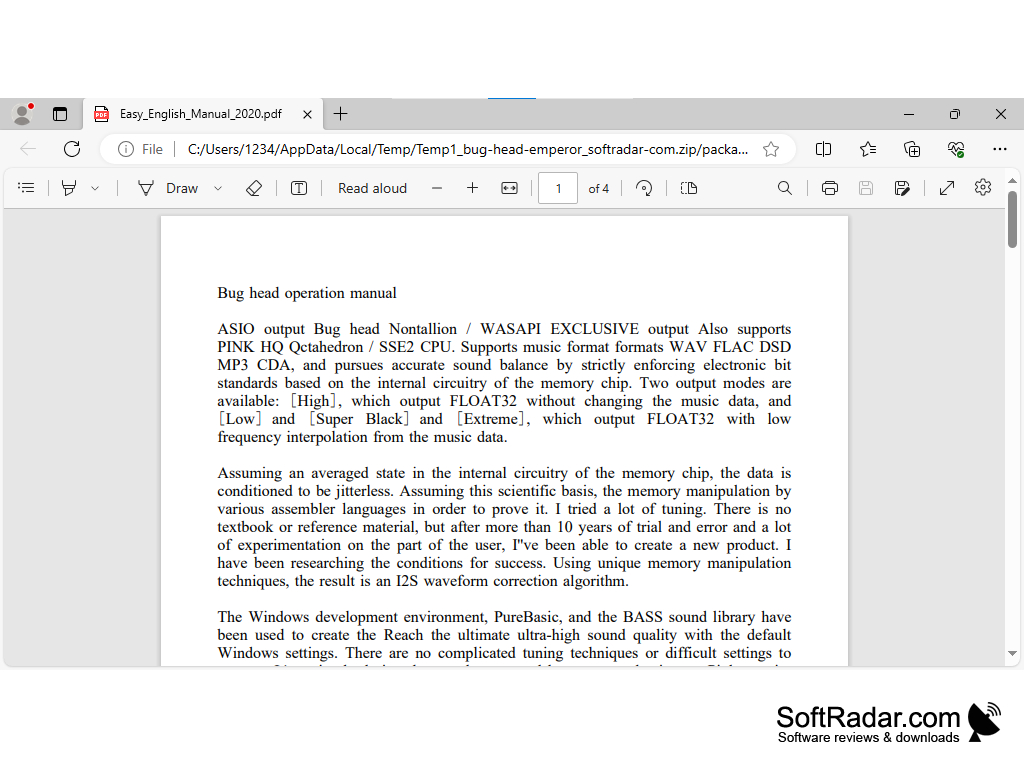

CPU with SSE2 support
Sound device with ASIO or WASAPI output
PROS
Advanced settings enable customization.
Runs without installation from its folder.
CONS
Songs must be preprocessed before playback starts.
The author's website is offline, so updates stopped.


