
BurnInTest Professional
BurnInTest Professional checks Windows PC components under sustained load for technicians and system builders investigating faults or evaluating hardware changes.
Operating system: Windows
Publisher: PassMark Software
Release: BurnInTest Professional 11.1
Antivirus check: VirusTotal report
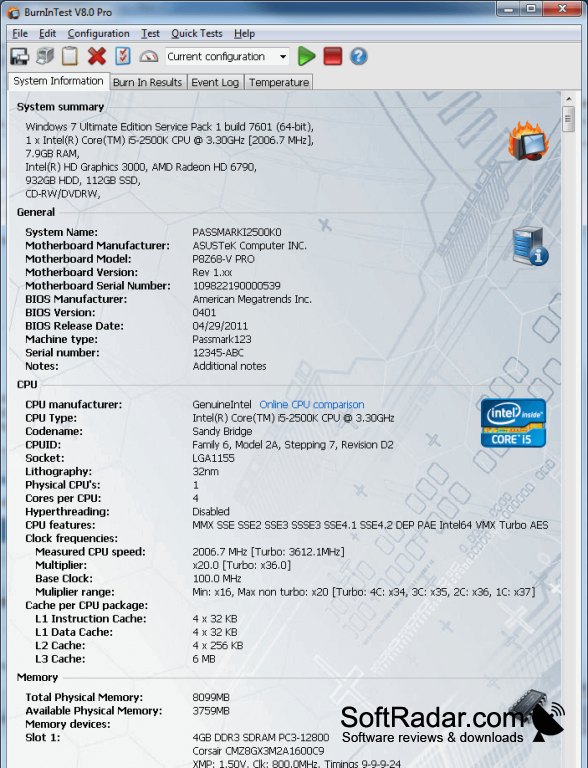
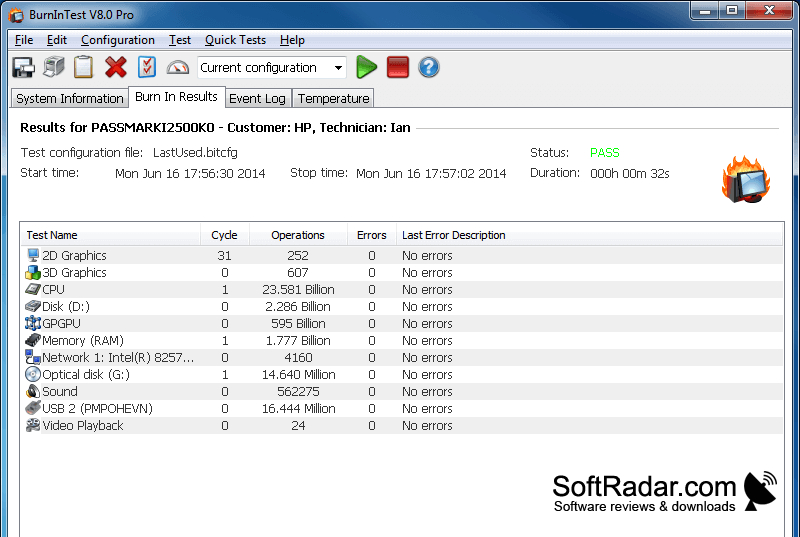
BurnInTest Professional is a Windows hardware testing program for technicians, system builders, and people checking a PC after a component change. It runs demanding checks across multiple parts at once, helping users investigate sporadic faults or assess how a machine behaves under prolonged load. It also suits checks following hardware upgrades or adjustments to processor and graphics settings.
Concurrent hardware checks help identify components that report errors during extended testing.
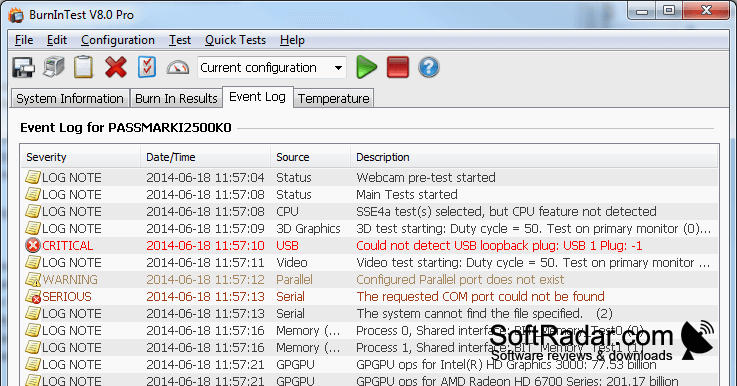
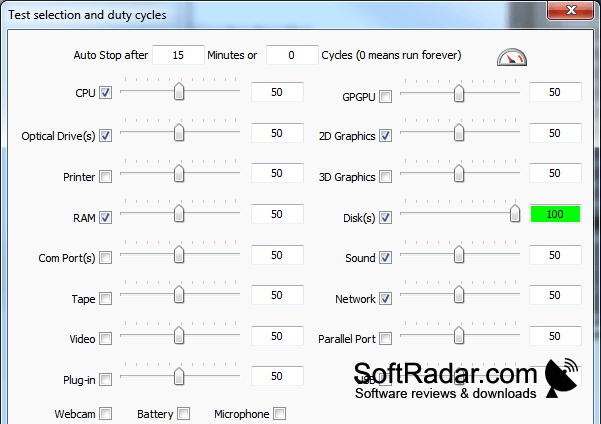
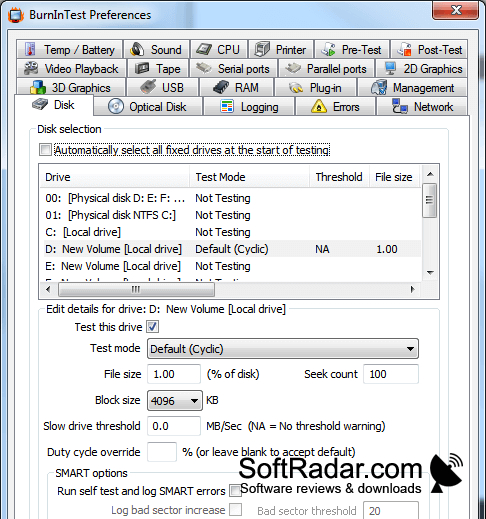
Users can select checks for the processor, memory, storage, graphics, audio, network connections, and printers, with further options for cameras, microphones, batteries, and ports. The program records activity counts and detected errors, then presents an overall result. It can chart temperatures for the processor, graphics chip, and drives, apply temperature limits, and include detected hardware details in reports. Custom tests can be added for other devices.
Features:
- Run processor, memory, and storage checks together
- Check graphics, audio, network ports, and printers
- Test webcams, microphones, batteries, and USB ports
- Log test activity, events, and errors
- Graph processor, graphics, and drive temperatures
- Add custom tests for other hardware
PROS
Configurable test duration helps expose intermittent faults.
Detailed logs help technicians review test failures.
CONS
Stress tests can make the PC unresponsive.