
Convert Powerpoint to EXE 4dots
by 4dots Software
4dots Software's Convert Powerpoint to EXE allows you to quickly and easily convert PowerPoint presentations into executable files (.exe) for greater security and portability.
Operating system: Windows
Publisher: 4dots Software
Release : Convert Powerpoint to EXE 4dots 3.7
Antivirus check: passed
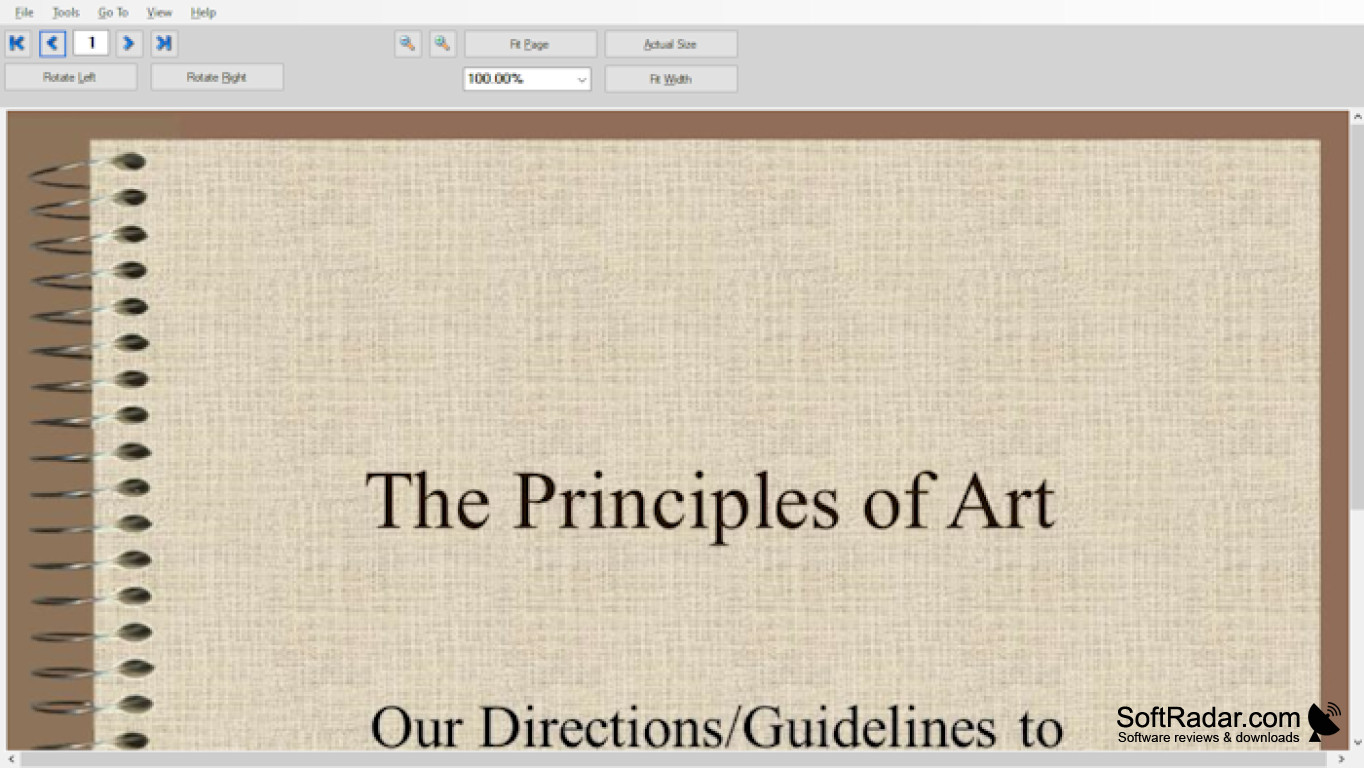
Convert Powerpoint to EXE 4dots Software
Convert Powerpoint to EXE 4dots Software is the perfect solution for easily converting your Powerpoint presentations into EXE files that can be distributed and run on any Windows computer. With this software, you can easily create self-running presentations that won’t require Microsoft Powerpoint to be installed on the computer, or even a full version of Windows!
Convert Powerpoint to EXE 4dots Software provides an array of features to make your presentations look and feel professional:
-Easily convert Powerpoint presentations to EXE files
-Full compatibility with all versions of Microsoft Powerpoint
-Create self-running presentations
-Set a custom logo and icon for your presentation
-Set custom splash screen
-Password protect your presentation
-Set an expiry date for your presentation
-Add an About dialog box with custom text
-Include a user agreement
-Set an audio file to be played in the background
-Customize the window size, color and font size
-Export your presentation to a single EXE file
Convert Powerpoint to EXE 4dots Software is the perfect solution for easily and quickly converting your Powerpoint presentations into EXE files that can be distributed and run on any Windows computers. With a wide variety of features and an intuitive user interface, you can easily create professional-looking self-running presentations with minimal effort.
Convert Powerpoint to EXE 4dots Software is the perfect solution for easily converting your Powerpoint presentations into EXE files that can be distributed and run on any Windows computer. With this software, you can easily create self-running presentations that won’t require Microsoft Powerpoint to be installed on the computer, or even a full version of Windows!
Convert Powerpoint to EXE with 4dots software to easily create standalone, executable presentations without the need for additional programs.Features:
Convert Powerpoint to EXE 4dots Software provides an array of features to make your presentations look and feel professional:
-Easily convert Powerpoint presentations to EXE files
-Full compatibility with all versions of Microsoft Powerpoint
-Create self-running presentations
-Set a custom logo and icon for your presentation
-Set custom splash screen
-Password protect your presentation
-Set an expiry date for your presentation
-Add an About dialog box with custom text
-Include a user agreement
-Set an audio file to be played in the background
-Customize the window size, color and font size
-Export your presentation to a single EXE file
Convert Powerpoint to EXE 4dots Software is the perfect solution for easily and quickly converting your Powerpoint presentations into EXE files that can be distributed and run on any Windows computers. With a wide variety of features and an intuitive user interface, you can easily create professional-looking self-running presentations with minimal effort.
The Convert Powerpoint to EXE 4dots software requires the following minimum system requirements:
Operating System:
Windows 10, Windows 8.1, Windows 8, Windows 7, Windows Vista, Windows XP
Processor:
Intel or AMD processor, 1GHz or higher
Memory:
512 MB RAM
Hard Disk:
50 MB of free disk space
Display:
1024x768 or higher screen resolution
CD-ROM:
CD-ROM or DVD-ROM drive is not necessary
Internet:
Internet connection is not necessary
Operating System:
Windows 10, Windows 8.1, Windows 8, Windows 7, Windows Vista, Windows XP
Processor:
Intel or AMD processor, 1GHz or higher
Memory:
512 MB RAM
Hard Disk:
50 MB of free disk space
Display:
1024x768 or higher screen resolution
CD-ROM:
CD-ROM or DVD-ROM drive is not necessary
Internet:
Internet connection is not necessary
PROS
Allows conversion of PowerPoint files into executable files quickly.
Offers digital signatures for increased file security.
Provides password protection option for sensitive presentations.
Offers digital signatures for increased file security.
Provides password protection option for sensitive presentations.
CONS
Limited editing features once the file is converted to EXE.
Does not support converting Powerpoint files with macros.
Complex user interface, not beginner-friendly.
Does not support converting Powerpoint files with macros.
Complex user interface, not beginner-friendly.