
Custom Resolution Utility - CRU 1.5.3
by ToastyX
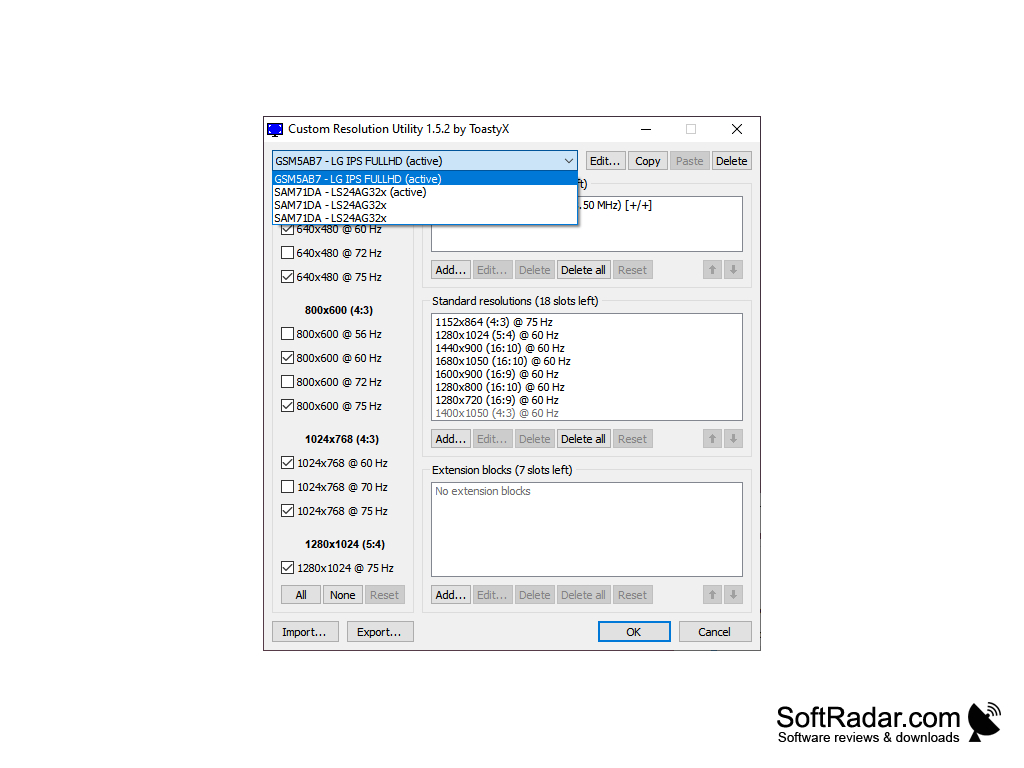
CRU is a free software utility for customizing display resolutions and refresh rates in Windows.
Home users and display enthusiasts can use Custom Resolution Utility (CRU) 1.5.3 to edit Windows monitor EDID overrides and add custom resolutions, refresh rates, and display modes. It supports detailed timing control and variable-refresh-rate ranges, helping users tune monitors that do not expose these options through their standard driver settings.
Operating system: Windows
Publisher: ToastyX
Version: 1.5.3 (checksum)
Antivirus check: VirusTotal report

Custom Resolution Utility CRU 1.5.3
(0.52 MB)