
Epubor Kindle Transfer
Epubor Kindle Transfer helps readers move Kindle and Kobo books between supported e-readers and a Windows computer, with options for keeping copies and changing formats.
Operating system: Windows
Publisher: Epubor Team
Release: Epubor Kindle Transfer 1.0.2.284
Antivirus check: VirusTotal report
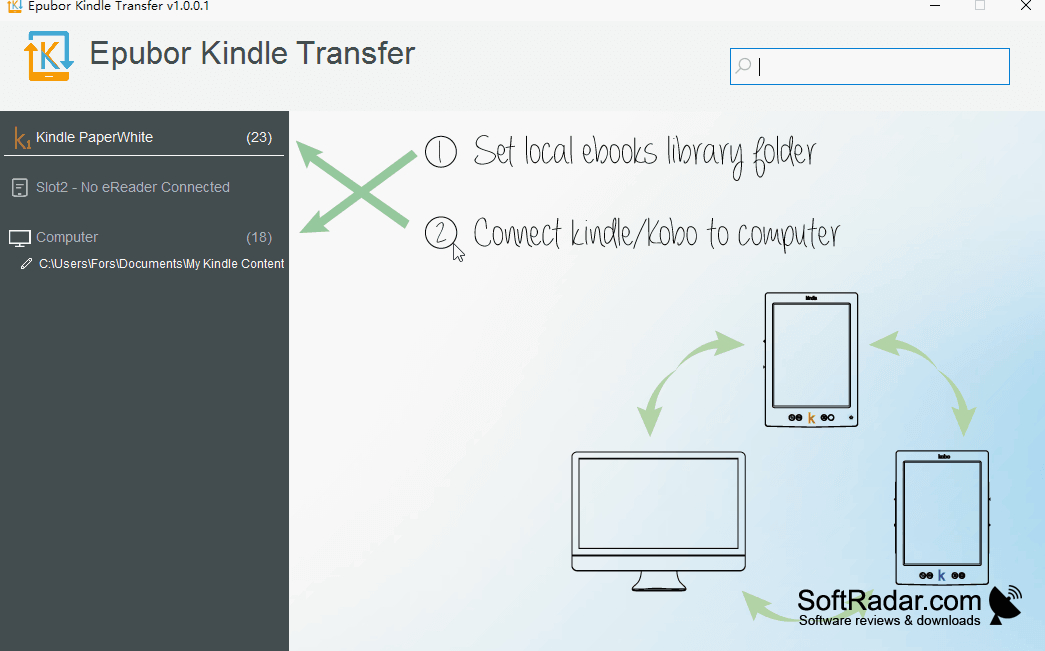
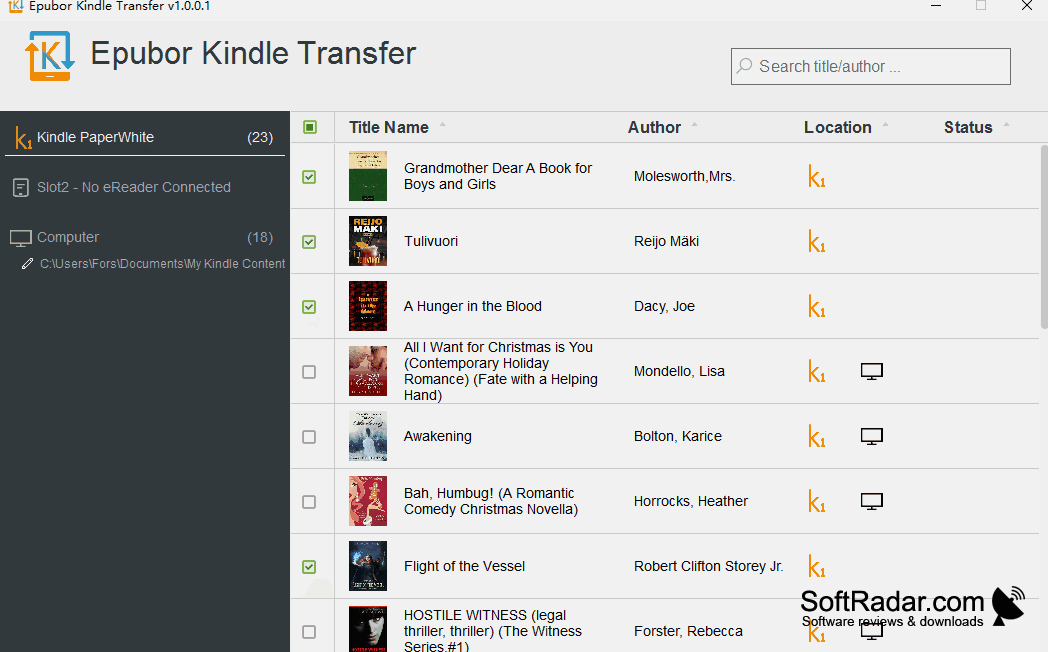
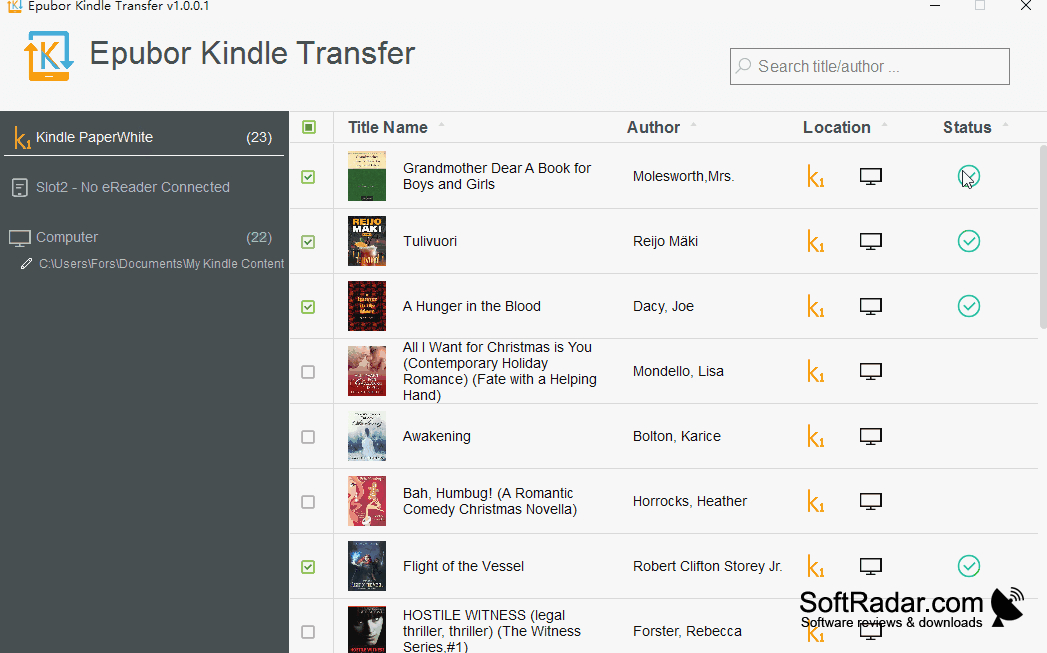
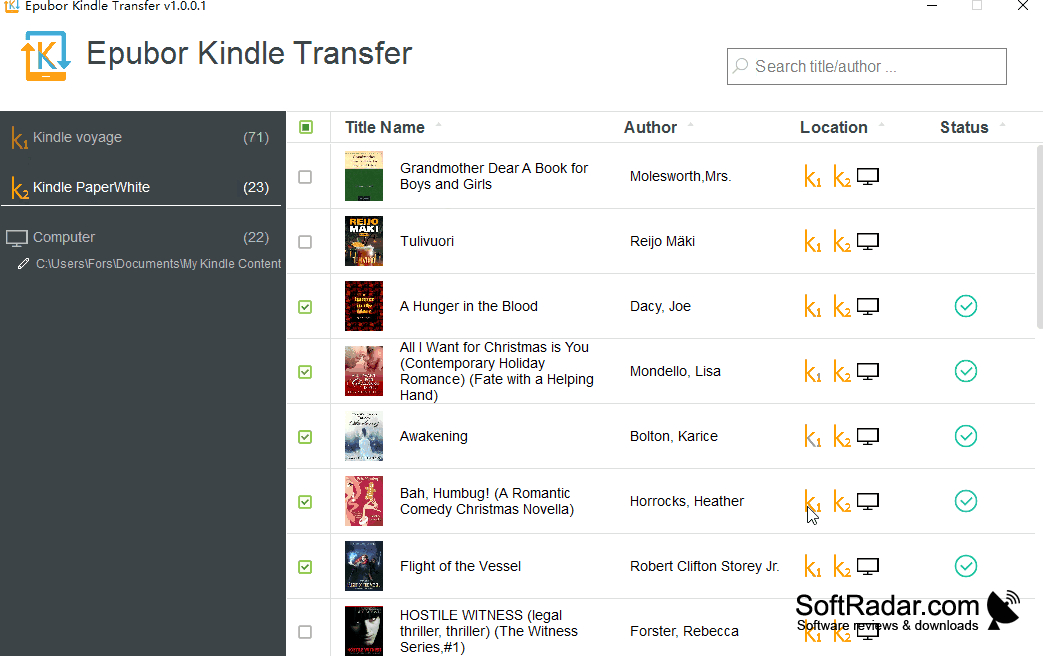
Epubor Kindle Transfer is a Windows program for moving ebook collections between Kindle and Kobo readers or storing copies on a computer. It suits readers who are changing devices, managing books across more than one reader, or adding files from a computer when wireless syncing is unavailable. Books can be moved between compatible readers or copied into a chosen folder.
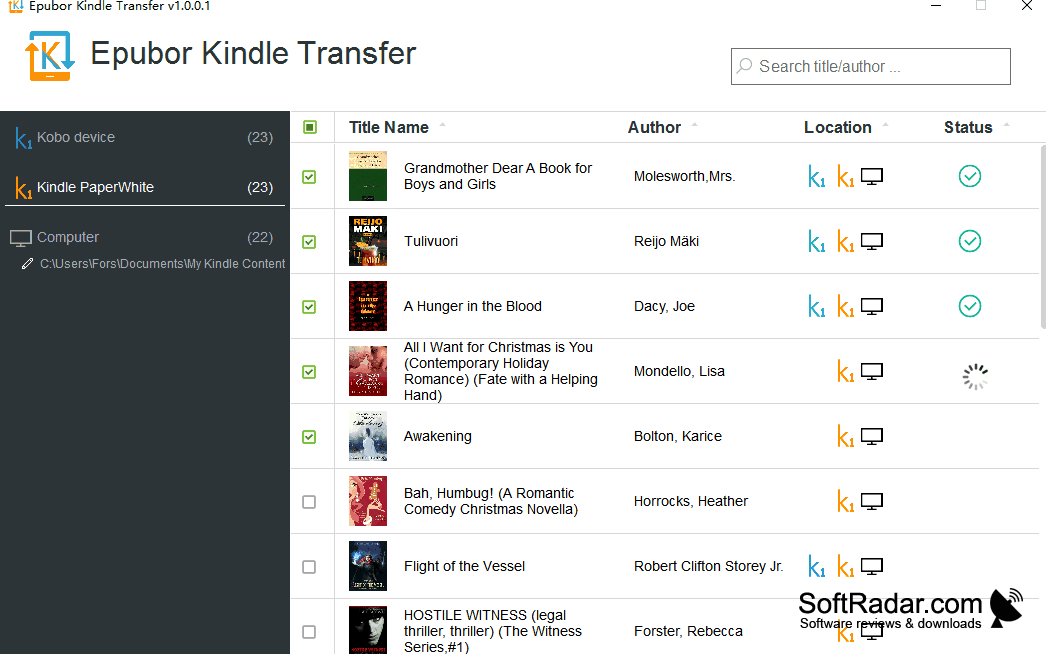
Move several ebooks at once while the program adjusts their formats for the destination reader.
To begin, select a connected reader or a folder as the source, then choose a destination reader or folder. The program can move several books in one operation and changes file formats when the destination requires it. It accepts books from supported Kindle and Kobo devices as well as their desktop reading apps, and can keep computer copies for later transfer.
Features:
- Move books between compatible Kindle readers
- Send Kobo books to Kindle readers
- Copy ebook collections to a computer folder
- Import books from desktop reading apps
- Convert files for the destination reader
- Transfer multiple ebooks in one operation
PROS
Backs up books from supported readers to Windows.
CONS