


File Shredder
Free desktop application for shredding
Operating system: Windows
Publisher: Gregory Braun
Release : File Shredder 4.1
Antivirus check: passed
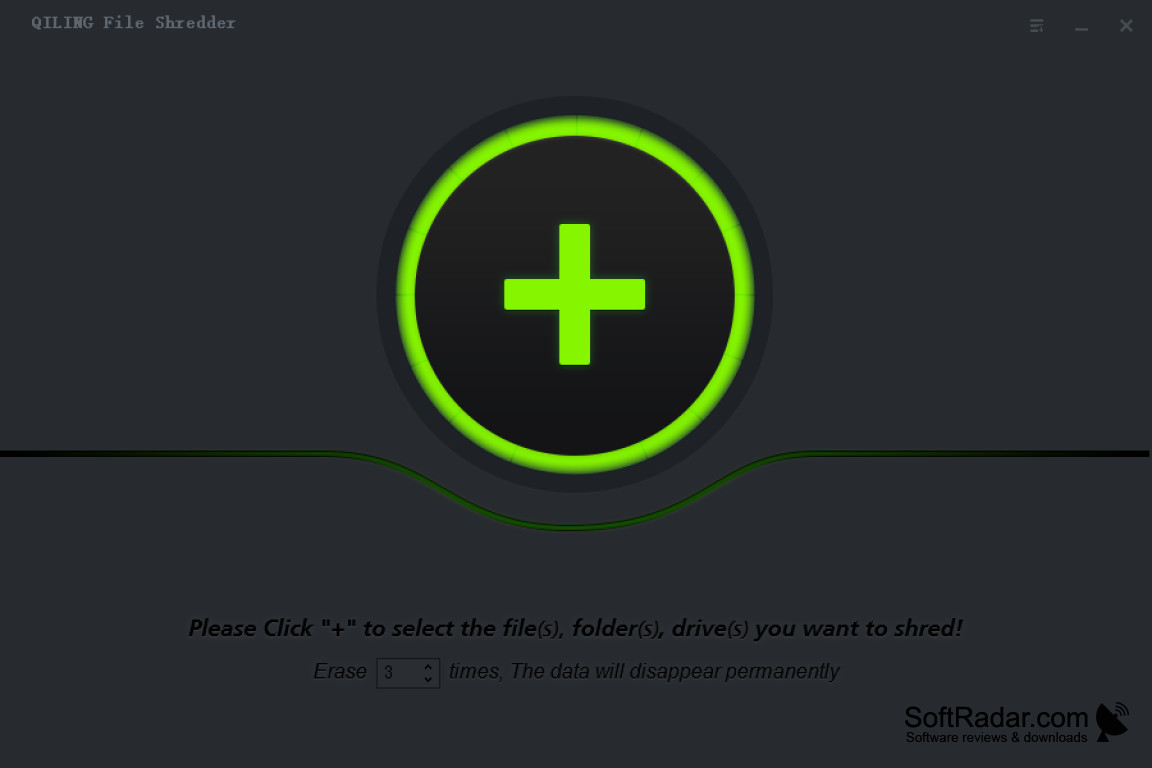
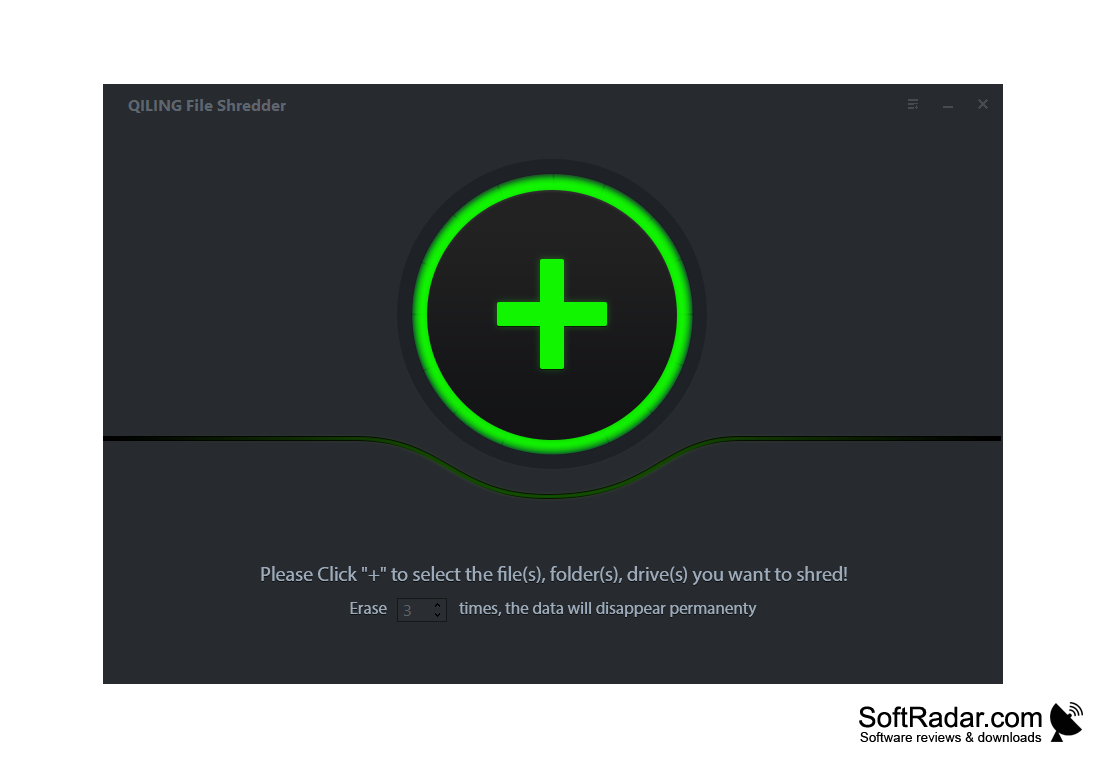
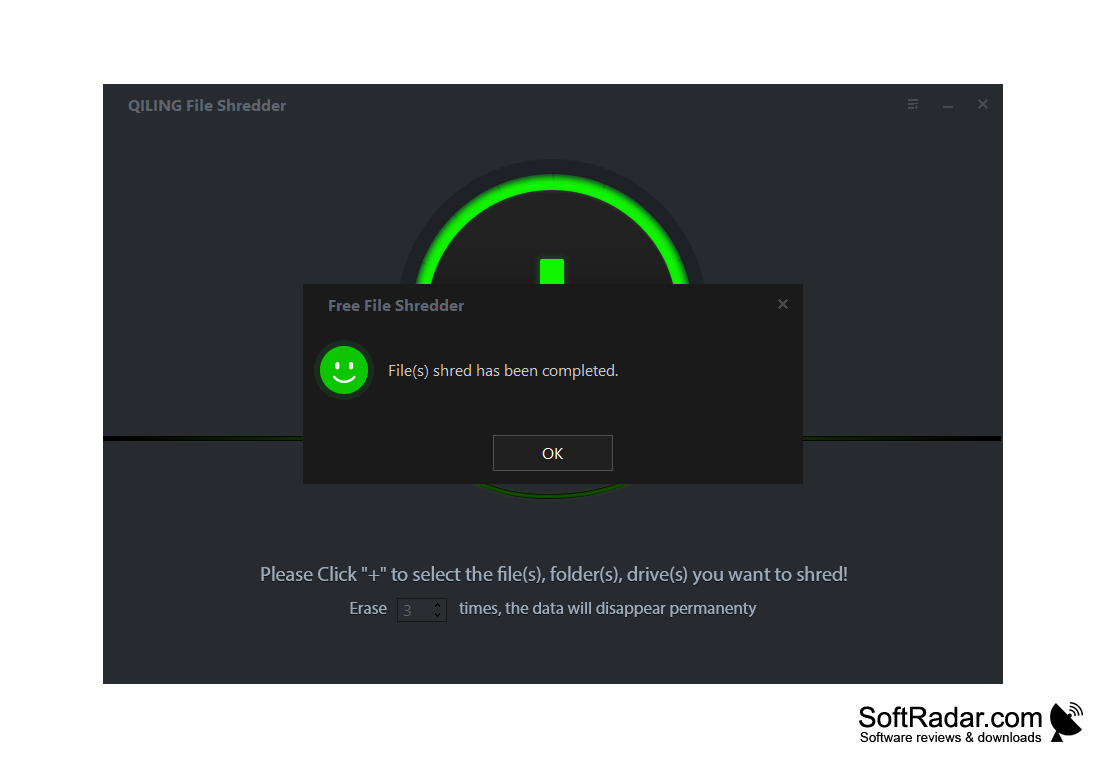
File Shredder is a utility that allows you to permanently delete any information from your hard drive. It will not be possible to restore it even with the help of special software. Among its analogues, this application has small requirements for system resources and ease of use. You can launch the utility by using the context menu, which can be called by right-clicking on any file or folder.
The principle of deletion is simple - the program first overwrites the file and then writes random sequences of zeros and units over the memory cells in which it was located. You can set the number of such records yourself. The more times the random sequences are written over the released cells, the more likely it is that the deleted files will not be recovered. In general, decide what is more important to you - the rate of rubbing or its reliability.
The main benefit of using File Shredder is its ability to permanently delete files, making them irretrievable, ensuring your data privacy.
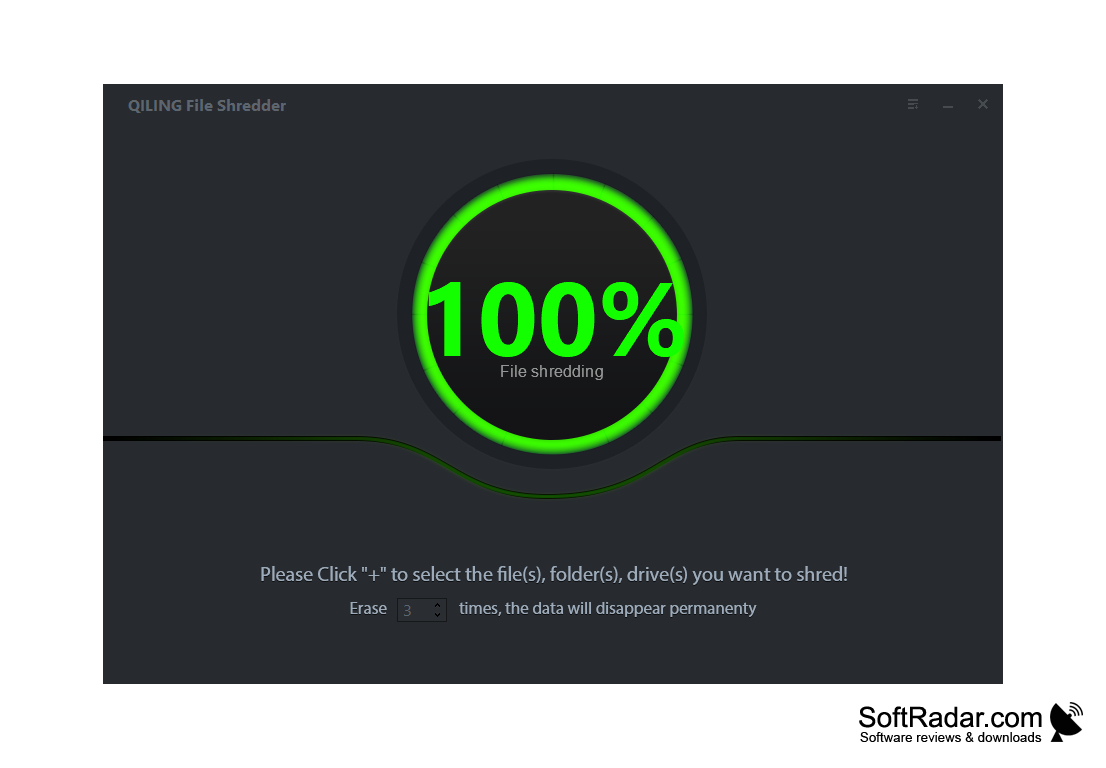
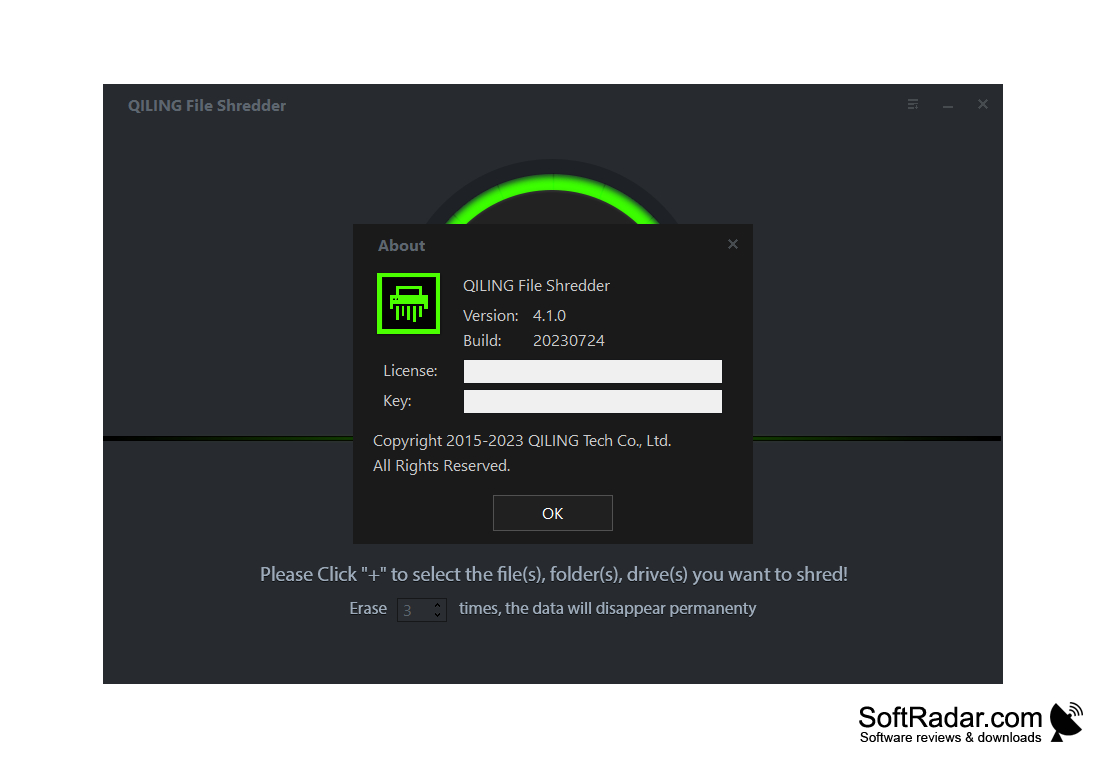
- the function of fast and thorough erasure of information;
- selecting one of the five levels of data removal reliability;
- Automatic integration of the utility into Windows Explorer;
- support for deleting by simply dragging and dropping files and folders into the program window;
- Automatically check for updates at startup;
- clearing the system of unnecessary information;
- simple and intuitive user interface.
PROS
User-friendly interface with multiple shredding algorithms.
Ensures recovery software can't restore deleted files.
CONS
Might be difficult to use for non-tech savvy individuals.
Deleted data cannot be restored, causing potential loss.


