
FTPGetter Professional
FTPGetter Professional automates FTP, FTPS and SFTP uploads, downloads and folder synchronisation on a schedule and can run as a Windows service.
Operating system: Windows
Publisher: FTPGetter Team
Release: FTPGetter Professional 5.97.0.275
Antivirus check: VirusTotal report
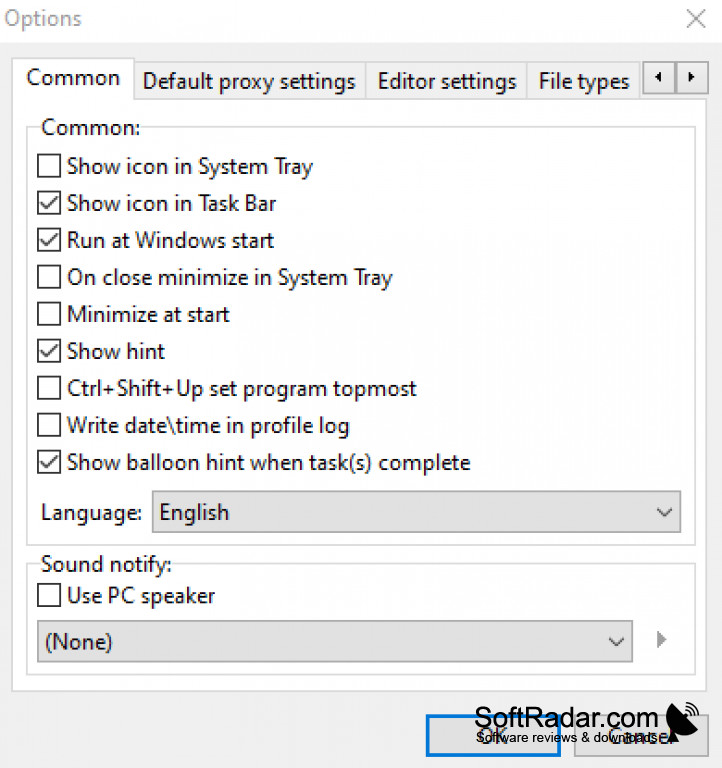
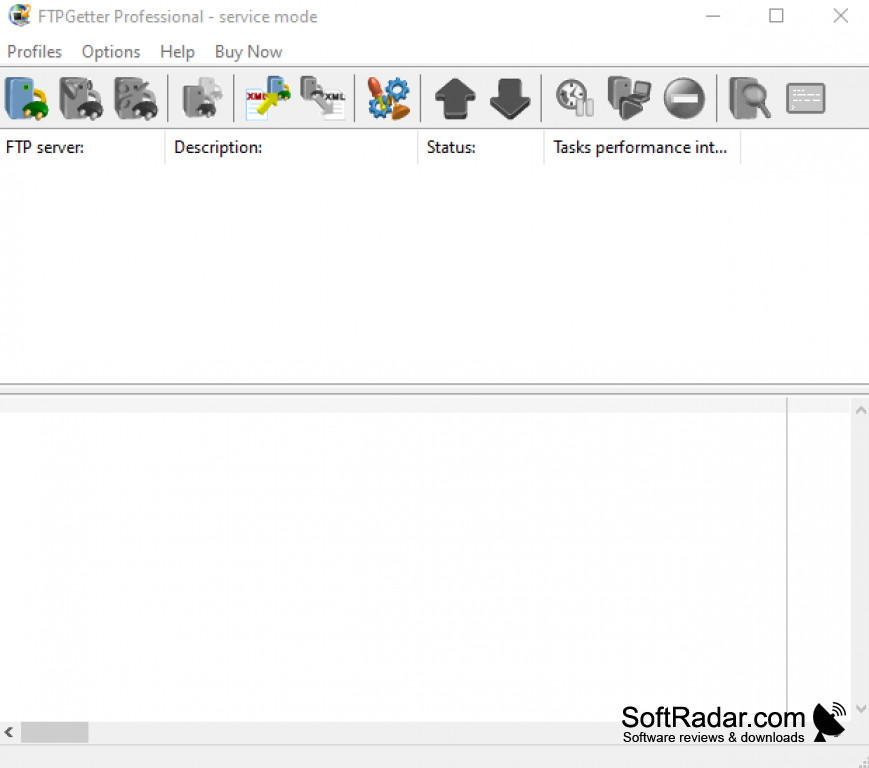
FTPGetter Professional is a file transfer automation tool for Windows. Instead of copying files by hand, users create tasks that upload, download or synchronise files with servers over FTP, secure FTPS and SFTP, and a cron-style scheduler runs them at the chosen times. This suits regular backups, website updates and data exchange with partners.
Moves files to and from servers automatically on a schedule, without manual work.
File masks select which files are transferred, only new or changed files can be synchronised, and commands can run before and after each transfer. Transfers use several threads and can go through FTP, SOCKS or HTTP proxies. A built-in SSH terminal and shell scripting cover more advanced jobs, and the program can run as a Windows service without a user logged in.
Features:
- Scheduled FTP, FTPS and SFTP tasks
- Synchronisation of new and changed files
- File masks and batch jobs
- Commands before and after transfers
- Built-in SSH terminal
- Runs as a Windows service
Windows Server editions supported
PROS
Supports FTP, FTPS and SFTP.
Runs as a Windows service.
CONS
The interface is aimed at technical users.