
Huawei HiSuite
Expands user functionality on Android/Windows smartphones through download management, data backup, and system updating
Operating system: Windows
Publisher: Huawei Device
Release : Huawei HiSuite 8.0.1
Antivirus check: VirusTotal report
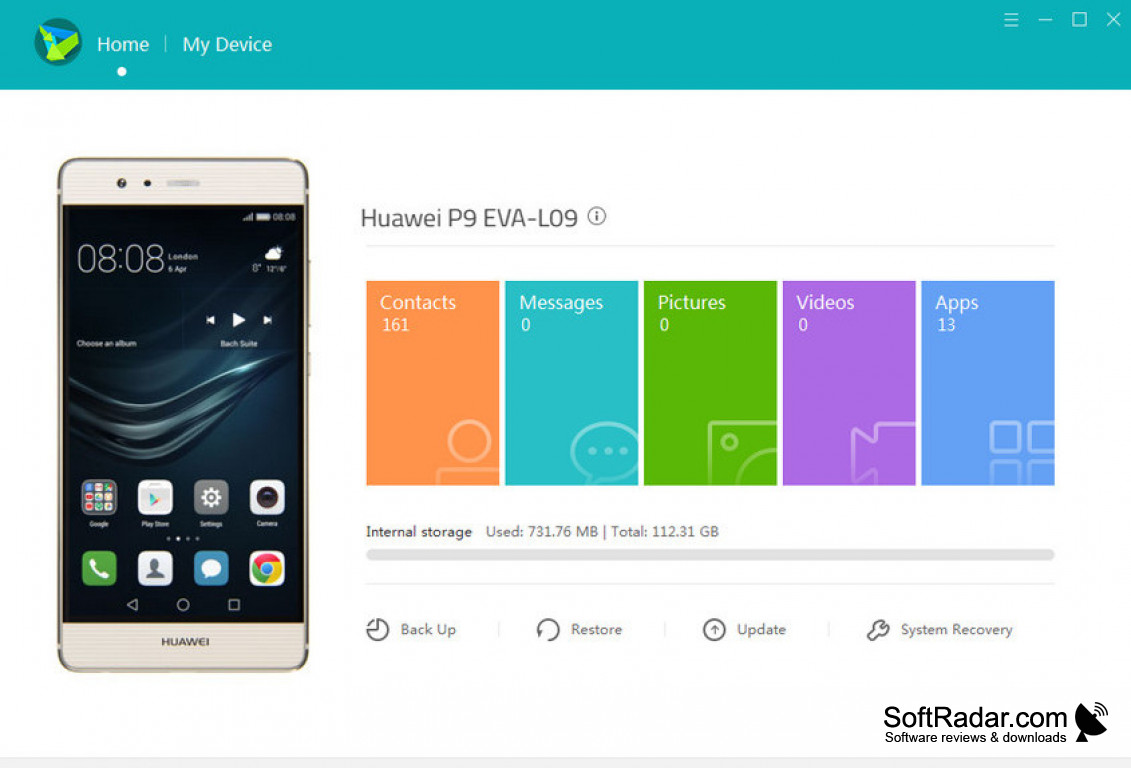
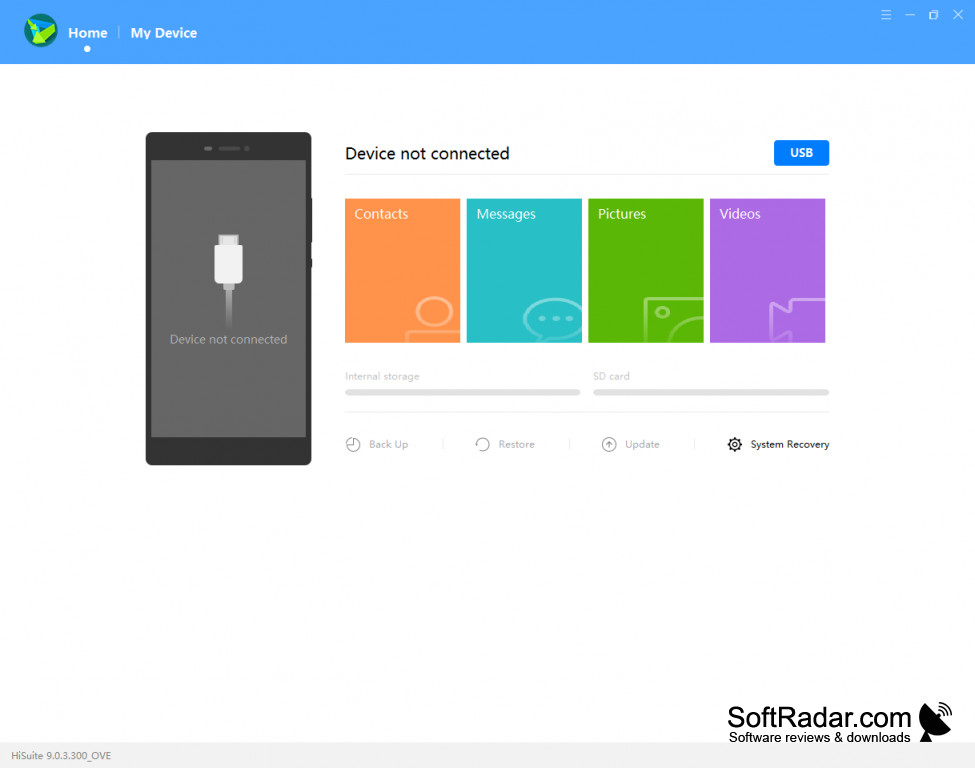
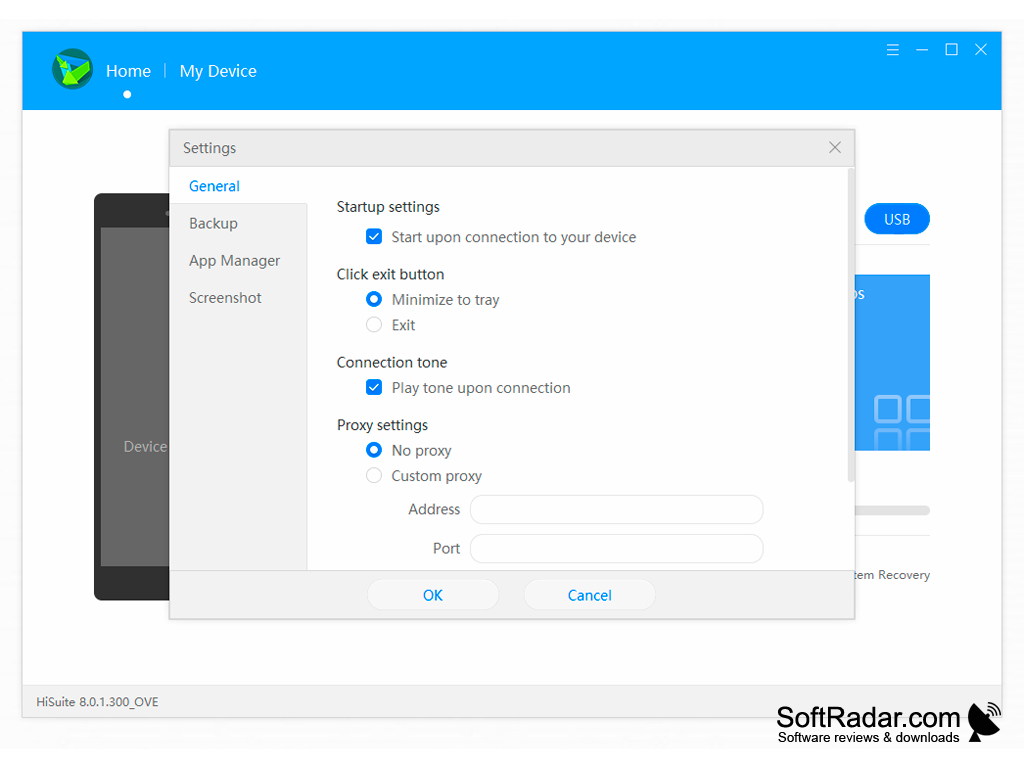
Huawei's free HiSuite software package is a revolutionary way to expand the functionality of any Android/Windows smartphone. HiSuite enables you to increase functionality on your phone itself, but also to expand the management of messages, photos, and other phone data wirelessly on your home computer or laptop as well. This software suite enhances management of everything from contacts, photos, and videos to software updates, application management, and phone data backups on both your phone and your laptop.
Features:
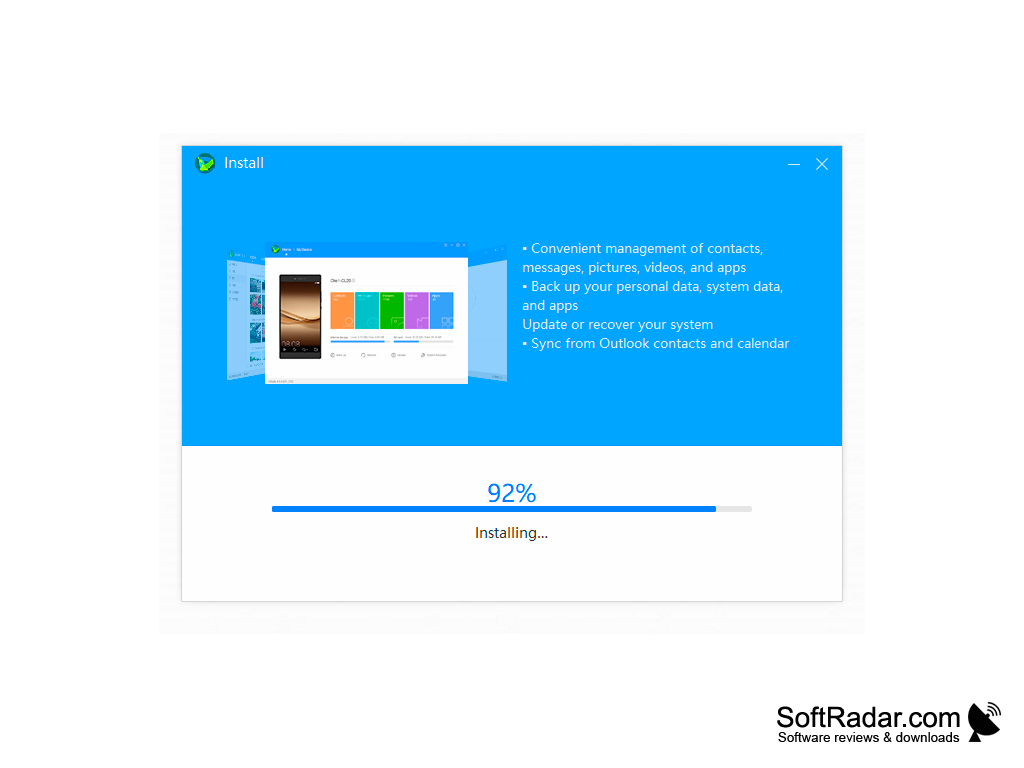
- Message Functionality: With HiSuite, your laptop and phone access the same messages and can send communications all from a single phone number. View, reply to, and delete phone messages from your computer or phone, send group texts from both devices, and export those messages from your phone to your computer to preserve those great memes or cherished conversations with loved ones.
- Photo and Video Management: Offers multiple browsing modes for both photo and video, import/export to laptops wirelessly, wallpaper configuration, and the ability to take screenshots of the phone screen from your laptop computer.
- Data Back-up: Wirelessly and easily back up phone data to your laptop or desktop and restore from that backup when needed, which supports better backup practices and reduces the likelihood you'll lose large amounts of data in the case of a phone failure!
- Application and Contact Management: Ability to view, edit, and modify applications and contact info from your laptop while syncing the changes to your device. Import/export your contacts to your laptop for safe-keeping and quick updating and update your applications with one click on your computer.
- Software Updates: HiSuite gives you the ability to download and manage phone updates from your computer. Additionally, HiSuite is committed to prompt and valuable updates to respond to users' feedback.
This software is the prime choice because in addition to added software features on the phone itself, users can also manage the same data from their computers, granting access to all the photos, texts, and data that would otherwise be difficult to access
This software suite is a win for users across the spectrum of Android/Windows users. Whether you don't back up your phone as frequently as you need to, forget your phone at home, or jump between a laptop and computer every five seconds, Huawei's HiSuite software package is sure to enhance your device experience.
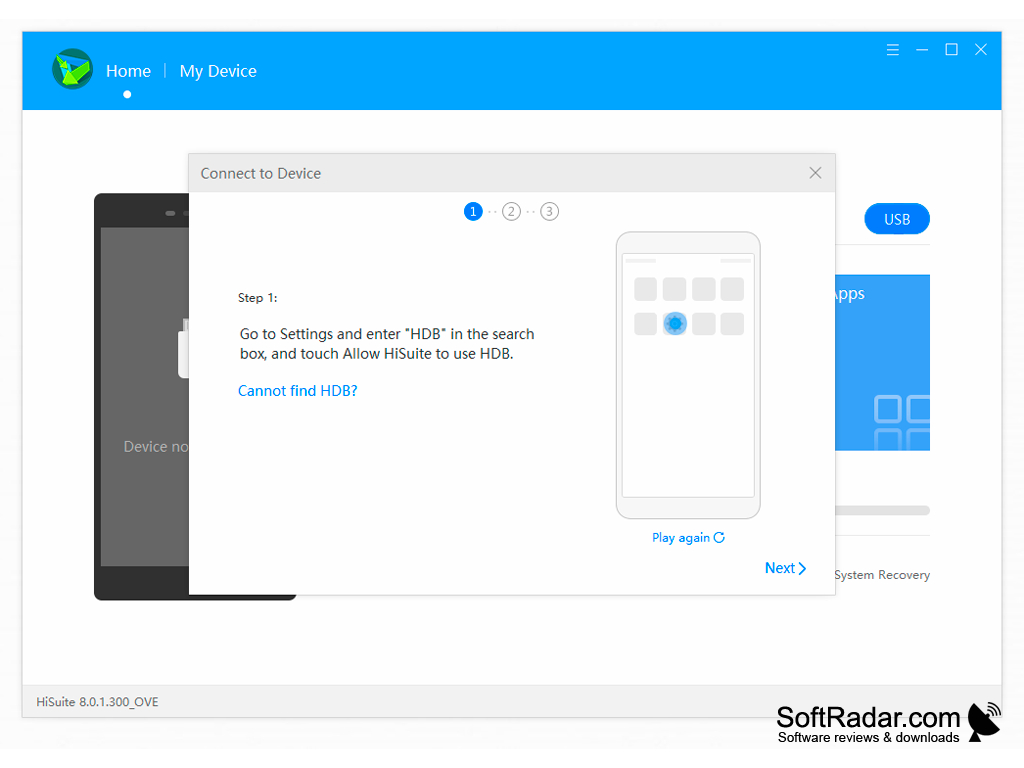
Download Requirements:
- 1 MB available disk space and 1 GB available RAM to download
- Operating System of either Windows XP, Vista, 7, 8, or 10 (either 32 or 64-bit versions)
- Screen resolution of 1024x768 pixels with 16 color functionality
PROS
Supports comprehensive data management.
Allows for device backup and restore functionalities.
CONS
Occasional connectivity issues with devices.
User interface can be confusing and unintuitive.


