
Huawei HiSuite
Huawei's free desktop suite for managing Huawei Android phones and tablets from a PC: contacts, messages, photos, apps, backups and system updates.
Operating system: Windows
Publisher: Huawei Device
Release: Huawei HiSuite 8.0.1
License: Free
Antivirus check: VirusTotal report
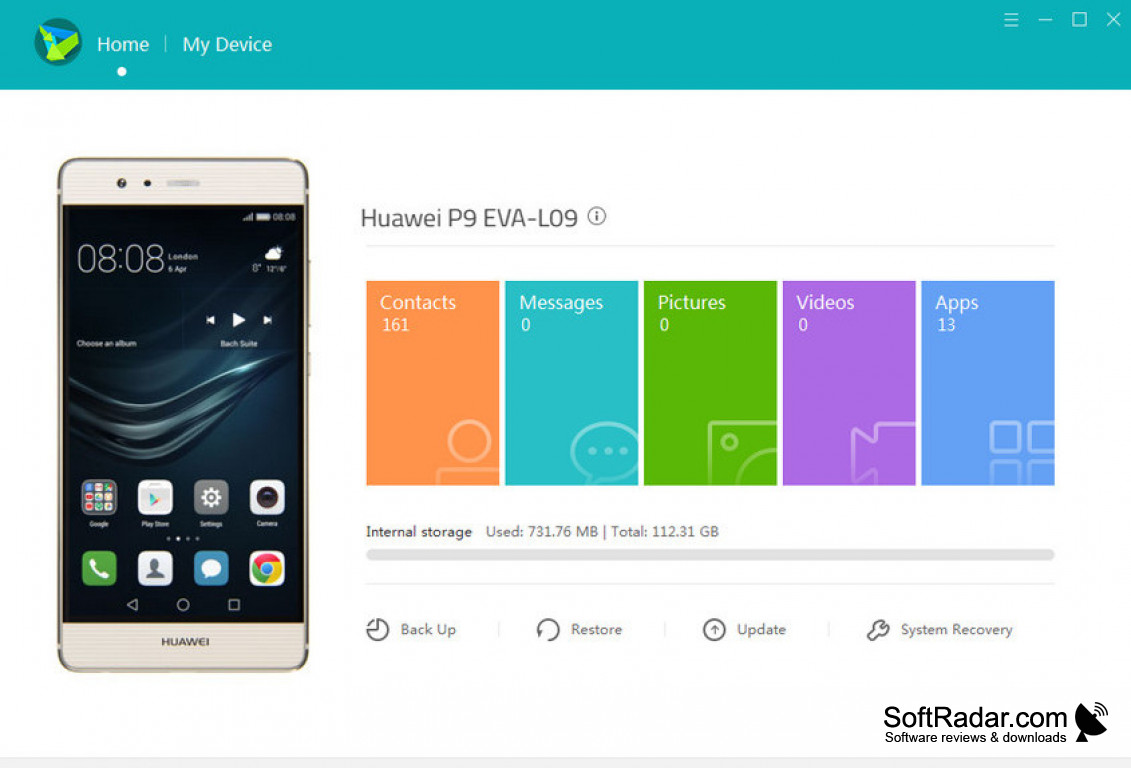
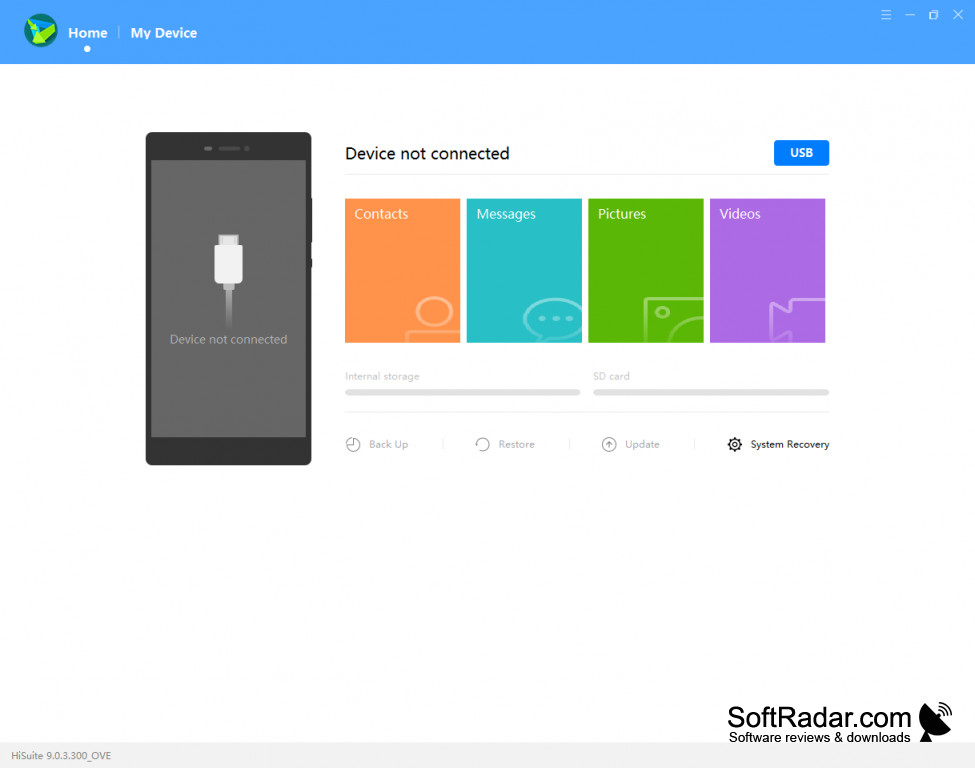
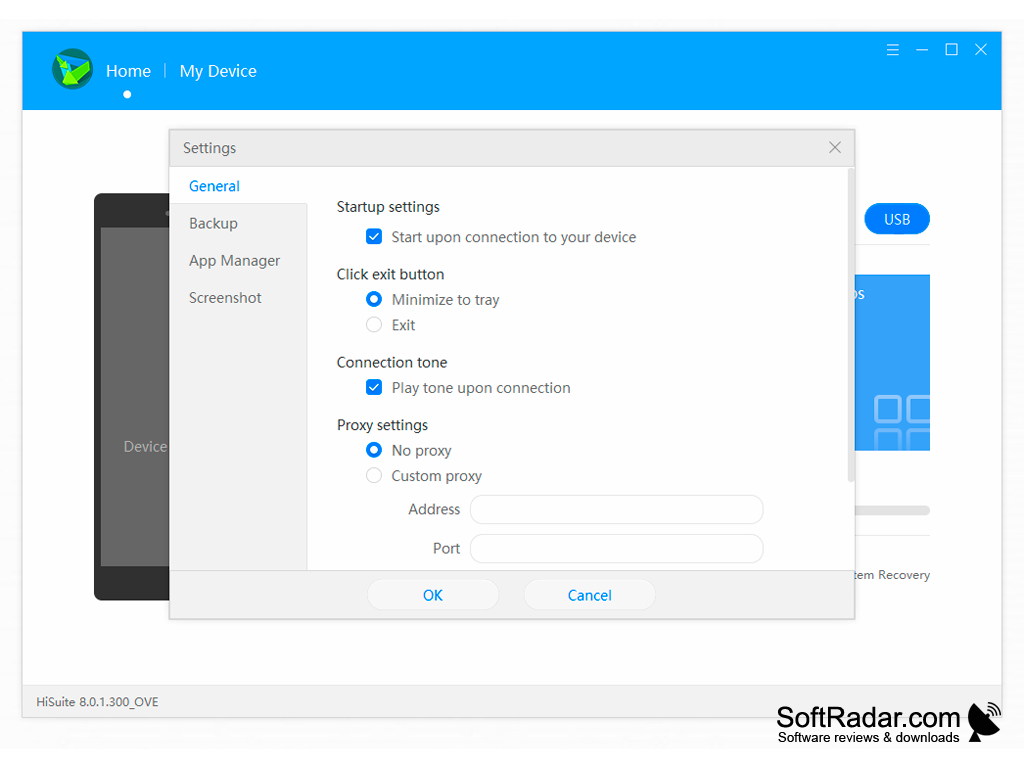
Huawei's free HiSuite software package is the official way to manage Huawei Android smartphones and tablets from a PC. HiSuite lets you control your phone from your computer, connected over USB or Wi-Fi, and manage messages, photos, and other phone data on your home computer or laptop. This software suite handles everything from contacts, photos, and videos to system updates, application management, and phone data backups.
Features:
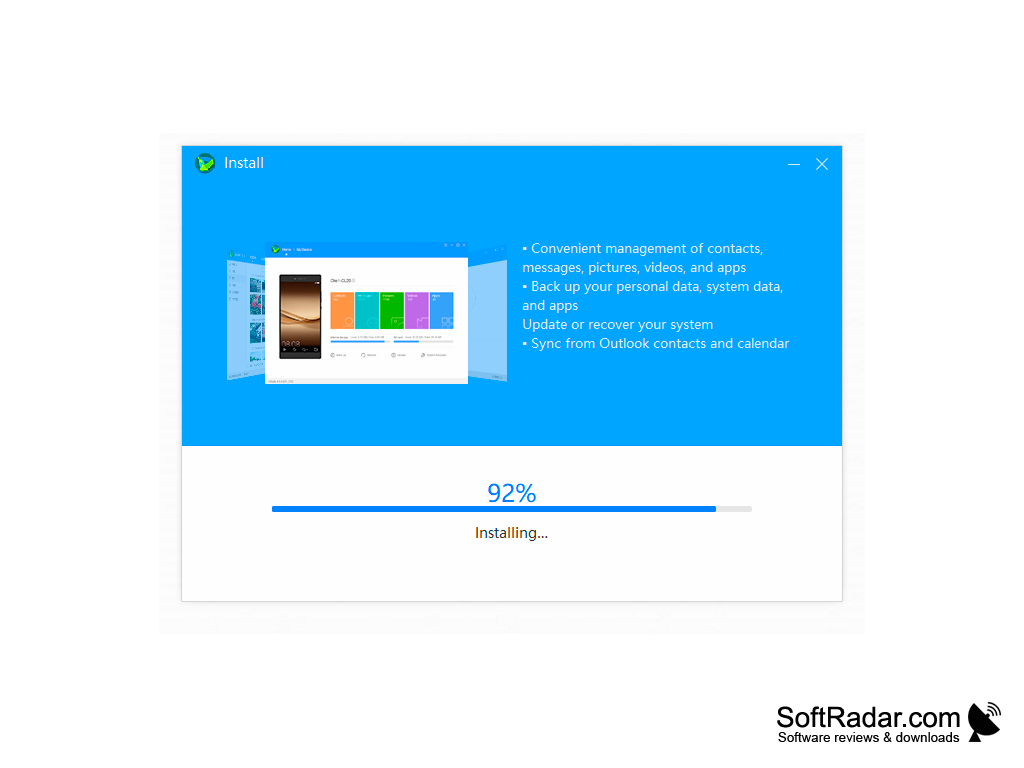
- Message Functionality: With HiSuite, you can read the messages stored on your phone on your computer and send new ones through the phone. View, reply to, and delete phone messages from your computer, send messages to several contacts at once, and export conversations from your phone to your computer to keep them.
- Photo and Video Management: Offers multiple browsing modes for photos and videos, import and export between the phone and the computer, and the ability to take screenshots of the phone screen from your computer. A file manager also gives access to the files stored on the phone.
- Data Back-up: Easily back up contacts, messages, photos, apps and other phone data to your laptop or desktop and restore from that backup when needed, which reduces the risk of losing large amounts of data in the case of a phone failure. You can choose which data types to include and protect the backup with a password.
- Application and Contact Management: Ability to view, install and uninstall applications and to edit contact info from your computer while syncing the changes to your device. Import and export your contacts, and synchronize contacts and calendar entries with Microsoft Outlook.
- Software Updates: HiSuite gives you the ability to download and install system updates for your phone from your computer. Additionally, the System Recovery function can restore the phone's system when it no longer works normally.
HiSuite lets users back up, restore and manage the data on their Huawei phone from a computer and update or recover the phone's system.
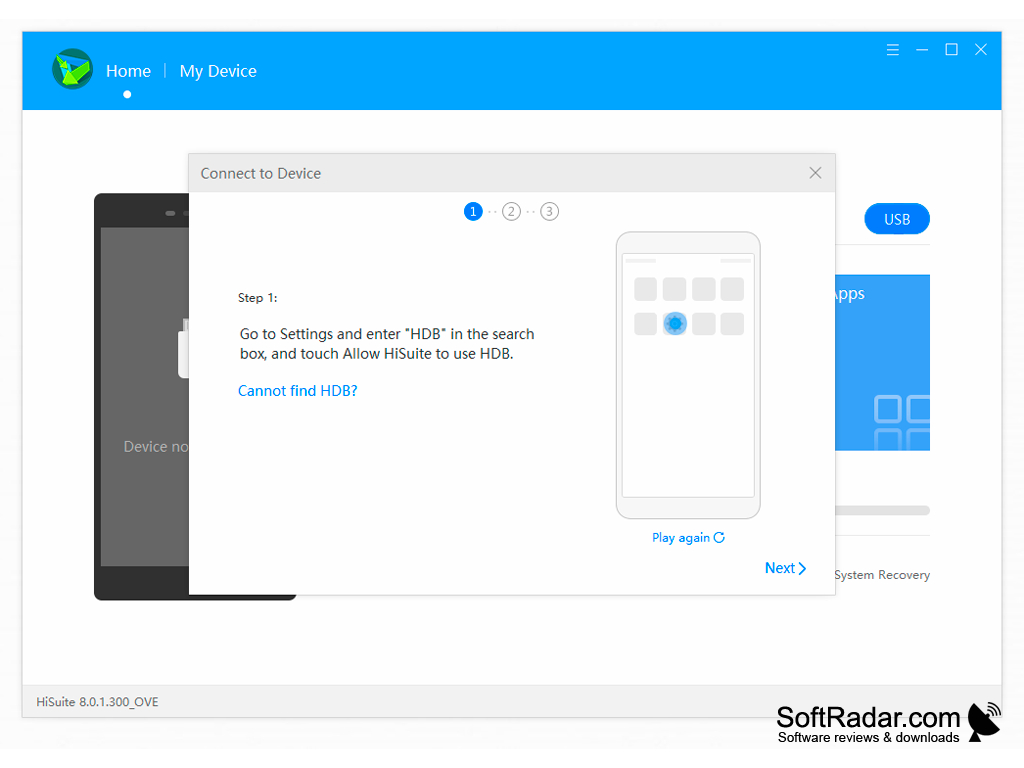
HiSuite is designed for Huawei devices, including older Honor models, and it needs the HDB option to be allowed on the phone. The Windows version runs on Windows 7, 8.1, 10 and 11, while the Mac version supports only photo, video and file management plus backup and restore. A legacy version is still offered for Windows XP and for devices running EMUI 4.1 or older.
1 GB RAM
500 MB free disk space
1024 x 768 screen resolution, 16-bit color
Huawei device with HDB allowed for HiSuite
PROS
Supports comprehensive data management.
Allows for device backup and restore functionalities.
CONS
Occasional connectivity issues with devices.
The Mac version offers fewer features.


