
ISO to USB
by isotousb.com
A free and small program which allows burning ISO files to USB drives
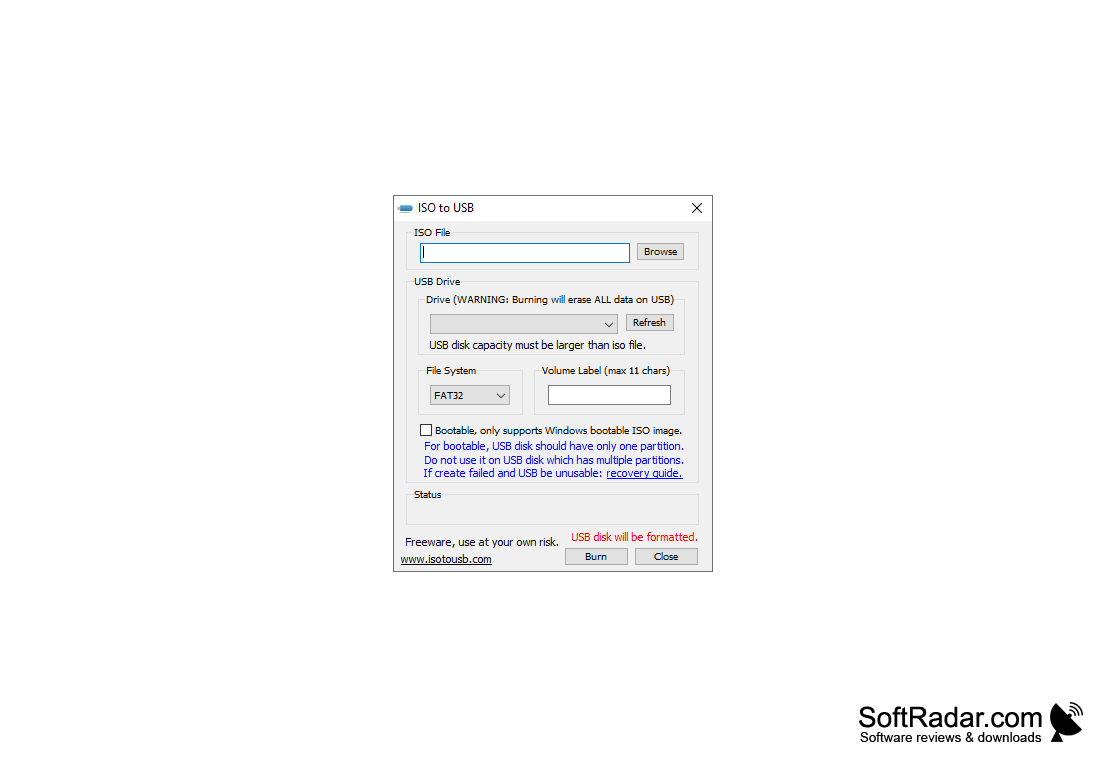
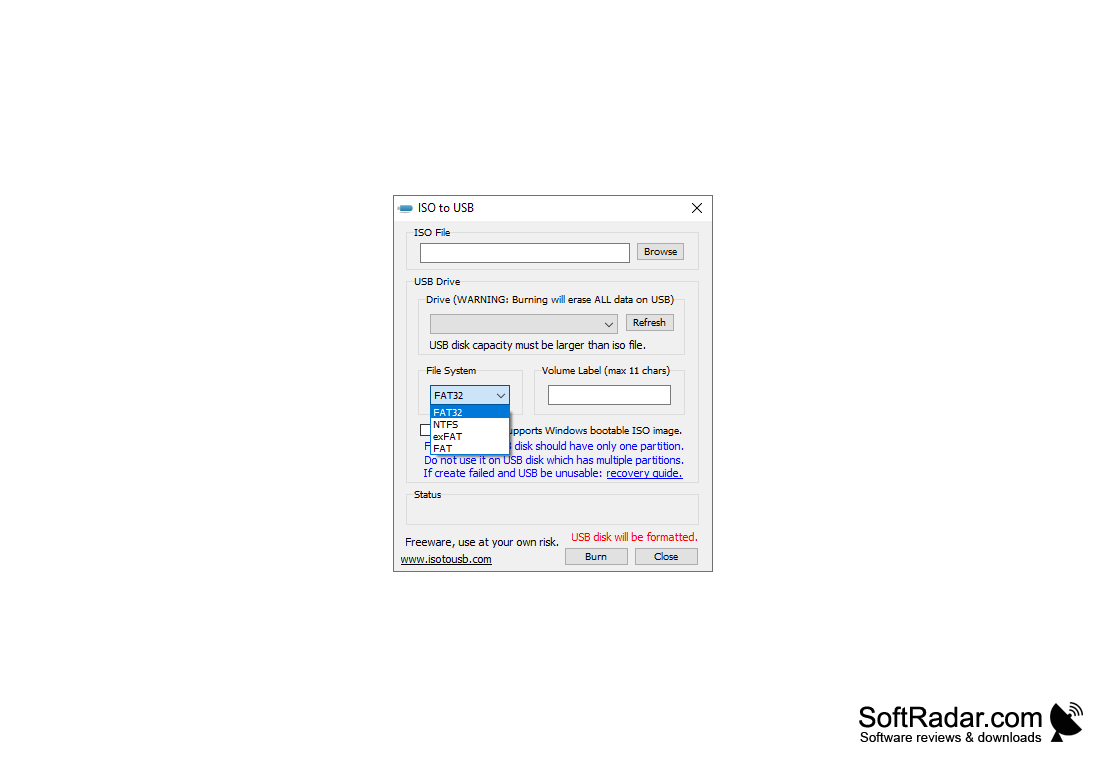
ISO to USB is a simple utility that allows you to write ISO images to external USB drives (flash drives, memory sticks, etc. are supported as such drives). The program interface is very minimalistic - you can specify the source ISO image, USB disk, volume name and file system (FAT, FAT32, exFAT, NTFS). The application also allows you to create bootable USB flash drives.
The main benefit of using ISO to USB is its ability to conveniently create bootable USB drives from ISO images.
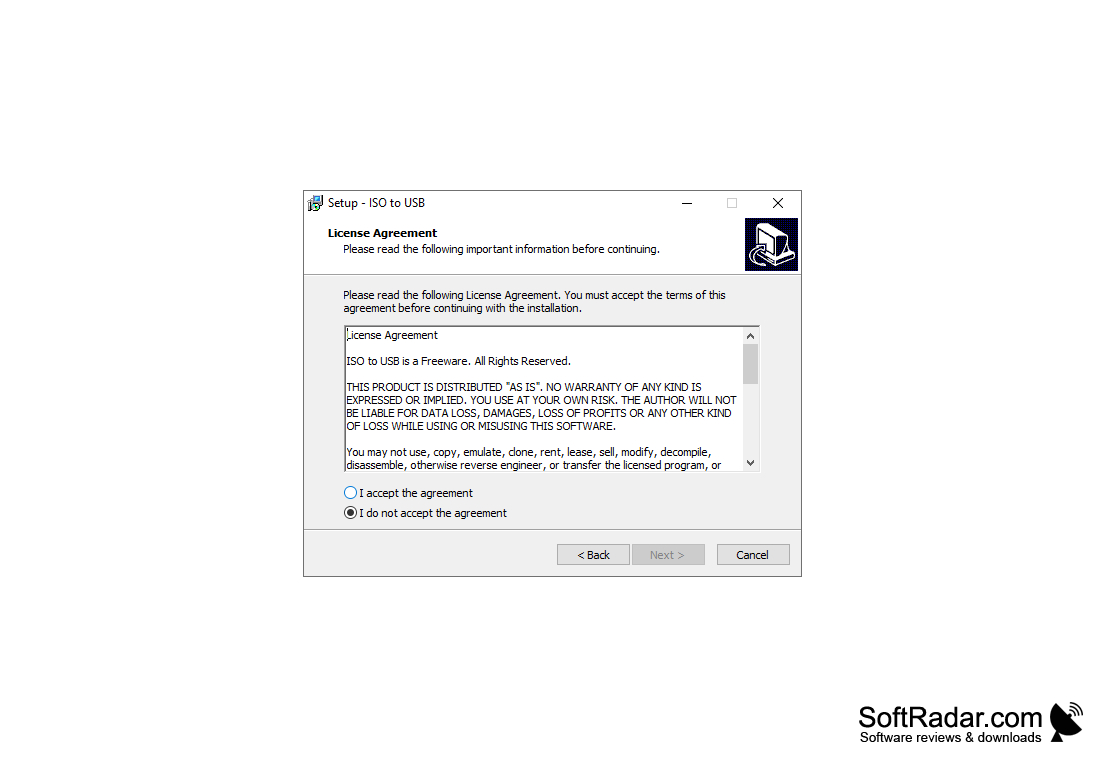
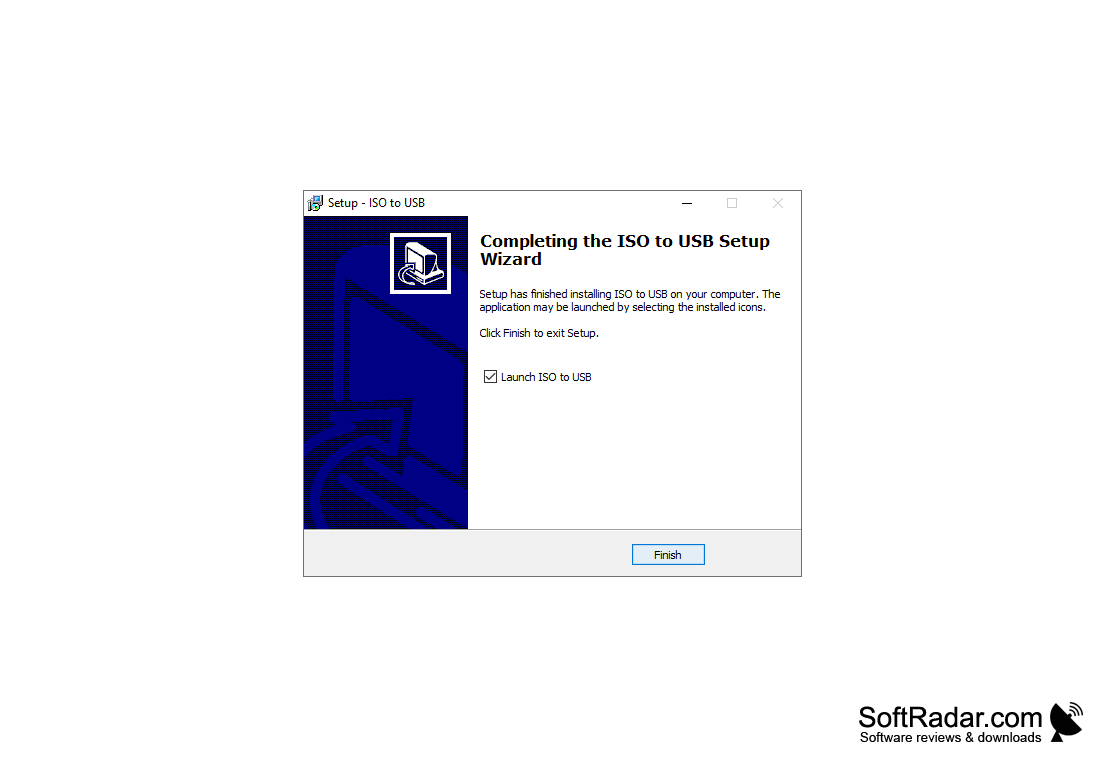
- Write ISO files to USB storage media;
- creation of bootable flash drives;
- support for multiple file systems.
PROS
Easy to use with user-friendly interface.
Efficiently creates bootable USB drives.
Supports a wide range of operating systems.
Efficiently creates bootable USB drives.
Supports a wide range of operating systems.
CONS
Not compatible with all operating systems.
May require technical know-how to operate.
Can fail at creating bootable USBs.
May require technical know-how to operate.
Can fail at creating bootable USBs.


