
Leawo Prof. Media
Leawo Prof. Media gives Windows users tools to convert video and audio, work with DVD and Blu-ray discs, and prepare media for playback or disc creation.
Operating system: Windows
Publisher: Leawo Software
Release: Leawo Prof. Media 13.0.7
Antivirus check: VirusTotal report
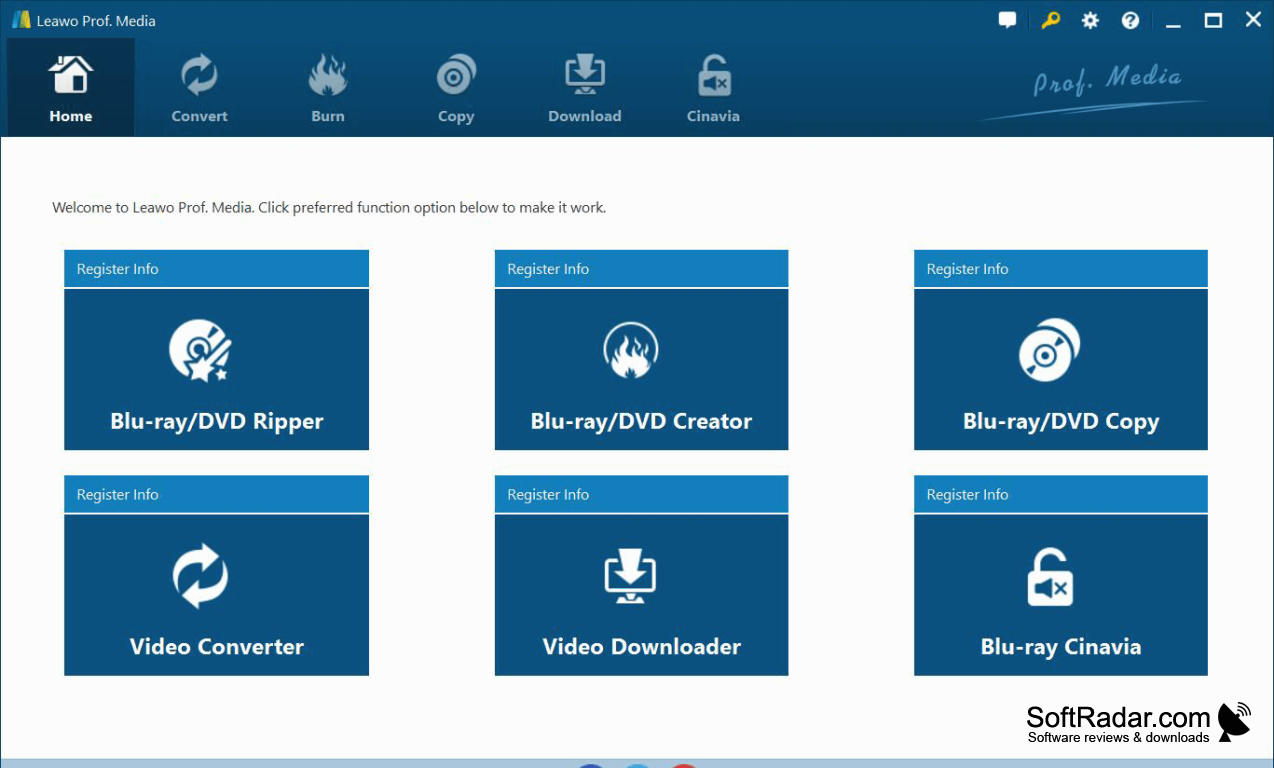
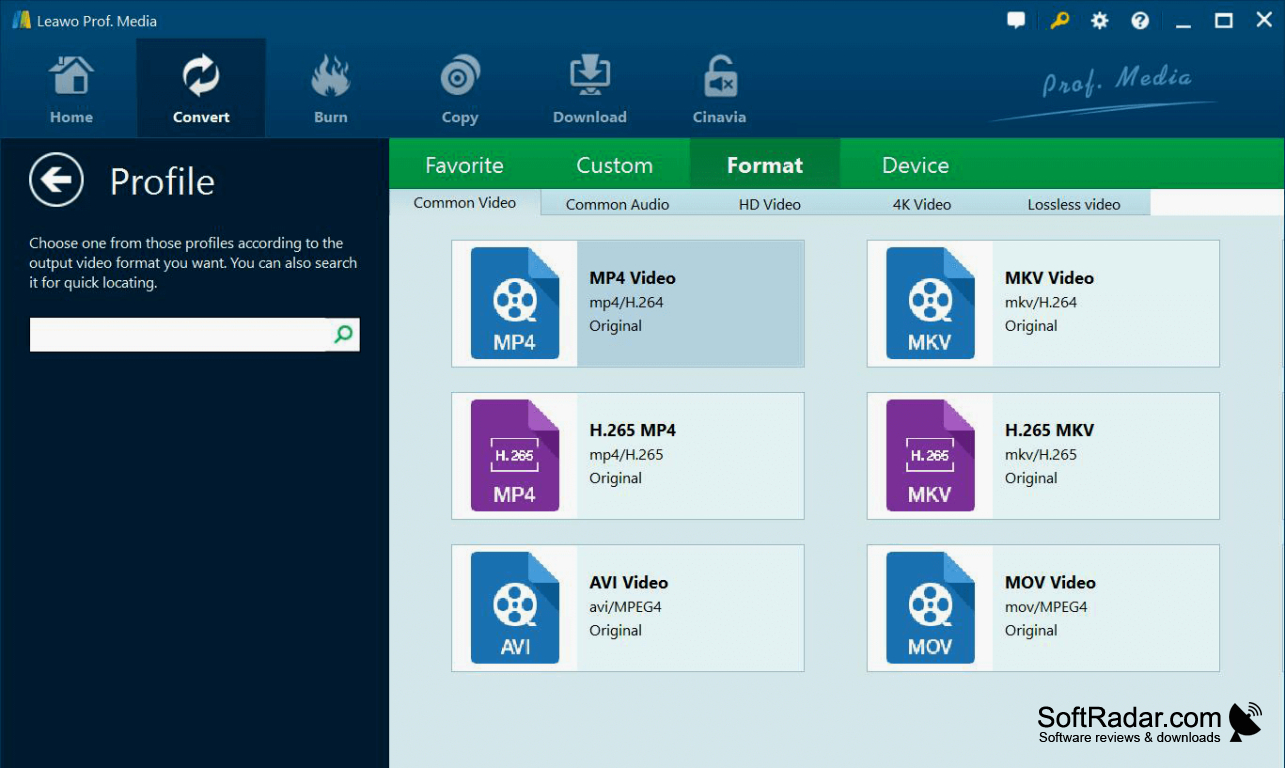
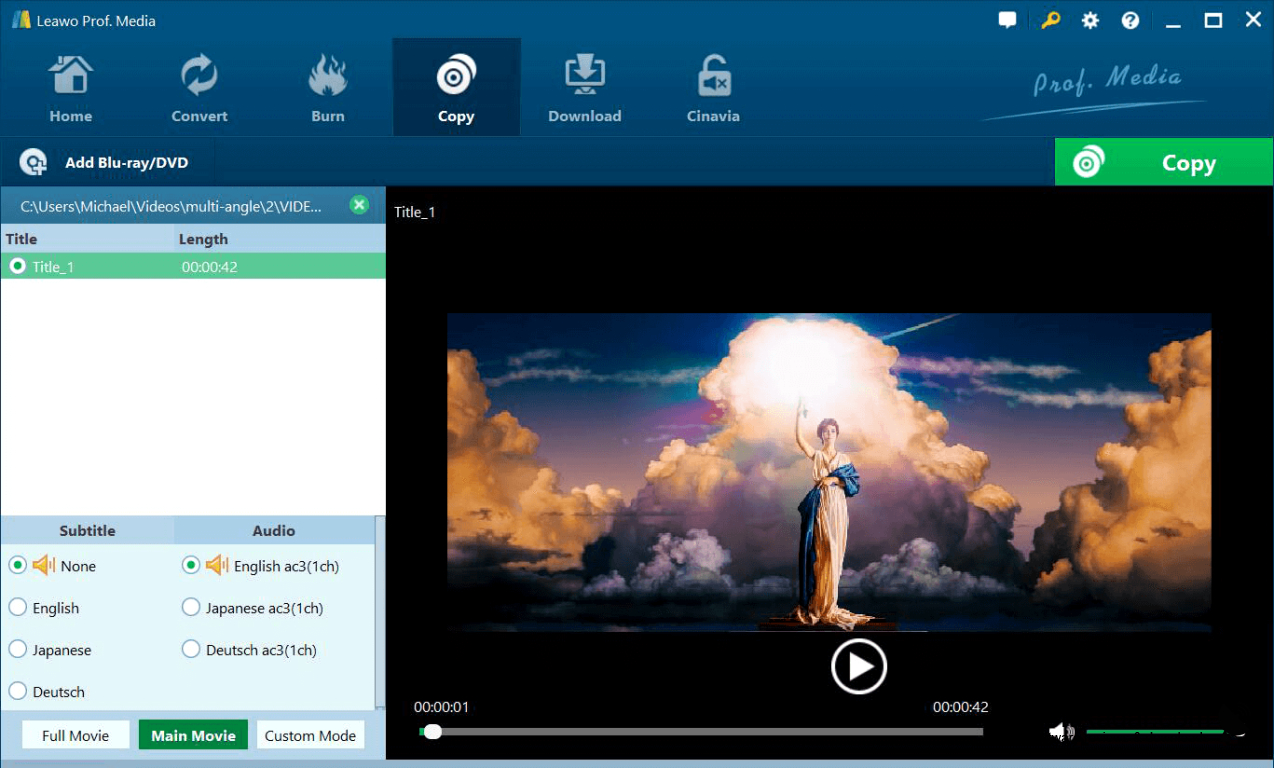
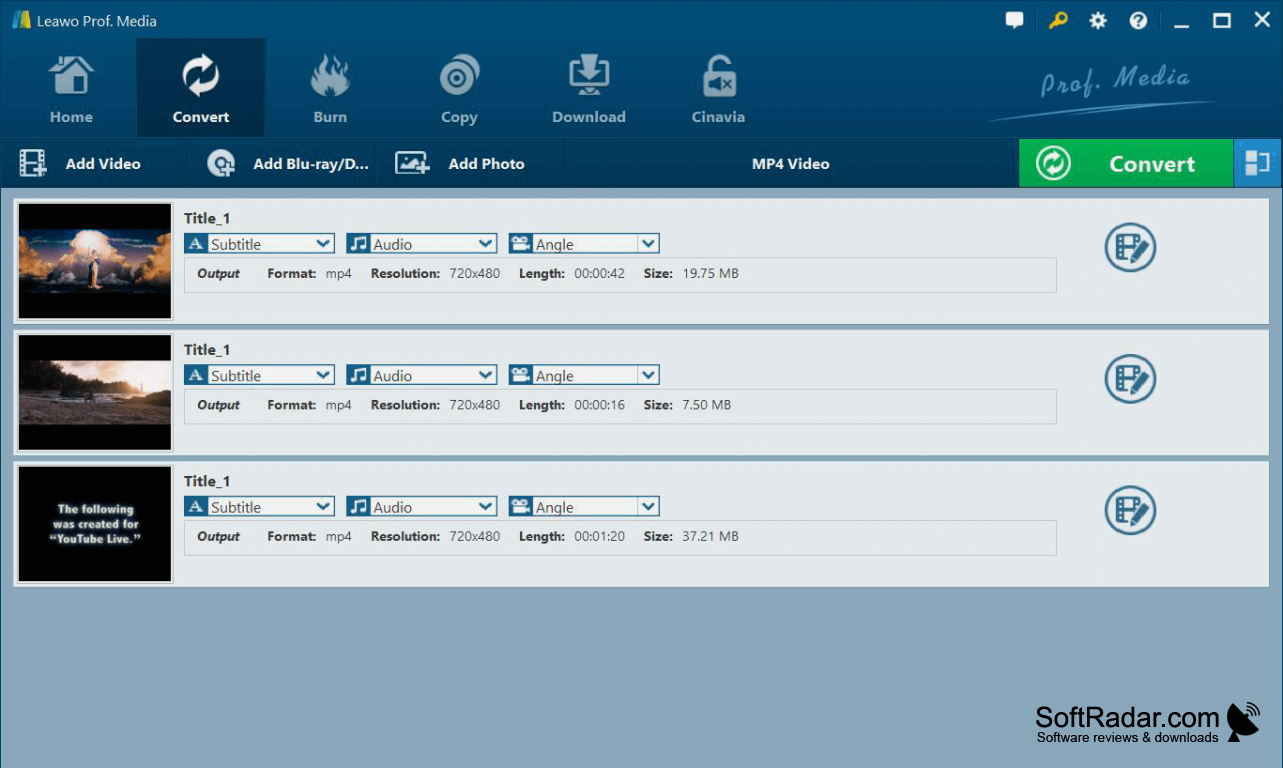
Leawo Prof. Media is a Windows media toolkit for people who need to move content between files and optical discs. It can convert video and audio, extract content from DVD and Blu-ray sources, and make discs from media files. Typical tasks include preparing a movie for a portable device, creating a disc from home videos, or keeping a copy of a disc.
Handle file conversion, disc copying, and disc creation in one program instead of switching between separate tools.
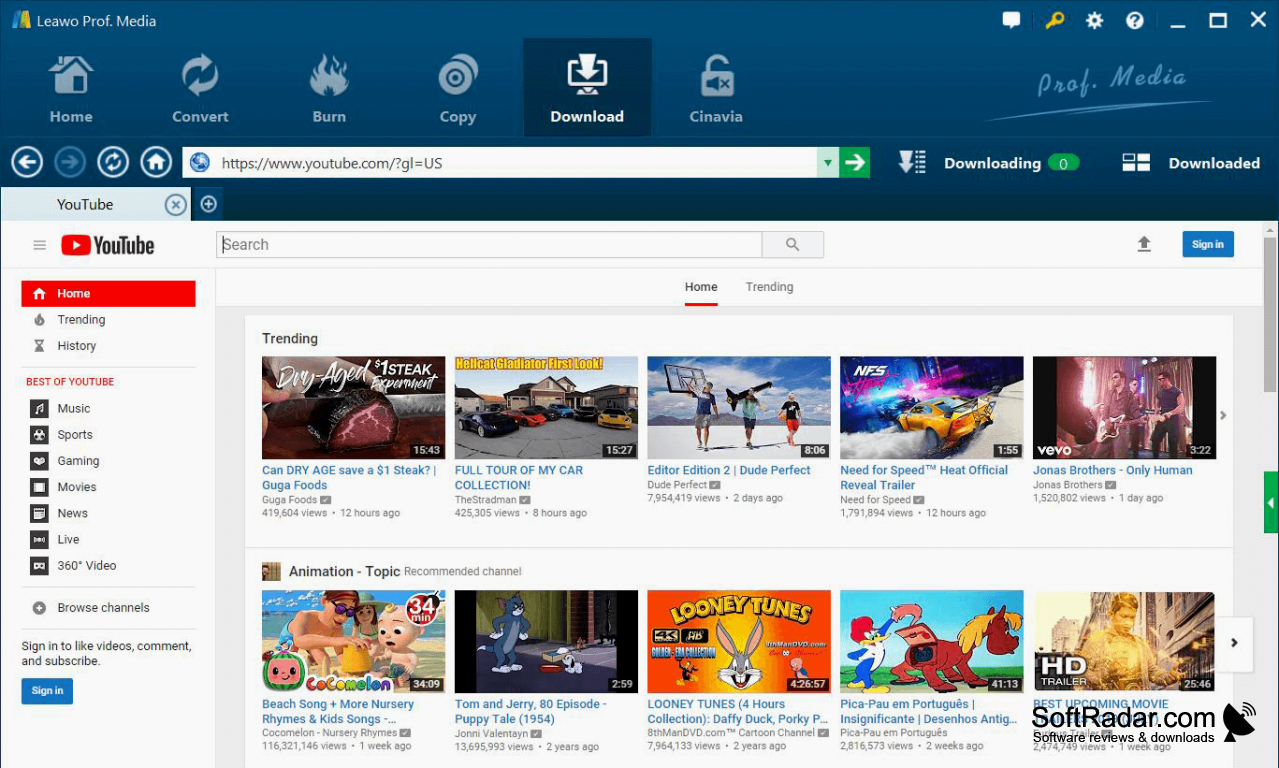
The program provides output settings for codecs, resolution, bit rate, frame rate, and audio channels. Its disc tools can copy an entire disc or selected content, work with disc folders and ISO images, and build DVD or Blu-ray menus. It also includes media editing, playback, online video downloads, and tools for turning photos into slideshows or disc content.
Features:
- Convert video and audio between common formats
- Extract video from DVD and Blu-ray sources
- Copy discs, disc folders, and ISO images
- Create DVD and Blu-ray discs with menus
- Adjust video and audio output settings
- Turn photos into slideshows for disc
At least 1 GHz processor
At least 512 MB RAM
Blu-ray drive for Blu-ray discs
PROS
Supports a broad range of output formats.
Includes basic editing and disc menu tools.
CONS
Some protected discs fail to rip correctly.
