
Microsoft PowerToys
Microsoft PowerToys adds window management, file handling, search, and keyboard tools for people who want more control over their Windows desktop.
Operating system: Windows
Publisher: Microsoft Corporation
Release: Microsoft PowerToys 0.102.3001.0
License: Open source (MIT)
Antivirus check: VirusTotal report
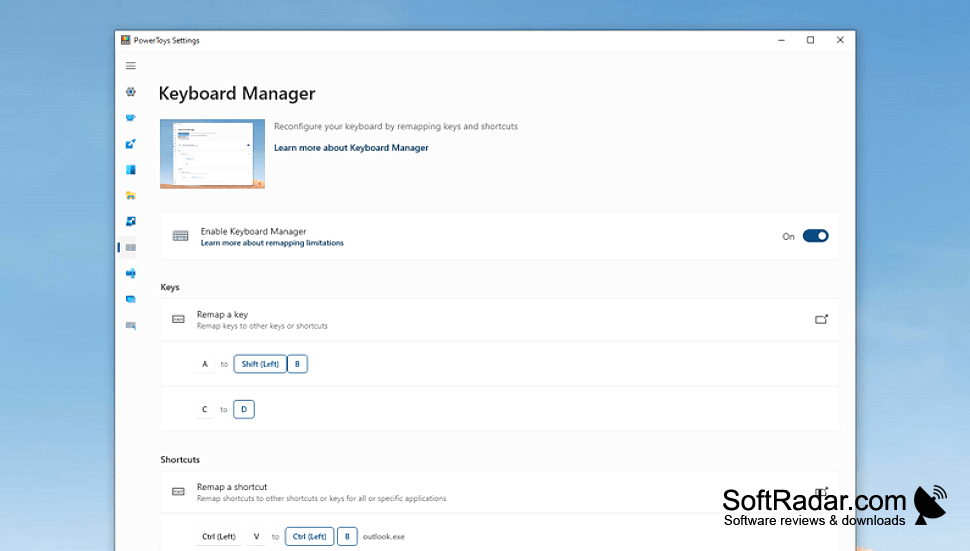
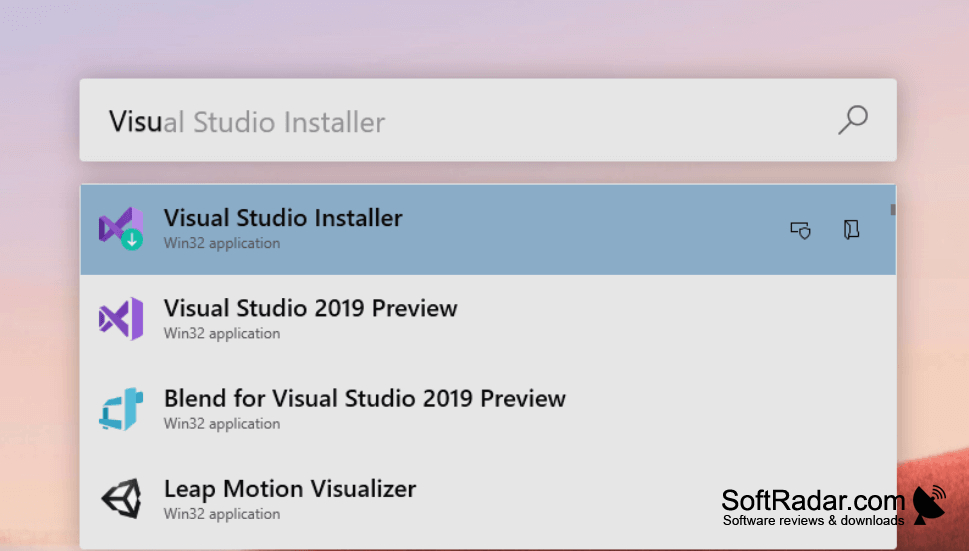
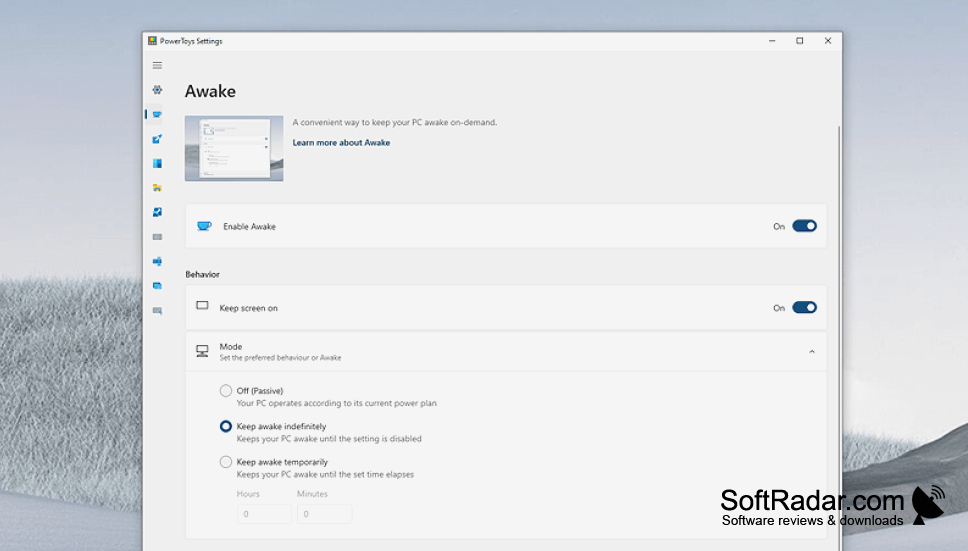
Microsoft PowerToys is a collection of desktop utilities for people who regularly arrange open windows, work with groups of files, or use keyboard commands. It adds options to familiar Windows workflows without replacing the desktop or File Explorer. Users can set up preferred window positions, rename many files at once, and check key combinations while working in other applications.
Handle several common desktop tasks with one configurable collection of Windows utilities.
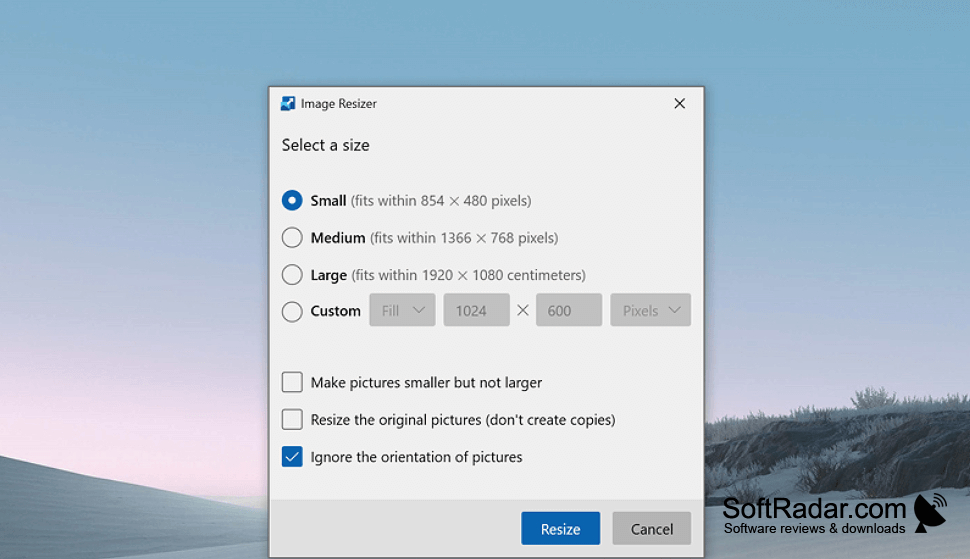
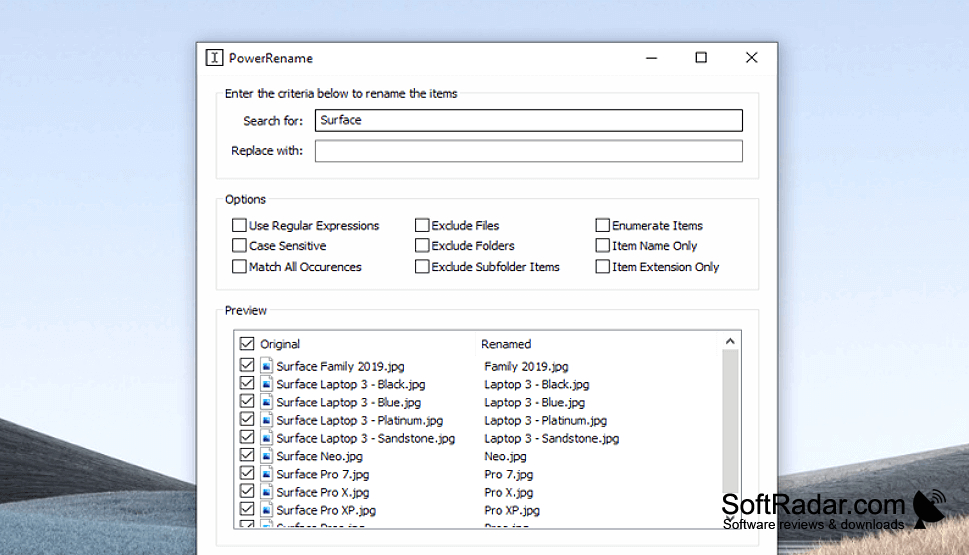
FancyZones lets users create layouts and move application windows into defined areas. PowerRename changes multiple filenames through File Explorer, while Shortcut Guide shows Windows-key combinations on screen. Other tools provide a launcher for finding apps and files, options for changing key assignments, additional file previews, image resizing, text extraction, and a way to prevent the computer from sleeping when needed.
Features:
- Arrange windows in custom screen regions
- Rename multiple files from File Explorer
- Find apps and files with a launcher
- Change key assignments and shortcuts
- Preview additional file types in File Explorer
- Extract text from images using OCR
64-bit x64 or ARM64 processor
Microsoft Edge WebView2 Runtime required
PROS
PowerRename previews bulk file changes before applying them.
PowerToys Run speeds up application and file searches.
CONS
Updates occasionally introduce bugs in individual tools.