
nomacs
by Markus Diem, Stefan Fiel, Florian Kleber
nomacs is an image viewer and organizer with a wide range of features.
Operating system: Windows
Publisher: Markus Diem, Stefan Fiel, Florian Kleber
Release : nomacs 1.4.0
Antivirus check: passed
nomacs Image Lounge
nomacs is a free and open source image viewer that is available for Windows, Linux, and MacOS. It is a feature-rich image viewer that provides a comprehensive range of tools for viewing, editing, and managing your digital images.
Viewing
• Support for multiple image formats including: BMP, JPEG, PNG, TIFF, and RAW images
• Support for multiple color spaces including: RGB, HSL, sRGB, CMYK, and LAB
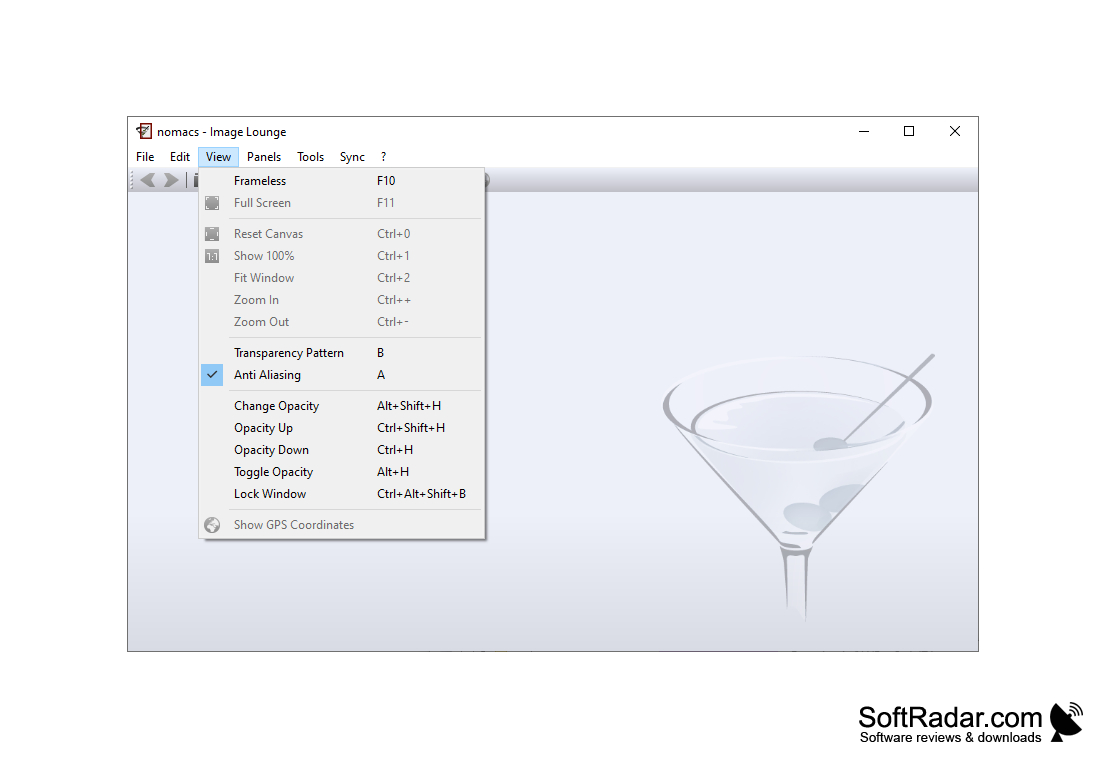
• Multi-view mode with synchronization of pan & zoom
• Image information & EXIF data display
• Display of EXIF and IPTC tags
• Display of histogram
• Slideshow
• Fullscreen mode
Editing
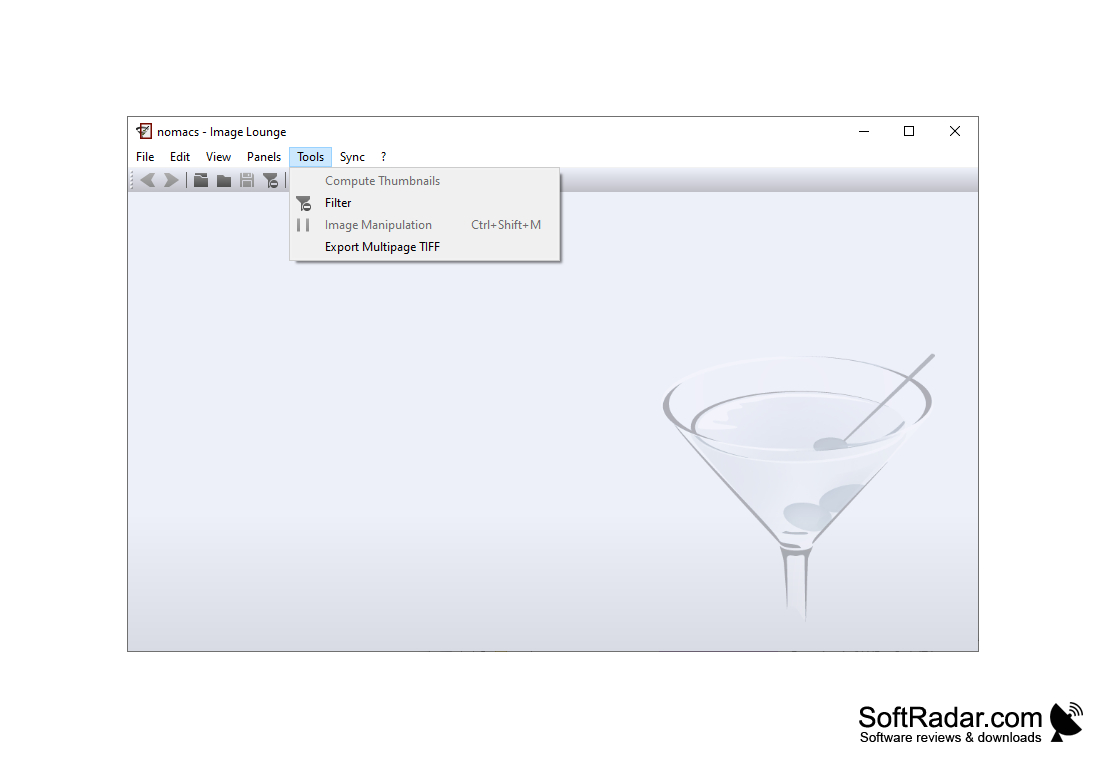
• Image manipulation & adjustment
• Brightness & contrast adjustment
• Color curves
• Color balance
• Apply filters to images
• Flip, rotate, and crop images
• Resize images
Managing
• Create & manage image collections
• Sort & filter images
• Quick access to recent folders
• Create & manage albums
• Drag & drop images
• Create & manage thumbnails
• Tag images
Advanced Features:
• Command line interface
• Generate HTML galleries
• Generate web galleries
• Generate PDF documents
• Generate video slideshows
• Generate contact sheets
• Generate panoramas
• Generate HDR images
• Color management
• Support for RAW files
• GPU accelerated image processing
• Support for multi-core/multi-threaded processing
• Automatically save image files
• Support for command line scripting
• Support for image planes & z-stacking
• Support for extended mouse wheel support
• Support for multiple monitors
• Support for multiple languages
nomacs is a free and open source image viewer that is available for Windows, Linux, and MacOS. It is a feature-rich image viewer that provides a comprehensive range of tools for viewing, editing, and managing your digital images.
nomacs offers an easy-to-use, feature-rich and lightweight image viewer.Features:
Viewing
• Support for multiple image formats including: BMP, JPEG, PNG, TIFF, and RAW images
• Support for multiple color spaces including: RGB, HSL, sRGB, CMYK, and LAB
• Multi-view mode with synchronization of pan & zoom
• Image information & EXIF data display
• Display of EXIF and IPTC tags
• Display of histogram
• Slideshow
• Fullscreen mode
Editing
• Image manipulation & adjustment
• Brightness & contrast adjustment
• Color curves
• Color balance
• Apply filters to images
• Flip, rotate, and crop images
• Resize images
Managing
• Create & manage image collections
• Sort & filter images
• Quick access to recent folders
• Create & manage albums
• Drag & drop images
• Create & manage thumbnails
• Tag images
Advanced Features:
• Command line interface
• Generate HTML galleries
• Generate web galleries
• Generate PDF documents
• Generate video slideshows
• Generate contact sheets
• Generate panoramas
• Generate HDR images
• Color management
• Support for RAW files
• GPU accelerated image processing
• Support for multi-core/multi-threaded processing
• Automatically save image files
• Support for command line scripting
• Support for image planes & z-stacking
• Support for extended mouse wheel support
• Support for multiple monitors
• Support for multiple languages
The nomacs software is compatible with Windows 7, 8, and 10, as well as MacOS X 10.9 or higher and Linux (Ubuntu 14.04 and higher). It requires at least 1 GB of RAM, a dual-core processor, and an OpenGL 2.1-capable graphics card. Additionally, the software is available in 32 and 64 bit versions.
PROS
Supports a wide variety of image formats.
Offers array of editing tools.
Completely free and open-source.
Offers array of editing tools.
Completely free and open-source.
CONS
Limited tools for advanced image editing needs.
Some users report slow loading times.
Lacks built-in photo organizing functionality.
Some users report slow loading times.
Lacks built-in photo organizing functionality.


