
Non-Stop Copy
Program developed by DS for copying corrupted files from various media storage devices
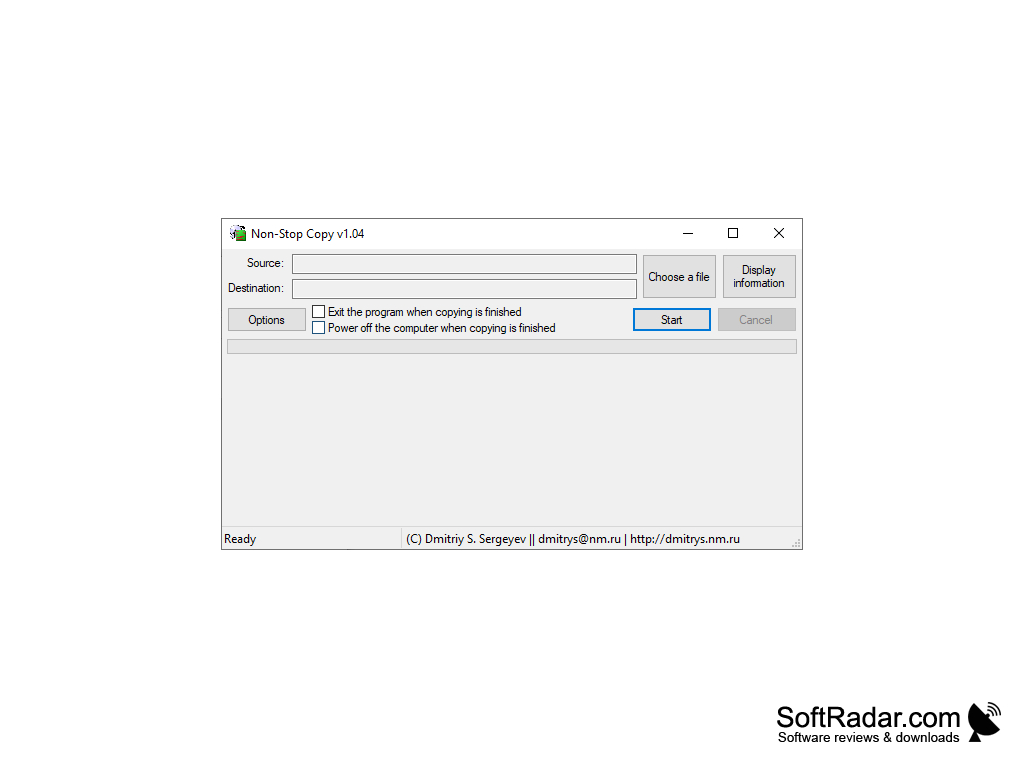
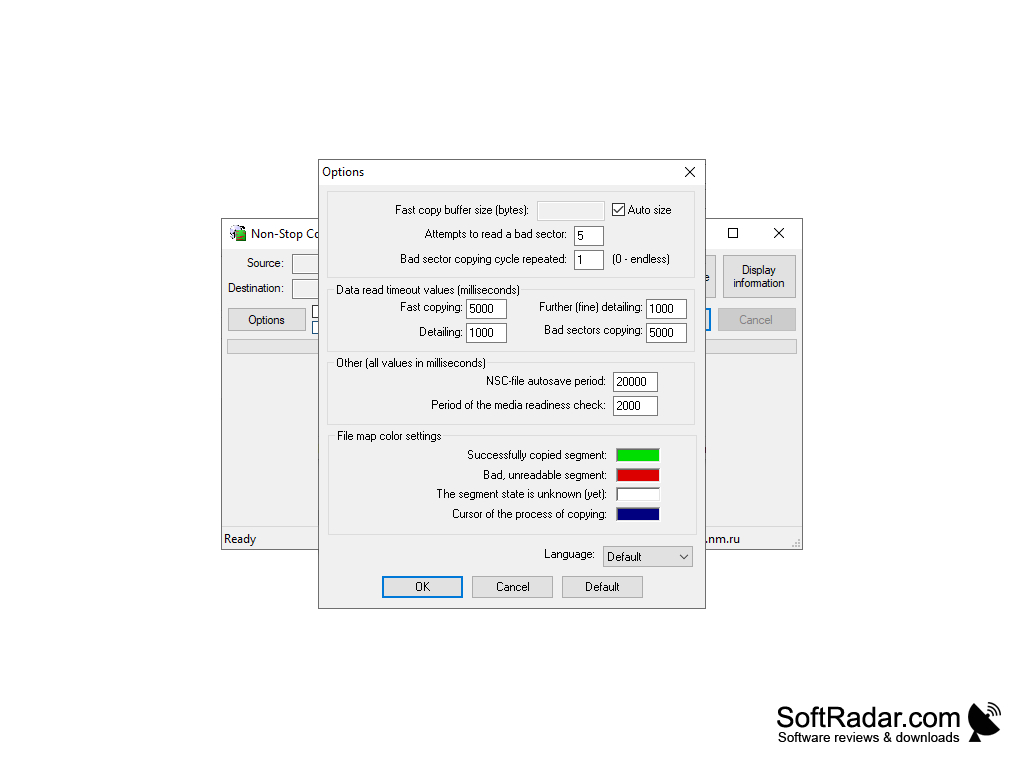
Non-Stop Copy allows you to copy corrupted files from any media, recovering information from bad sectors. If it is absolutely impossible to read a sector, the data from it is replaced by zeros.
By using the original algorithm that divides the copying into 4 steps - fast copying, detailing, accurate detailing, copying of bad sectors - the process goes as fast as possible.
Can stop copying and then continue the process from the same position in the file. Can continue copying started with other tools.
Non-Stop Copy expedites the retrieval of damaged files, salvaging data from corrupt sectors for seamless and accurate data recovery.
It is possible to copy to one file from different sources.
The entire copying process is clearly displayed, including a detailed map of the damaged sectors.
The program is far from new. And although it's been a while since I've been updated, it still works fine.
- allows you to copy directories;
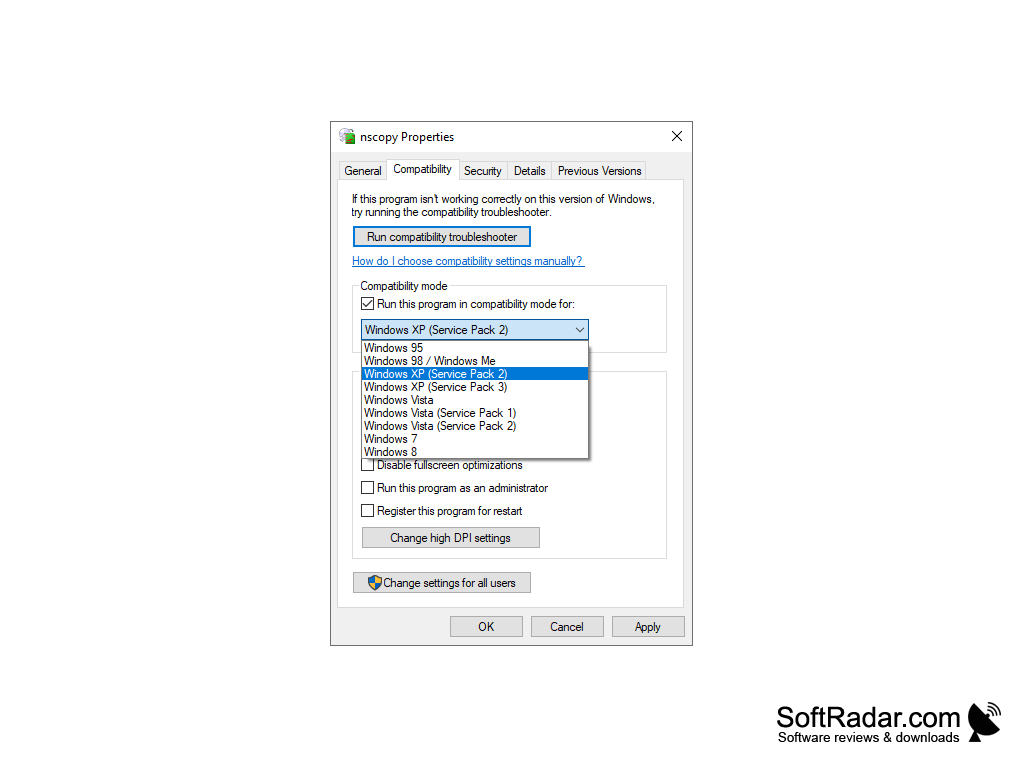
- doesn't require an installation;
- command line support;
- Waiting for the medium extracted during the copying process;
- Automation - exiting the program or shutting down the computer when copying is complete;
- very small size;
- works correctly on any type of media and any file system supported by the operating system;
- low system resource consumption;
- does not use any low-level methods of reading information;
- efficient and quick work;
and so on.
PROS
Offers ability to resume copying after a system crash.
Supports bulk data transfers with ease.
CONS
Limited to Windows OS, no support for Mac or Linux.
Occasional stability issues during heavy data transfer sessions.


