
Power2Go Essential
Power2Go Essential is a Windows disc-burning program for people who need to write files to CDs, DVDs or Blu-ray discs and make audio CDs.
Operating system: Windows
Publisher: CyberLink
Release: Power2Go Essential 13.0
Antivirus check: VirusTotal report
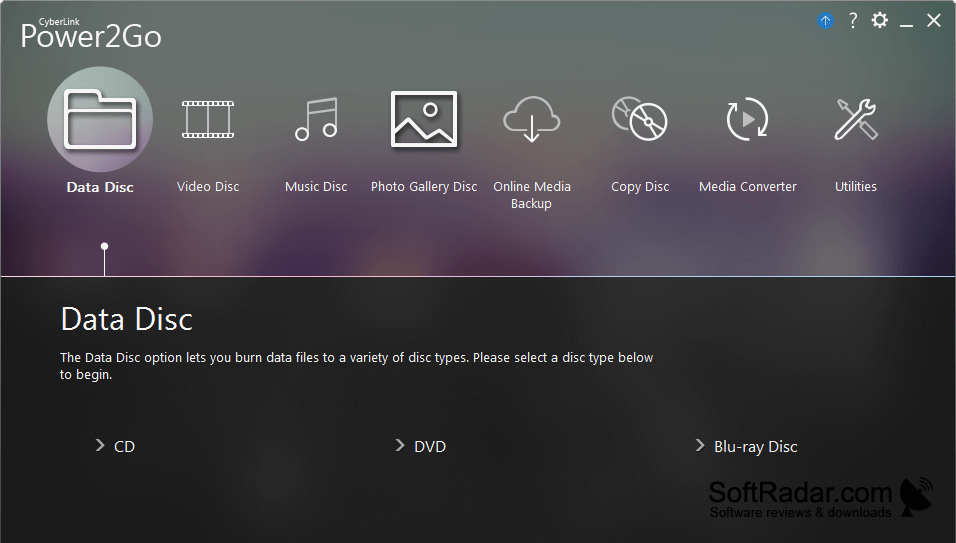
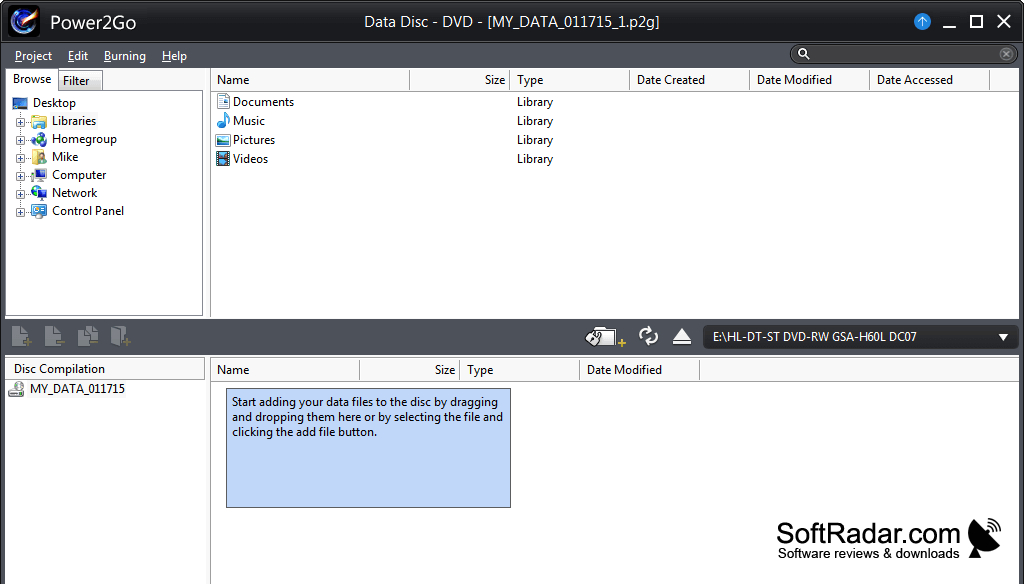
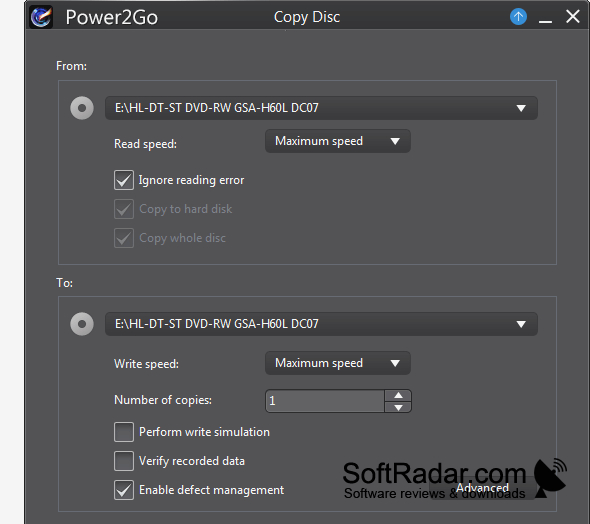
Power2Go Essential lets Windows users store files on optical discs or prepare music CDs for playback. It handles data CDs, DVDs and Blu-ray discs, including high-capacity BDXL media. The freeware edition suits everyday tasks such as putting documents on a disc, keeping offline copies of personal files or assembling a collection of songs on an audio CD.
It puts files and music onto several types of optical disc using drag and drop.
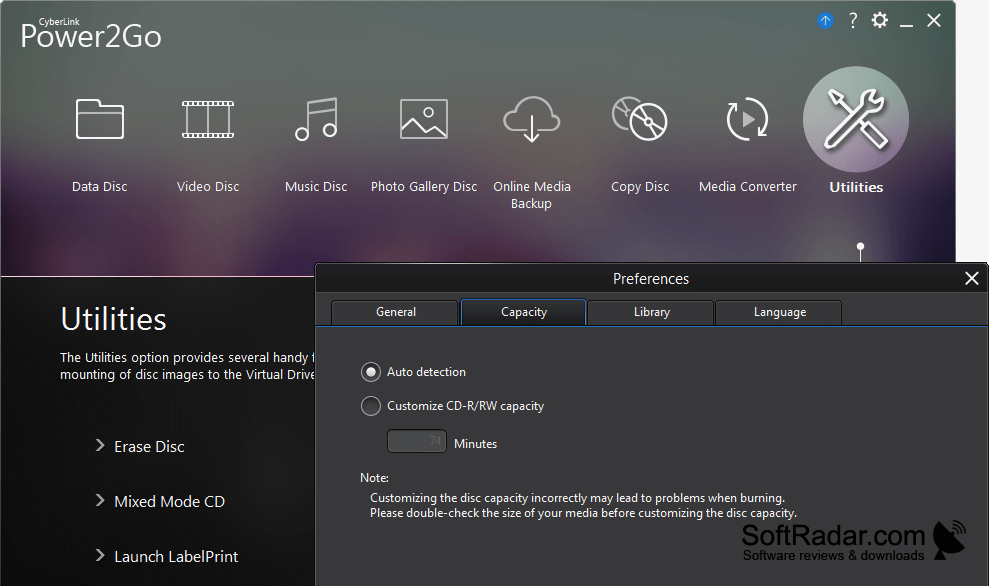
Files can be added to a burning project by dragging them into the program, while a desktop gadget provides another way to start a disc job. Users can select a disc type that fits their files, then write the project to compatible media. The interface is available in multiple languages, and the basic disc-burning functions have no time limit.
Features:
- Writes files to CDs and DVDs
- Burns data to Blu-ray and BDXL discs
- Creates audio CDs from music files
- Adds files to projects by dragging them
- Starts disc jobs from a desktop gadget
- Offers an interface in multiple languages
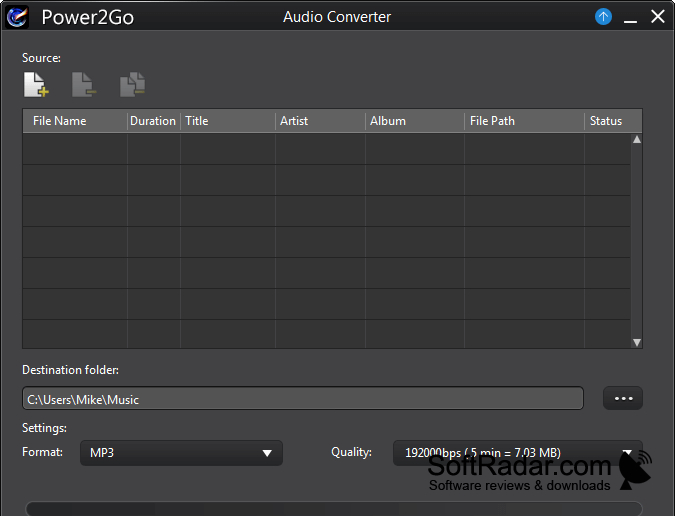
Compatible optical disc burner required
PROS
Drag-and-drop desktop gadget simplifies quick burning.
CONS