Replay Radio
Replay Radio is a powerful audio recorder that lets you record online radio and save the recordings as MP3, WMA, OGG, and WAV files.
Operating system: Windows
Publisher: Replay-radio
Release : Replay Radio 2026.8.16.36
Antivirus check: VirusTotal report
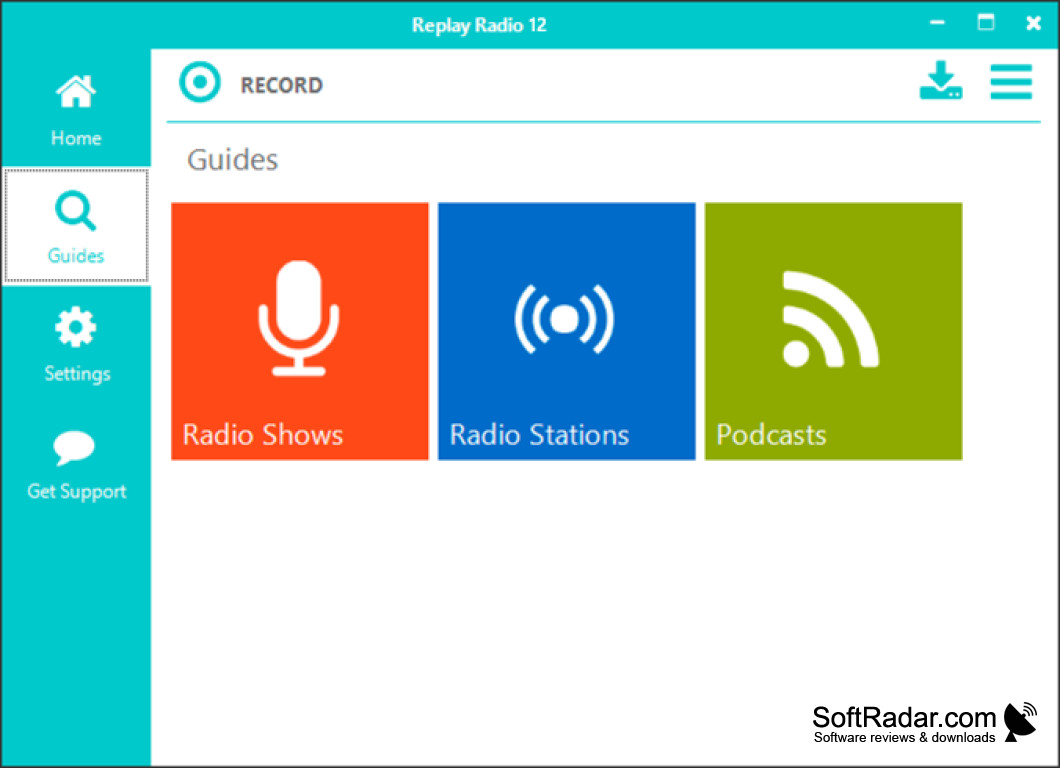
Replay Radio is an award-winning software program that has been helping users record and playback radio broadcasts since 1998. It is a great way to capture and share your favorite radio broadcasts.
Replay Radio is an all-in-one radio recorder that allows users to record and listen to radio broadcasts without the hassle of manually recording each show. It can record from any radio station that broadcasts on the internet including AM/FM stations. Replay Radio also has support for podcasting and streaming audio/video content.
Replay Radio's main features include:
Replay Radio allows users to record and schedule radio broadcasts with ease.
• Automated Recording: Set up Replay Radio to record your favorite broadcasts at any time. Automatically record shows, podcasts, and other streaming audio programs.
• Record Scheduling: Schedule recordings in advance, so you don't miss any of your favorite shows.
• Audio Editing: Replay Radio makes it easy to edit audio files. You can trim, split, and combine audio files with just a few clicks.
• Audio Conversion: Convert audio files to any format, including MP3, WAV, OGG, and WMA.
• Online Music Library: Access an extensive library of music and audio content.
• Enhanced Sound Quality: Replay Radio uses advanced audio processing algorithms to provide crisp, clear sound quality.
• Internet Radio Support: Record from thousands of internet radio stations.
• Podcast Support: Replay Radio supports podcasting, so you can subscribe to your favorite podcasts and automatically download new episodes.
• Cross-Platform: Replay Radio is available for Windows, Mac, and Linux.
Replay Radio is a powerful and easy-to-use piece of softwar that makes recording and listening to radio broadcasts easier than ever. With its advanced recording and editing capabilities, Replay Radio is the perfect tool for anyone who loves radio.
So if you're looking for a way to capture and share your favorite radio broadcasts, Replay Radio is the perfect solution. Download Replay Radio today and start recording your favorite shows!
PROS
User-friendly interface, easy to navigate.
High-quality audio recording with no loss of quality.
CONS
Occasional crashing and instability issues.
Interface is not very user-friendly.


