SANDISK Desktop App
SANDISK Desktop App helps Windows users organize files, back up folders, and manage compatible SanDisk storage devices from one interface.
Operating system: Windows
Publisher: Sandisk Corporation
Release: SANDISK Desktop App 3.0.0
Antivirus check: VirusTotal report
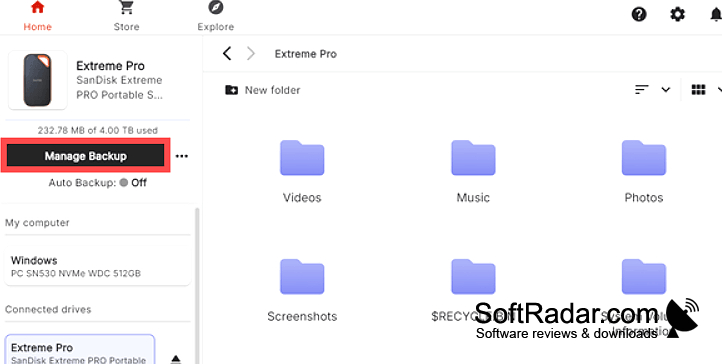
SANDISK Desktop App is a Windows utility for people who use compatible SanDisk drives, USB sticks, or memory cards in supported readers. It provides a place to copy photos to external storage, keep copies of work folders, and find files on attached devices. The software adds these management options without being needed for ordinary access to stored files.
It puts folder backups, file transfers, and device controls in one place for users of compatible storage.
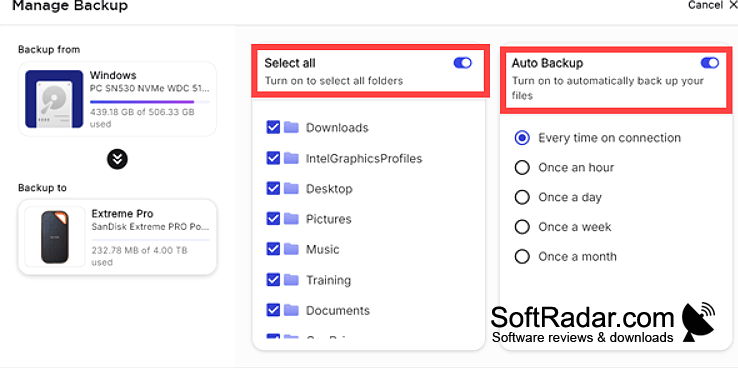
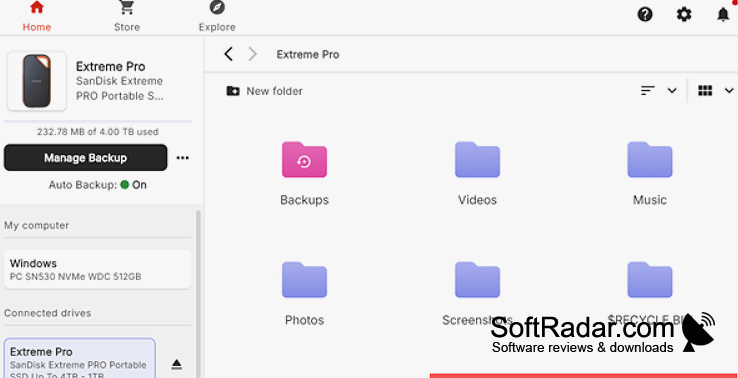
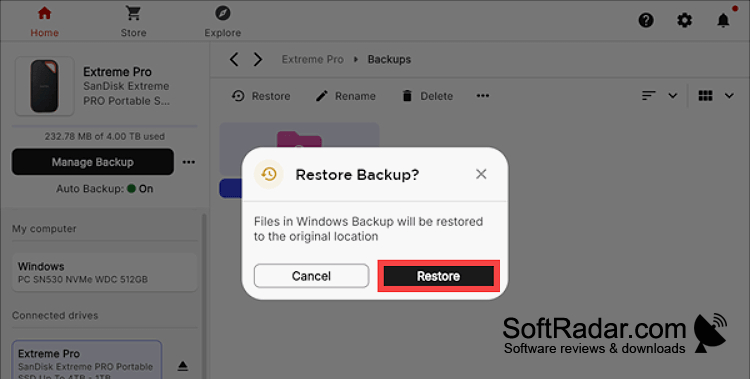
When a supported device is connected, the app displays its contents and available controls. Users can set recurring folder backups, retrieve backed-up files, and install available drive firmware. File tools handle copying and renaming, while deleted items bypass the Windows Recycle Bin. An encrypted vault covers chosen files rather than the whole drive, and certain devices offer drive-level password controls.
Features:
- Set recurring backups for selected folders
- Retrieve backed-up files and folders
- Install available drive firmware
- Browse and copy files on connected storage
- Store chosen files in an encrypted vault
- Rename files and eject connected drives
PROS
Checks and installs firmware updates for supported drives.
CONS
Files cannot be moved between different drives.

