
Softaken IMAP to IMAP Migration
Softaken IMAP to IMAP Migration copies e-mail folders with their attachments from one IMAP mail account to another, directly between the two servers.
Operating system: Windows
Publisher: Softaken Software
Release: Softaken IMAP to IMAP Migration 1.0
Antivirus check: VirusTotal report
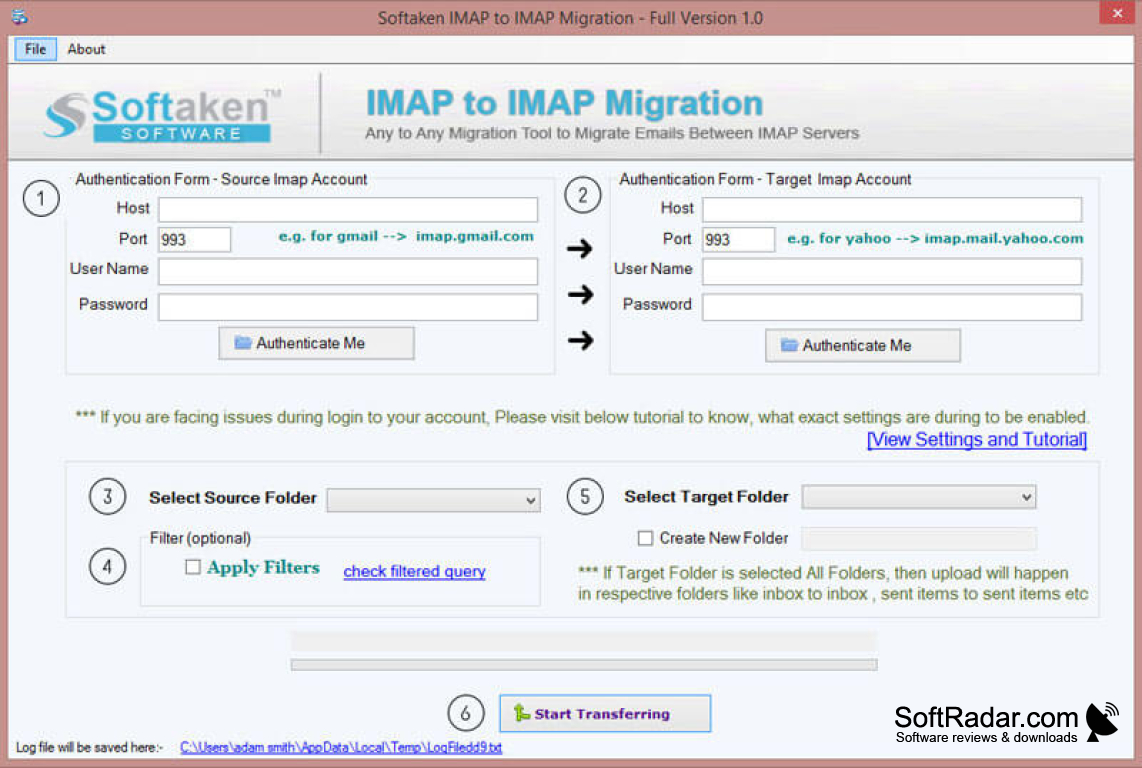
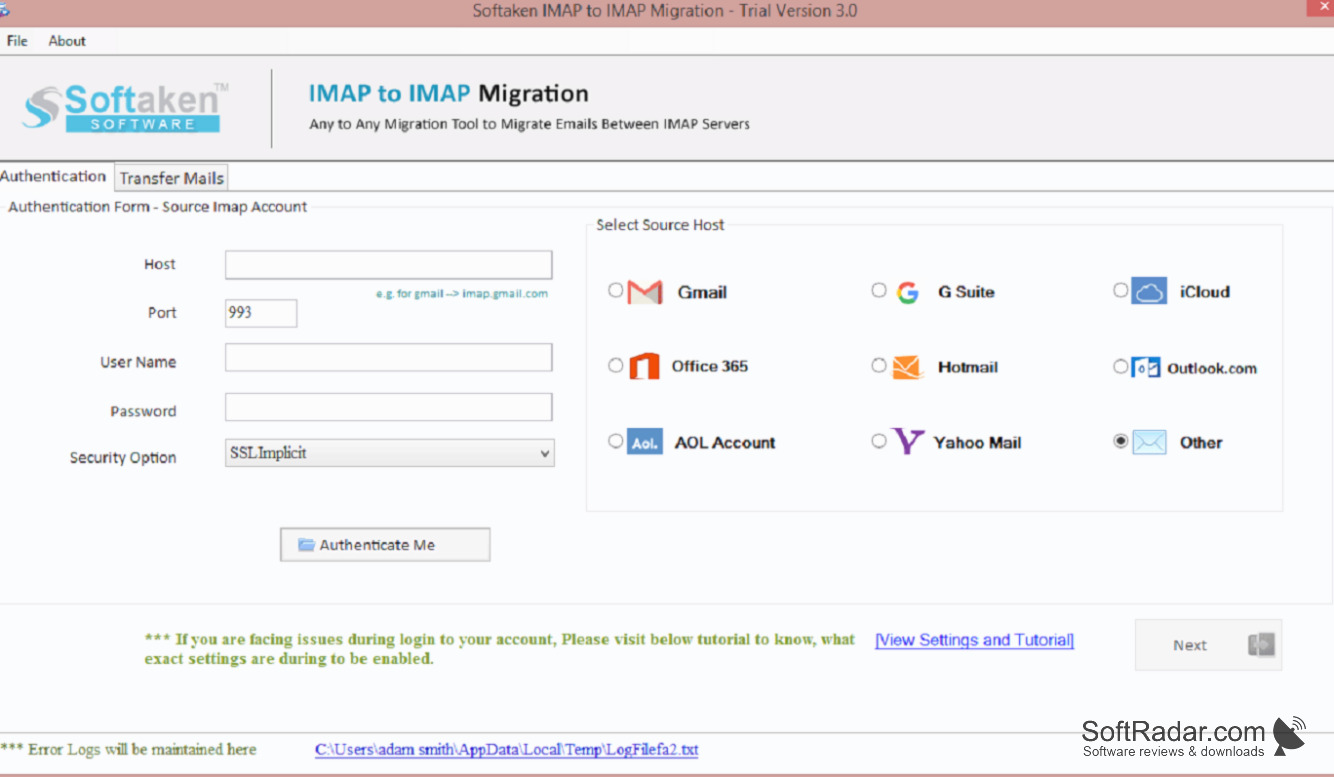
Softaken IMAP to IMAP Migration is a Windows tool from Softaken Software for transferring mail between two IMAP accounts, for example when changing hosting provider or moving to Gmail, Office 365, Yahoo, Zoho or iCloud. Only the login details of the source and the destination account are needed; no mail client has to be set up.
Moves a mailbox to a new mail provider without exporting and re-importing files.
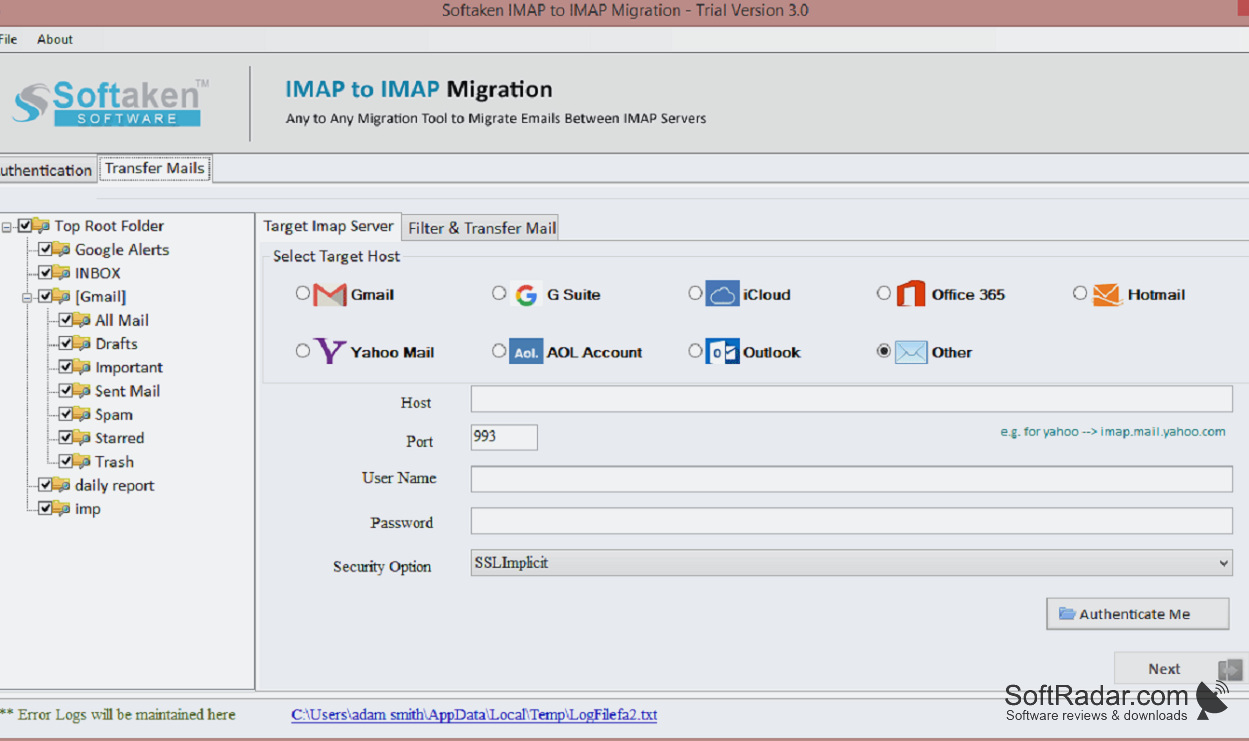
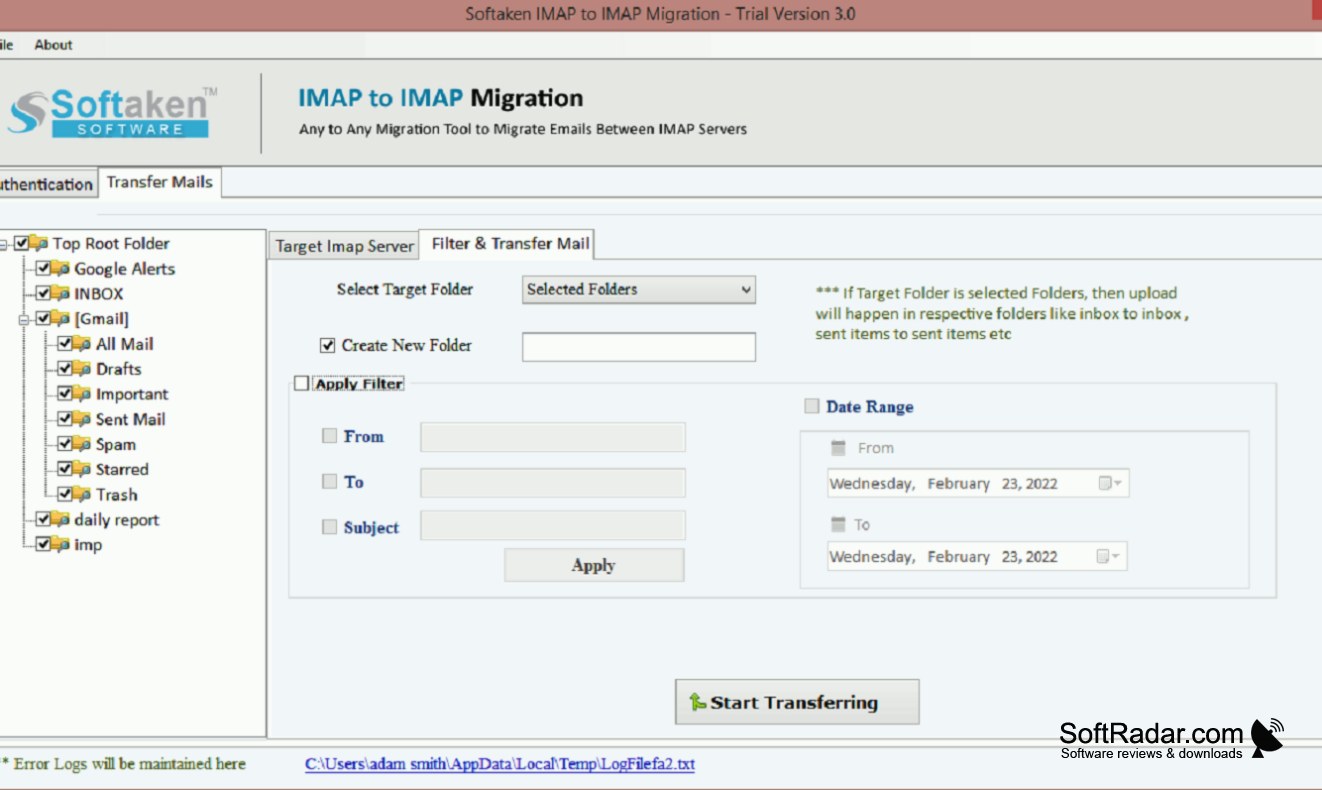
Once the source account is connected, its folders appear in a tree view with a message preview. All folders or a selection can be migrated, folders can be mapped to a chosen location in the target mailbox, and a date filter restricts the transfer to a given period. An update run can follow the initial copy, and a report in HTML or CSV documents the job. Attachments travel with the messages. The demo migrates ten items, and unlimited use requires a licence.
Features:
- Direct transfer between two IMAP servers
- Tree view of source folders with preview
- Custom folder mapping on the destination
- Date-based message filter
- First-time copy and update run modes
- HTML and CSV migration reports
Pentium-class processor
512MB of RAM
100MB of free disk space
PROS
Date filter and folder mapping included.
CONS
English interface only.