
Trezor Suite
Trezor Suite is a Windows desktop app for Trezor hardware wallet owners to view holdings, review transactions, and transfer supported cryptocurrencies.
Operating system: Windows
Publisher: SatoshiLabs
Release: Trezor Suite 26.10.3
Antivirus check: VirusTotal report
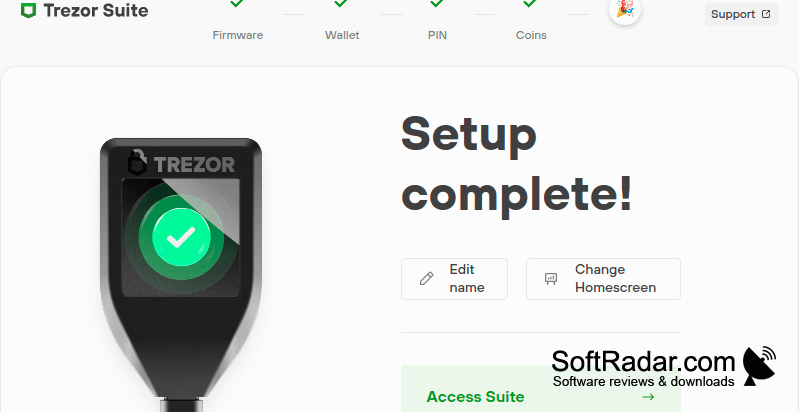
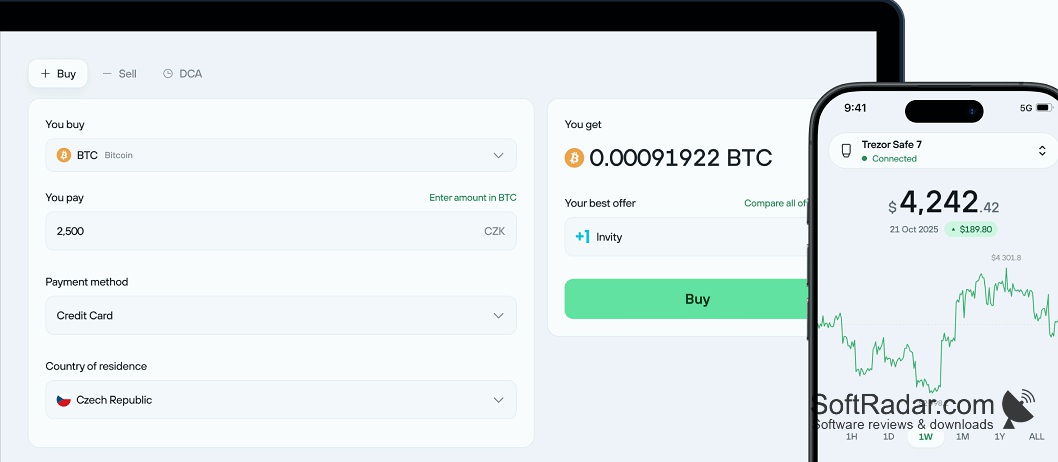
Trezor Suite gives Trezor hardware wallet owners a desktop interface for managing cryptocurrency accounts. After connecting a compatible device to a Windows computer, users can check balances, look through past activity, and make transfers. The app also guides users through creating a wallet or recovering an existing one, bringing device setup and everyday account tasks together.
It puts account balances, transaction records, and cryptocurrency transfers in one desktop interface.
The app handles several cryptocurrencies, including Bitcoin, Ethereum, and XRP. An integrated service provides options for purchasing or swapping coins. Users can choose which holdings to use in a transfer, connect to their own node, or use Tor for network connections. Additional controls cover PIN and passphrase settings, concealed account details, and device firmware checks.
Features:
- Display account balances and transaction records
- Transfer supported cryptocurrencies between addresses
- Purchase or swap coins through an integrated service
- Choose specific holdings for outgoing transfers
- Connect through Tor or a custom node
- Configure PIN and passphrase settings
Compatible Trezor hardware wallet
Available USB port for device
PROS
Built-in Tor and coin control support privacy.
Transaction signing keeps private keys on hardware.
CONS
Device connection issues can interrupt wallet access.