UltFone Android System Repair
UltFone Android System Repair is a Windows tool that fixes Android system issues such as boot loops, black screens and app crashes and switches phones into recovery or Fastboot mode.
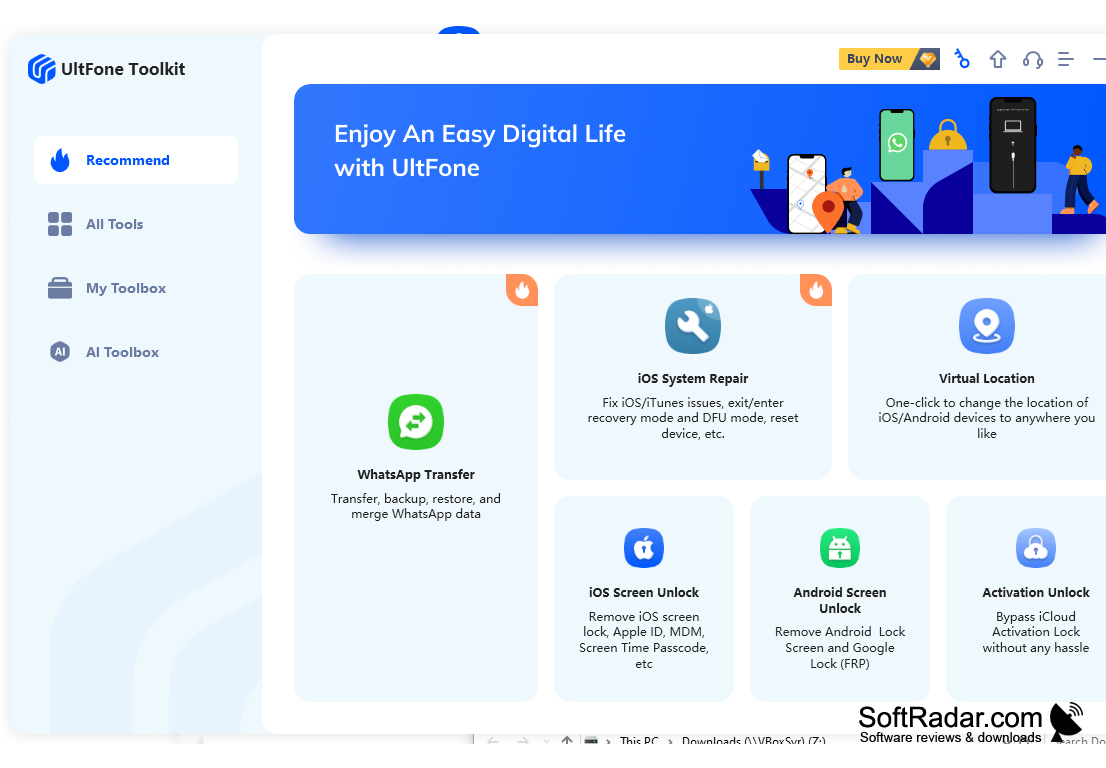
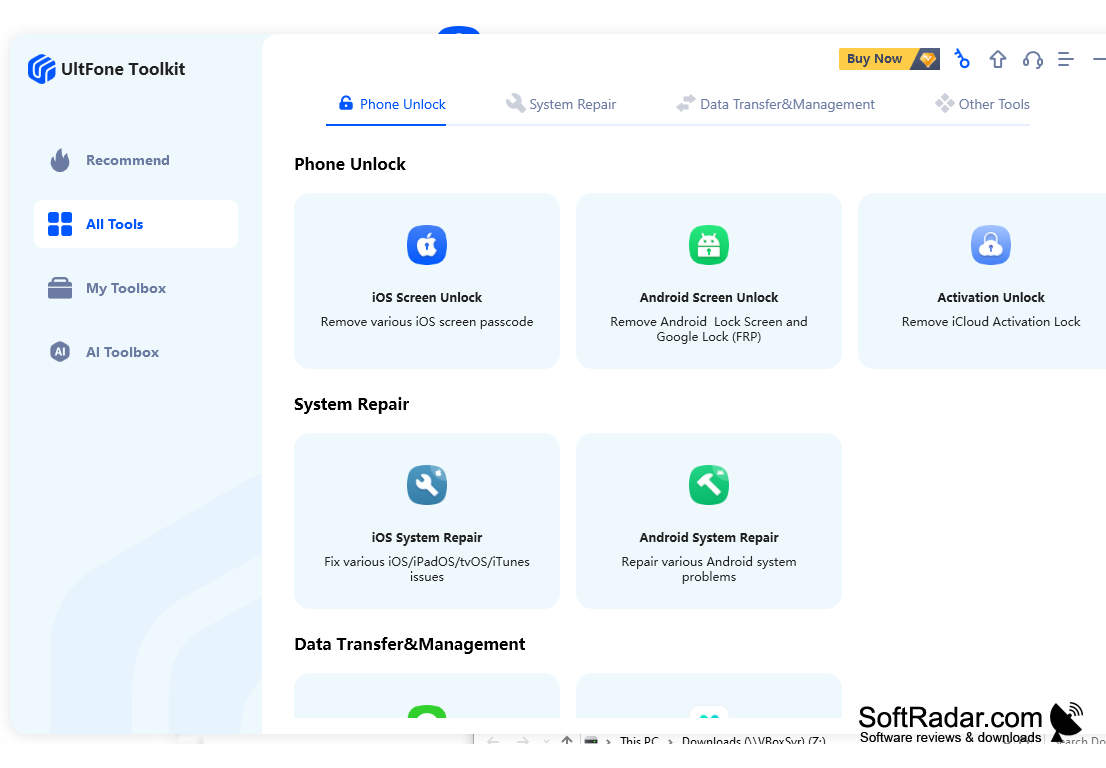
UltFone Android System Repair is an easy-to-use Android system repair tool for Windows. It helps users fix various system issues, enter and exit recovery, Fastboot and download modes with one click, and clear the system cache of their Android device. With UltFone Android System Repair, users can quickly repair various system issues and get back to enjoying their device.
UltFone Android System Repair provides an easy and efficient way to fix common Android system problems.
Features:
• Repair various system issues: UltFone Android System Repair targets more than 150 system issues, such as stuck on Samsung logo, black/blank screen, boot loops, system crash, failed updates, unresponsive touch screen and more.
• Clear system cache: UltFone Android System Repair can clear the system cache on your device, removing temporary files to keep the phone running smoothly.
• Free boot mode tools: entering and exiting Android recovery mode, entering Fastboot mode and entering download mode are free, and exiting Fastboot and download modes is free for five uses each.
• Simple repair process: the repair takes three steps - choose Repair Android System, select the device information and download the matching firmware package, then start repairing.
• Samsung system repair: the full system repair function supports Samsung models only and requires a paid license; the developer states that it works without data loss.
• Support for multiple devices: the mode tools support more than 1,000 Android models from Samsung, Huawei, Xiaomi, Google, OPPO, Vivo, OnePlus, Lenovo, HTC, LG, Sony and more, running Android 2.0 up to Android 16.
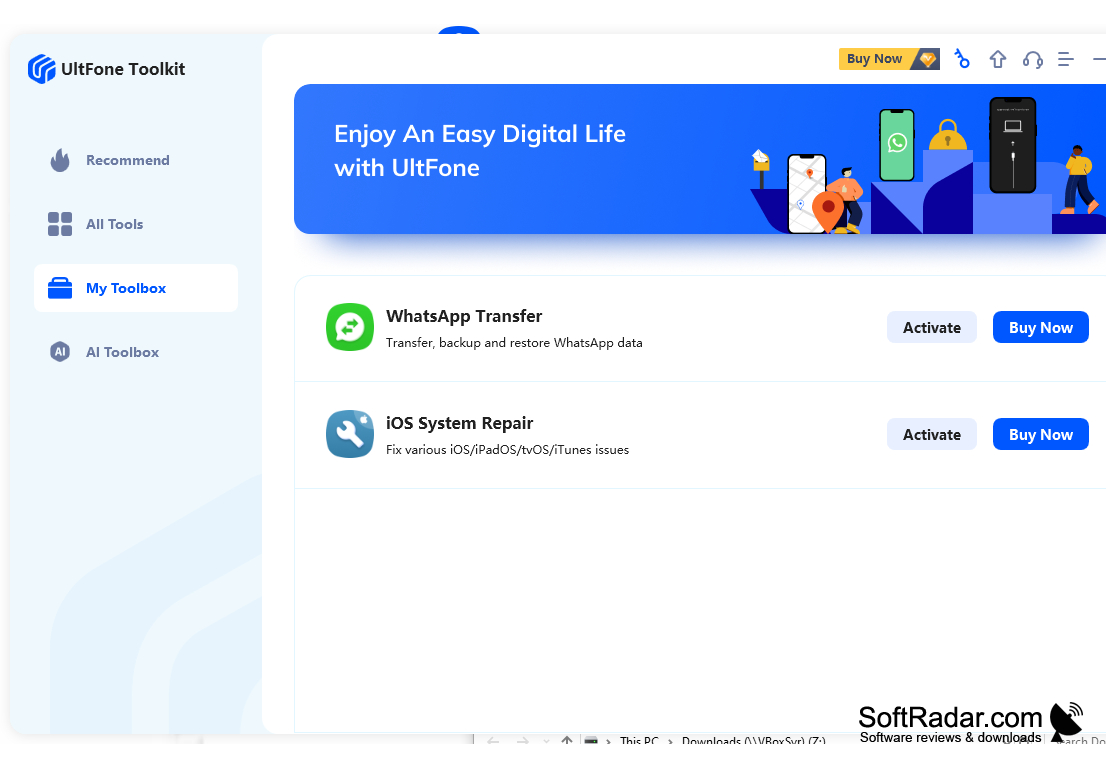
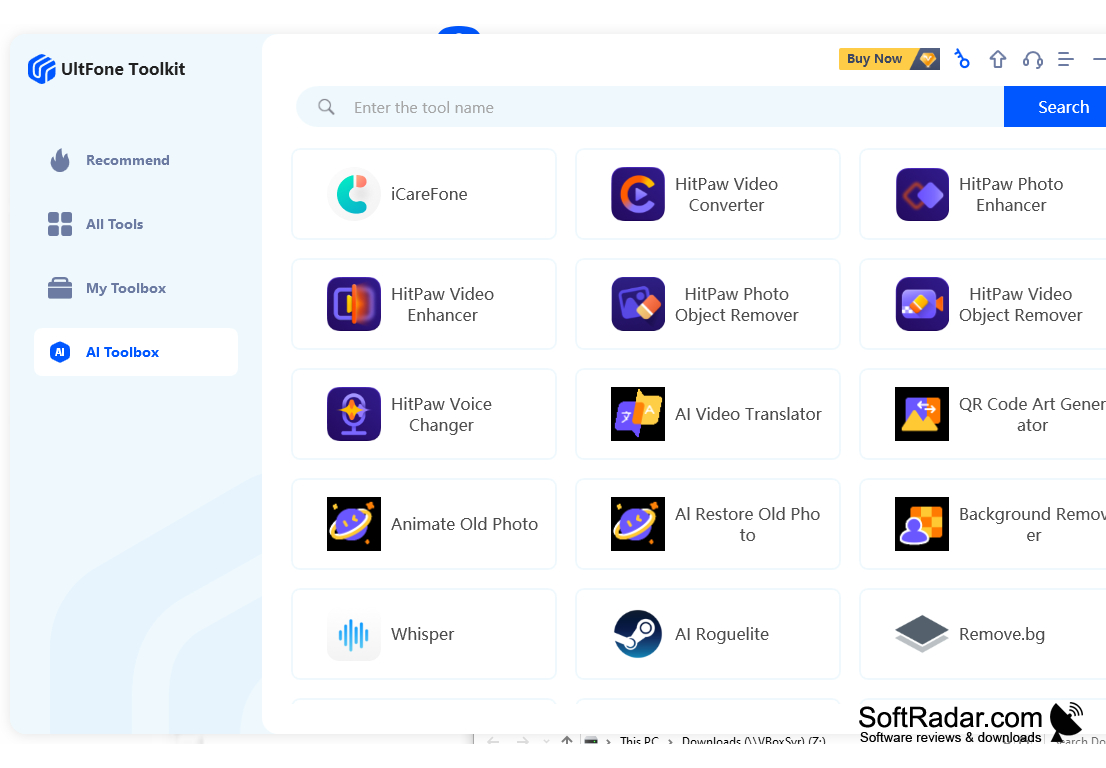
• Part of UltFone Toolkit: the program is also available inside UltFone Toolkit, a launcher that groups the company's phone unlock, system repair and data transfer tools.
• User-friendly interface: UltFone Android System Repair is easy to use, with a user-friendly interface and easy-to-follow instructions.
With UltFone Android System Repair, users can repair various system issues, clear the system cache and switch boot modes without special skills. The free trial covers the boot mode tools, while the system repair function requires a paid license.
Android device with Android 2.0 or later
USB cable to connect the Android device
PROS
Supports a wide range of Android devices.
Easy to use with a user-friendly interface.
CONS
May not fix all system issues.
System repair supports Samsung phones only.


