
Xopero Cloud Personal
Encrypted cloud back up service for businesses or personal use
Operating system: Windows
Publisher: Xopero
Release: Xopero Cloud Personal 3.9.7.0
Antivirus check: VirusTotal report
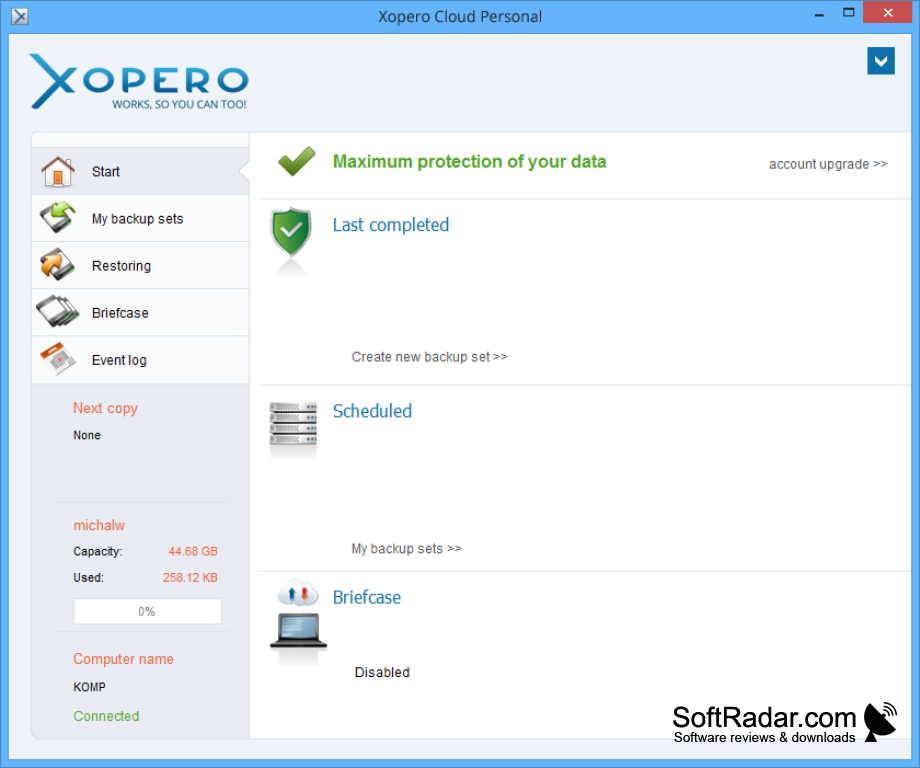
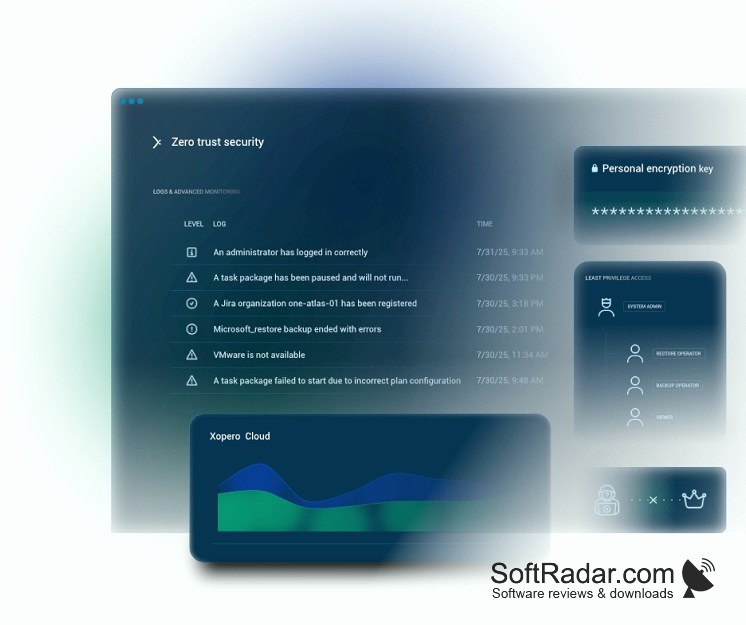
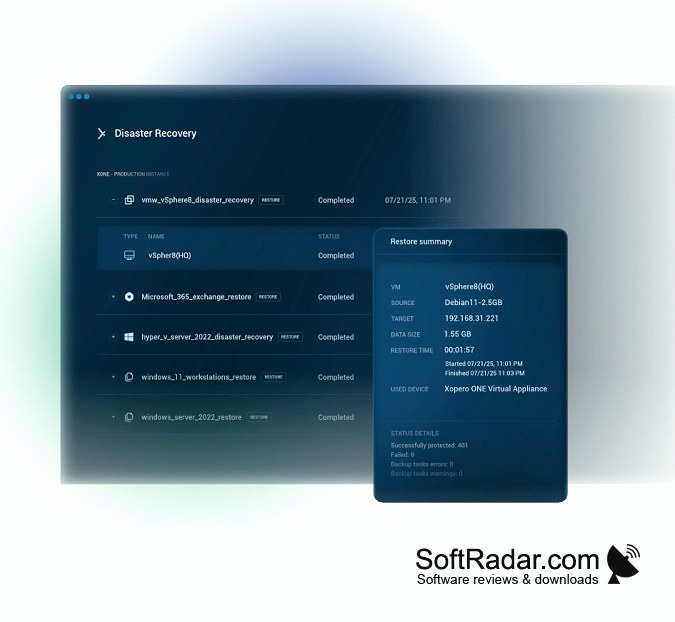
Xopero is a cloud where you can store your data safely. It has advanced encryption features to protect what matters to you. It uses aes 256 encryption, so you have worry-free storage. Your data is stored securely in a data center located in the US. You can set it to back up data automatically, so if the worst happens, you can keep going without missing a beat. You do not even have to think about it once it is set up. It runs in the background without affecting performance. There are multiple tiers for personal use, and they also have a product for businesses. Compression of data, versioning, and duplication ensures that data transfer is fast and easy.
It is available on Windows, of course. However, you can also download it in the app store for Ios and in the google play store for Android. This means that you can access your storage anywhere, you can also log in on any web browser. There does not seem to be a free version, and It is not cheap with the price ranging from 39 dollars US a month to 99 Dollars a Month. There is a free trial, so you can try it out before you buy the product. Even at the cheapest option, they give you a full terabyte of storage. The protection and peace of mind that you receive make that seem like a bargain.
Provides safe storage for all of your data
Features:1
- Cloud data storage
- Multiple tiers to fit your needs
- Automatic backups
- aes 256 encryption
- secure data center
- Data synchronized with all devices
- available on Windows, IOS, and Android
- At least one terabyte of storage
- free trial
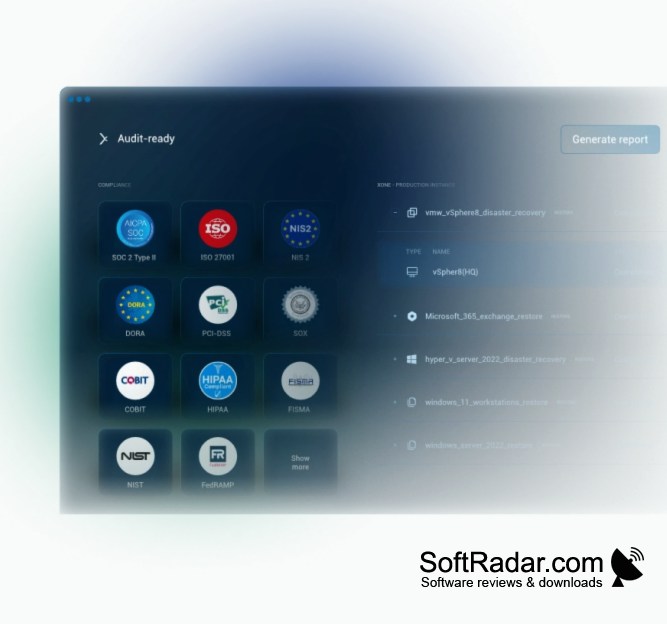
Hardware requirements are just an Intel or AMD dual-core processor and at least 2 gigabytes of ram, they recommend four.
It works on Windows from Vista all the way through to Windows 10.
PROS
Ensures high-level data security with AES 256-bit encryption.
Supports both local and cloud backups for versatility.
CONS
Lacks integration with some popular third-party applications.
Customer support response can be slow.


