
8BitDo Ultimate Software V2
8BitDo Ultimate Software V2 lets Windows users configure compatible 8BitDo input devices, adjust their controls, and keep settings for different games.
Operating system: Windows
Publisher: 8BitDo
Release: 8BitDo Ultimate Software V2 1.38
Antivirus check: VirusTotal report
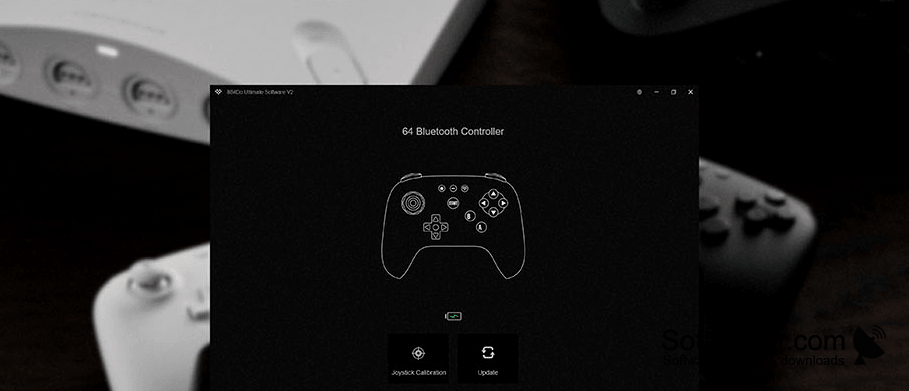
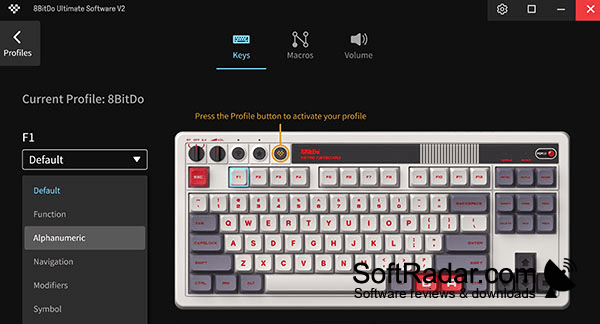
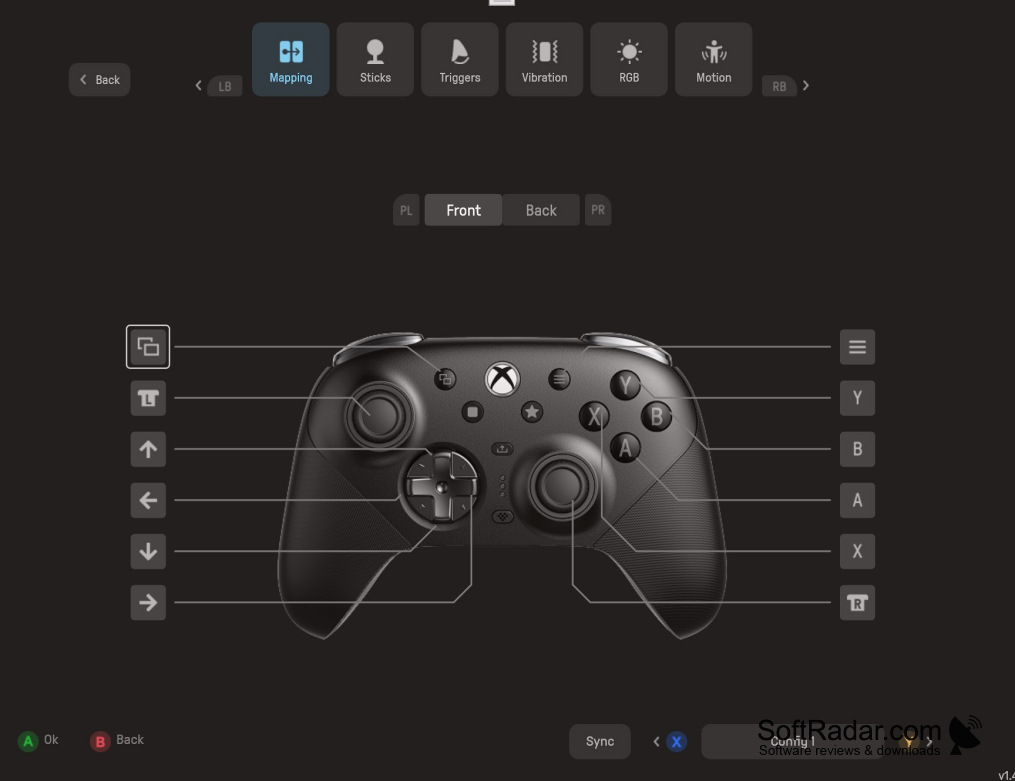
8BitDo Ultimate Software V2 gives owners of compatible 8BitDo hardware a way to tailor how their devices respond on Windows. It works with selected gamepads, keyboards, mice, adapters, and arcade equipment. Players can make one setup for a driving game and another for an action game, then keep those arrangements as profiles instead of rebuilding them each time.
Keep separate device setups for different games without changing every control by hand each time.
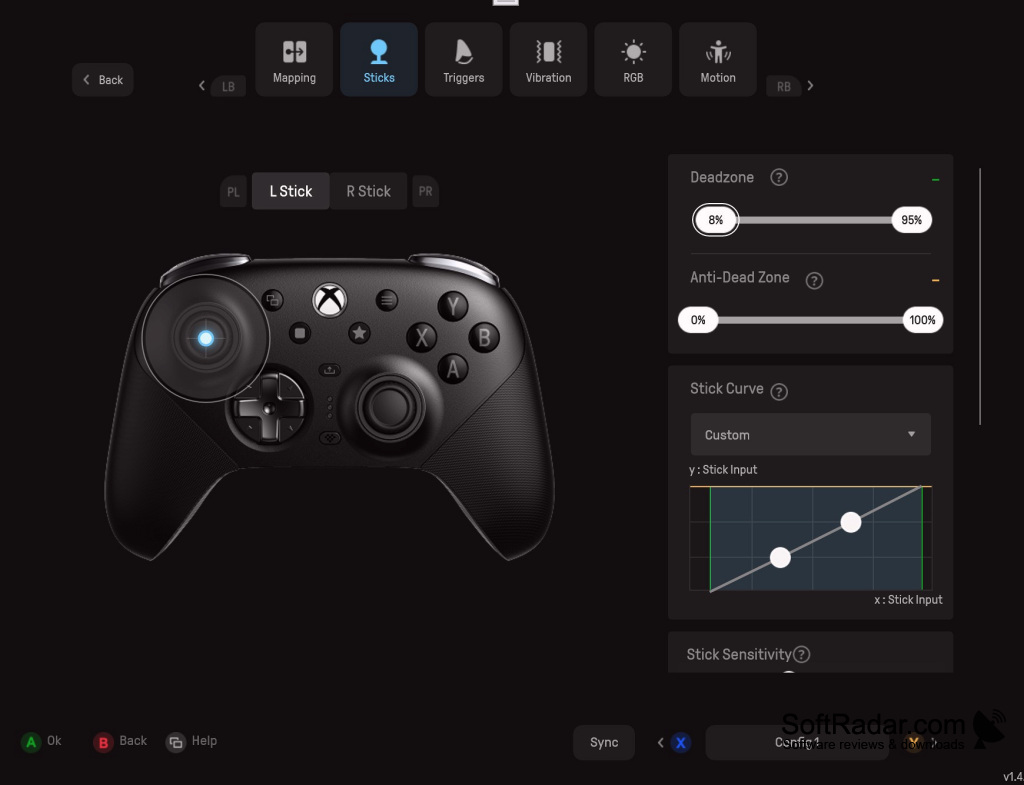
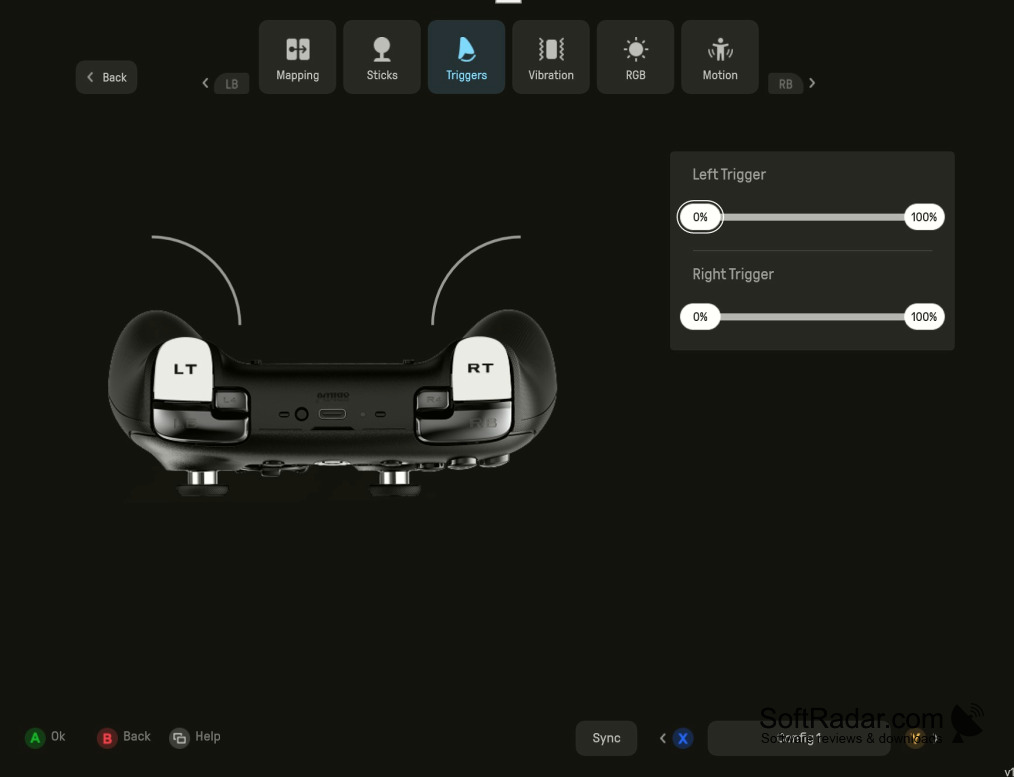
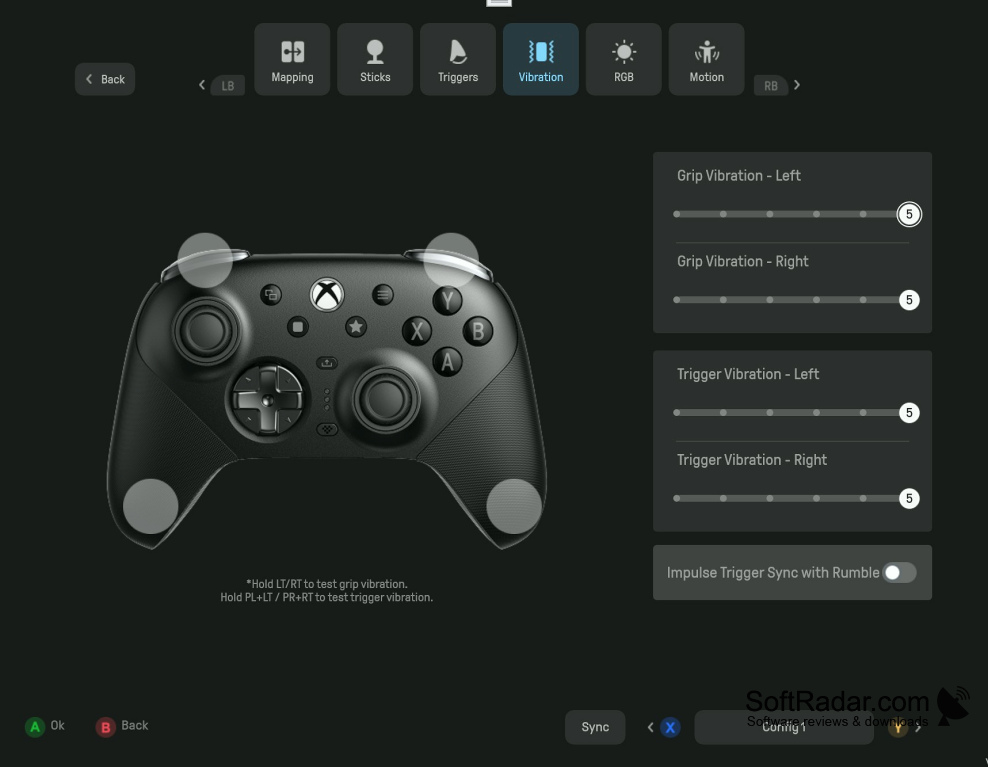
Connect a supported device to see the options provided for that model. Depending on the hardware, you can assign new button actions, change stick and trigger response, adjust rumble or lighting, and place a sequence of commands on one button. The application also handles device firmware updates. Available controls vary by device, so some adjustments will not appear for every model.
Features:
- Assign different actions to supported buttons
- Set stick dead zones and sensitivity
- Tune trigger activation on compatible controllers
- Store multiple layouts as device profiles
- Place command sequences on one button
- Change lighting and rumble where available
Compatible 8BitDo device required
PROS
Saves profiles for different games and play styles.
Updates supported device firmware within the app.
CONS

