
ASUS DisplayWidget Center
ASUS DisplayWidget Center lets owners of compatible ASUS monitors adjust display settings and manage screen layouts from a Windows PC.
Operating system: Windows
Publisher: Asus
Release: ASUS DisplayWidget Center 1.3.3.0
Antivirus check: VirusTotal report
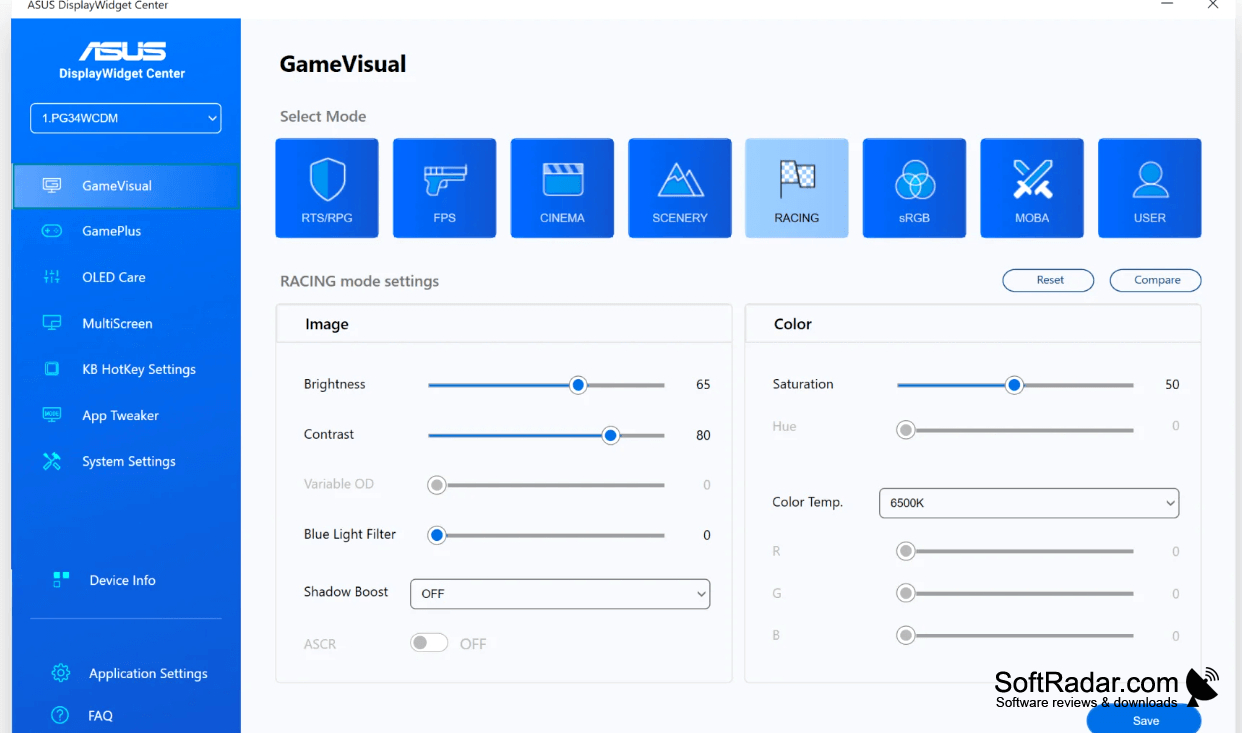
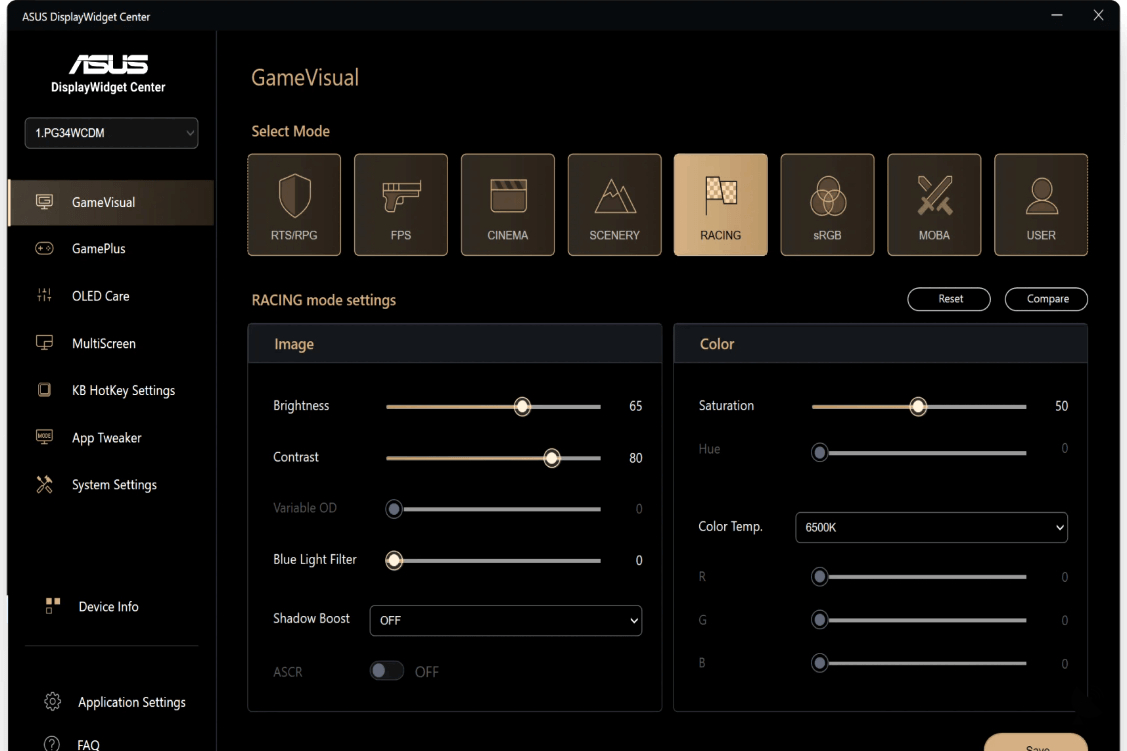
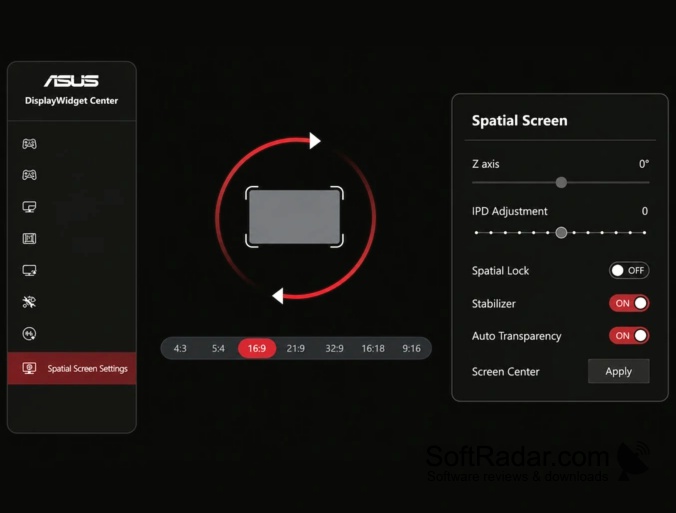
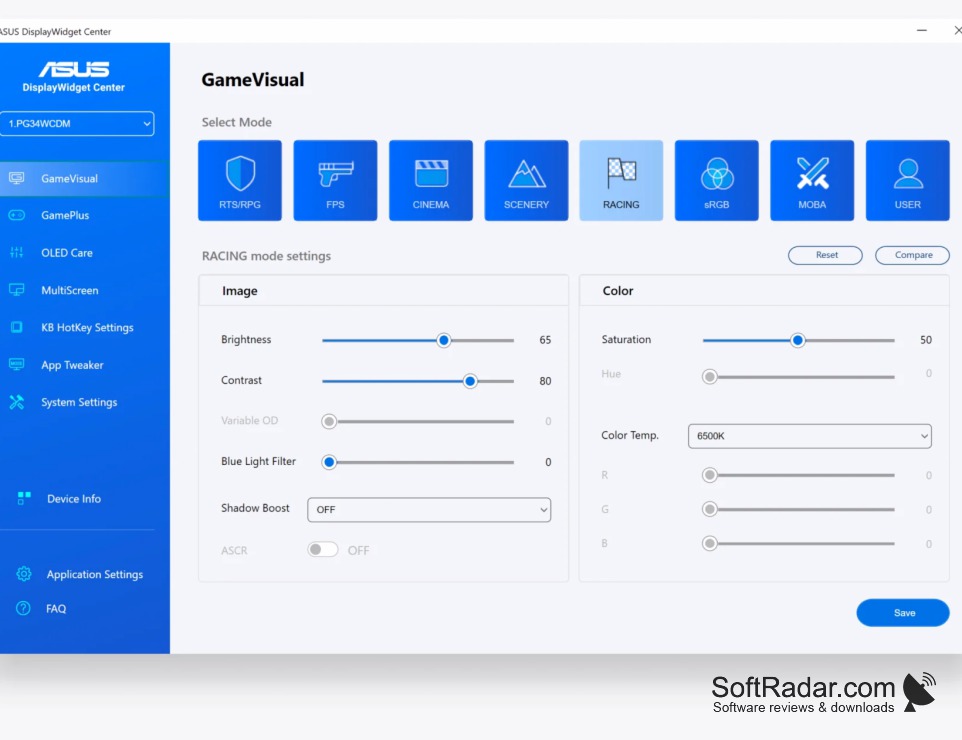
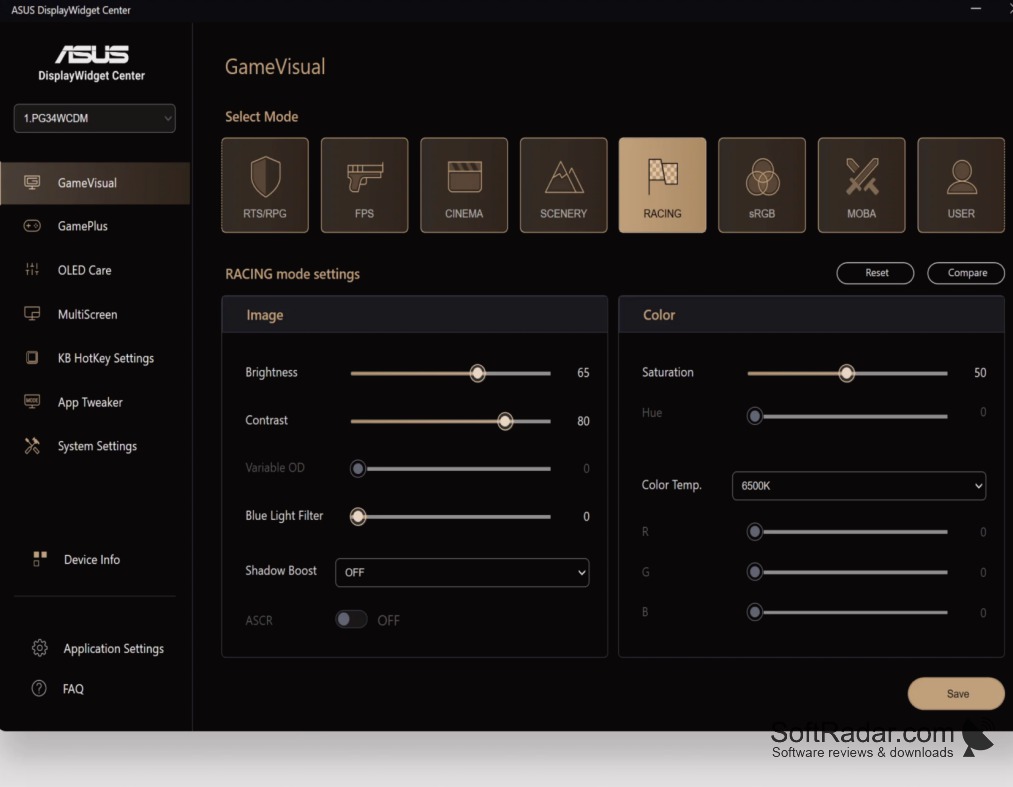
ASUS DisplayWidget Center gives Windows users a desktop interface for compatible ASUS monitors. It can adjust brightness, contrast, and color temperature without navigating the monitor's on-screen menus. People working across multiple windows can also use its layout tools to organize their workspace. Support depends on the connected monitor model, so some controls may not be available on every display.
Change monitor settings and arrange windows from one desktop application instead of using the monitor's physical controls.
The application detects connected supported monitors and groups display controls with window-management options. You can assign display profiles to individual apps, set keyboard shortcuts, and save certain changes to the monitor's own settings. Depending on the monitor, additional controls include viewing two input sources at once, shared keyboard and mouse control for two computers, and maintenance routines for OLED panels.
Features:
- Adjust brightness, contrast, and color temperature
- Place windows in preset screen layouts
- Create display profiles for individual applications
- Configure picture-in-picture and picture-by-picture modes
- Share keyboard and mouse across two computers
- Run OLED pixel cleaning on supported displays
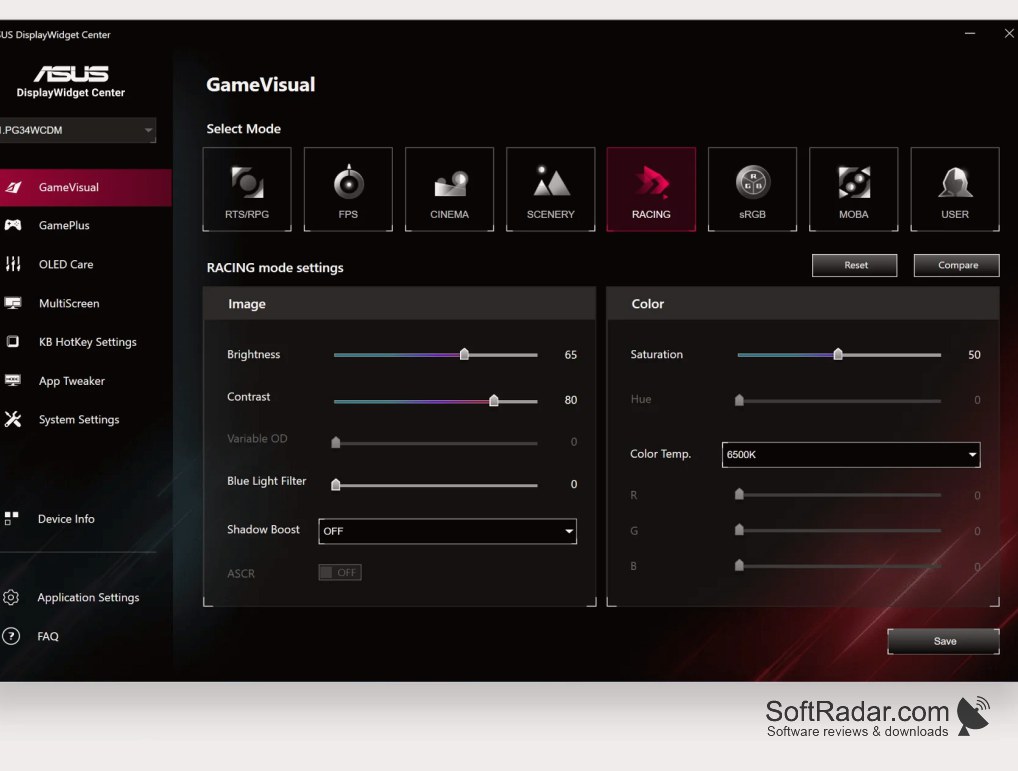
Compatible ASUS monitor required
PROS
Organizes open windows into predefined screen layouts.
CONS
