
AcerSense
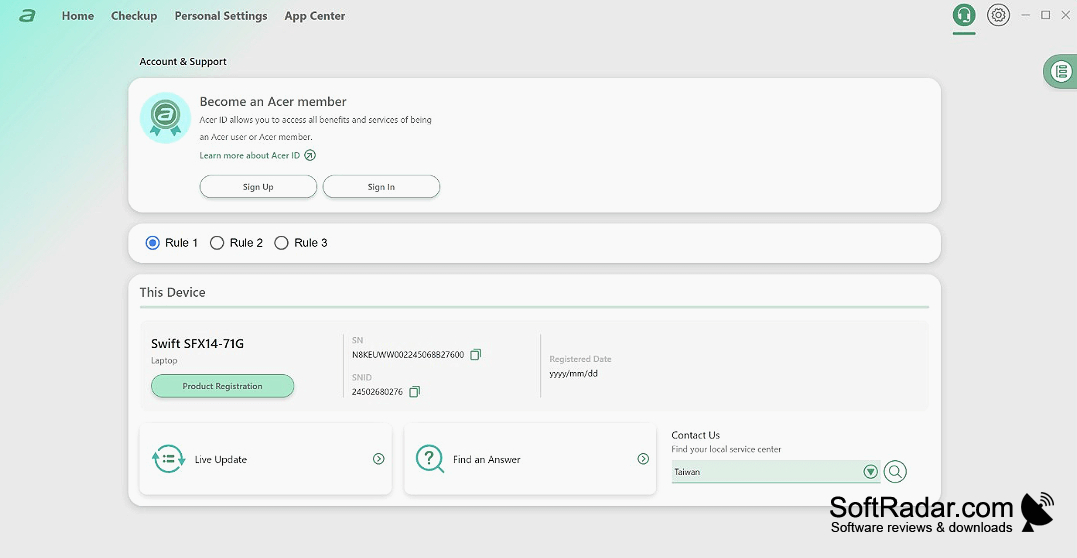
AcerSense lets Windows 11 users monitor performance and manage hardware settings on compatible Acer laptops and desktops.
Operating system: Windows
Publisher: Acer Inc.
Release: AcerSense 5.0.1752
Antivirus check: VirusTotal report
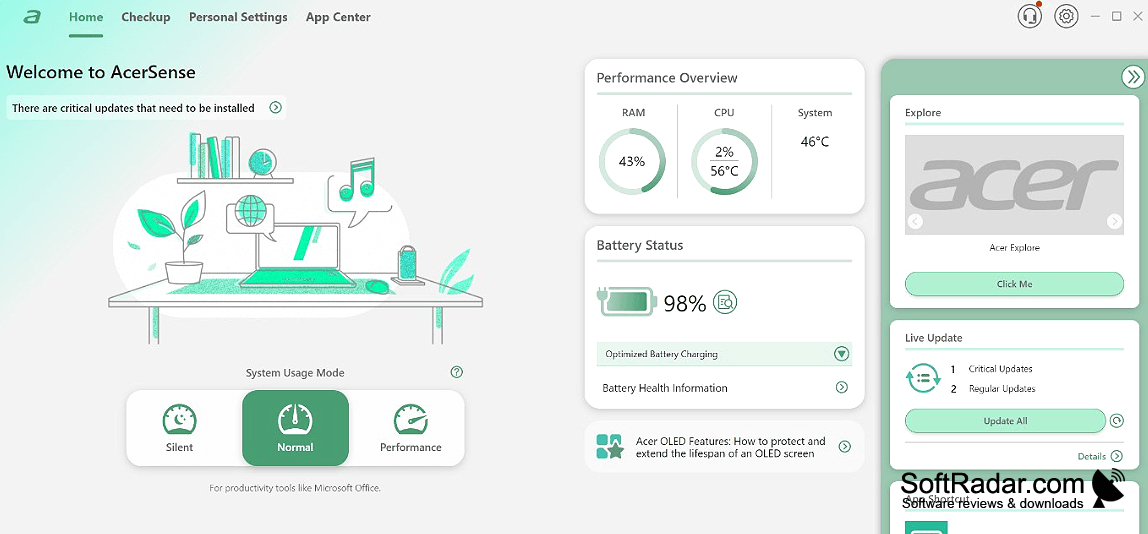
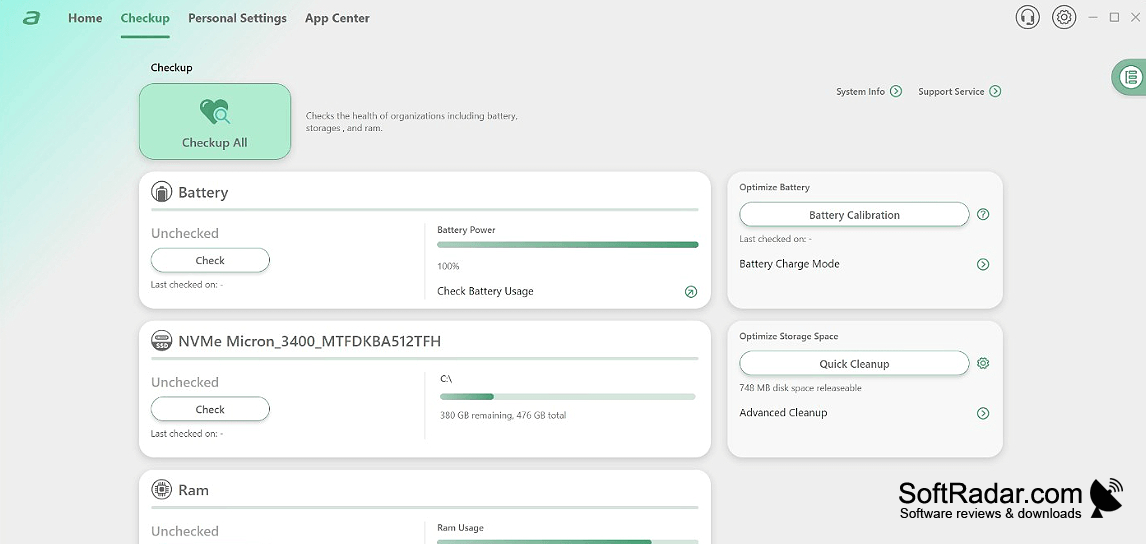
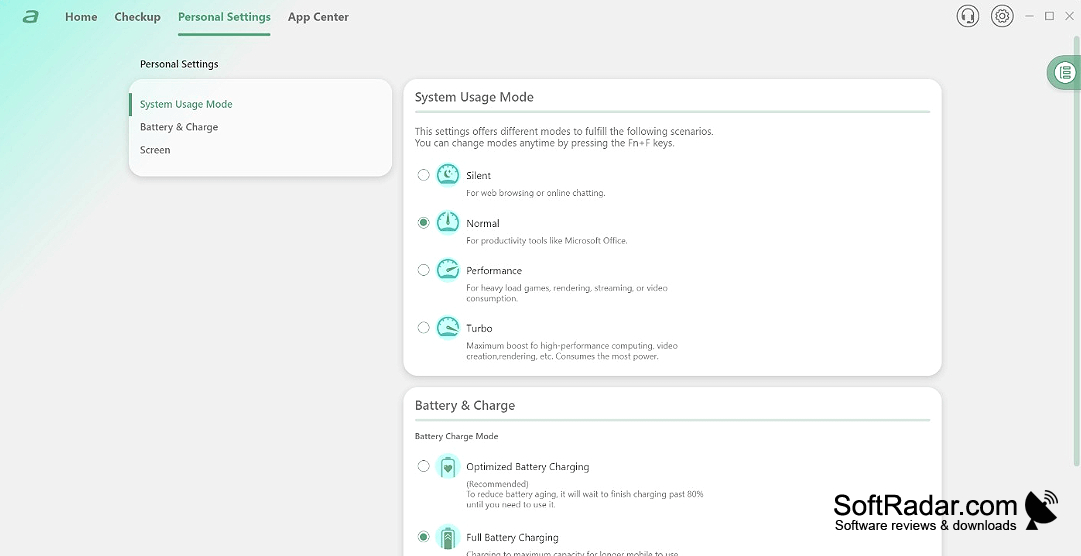
AcerSense brings routine device checks and maintenance controls into one app for owners of compatible Acer computers running Windows 11. Its dashboard presents hardware activity and battery information, so users can review a laptop or desktop before making changes. It also provides options for clearing unwanted files and freeing resources for demanding tasks.
Check resource use, battery condition and device temperature in one place before changing settings.
The app shows processor, graphics and memory usage as it changes. It can remove unneeded files and pause background processes during demanding work. Hardware tools report battery condition and temperature, offer battery-related guidance, and adjust cooling behavior. Users can also check for Acer driver updates, change desktop themes and set brightness to respond to surrounding light.
Features:
- Track processor, graphics and memory activity
- Remove unneeded files
- Pause background tasks for demanding applications
- Review battery condition and related guidance
- Monitor temperature and adjust cooling
- Check for Acer hardware driver updates
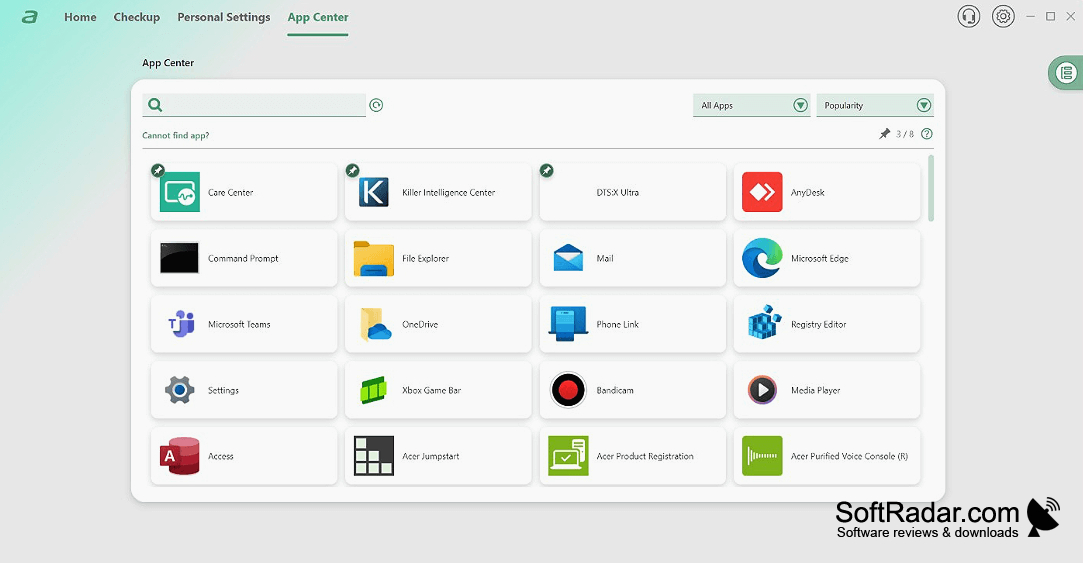
Requires compatible Acer hardware
PROS
Provides convenient access to Acer driver updates.
CONS
Available controls vary across Acer models.