
EXPERTool
EXPERTool is a Windows utility for Gainward graphics card owners who want to monitor GPU activity and adjust clock, fan, and power settings.
Operating system: Windows
Publisher: Gainward
Release: EXPERTool 11.13
Antivirus check: VirusTotal report
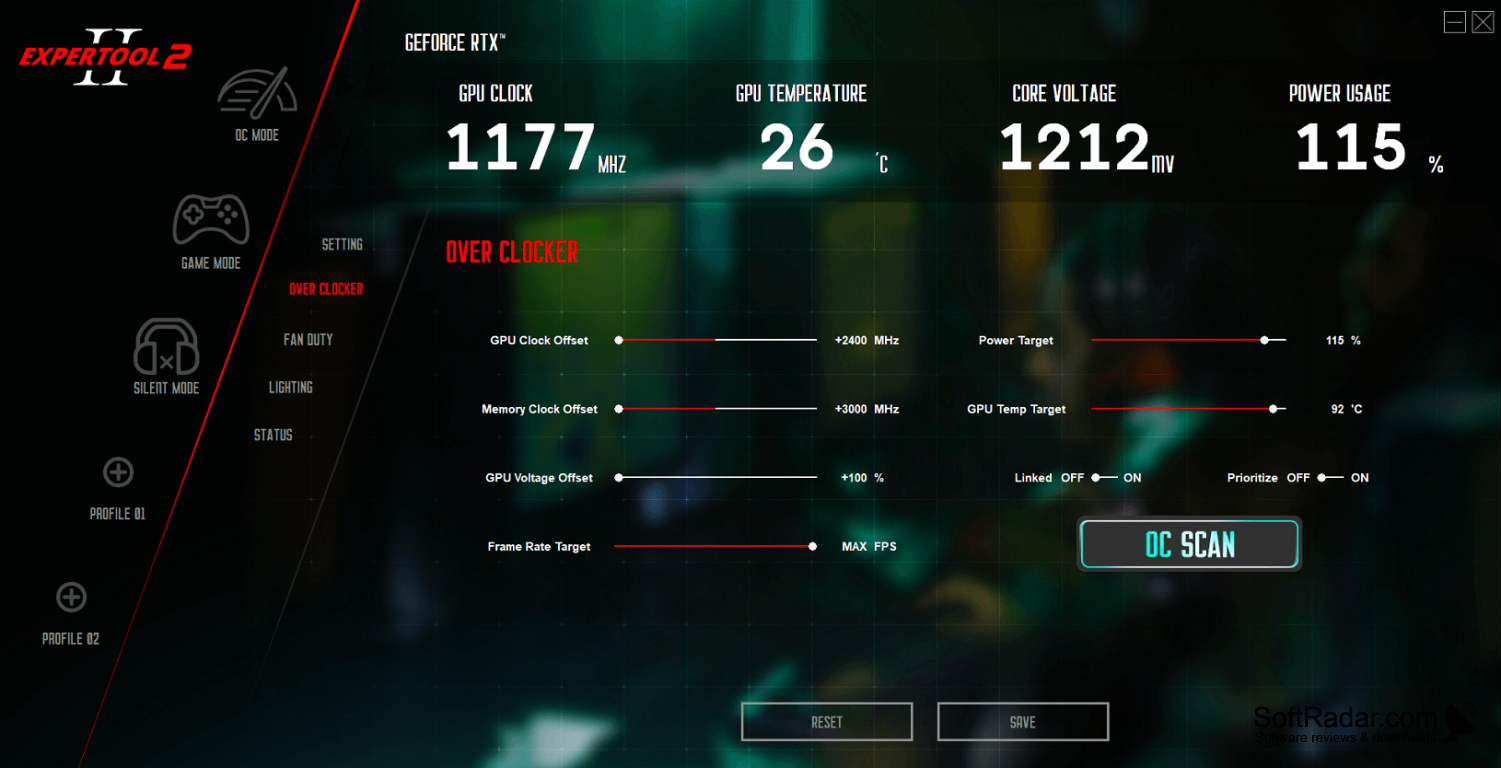
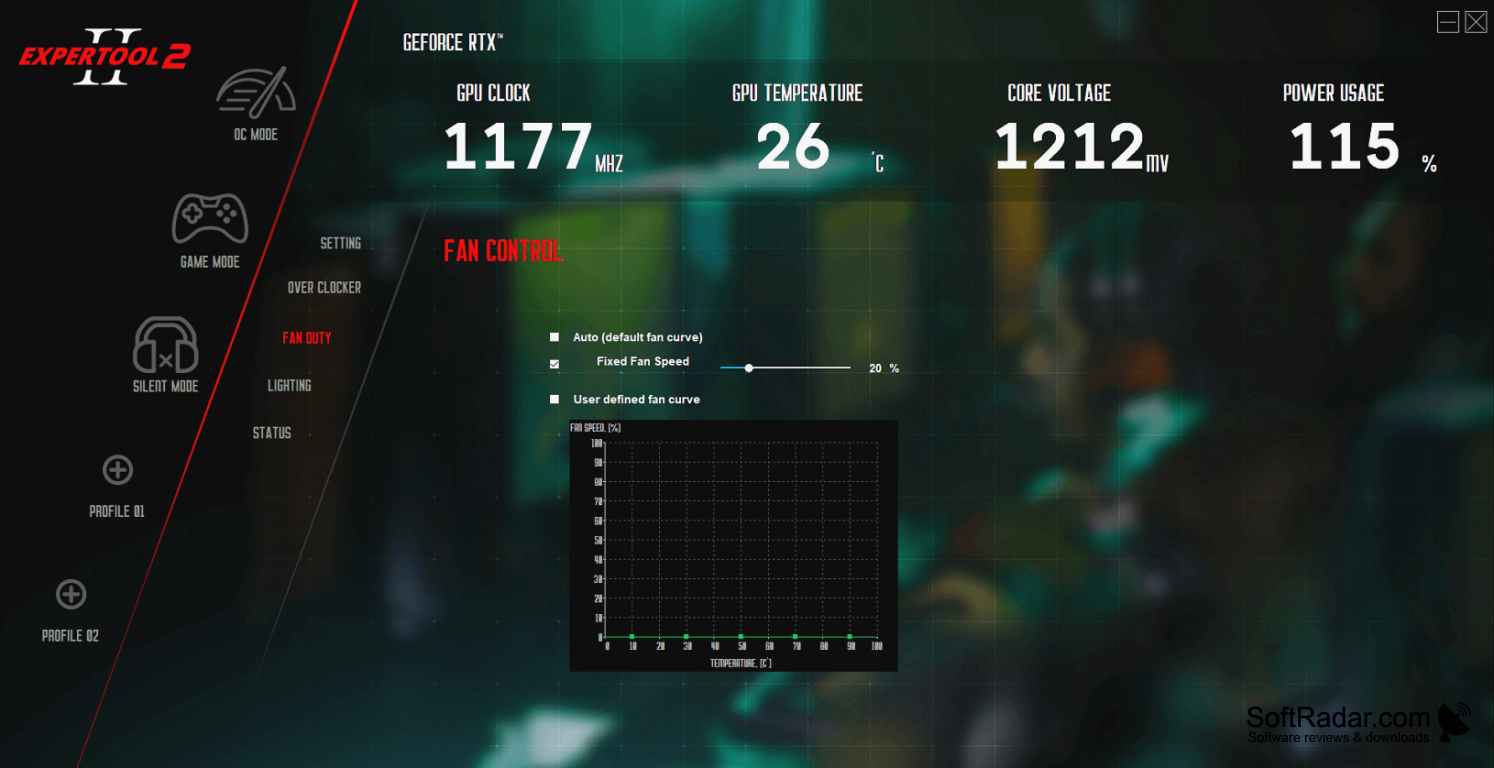
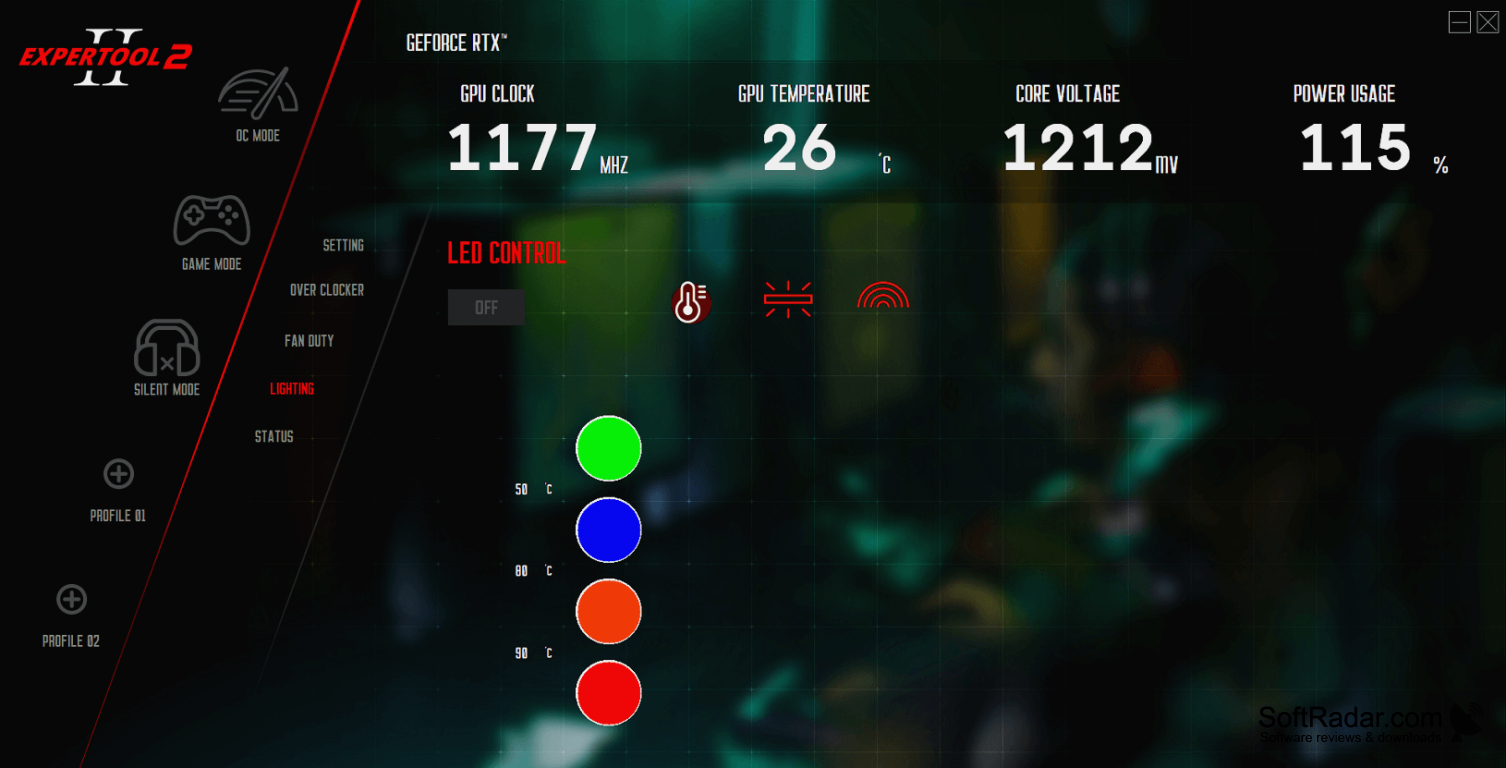
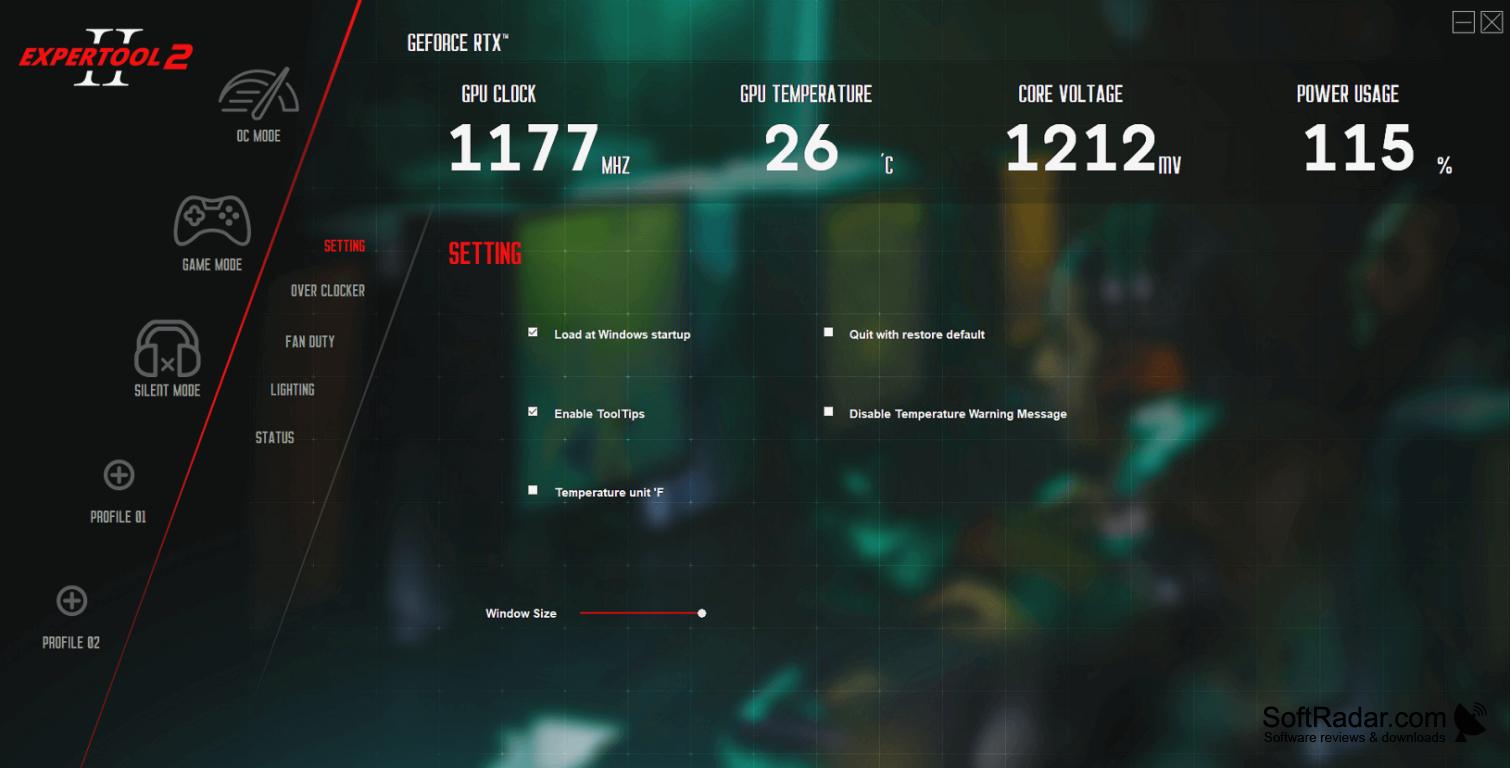
EXPERTool helps owners of supported Gainward graphics cards monitor their GPU and change operating settings from Windows. It can be used to check temperatures and clock speeds, adjust fan behavior, or choose a profile for everyday work or games. It may detect some other Nvidia cards, though available controls can vary by card. A taskbar icon opens the main panel and related Windows display tools.
It brings GPU readings and tuning controls together, with profiles for different tasks.
The dashboard displays core and memory frequencies alongside GPU temperature and fan activity. A separate tuning panel offers preset modes and custom profiles that users can switch between. Adjustable options include clock offsets, voltage offset, power and temperature targets, and a frame rate target. The utility also has status and information sections, a restore control, and an option to download graphics card firmware.
Features:
- View GPU core and memory clock readings
- Monitor temperature and fan activity
- Adjust GPU and memory clock offsets
- Set power and temperature targets
- Save and switch custom tuning profiles
- Open display tools from the taskbar icon
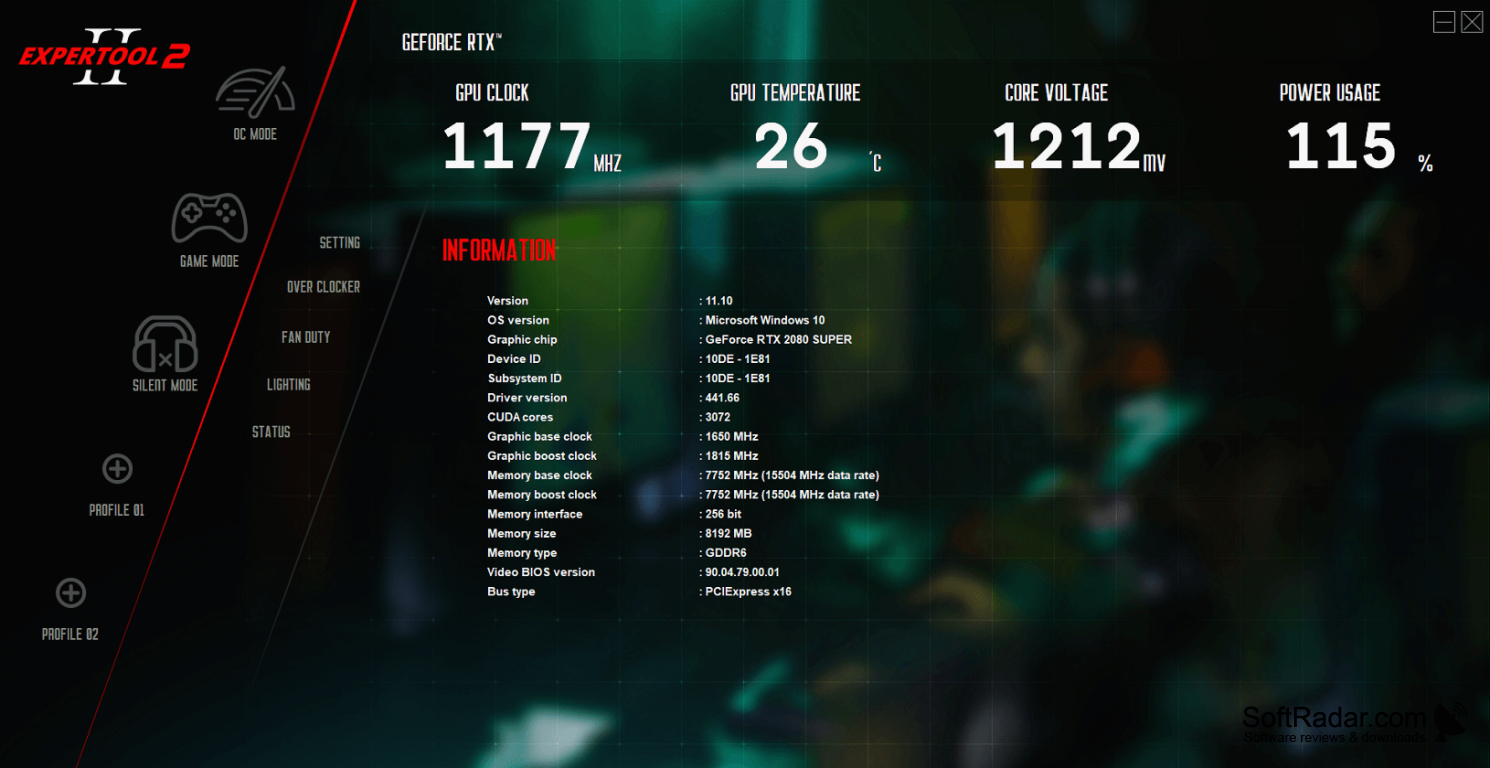
NVIDIA GeForce graphics card
Compatible NVIDIA graphics driver
PROS
Saves multiple overclocking profiles for quick switching.
CONS
Some controls depend on the graphics card model.

