
NVIDIA GeForce Game Ready Driver
NVIDIA GeForce Game Ready Driver provides graphics drivers for Windows PCs with GeForce cards, with updates aimed at people who play games.
Operating system: Windows
Publisher: NVIDIA Corporation
Release: NVIDIA GeForce Game Ready Driver 566.03
Antivirus check: VirusTotal report
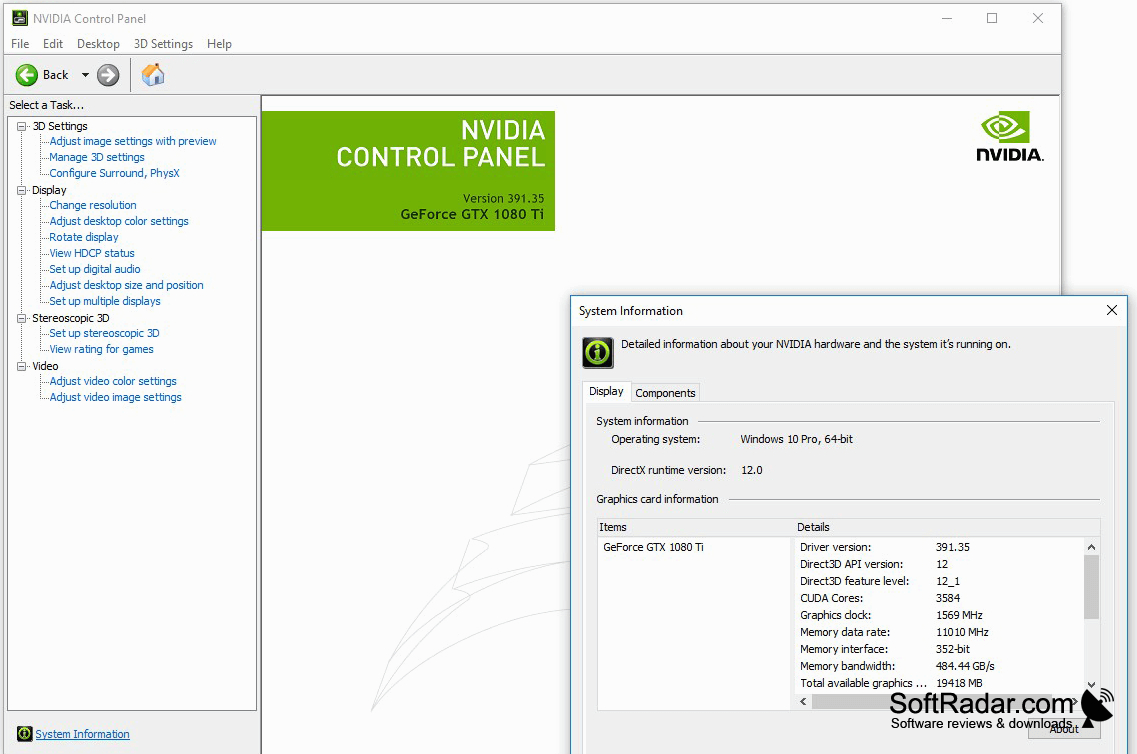
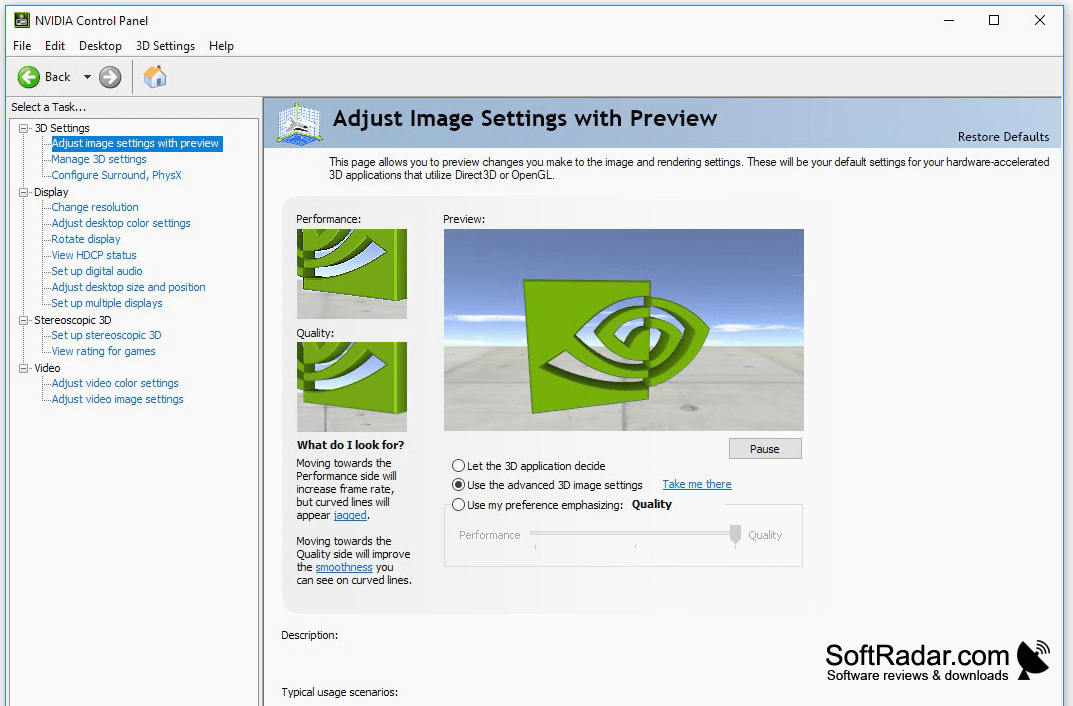
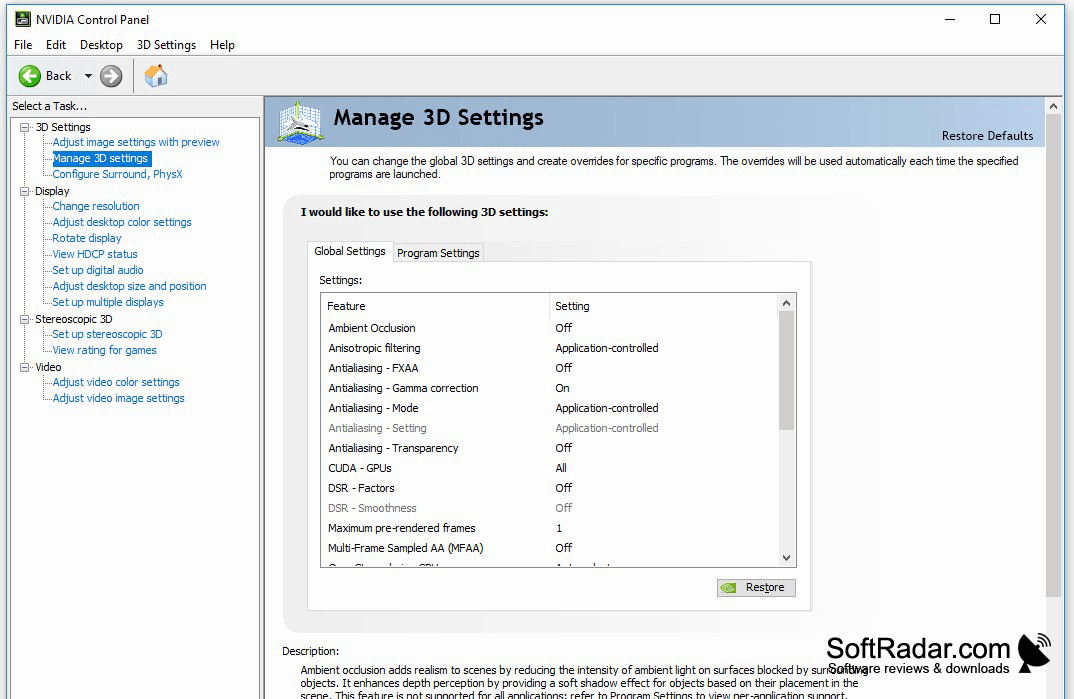
NVIDIA GeForce Game Ready Driver supplies graphics drivers for Windows PCs with GeForce hardware. It is intended for people who play games and need their graphics card to work with visual applications. Installing the package updates the software that connects Windows and the GPU to programs that use it, including games that render 3D graphics.
It keeps GeForce graphics cards compatible with supported games while offering controls for display and 3D settings.
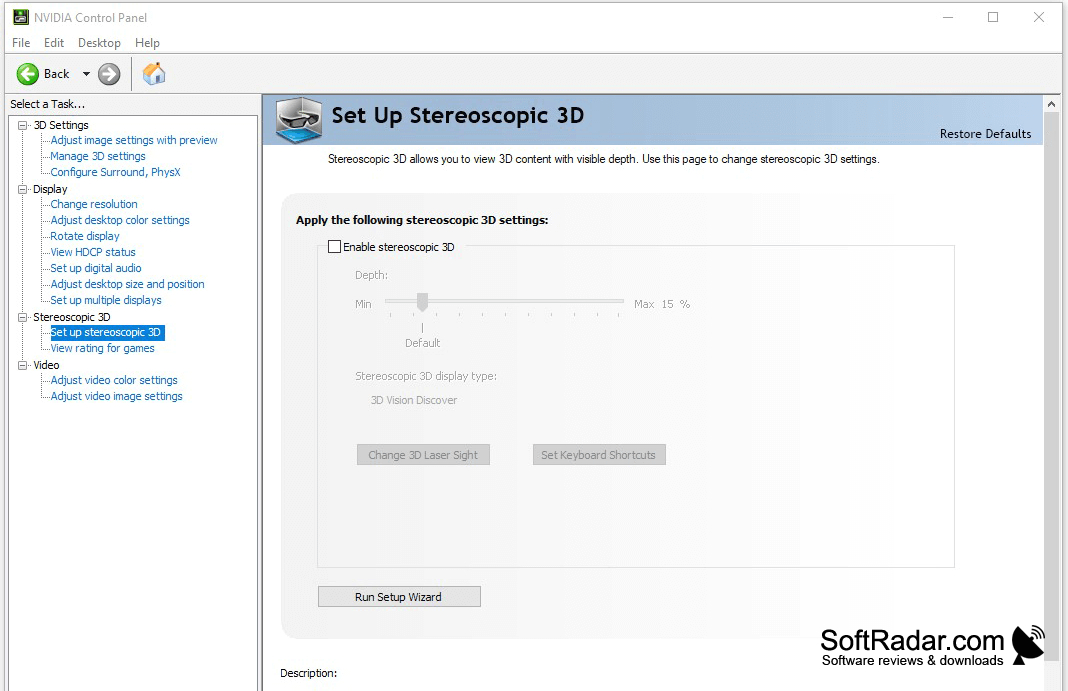
The driver package includes adjustments for individual games and receives updates to support new releases. Users can change display color, screen orientation and 3D settings through the NVIDIA Control Panel. Graphics settings also let users choose a balance between image quality and responsiveness that suits their system.
Features:
- Installs drivers for GeForce graphics cards
- Adds support for newly released games
- Provides controls for display color settings
- Changes screen orientation
- Adjusts settings for 3D graphics
- Balances graphics quality and performance
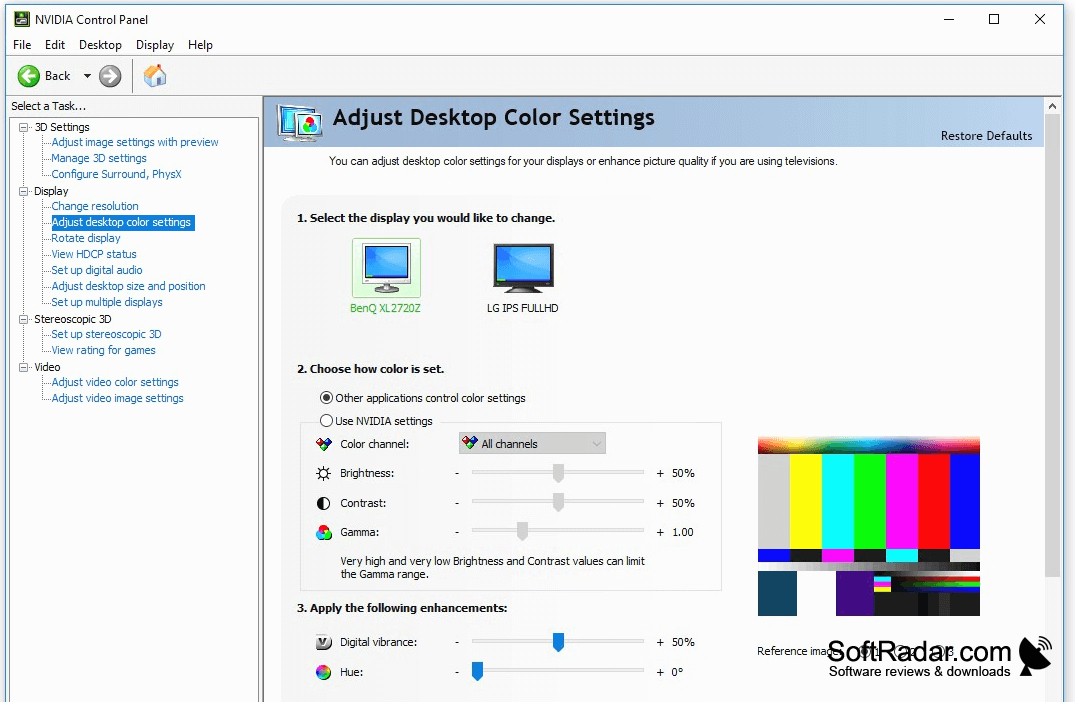
Supported NVIDIA GeForce graphics card
PROS
Frequent updates fix graphics glitches in games.
Per-game settings allow detailed graphics configuration.
CONS
Driver downloads are large and can install slowly.


