Actual Transparent Window 8.14.7
A tool with which you can adjust the transperency rate
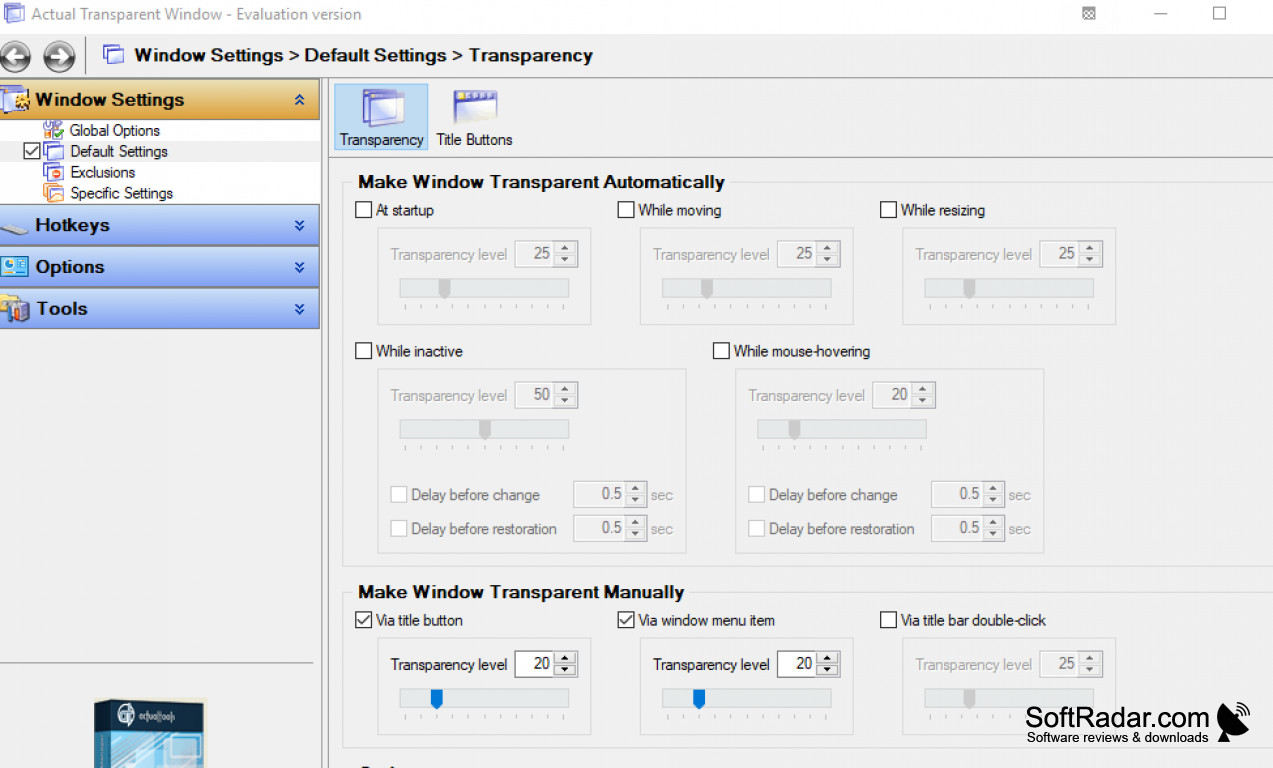
Actual Transparent Window software (version 8.14.7) is a tool that allows users to apply transparency effects to any window on their desktop. The software can adjust transparency levels dynamically, and also allows users to set specific transparency levels for individual windows. Additionally, Actual Transparent Window can also be used to set up hotkeys for quickly adjusting transparency levels or toggling transparency on and off for specific windows. Lastly, the software is compatible with multiple monitors, making it easy to apply transparency effects across multiple displays.
Operating system: Windows
Publisher: Actual Tools
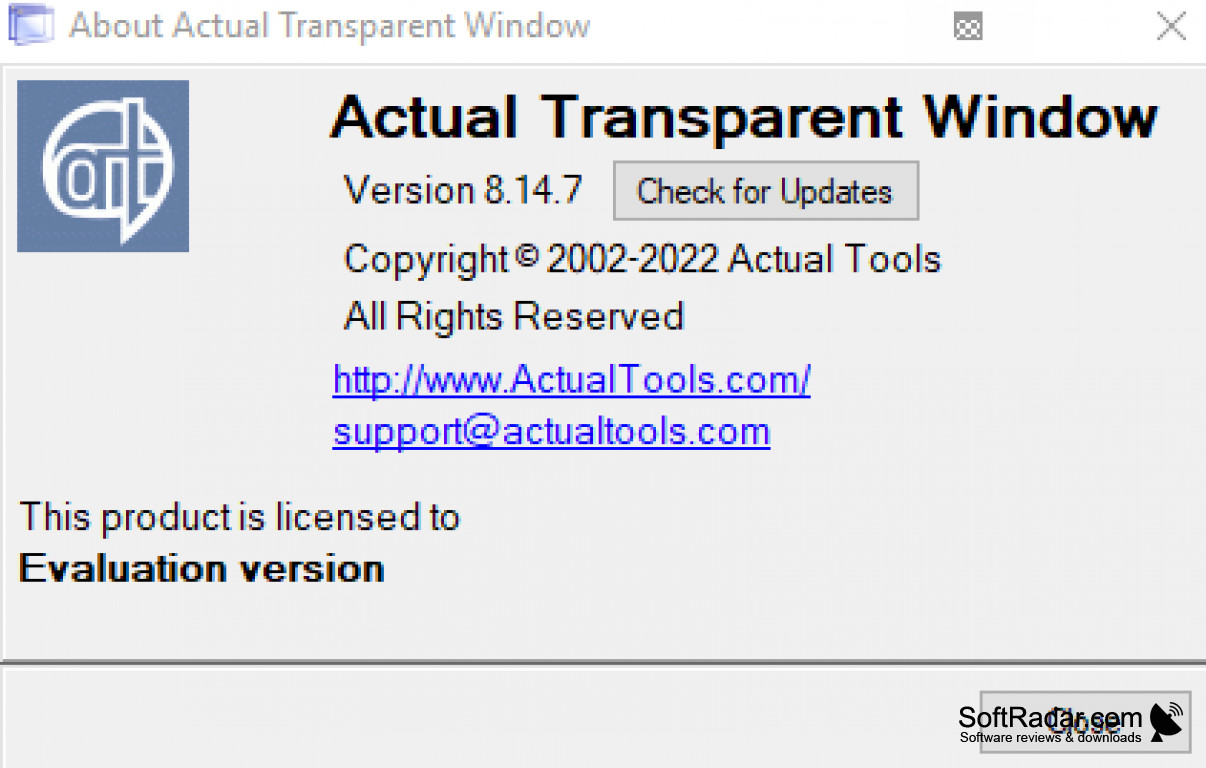
Version: 8.14.7 (checksum)
- In multi-window applications, repeated window closing followed by opening two windows could cause a small memory leak.
- Excel 2007 and later no longer hung after certain standard dialogs were closed.
- Title Buttons no longer cause X1 Search to hang at startup when extra buttons are added.
- The Send to Tech Support function now identifies Windows 11 configurations correctly instead of labeling them as Win10-built.
- Memory usage and total system load are slightly lower.
- The Compact View popup toolbar is no longer empty in some applications, including X1 Search and SnagIt!.
- In some applications with unusual frames, title buttons could be hidden.
- After restarting Actual Transparent Window, some application features could behave unpredictably.
- The Title Buttons property sheet layout now remains correct with certain non-default font and size combinations.
- On Windows 11, adding buttons to some system applications, such as Paint, could cause unwanted visual effects.
- Title Buttons now work more reliably in MDI windows in some cases.
- Some multi-window applications could silently crash after closing and reopening a window of the same type.
- Yolo Mouse custom cursor compatibility has been improved.
- X1 Search no longer hangs during startup when extra buttons are added to its window.