
Adlice Diag
Adlice Diag helps Windows users investigate system activity and scan for malware, with options to review and remove suspicious items.
Operating system: Windows
Publisher: Adlice Software
Release: Adlice Diag 4.1.1
Antivirus check: VirusTotal report
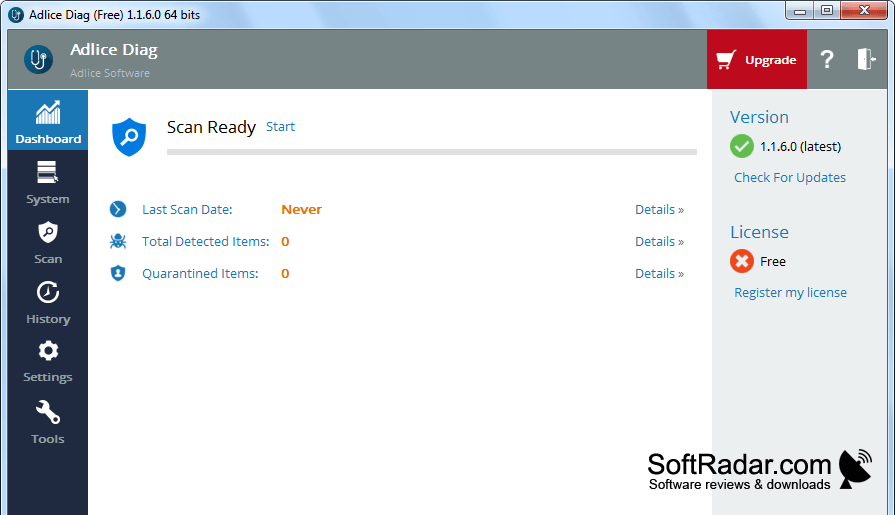
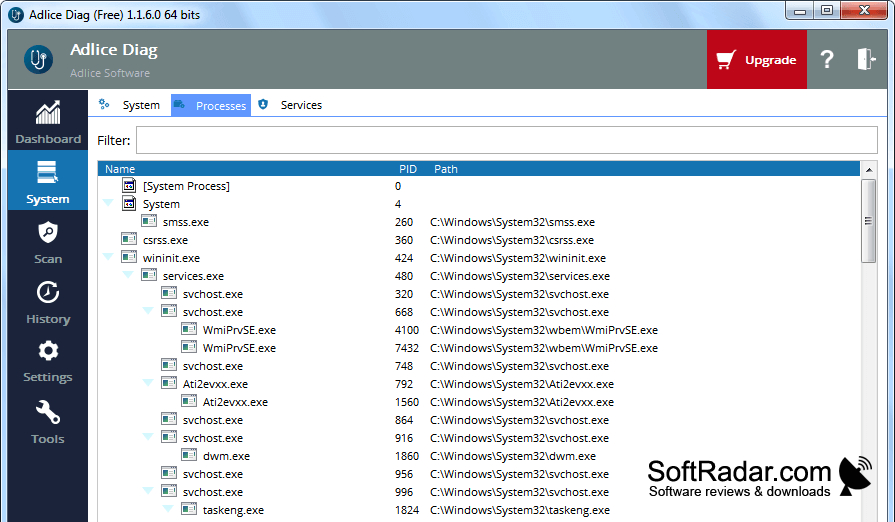
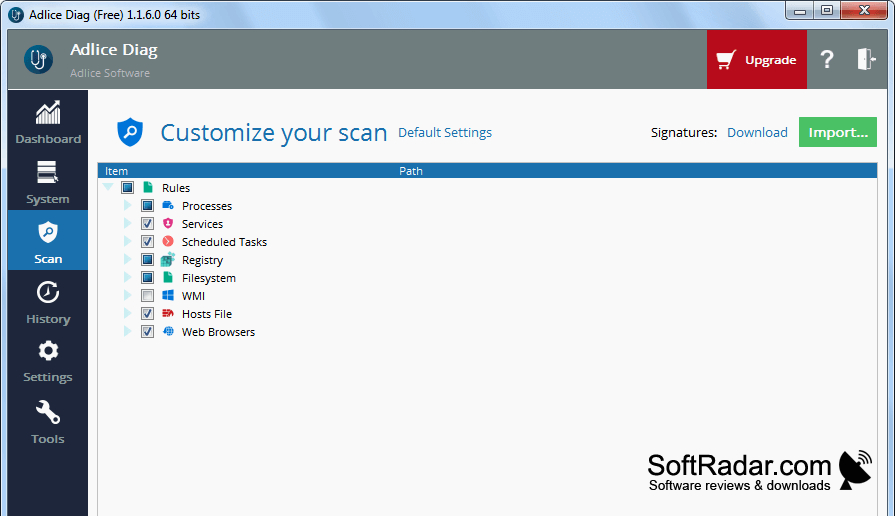
Adlice Diag is a Windows diagnostic utility for people investigating suspected malware or unexplained system behavior. It examines active processes, startup entries, services, scheduled tasks, files, and registry data. After a scan, you can review the entries it displays and decide which items need attention. The tool also provides options for handling identified threats.
It displays a broad range of scan findings, letting you examine system entries alongside possible threats.
Its scanner uses signature matching and heuristic checks, including a dedicated rootkit check. You can choose a quick, full, or tailored scan and examine installed browser add-ons for unwanted entries. Results include items that are not marked as threats, and you can generate a report for later review. The software is available as an installed application or a portable executable.
Features:
- Checks running processes and startup entries
- Examines services and scheduled tasks
- Scans files and registry entries
- Looks for rootkits with a dedicated module
- Reviews installed browser add-ons
- Creates reports of scan results
PROS
Portable edition runs without installation.
Color-coded results help distinguish suspicious entries.
CONS
Aggressive detection may flag legitimate system entries.
