
Emsisoft Commandline Scanner
Emsisoft Commandline Scanner lets administrators and experienced Windows users check files and drives for malware through a text-based interface.
Operating system: Windows
Publisher: Emsisoft
Release: Emsisoft Commandline Scanner 2025.1.0.12642
Antivirus check: VirusTotal report
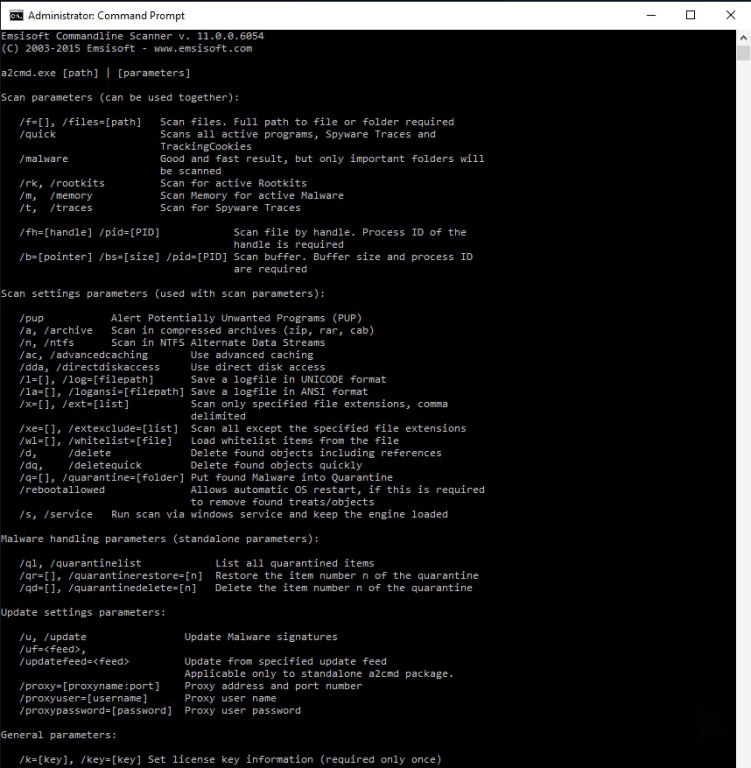
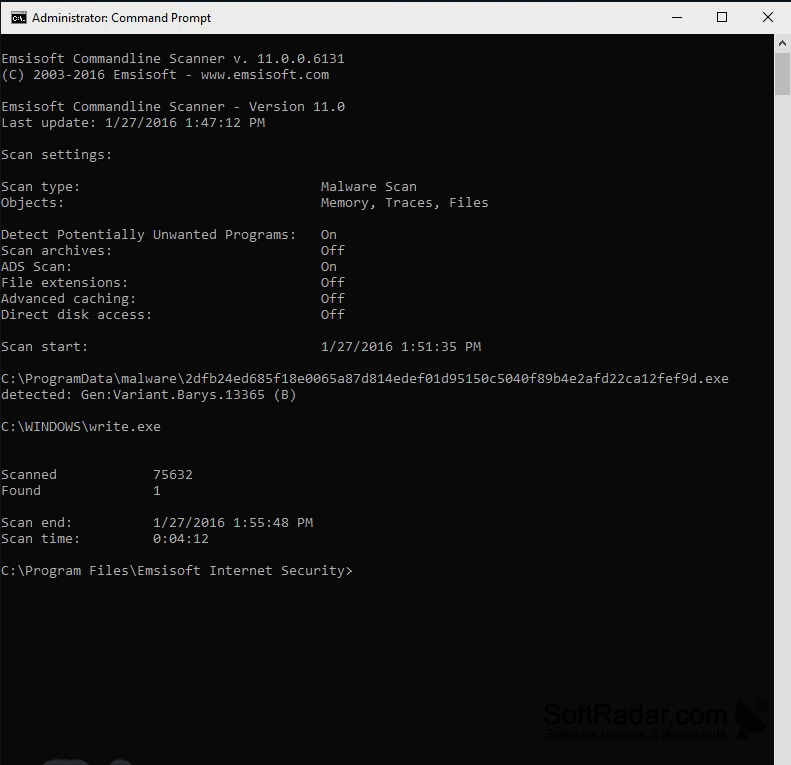
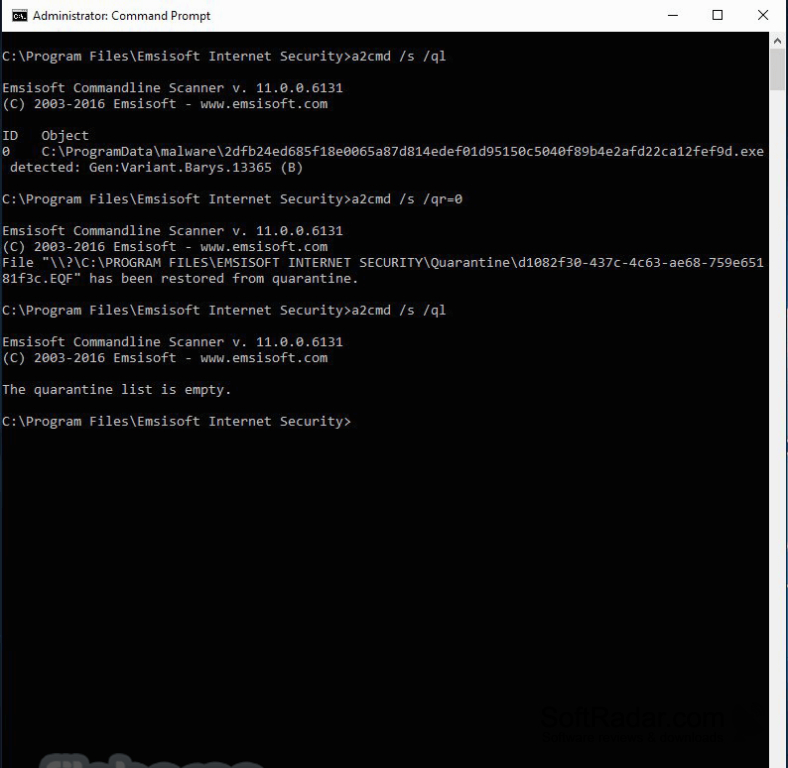
Emsisoft Commandline Scanner is a malware scanning utility for administrators and other users comfortable with the Windows command prompt. It suits routine checks, targeted investigations, and scripted maintenance tasks where a graphical interface is unnecessary. Users can inspect selected locations on a computer and handle findings without leaving their command-line workflow.
Run targeted malware checks from scripts or the Windows command prompt without opening a graphical interface.
Start the scanner from an elevated Windows command prompt and enter options to choose what to examine. It can check individual files, folders, or entire drives, while exclusions let users skip chosen paths or file types. Detected items can be moved into quarantine or removed. Where available, an optional service keeps the scanning engine loaded between repeated runs.
Features:
- Scans selected files, folders, and drives
- Excludes chosen paths and file extensions
- Moves detected items into quarantine
- Removes detected items by command
- Keeps the scan engine loaded between runs
- Supports scheduling through Windows Task Scheduler
PROS
Dual scanning engines broaden malware detection.
Exclusions help narrow scans to relevant files.
CONS
Repeated short scans reload engines without service mode.


