
Ashampoo Photo Optimizer Pro
Ashampoo Photo Optimizer Pro is a Windows photo editor for people who want to correct images quickly, adjust details by hand, or process a group of photos together.
Operating system: Windows
Publisher: Ashampoo
Release: Ashampoo Photo Optimizer Pro 26.0.4
Antivirus check: VirusTotal report
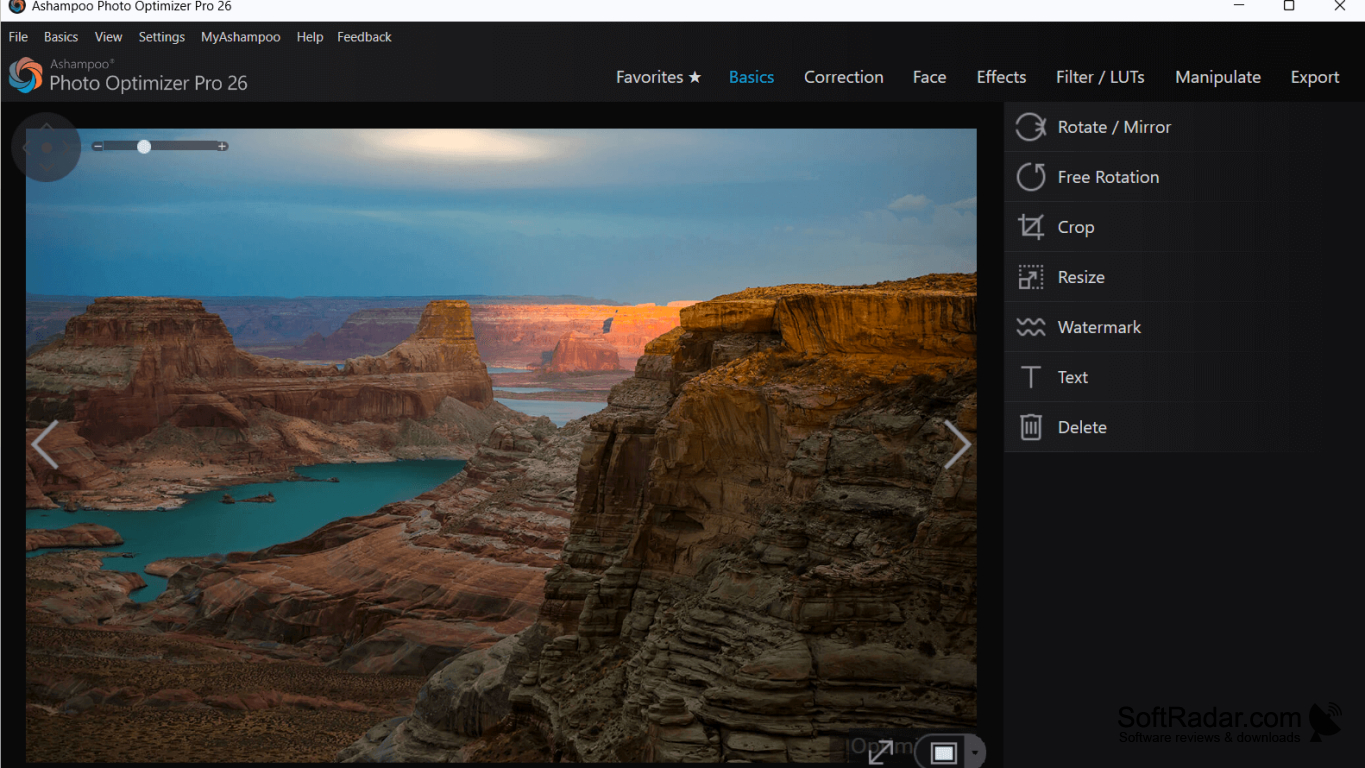
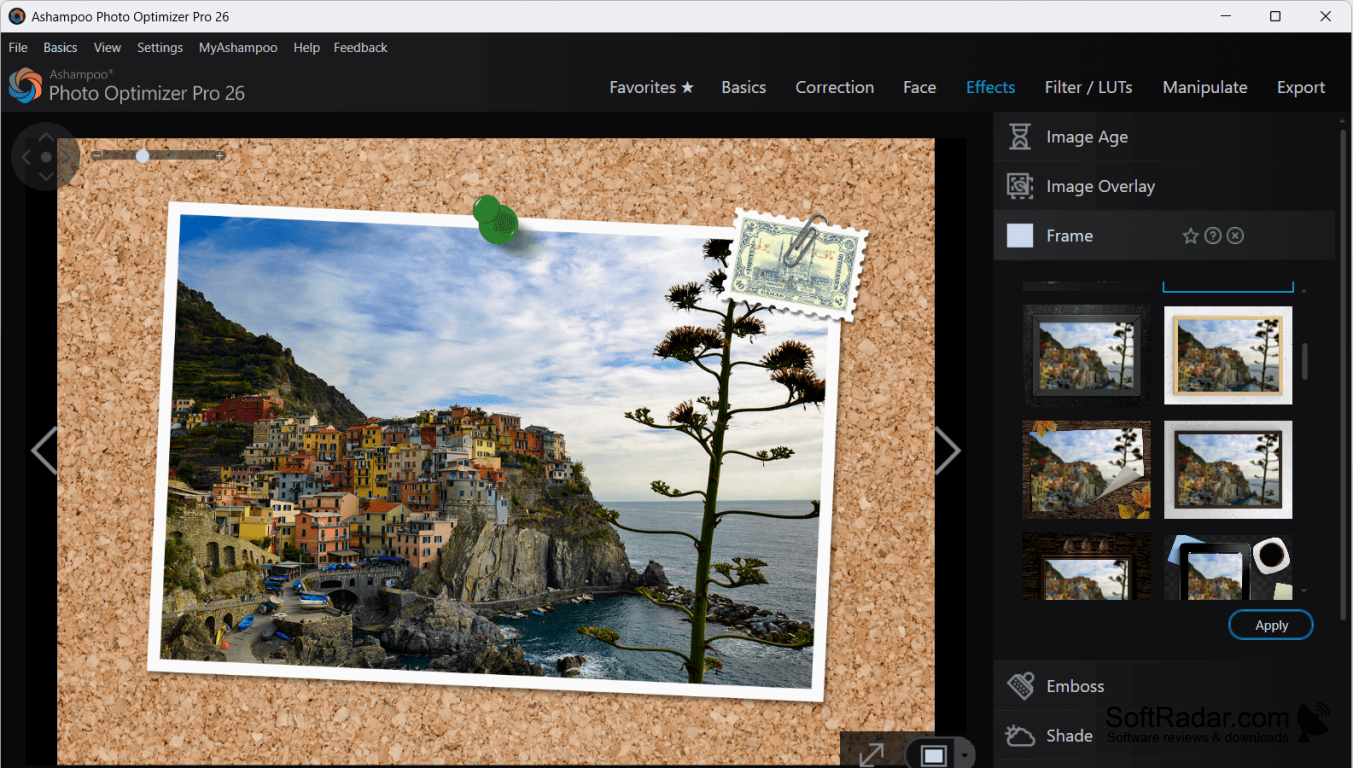
Ashampoo Photo Optimizer Pro helps Windows users tidy up digital photos without adjusting every setting individually. It can correct a single picture or work on a collection, making it useful when preparing images from a trip, an event, or a camera import. Users can also crop, rotate, and straighten pictures when the framing needs attention.
Automatic adjustments can correct lighting and color across a collection of photos in one operation.
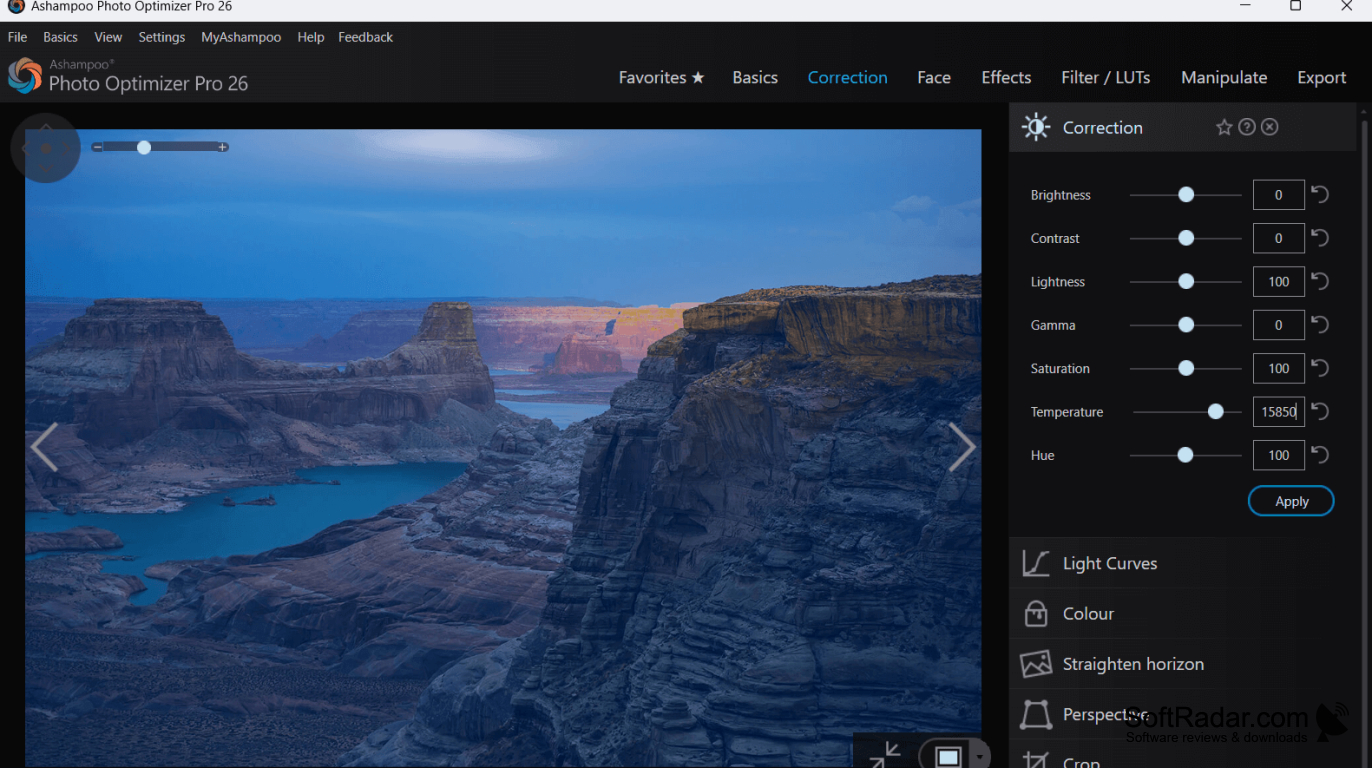
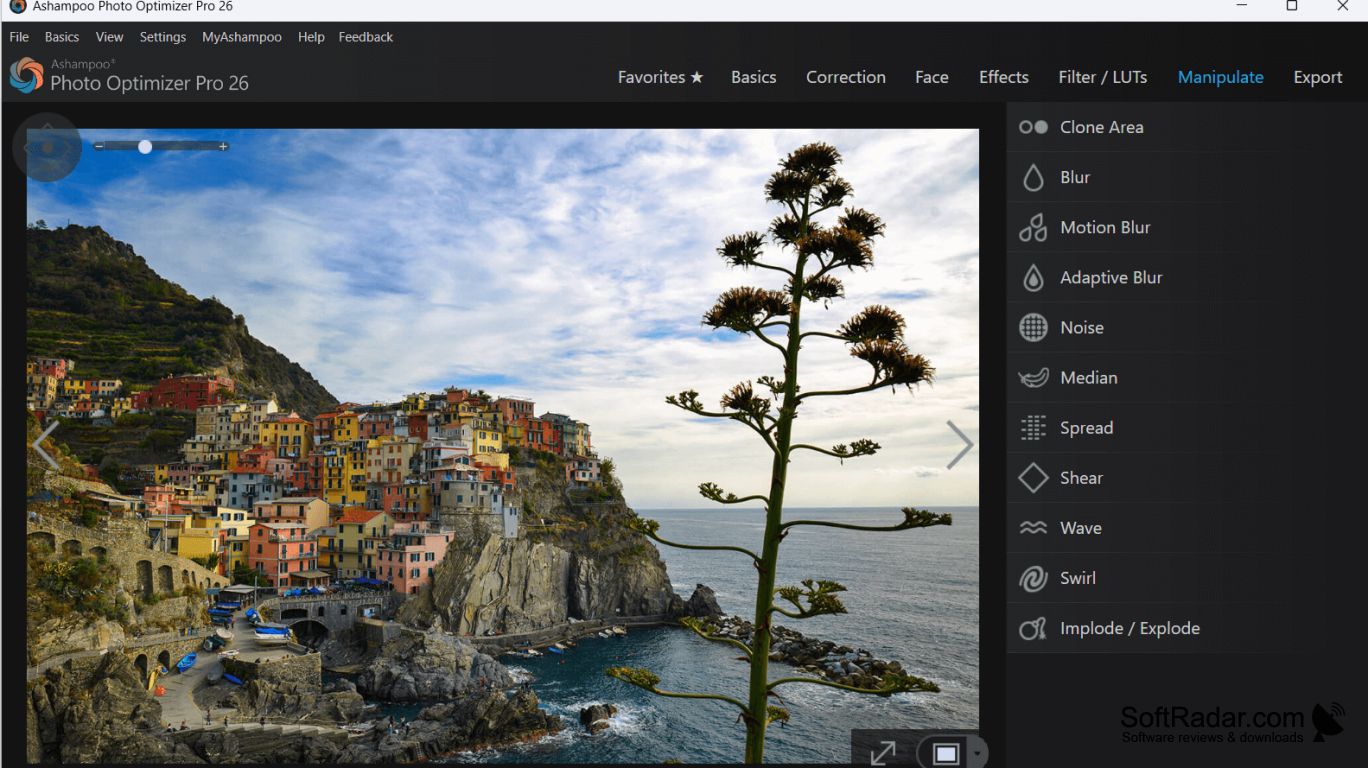
The automatic tool examines exposure, contrast, and color, while a comparison view shows the edited picture beside the original. Sliders provide manual control over brightness, gamma, saturation, and other settings. Additional tools handle red eyes, image noise, perspective, text, and watermarks. The program also supports RAW files, lookup table color presets, and image compression with a preview.
Features:
- Apply automatic corrections to multiple photos
- Compare edits with the original image
- Adjust color and brightness with sliders
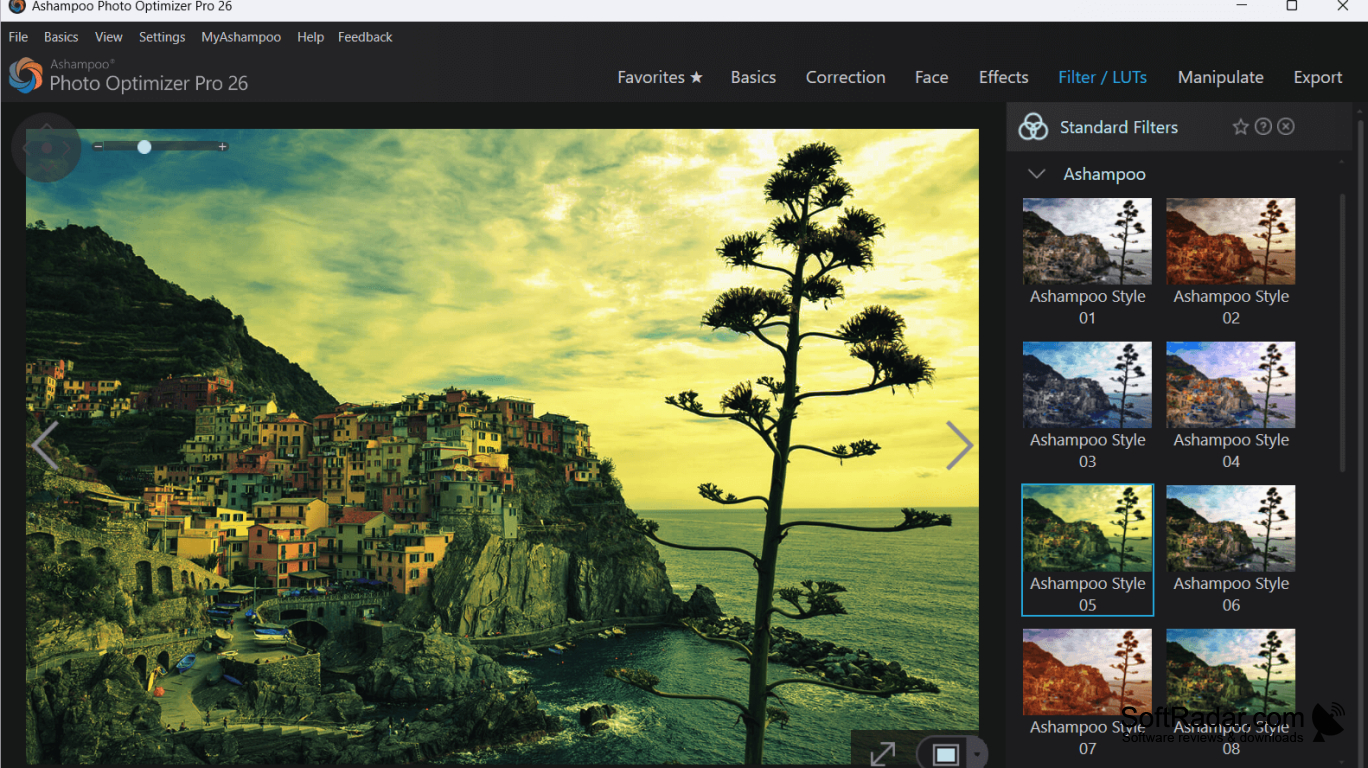
- Apply lookup table color presets
- Preview compression and control file size
- Correct perspective and straighten tilted horizons
PROS
Batch processing handles large photo collections.
Split view simplifies before-and-after comparisons.
CONS
Lacks layer-based editing for complex retouching.

