
Topaz Photo AI
Topaz Photo AI helps Windows users improve photos with tools for reducing noise, sharpening details, correcting faces, and enlarging images.
Operating system: Windows
Publisher: Topaz Labs
Release: Topaz Photo AI 4.0.4
Antivirus check: VirusTotal report
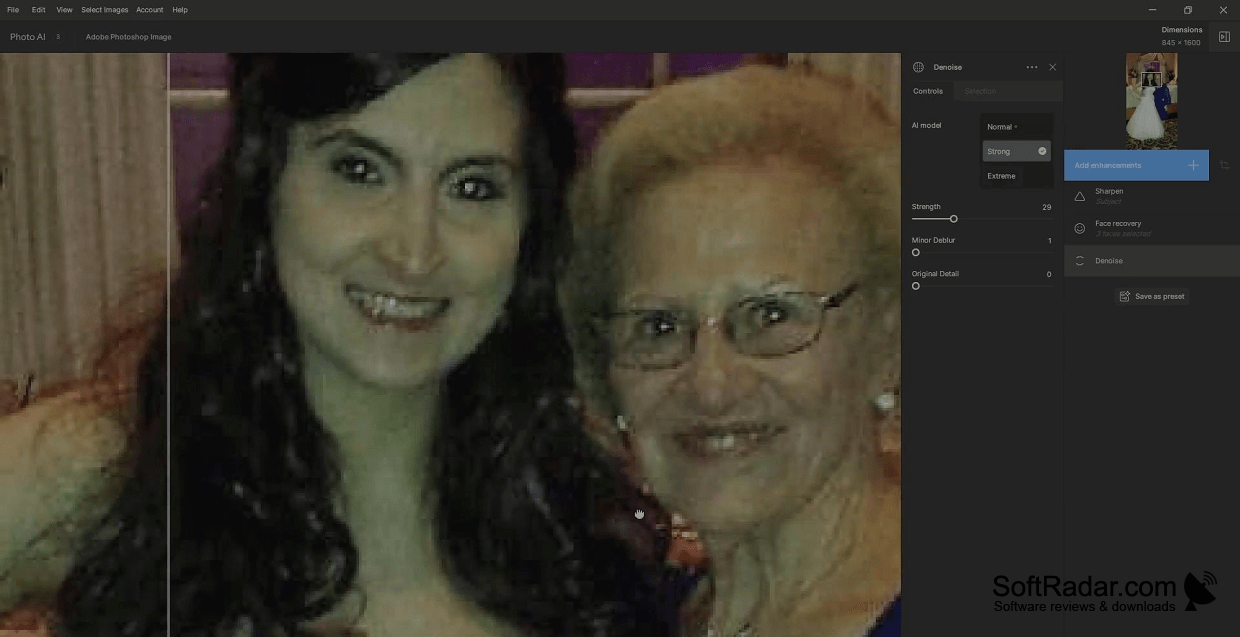
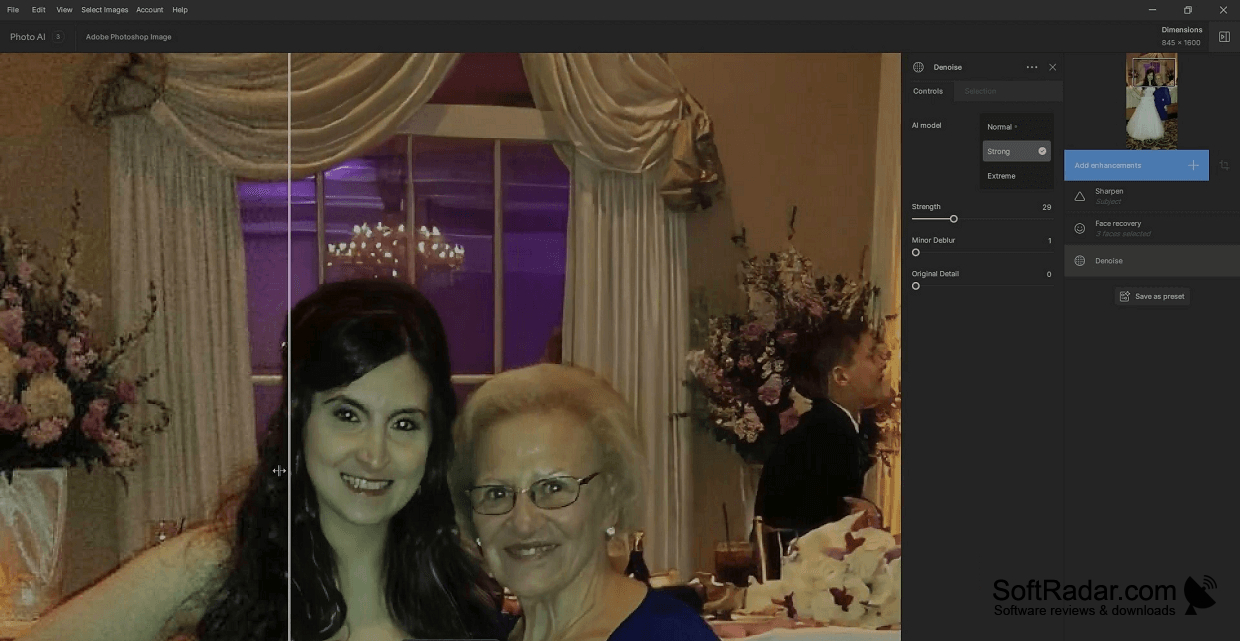
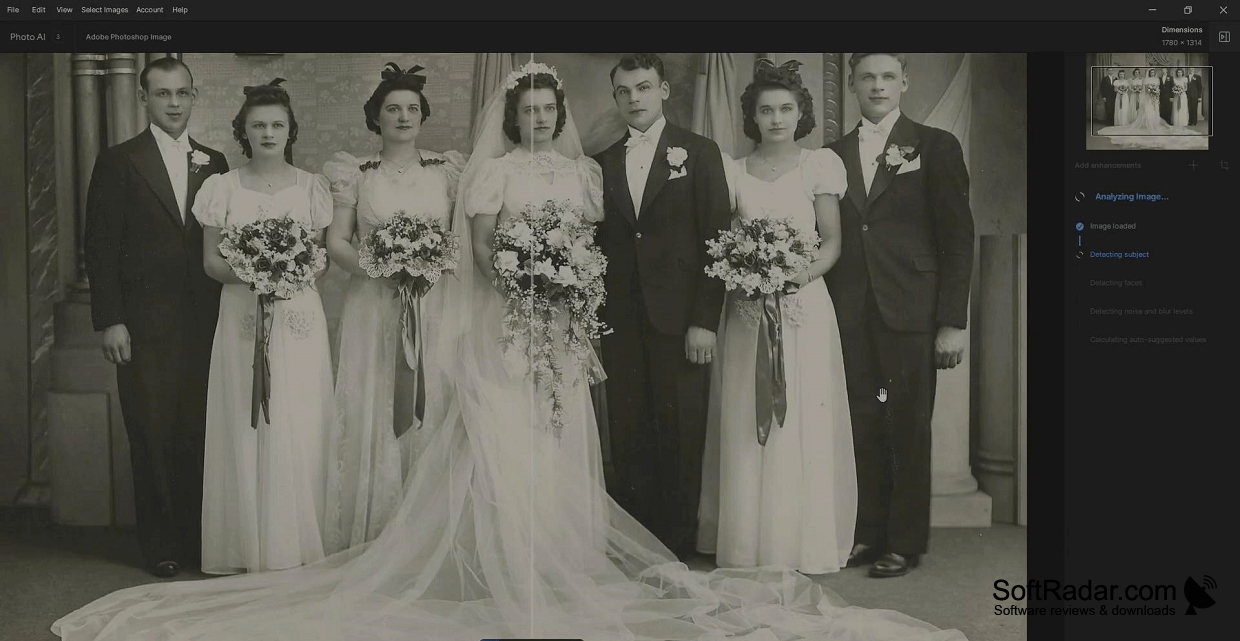
Topaz Photo AI is a Windows photo editor for people working with soft, noisy, or small images. It can clean up camera shots, improve portraits, and increase image dimensions for use in documents or online. You can run it on its own or add it to supported photo editors. Common image files and camera RAW files can be imported.
Automatic image analysis provides a starting point for edits, while adjustable controls let you refine the result.
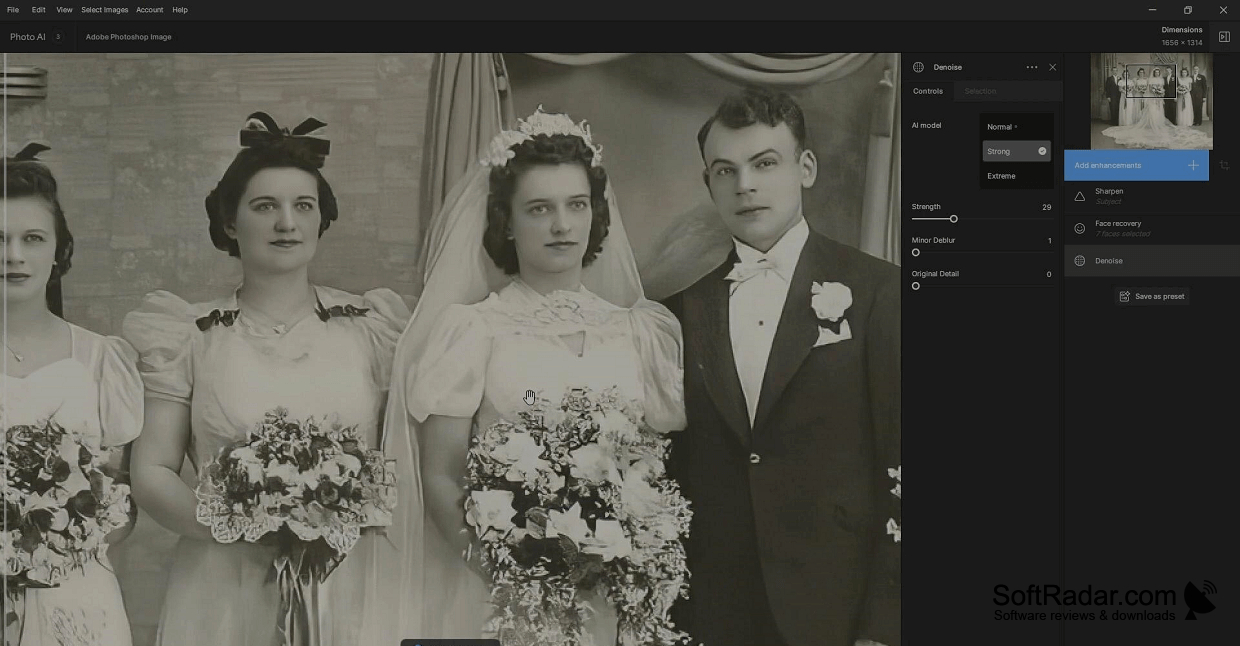
After you open a picture, the software examines its contents and chooses adjustments for faces, noise, and focus. You can view the edited image beside the original, then change settings for sharpness, color, lighting, and size. It also has tools for removing unwanted elements and keeping lettering legible. You can process multiple photos together and export them as JPEG, TIFF, or DNG files.
Features:
- Reduce visible grain in photographs
- Adjust sharpness and facial detail
- Enlarge images with adjustable settings
- Remove unwanted objects from pictures
- Compare original and edited images
- Export multiple files as JPEG, TIFF, or DNG
At least 16 GB RAM
Processor supporting AVX instructions
PROS
Autopilot applies useful corrections with minimal setup.
Upscales small photos with convincing detail.
CONS
Face recovery sometimes creates unnatural facial features.
Automatic sharpening can introduce halos and artifacts.
