
Autodesk FBX Review
Autodesk FBX Review lets artists and other 3D teams inspect models and animated scenes on Windows without opening a modeling application.
Operating system: Windows
Publisher: Autodesk Inc
Release: Autodesk FBX Review 1.5.4.0
Antivirus check: VirusTotal report
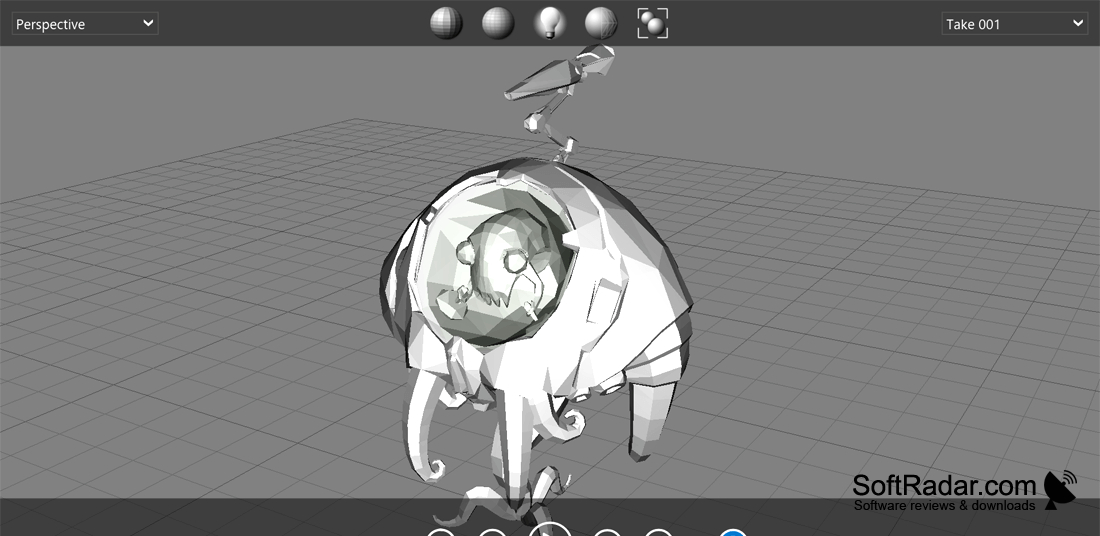
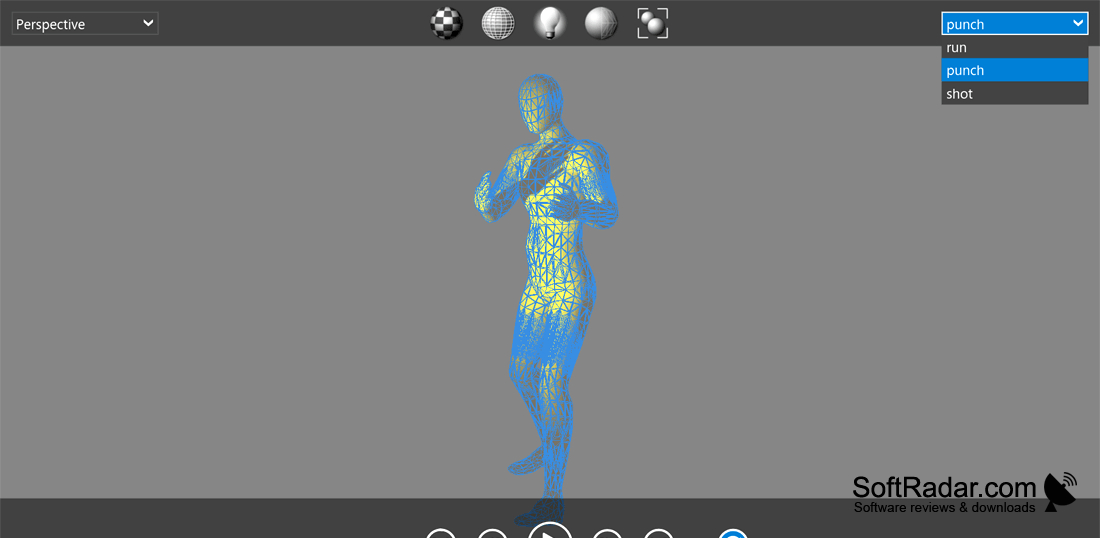
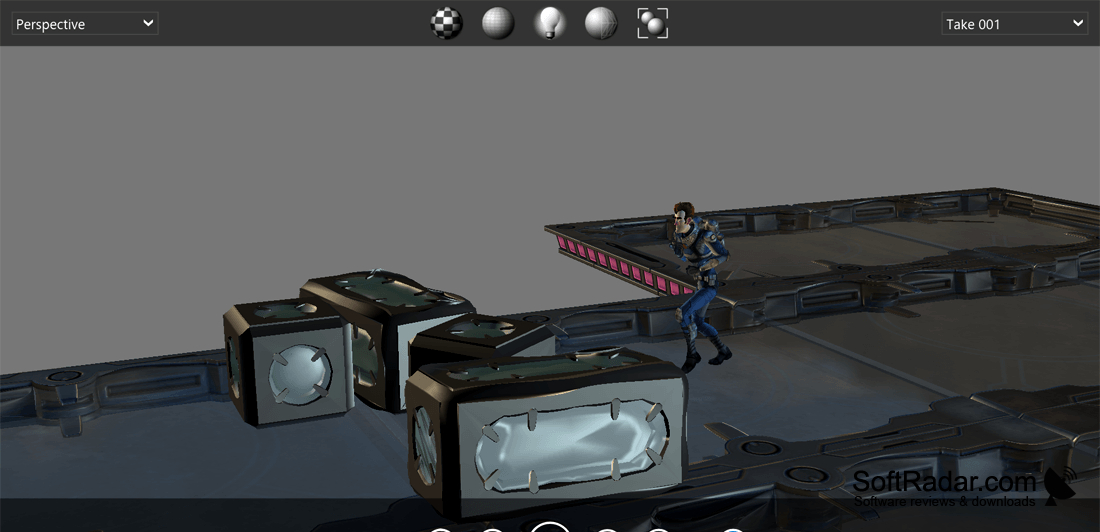
Autodesk FBX Review is a desktop viewer for checking 3D files during design and production. Artists, designers, and reviewers can use it to examine a model or motion sequence sent by a colleague without launching a full creation workspace. It is suited to checking an asset’s appearance, finding issues in a scene, or discussing changes before further work.
Inspect shared 3D files and check their animation without loading the software used to create them.
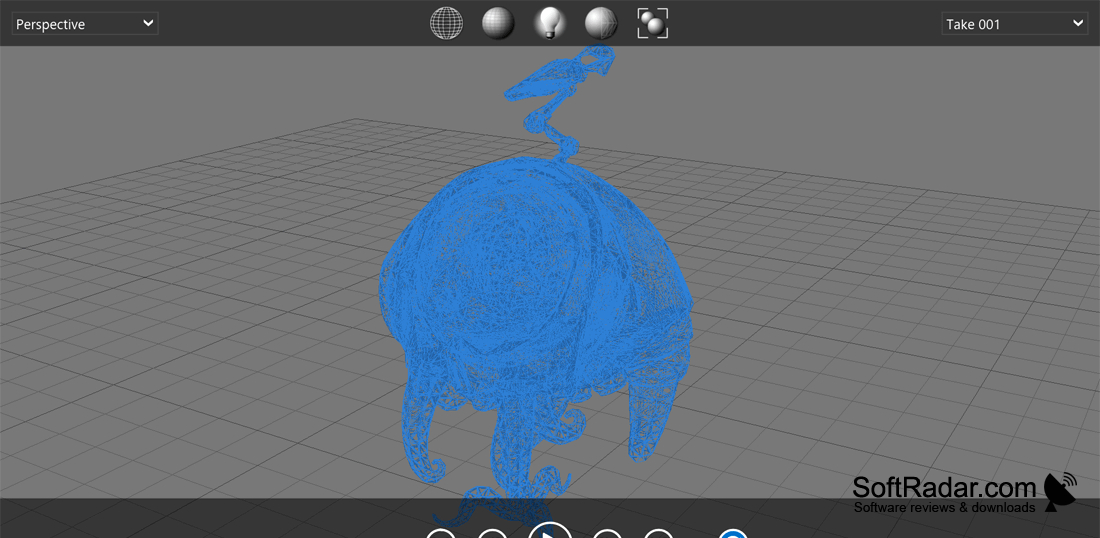
Load a supported file and move around the scene to examine its contents from different angles. Display controls let you switch among wireframe, shaded, and textured views and adjust lighting. For animated files, you can start and stop playback or move to a particular point in the timeline. You can also change between cameras stored in the file.
Features:
- Open FBX and other supported 3D formats
- Inspect models in wireframe or shaded views
- Display model textures and adjust lighting
- Play and pause animation sequences
- Move through animation timelines
- Switch between cameras saved in a file
PROS
Switches between wireframe and textured viewing modes.
Plays animation takes and switches saved cameras.
CONS